AI-powered receipt and expense tracker with Telegram, Google Sheets & OpenAI

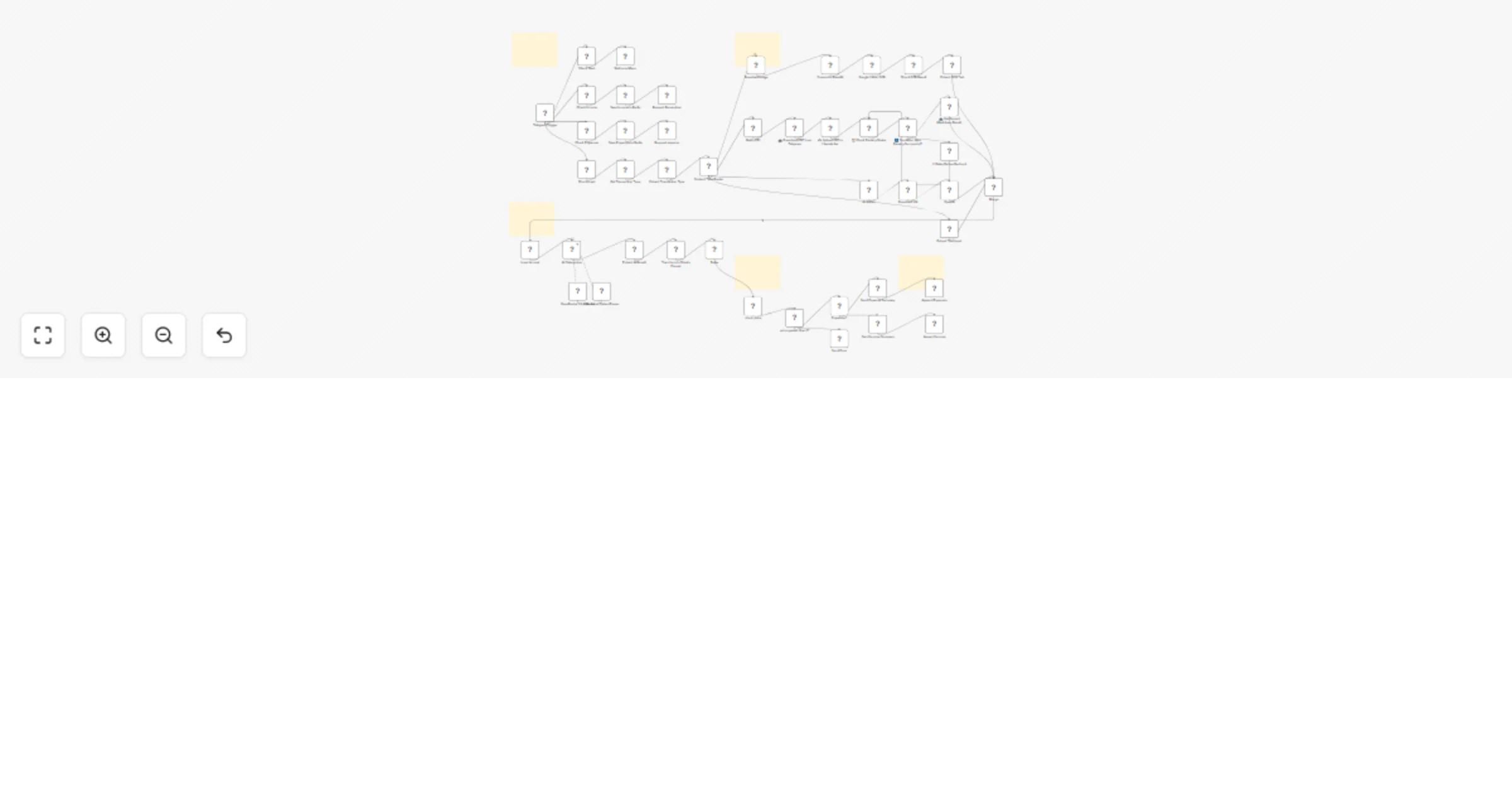
Workflow preview

Workflow preview
100%
AI-powered receipt and expense tracker with Telegram, Google Sheets & OpenAI preview
Open on n8n.io

Important notice

This workflow is provided as-is. Please review and test before using in production.

1. Workflow Overview

Automatically capture, categorize, and log expenses from receipts, PDFs, voice notes, or text — powered by AI and integrated with Telegram and Google Sheets. ‍ Who is this for? Small business o...

Best for

  • Document Extraction automation workflows
  • AI Summarization automation workflows
  • advanced n8n builders looking for reusable templates

Tools used

n8n-nodes-base.code, n8n-nodes-base.httprequest, n8n-nodes-base.set, n8n-nodes-base.if, n8n-nodes-base.wait, @n8n/n8n-nodes-langchain.openai, @n8n/n8n-nodes-langchain.chainllm, @n8n/n8n-nodes-langchain.lmchatopenrouter

Source and attribution

This workflow is cataloged by N8N Workflows and links back to its original n8n.io source page by Khairul Muhtadin.

Original n8n.io source

1.1 Workflow description

Title
AI-powered receipt and expense tracker with Telegram, Google Sheets & OpenAI
Workflow name
AI-powered receipt and expense tracker with Telegram, Google Sheets & OpenAI

Automatically capture, categorize, and log expenses from receipts, PDFs, voice notes, or text — powered by AI and integrated with Telegram and Google Sheets.

🧑‍💼 Who is this for?

Small business owners, freelancers, digital nomads, and finance professionals who want to eliminate manual expense tracking and automate financial data entry through chat, AI, and cloud tools.

❓ What problem is this workflow solving?

Manually managing receipts and tracking expenses across various formats (paper, PDF, or voice) is time-consuming and error-prone. This workflow automates that entire process—OCR, categorization, validation, and reporting—so your finances stay organized with zero manual effort.

📦 What You Get

  • ✅ Complete Smart_Money_Manager.json n8n workflow
  • 📄 API credential setup guide
  • 📈 Google Sheets sample template
  • 🛠️ AI prompt customization examples
  • 🧪 Troubleshooting & error handling logic
  • 📺 Bonus video tutorial (if provided)
  • 💬 Telegram support from the developer

⚙️ What this workflow does

🎯 Triggers
  • Runs on Telegram message (text, image, voice note, PDF)
  • Smart inline menu to select income or expense tracking
🧠 Processing
  • Auto-detects content type (photo, PDF, voice note, or text)
  • Transcribes voice using OpenAI Whisper
  • Extracts data from images using Google Vision OCR
  • Parses PDFs via LlamaIndex
  • Uses OpenAI GPT-4 for intelligent expense categorization and validation
  • Categorizes by income/expense, with subcategories like Food, Transport, etc.
  • Parses currency and performs logic validation on totals
📊 Logging
  • Automatically appends categorized transaction data into Google Sheets
  • Adds details like date, merchant, item list, payment method, etc.
  • Saves both income and expenses with conditional Google Sheet routing
💬 Notifications
  • Sends detailed transaction summaries via Telegram
  • Warns users of errors or invalid inputs with friendly retry guidance
  • Voice-command friendly for hands-free logging

🔧 How to customize this workflow to your needs

  • 🧾 Add custom expense types — edit categorization prompts in the GPT node
  • 🌎 Enable multi-language or multi-currency support by modifying AI prompts
  • 🗂️ Route to different Google Sheets by user ID, business unit, or project
  • 📣 Expand to other platforms — Add Slack or email notifications
  • 🔍 Enhance validation with stricter logic for budgets, tax codes, or policy rules

🚀 Setup Instructions

Requirements:
  • n8n instance (Cloud or self-hosted) (Cloud or self-hosted)
  • Telegram Bot API credentials
  • Google Cloud (Vision API)
  • OpenAI API key
  • LlamaIndex API key
  • Google Sheets API
  • Redis (optional, for session memory)
Step-by-step:
  1. Import workflow.json into your n8n instance
  2. Configure credentials for all services: Telegram, OpenAI, Google, Redis
  3. Set up your Google Sheets with defined columns
  4. Modify AI prompts (optional) for categories and business rules
  5. Test by sending a receipt photo, PDF invoice, or voice note to your bot
  6. Monitor output in Google Sheets and Telegram summaries

🧩 Nodes Used

  • Telegram Trigger + Chat Node (bot interaction and input selection)
  • Switch/IF nodes (content-type routing and condition checking)
  • OpenAI Whisper & GPT-4 (voice transcription and categorization)
  • Google Vision OCR (receipt image processing)
  • LlamaIndex PDF API (PDF parsing and extraction)
  • Google Sheets Append (expense logging and formatting)
  • Redis (session and state tracking)
  • Custom JS nodes (data transformation and formatting)

Made by: Khaisa Studio
Tag: youtube, summarizer, telegram, openai
Category: AI Automation, Video Tools Need a custom? Contact Me

💸 Take control of your finances with zero manual work. Let Smart Money Manager handle the receipts, so you can focus on growing your business.

1.2 Logical Blocks

This catalog entry is organized from the workflow JSON. The node-level section below shows the executable blocks available for review before importing the template.

2. Block-by-Block Analysis

Block 1 - Convert to Base64

Type / Role
n8n-nodes-base.code - code
Config choices
Version 2

Block 2 - Google Vision OCR

Type / Role
n8n-nodes-base.httpRequest - httpRequest
Config choices
Version 4.2

Block 3 - Check OCR Result

Type / Role
n8n-nodes-base.code - code
Config choices
Version 2

Block 4 - Extract OCR Text

Type / Role
n8n-nodes-base.set - set
Config choices
Version 3.4

Block 5 - ☁️ Upload PDF to LlamaIndex

Type / Role
n8n-nodes-base.httpRequest - httpRequest
Config choices
Version 4.2

Block 6 - ⏳ Check Parsing Status

Type / Role
n8n-nodes-base.httpRequest - httpRequest
Config choices
Version 4.2

Block 7 - 🔁 Condition: Was Parsing Successful?

Type / Role
n8n-nodes-base.if - if
Config choices
Version 2.2

Block 8 - ⏱ Delay Before Recheck

Type / Role
n8n-nodes-base.wait - wait
Config choices
Version 1.1

Block 9 - 📥 Get Parsed Markdown Result

Type / Role
n8n-nodes-base.httpRequest - httpRequest
Config choices
Version 4.2

Block 10 - OpenAI

Type / Role
@n8n/n8n-nodes-langchain.openAi - openAi
Config choices
Version 1.8

Block 11 - Download VN

Type / Role
n8n-nodes-base.httpRequest - httpRequest
Config choices
Version 4.2

Block 12 - AI Categorizer

Type / Role
@n8n/n8n-nodes-langchain.chainLlm - chainLlm
Config choices
Version 1.7

Block 13 - OpenRouter Chat Model

Type / Role
@n8n/n8n-nodes-langchain.lmChatOpenRouter - lmChatOpenRouter
Config choices
Version 1

Block 14 - Structured Output Parser

Type / Role
@n8n/n8n-nodes-langchain.outputParserStructured - outputParserStructured
Config choices
Version 1.2

Block 15 - Merge

Type / Role
n8n-nodes-base.merge - merge
Config choices
Version 3.2

Block 16 - price greater than 0?

Type / Role
n8n-nodes-base.if - if
Config choices
Version 2.2

Block 17 - Check Start

Type / Role
n8n-nodes-base.if - if
Config choices
Version 1

Block 18 - Welcome Menu

Type / Role
n8n-nodes-base.telegram - telegram
Config choices
Version 1.2

Block 19 - Check Income

Type / Role
n8n-nodes-base.if - if
Config choices
Version 1

Block 20 - Check Expenses

Type / Role
n8n-nodes-base.if - if
Config choices
Version 1

Block 21 - Save Income to Redis

Type / Role
n8n-nodes-base.redis - redis
Config choices
Version 1

Block 22 - Save Expenses to Redis

Type / Role
n8n-nodes-base.redis - redis
Config choices
Version 1

Block 23 - Check Input

Type / Role
n8n-nodes-base.if - if
Config choices
Version 1

Block 24 - Content Type Router

Type / Role
n8n-nodes-base.switch - switch
Config choices
Version 3.2

Showing the first 24 of 50 workflow blocks. Download the JSON for the full node graph.

3. Summary Table

Workflow AI-powered receipt and expense tracker with Telegram, Google Sheets & OpenAI
Complexity advanced
Nodes 50
Categories Document Extraction, AI Summarization
Author Khairul Muhtadin
Published 16 Jun 2025

4. Reproducing the Workflow from Scratch

  1. 1. Download the workflow JSON

    Use the JSON export at /data/workflows/4950/4950.json as the source template for this automation.

  2. 2. Import the template into n8n

    Open n8n, import the downloaded JSON, and review each node before activating the workflow.

  3. 3. Configure credentials and variables

    Replace placeholder credentials, API keys, webhook URLs, account IDs, and environment-specific values with your own settings.

  4. 4. Test with sample data

    Run the workflow manually or in a staging workspace, inspect node output, and confirm downstream systems receive the expected data.

  5. 5. Activate and monitor

    Enable the workflow only after testing, then monitor executions, errors, and rate limits during the first production runs.

5. General Notes & Resources

Review imported nodes carefully before activation. This catalog entry is intended to help you inspect the workflow structure, understand required services, and find related templates faster.

Node names, credentials, schedules, webhook paths, and external service limits may need adjustment for your workspace.

Frequently asked questions

What does AI-powered receipt and expense tracker with Telegram, Google Sheets & OpenAI do?

Automatically capture, categorize, and log expenses from receipts, PDFs, voice notes, or text — powered by AI and integrated with Telegram and Google Sheets. ‍ Who is this for? Small business o...

What do I need before importing this workflow?

Review the workflow JSON, configure any required credentials in n8n, and test the automation in a safe workspace before using it in production.

Can I customize this workflow?

Yes. Use the block-by-block analysis and the downloadable JSON to inspect each node, then adjust credentials, prompts, schedules, filters, or destinations for your Document Extraction, AI Summarization use case.