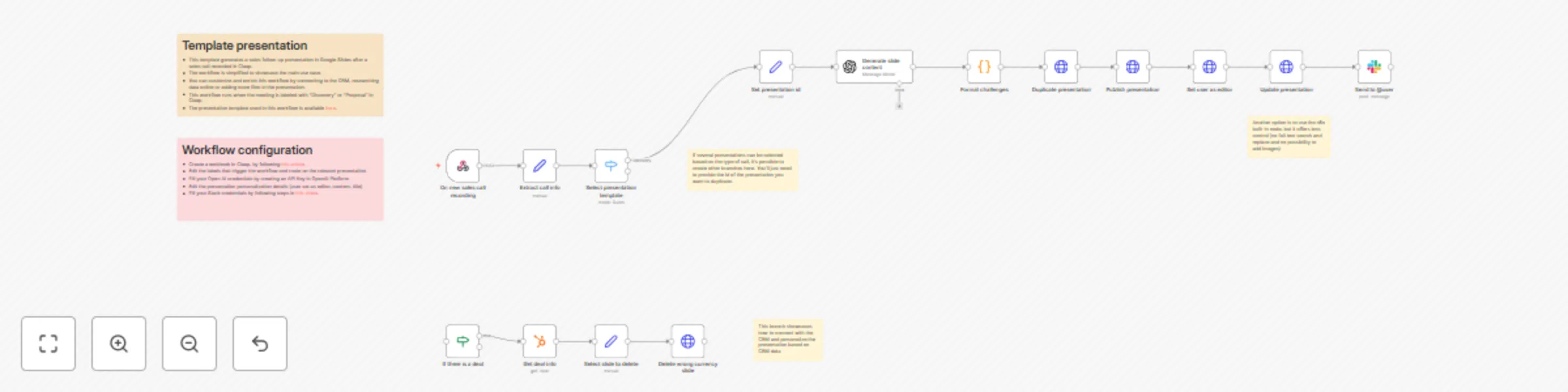
Auto-generate sales presentations from Claap calls with GPT-4o and Google Slides
# Template presentation
- This template generates a sales follow-up presentation in Google Slides after a sales call recorded in Claap.
- The workflow is simplified to showcase the main use case.
- You can customize and enrich this workflow by connecting to the CRM, researching data online or adding more files in the presentation.
- The presentation template used in this workflow is available [here](https://docs.google.com/presentation/d/1UZ0vGvHWwl1M0u_ThxJr6qLr-flIkIvCiVrg3fHPCFk/edit?slide=id.g33acd02fb35_0_0).
# Workflow configuration
- Create a webhook in Claap, by following [this article](https://help.claap.io/en/articles/10395357-using-claap-s-webhooks).
- Edit the labels that trigger the workflow and route on the relevant presentation.
- Fill your Open AI credentials by creating an API Key in OpenAI Platform
- Edit the presentation personalization details (user set as editor, content, title)
- Fill your Slack credentials by following steps in [this video](https://www.youtube.com/watch?v=qk5JH6ImK0I&ab_channel=NateHerk%7CAIAutomation).