Max Tkacz
Workflows by Max Tkacz
Uploading a file to a Slack channel
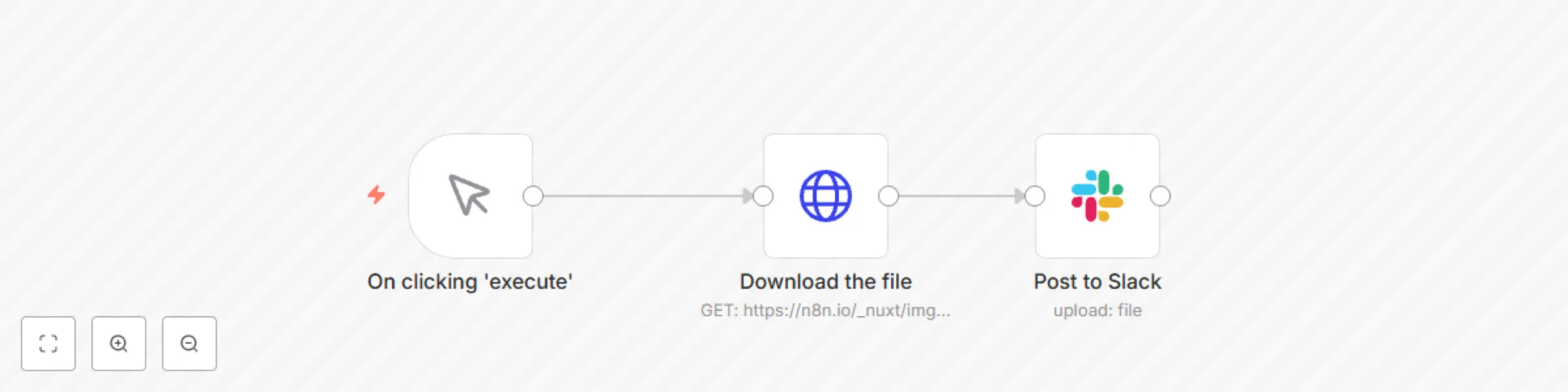
This workflow shows you how to post a message to a Slack channel and add a file attachment. It also shows you the general pattern for working with Binary data in n8n (any file like a PDF, Image etc). Specifically, this workflow shows how to download a file from a URL into your workflow, and then upload it to Slack. **Video walkthrough** Watch this 3 min Loom video for a walkthrough and more context on this general pattern: [](https://www.loom.com/share/e8db4c4888f64ff584373cde5e82e2e4)
Sum or aggregate a column of spreadsheet or table data
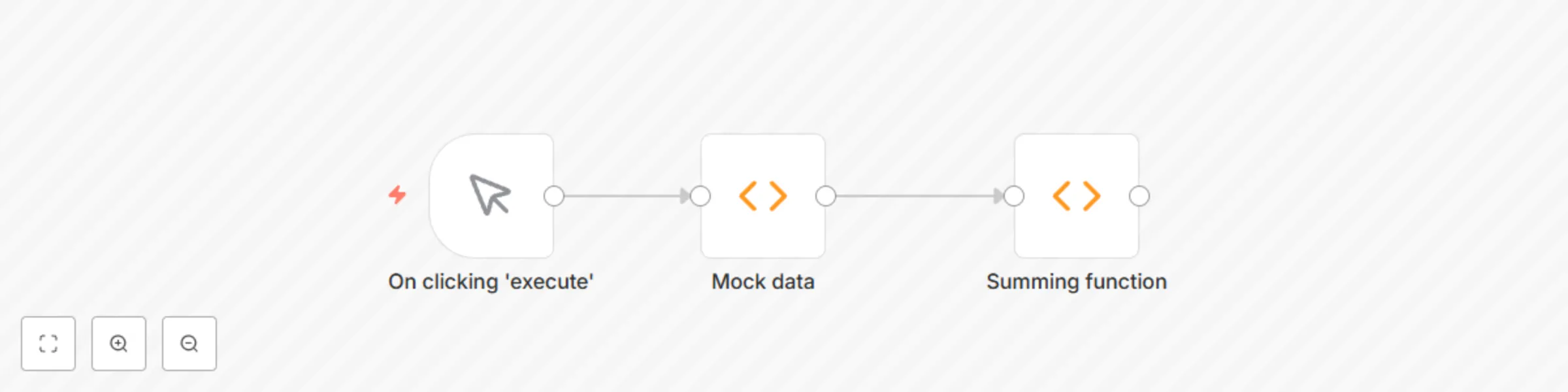
This workflow shows how to sum multiple items of data, like you would in Excel or Airtable when summing up the total of a column. It uses a Function node with some javascript to perform the aggregation of numeric data. The first node is simply mock data to avoid needing a credential to run the workflow. The second node actually performs the summation - the javascript has various comments in case you need to edit the JS. For example, to sum multiple items of data. Below is an example of the type of data this workflow can sum - so anything that is in a tabular form (Airtable, GSHeets, Postgres etc). 
Load data into spreadsheet or database
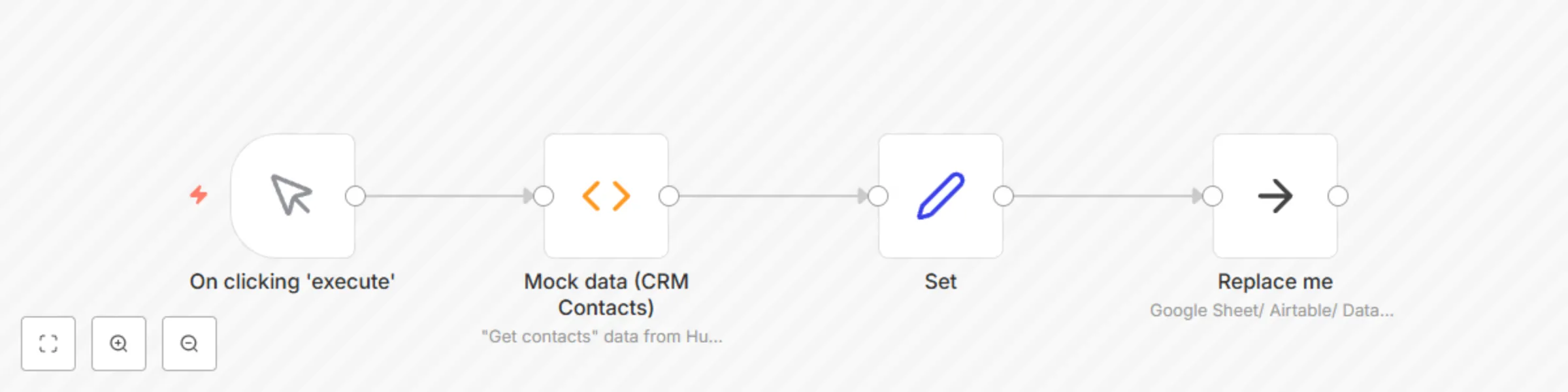
This workflow is a generic example of how to load data from your workflow into a destination that stores tabular data. For example, a **Google Sheets** or **Airtable** sheet, a **.CSV** file, or any relational database like **MySQL**. Generally, you need to ensure that you send well-formatted data into the Spreadsheet or Database node. You can use the [Set](https://docs.n8n.io/nodes/n8n-nodes-base.set/#set) or [Function](https://docs.n8n.io/nodes/n8n-nodes-base.function/#function) node to transform data into the correct format for your destination.  ## Key concepts - Spreadsheets and databases have columns, like "Name" and "Email". The data you send into a Spreadsheet/ Database node needs to match these column names for each row of data that you want to insert. Data points need to be represented as key-value pairs. Specifically, each item of data needs to have a JSON key for each column in the sheet. For a spreadsheet with "Name" and "Email" columns, it would look like: **{"Name" : "Karla", "Email" : "[email protected]"}** - Before appending or inserting data to a spreadsheet or database, you might need to transform it into the correct format. You can preprocess the data with a [Set](https://docs.n8n.io/nodes/n8n-nodes-base.set/#set) or [Function](https://docs.n8n.io/nodes/n8n-nodes-base.function/#function) node. The Set node allows you to perform simple transforms when the data you want to load into spreadsheet rows is already represented as items. Use the Function node when you need to map nested data (like arrays) inside a single item to their own top-level items ([Example in community forums](https://community.n8n.io/t/getting-all-items-from-trello-api-call/4567/8)). - Spreadsheet and database nodes in n8n perform their configured action (like **Append**, **Create Row**, **Write to File**) on each item of input data. ## Workflow walkthrough [](https://www.loom.com/share/eb87068f35a14af095f7b0f020b62211)
Send an SMS using MSG91
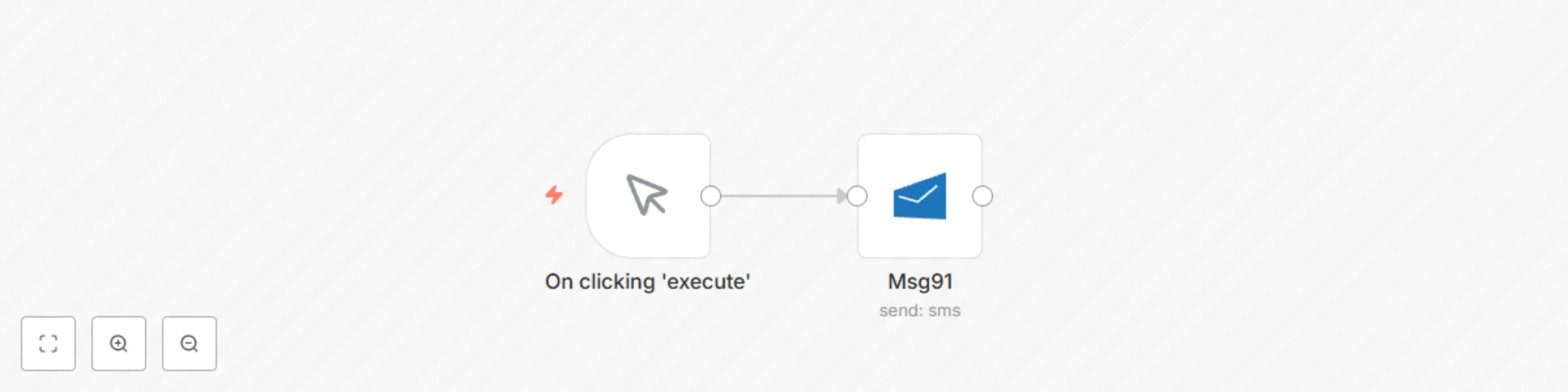
 Sending an SMS using MSG91