J

Jitesh Dugar

72
Workflows

Workflows by Jitesh Dugar

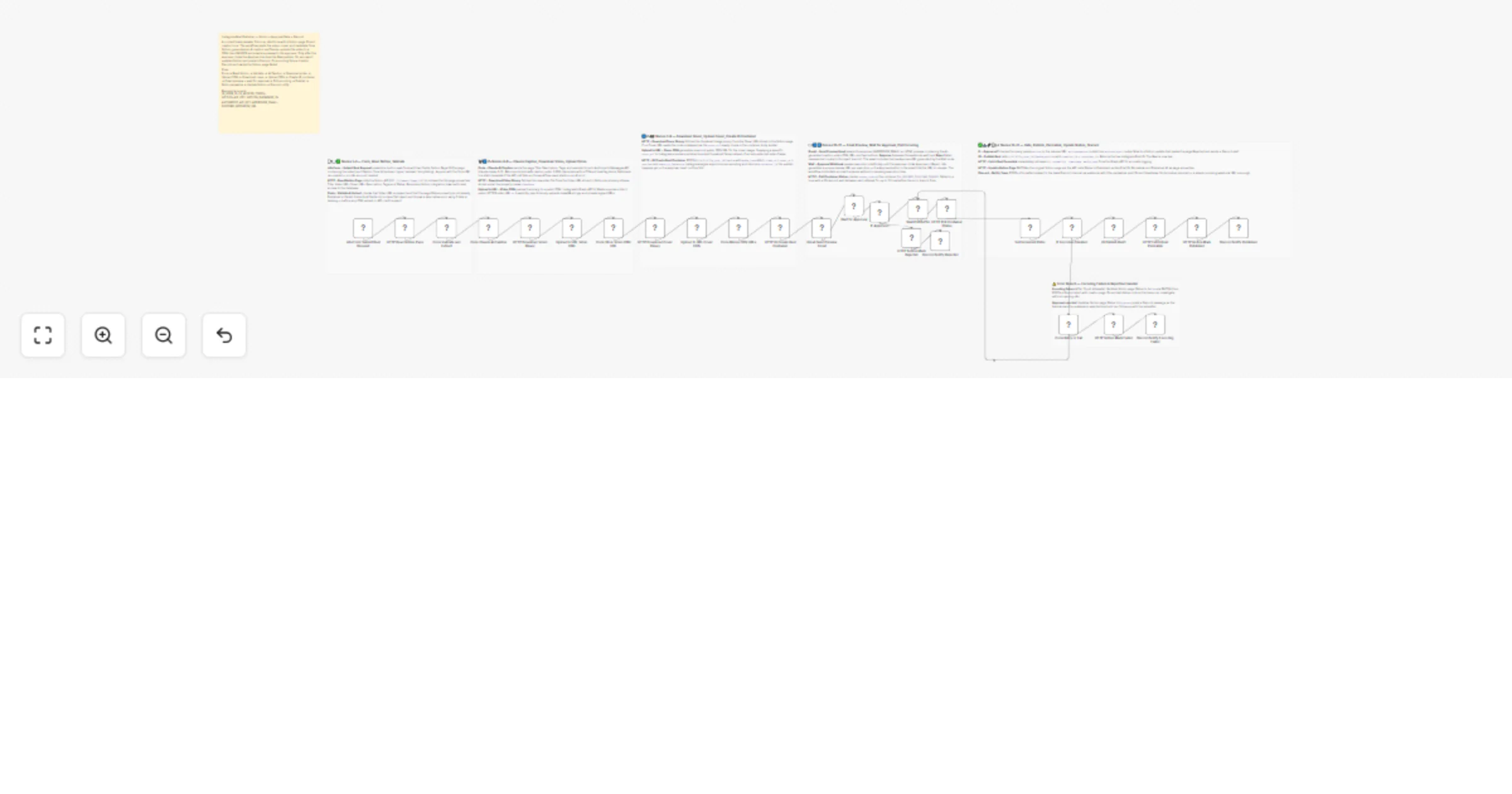
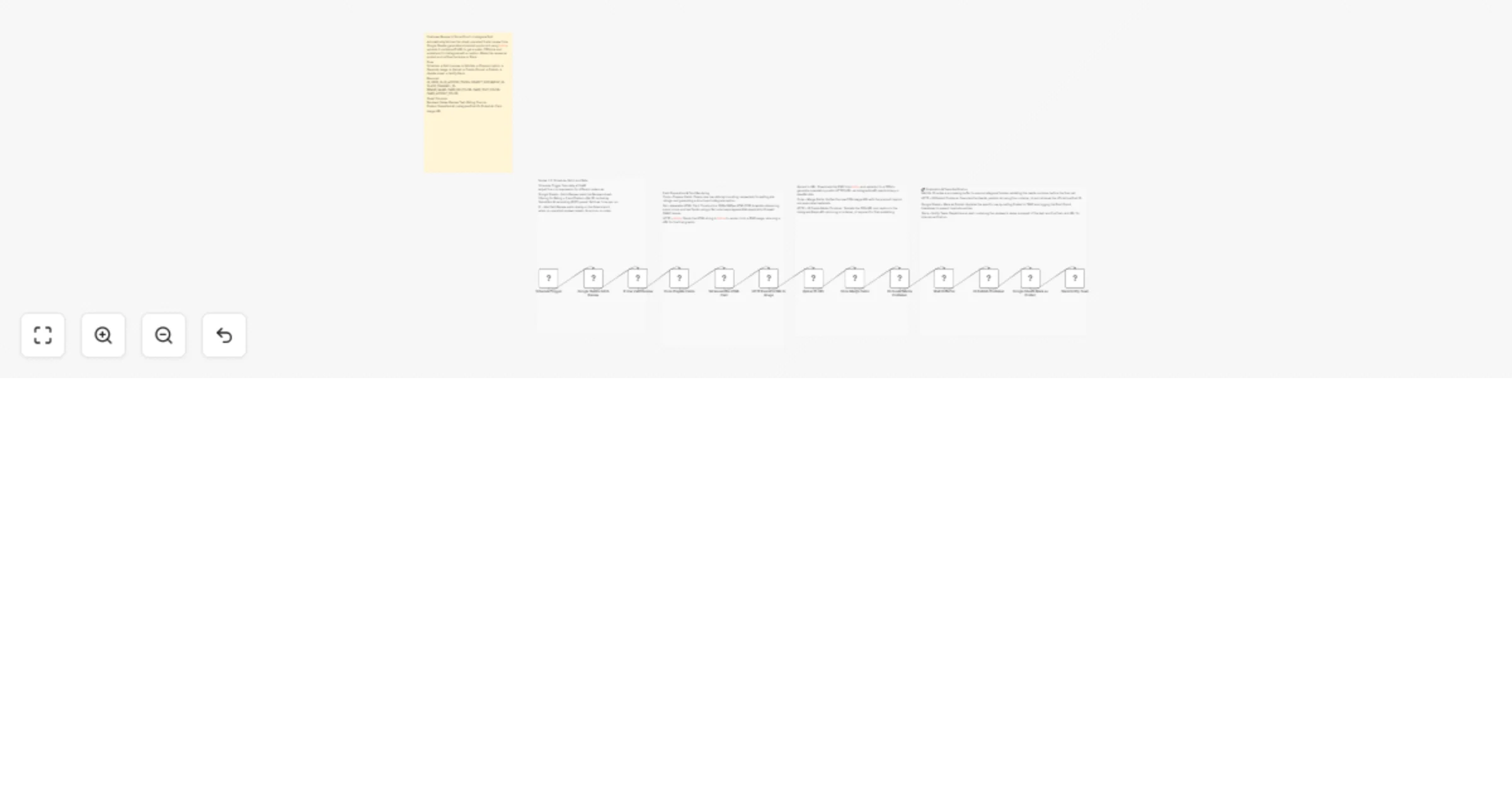
Workflow preview: Consolidate and report monthly financial PDFs with Google Drive and Slack
Free intermediate

Consolidate and report monthly financial PDFs with Google Drive and Slack

# Consolidate and report monthly financial documents using Google Drive and Slack ## 🎯 Description Streamline your month-end accounting processes with this enterprise-grade automation designed to aggregate, validate, and merge fragmented financial documents into a single, professional reporting bundle. This workflow transforms manual document chaos into a structured, touchless system using Google Drive and Slack. ### ✨ How to achieve automated document consolidation You can achieve a fully autonomous financial reporting cycle by using the available tools to: 1. **List and scan folders** — Automatically retrieve all documents from a designated Google Drive folder at the end of each month. 2. **Validate file formats** — Use an **IF Node** to ensure only PDF documents (invoices, receipts, statements) are processed, preventing workflow crashes from incompatible file types. 3. **Aggregate binary data** — Gather separate file streams into a unified data array using the **Aggregate Node** to ensure stable processing for the merge engine. 4. **Merge into master reports** — Utilize the **HTML to PDF** engine to consolidate individual files into one "Monthly Finance Pack" with professional naming conventions. 5. **Secure and archive** — Upload the consolidated master file back to a secure archive folder in Google Drive. 6. **Notify the team** — Send a real-time **Slack** alert with the final filename, ensuring the accounting team knows exactly when the report is ready. ### 💡 Key features **Intelligent filtering and validation** The workflow auto-detects MIME types to filter out non-PDF noise and system files. This ensures a consistent input for the merge engine and prevents processing errors. **Advanced data aggregation** By utilizing the **Aggregate Node**, the workflow handles multiple binary files simultaneously. This architecture prevents the "looping errors" common in basic PDF workflows and maintains document order during the merge process. **Dynamic time-stamping with Luxon** A critical technical feature of this template is the use of **Luxon expressions** for professional document naming. By utilizing `{{ $now.setZone('America/New_York').toFormat('MMMM yyyy') }}` within the Slack and upload nodes, the workflow automatically generates accurate timestamps. This eliminates manual renaming and ensures your archives are perfectly organized by month and year. ### 🎯 Perfect for * **Finance departments** — Consolidate hundreds of monthly vendor invoices into one audit-ready file. * **Property managers** — Bundle monthly utility bills and maintenance receipts for property owners. * **Freelancers and agencies** — Collate all business expenses for the month to send to a tax preparer. ### 📦 What you will need **Required integrations:** 1. **Google Drive** — Source folder for documents and destination for the final bundle. 2. **HTML to PDF Node** — The core engine for PDF merging operations. 3. **Slack** — For automated team notifications and status updates. ### 📈 Expected results * **90% time savings** — Reduce manual report creation from 30 minutes to seconds. * **Zero lost documents** — Maintain a complete digital trail with automatic archival. * **Audit readiness** — Ensure a consistent naming and storage structure for all past financial reports. *** **Ready to automate your reporting?** Import this template, connect your credentials, and turn your monthly document collection into a 100% automated workflow.

J
Jitesh Dugar
Document Extraction
7 Jan 2026
0
0
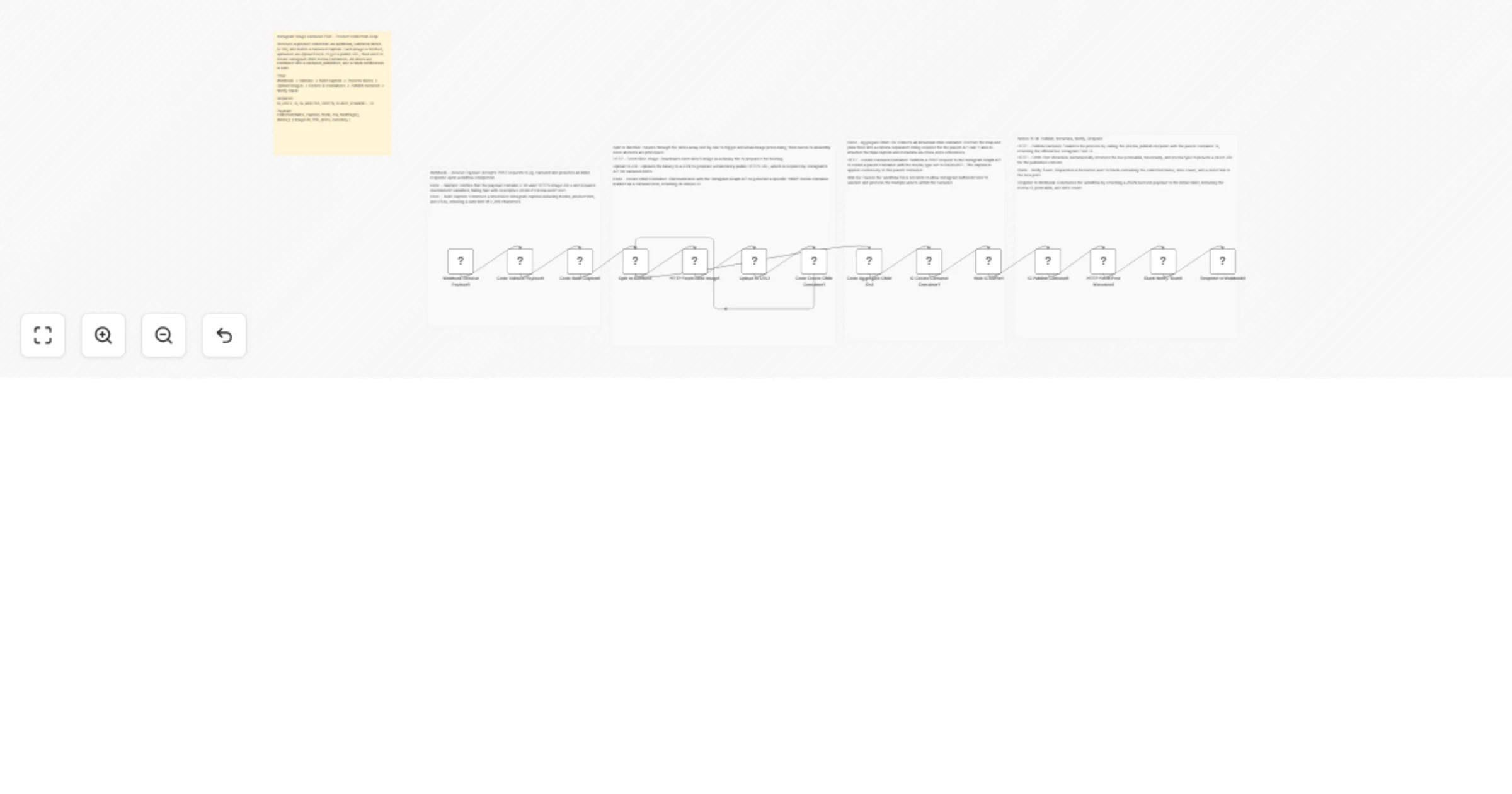
Workflow preview: Generate AI website legal and accessibility compliance reports with OpenAI, Gmail and Google Drive
Free intermediate

Generate AI website legal and accessibility compliance reports with OpenAI, Gmail and Google Drive

# Automated Legal & Accessibility Website Compliance Checker ## Description Automate website compliance checks in minutes using AI-powered analysis. This workflow scans any website for essential legal and accessibility requirements, generates a professional compliance report, delivers it as a PDF, and stores it securely — helping teams identify risks early and stay audit-ready with zero manual effort. --- ## What This Workflow Does Transforms manual website compliance reviews into a single automated flow: 🌐 **Capture Website Details** – Accepts website URL, company name, and email via webhook. 📥 **Fetch Website Content** – Securely downloads and cleans website HTML for analysis. 🧠 **AI Compliance Analysis** – Uses AI to audit the site against key compliance standards. 📊 **Scoring & Insights** – Calculates an overall compliance score and highlights gaps. 📄 **Generate Visual Report** – Builds a detailed, easy-to-read HTML compliance report. 🖨️ **Convert to PDF** – Converts the report into a downloadable, shareable PDF. 📧 **Email Delivery** – Sends the compliance report directly to the provided email. ☁️ **Secure Storage** – Saves the PDF report to Google Drive for records and audits. --- ## Key Features 🤖 **AI-Powered Compliance Audits** – Automatically checks privacy, cookies, accessibility, SSL, and more. 📊 **Compliance Scoring** – Clear numerical scores and status indicators for each section. 📄 **Professional PDF Reports** – Branded, structured reports suitable for clients or audits. ⚙️ **End-to-End Automation** – From URL submission to email delivery without manual steps. 📧 **Instant Email Notifications** – Reports delivered automatically to stakeholders. ☁️ **Google Drive Backup** – Centralized storage for compliance history and documentation. --- ## Compliance Checks Included ✔️ Privacy Policy presence & indicators ✔️ Cookie consent mechanisms ✔️ Terms of Service availability ✔️ Accessibility (WCAG-related indicators) ✔️ Contact information visibility ✔️ SSL / HTTPS verification ✔️ Critical issues & improvement recommendations --- ## Perfect For 🏢 **Startups & SaaS Companies** – Quickly assess website compliance before launch. 🧾 **Agencies & Consultants** – Deliver automated compliance audits to clients. ⚖️ **Legal & Compliance Teams** – Speed up preliminary compliance checks. 💻 **Freelancers & Web Developers** – Validate client websites post-deployment. 📈 **Operations Teams** – Maintain ongoing compliance documentation effortlessly. --- ## What You’ll Need ### Required Integrations 🌐 **Webhook** – Receive website URL and user details. 🤖 **OpenAI** – Analyze website HTML for compliance indicators. 📄 **HTMLCSS to PDF** – Convert compliance report into a PDF. 📧 **Gmail** – Send compliance report via email. ☁️ **Google Drive** – Store generated compliance reports. 🌍 **HTTP Request** – Fetch website HTML content (no authentication required). --- ## Optional Enhancements 📊 **Compliance Dashboard** – Connect Google Drive or logs to Looker Studio. 🌍 **Multi-Website Scans** – Extend webhook to accept bulk URLs. 🕒 **Scheduled Scans** – Run periodic compliance checks automatically. 📨 **Slack Alerts** – Send compliance summaries to internal channels. 📝 **Custom Branding** – Adjust HTML styling, logos, and colors. --- ## Quick Start 1️⃣ Import the workflow JSON into your n8n workspace. 2️⃣ Activate the webhook and copy the endpoint URL. 3️⃣ Connect OpenAI, Gmail, Google Drive, and HTMLCSS to PDF credentials. 4️⃣ Send a POST request with website URL, company name, and email. 5️⃣ Review the emailed PDF compliance report. 6️⃣ Check Google Drive for stored audit copies. 7️⃣ Activate the workflow for production use. --- ## Expected Results ⚡ **Minutes Instead of Hours** – Instant compliance assessments. 🤖 **AI Accuracy** – Consistent, structured compliance analysis. 📈 **Risk Visibility** – Early detection of legal and accessibility gaps. 📄 **Audit-Ready Reports** – Clean, shareable documentation. ☁️ **Centralized Storage** – Every scan archived automatically. --- ## Workflow Structure 🌐 Webhook Trigger ↓ 📥 Fetch Website HTML ↓ 🧹 Clean & Prepare Content ↓ 🧠 AI Compliance Analysis ↓ 📊 Parse Results ↓ 📄 Generate HTML Report ↓ 🖨️ Convert to PDF ↓ 📧 Email Report ↓ ☁️ Save to Google Drive --- ## Ready to Automate Website Compliance? Import this template and turn any website URL into a complete compliance report — automatically, consistently, and professionally. Perfect for audits, clients, and peace of mind. ✅ ---

J
Jitesh Dugar
Document Extraction
12 Dec 2025
16
0
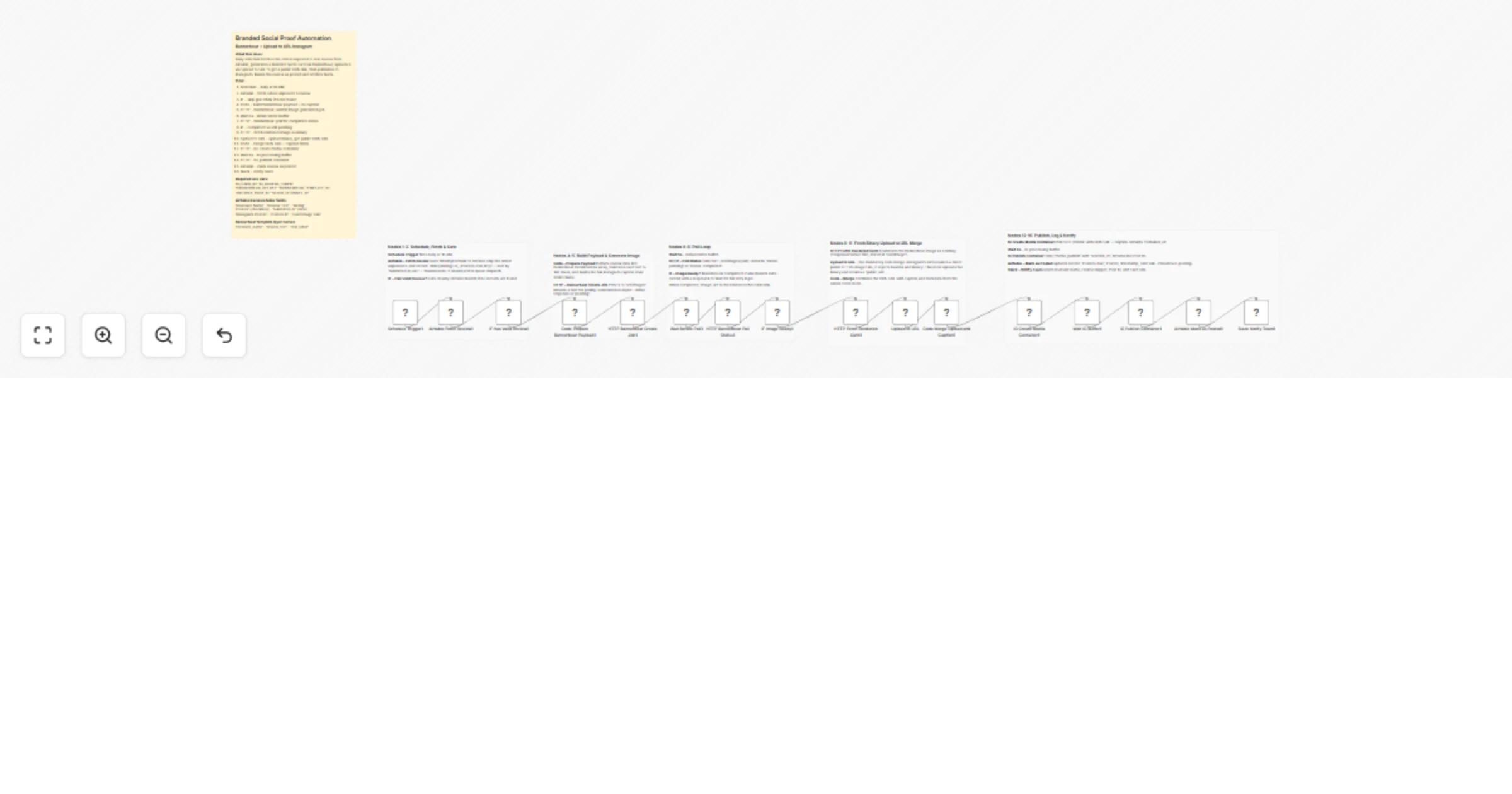
Workflow preview: Generate employee performance review summaries with GPT-4, Gmail and Sheets
Free advanced

Generate employee performance review summaries with GPT-4, Gmail and Sheets

# Automated Employee Performance Review Summary (AI-Powered) --- ## **Description** Simplify employee performance reviews with AI-powered automation. This workflow transforms raw feedback and evaluation inputs into **clear, structured, and professional performance review summaries** — saving hours of manual writing while ensuring consistency and fairness. --- ## **What This Workflow Does** Turns scattered performance inputs into a single, AI-generated review summary: 📝 **Capture Review Inputs** – Collects employee details, role information, and performance feedback. 🧠 **AI Review Analysis** – AI analyzes strengths, areas of improvement, and overall performance trends. 📄 **Generate Review Summary** – Automatically creates a concise, professional performance review. 📊 **Structured Output** – Formats feedback into clear sections for easy understanding. 💾 **Store or Share** – Saves the summary or prepares it for HR systems, emails, or records. --- ## **Key Features** 🤖 **AI-Powered Review Writing** – Eliminates manual drafting of performance summaries. ⚙️ **Consistent Evaluation** – Ensures structured and unbiased review language. 📄 **Professional Formatting** – Ready-to-use summaries for HR documentation. ⏱️ **Time-Saving Automation** – Reduces review preparation from hours to minutes. 🔁 **Reusable Template** – Works for multiple employees and review cycles. --- ## **Perfect For** 🏢 **HR Teams** – Automate performance review summaries at scale. 📈 **Managers & Team Leads** – Quickly generate clear and actionable reviews. 🏭 **Growing Organizations** – Maintain consistency across evaluations. 💼 **Enterprises** – Standardize review documentation effortlessly. --- ## What You’ll Need ### Required Integrations * **OpenAI** – Generates clear and professional performance review summaries using AI * **Gmail** – Sends the performance review summary to managers or employees * **Google Sheets** – Stores performance inputs and AI-generated summaries for record-keeping * **Slack** – Notifies managers or HR teams when a review is generated * **HTMLCSS to Image** – Converts the performance review summary into a shareable visual format --- ### Optional Enhancements * **Google Drive** – Save generated review images for long-term storage * **PDF Conversion** – Convert review visuals into downloadable PDFs * **Approval Steps** – Add manager approval before sending results --- ## **Quick Start** 1️⃣ Import the workflow into your n8n workspace 2️⃣ Connect your OpenAI credentials 3️⃣ Configure employee and feedback inputs 4️⃣ Test with sample review data 5️⃣ Activate and start generating reviews automatically --- ## **Expected Results** ⚡ **Faster Reviews** – Generate summaries in minutes 🤖 **High-Quality Feedback** – Clear, balanced, and professional wording 📄 **Standardized Output** – Consistent structure across all reviews 🗂️ **Easy Documentation** – Ready for storage or sharing --- ## **Workflow Structure** 📝 Review Input ↓ 🧠 AI Performance Analysis ↓ 📄 Review Summary Generation ↓ 💾 Save / Share Output --- **Upgrade your performance review process with AI.** Import this template and let automation handle the writing — so managers can focus on people, not paperwork ✨

J
Jitesh Dugar
AI Summarization
12 Dec 2025
22
0
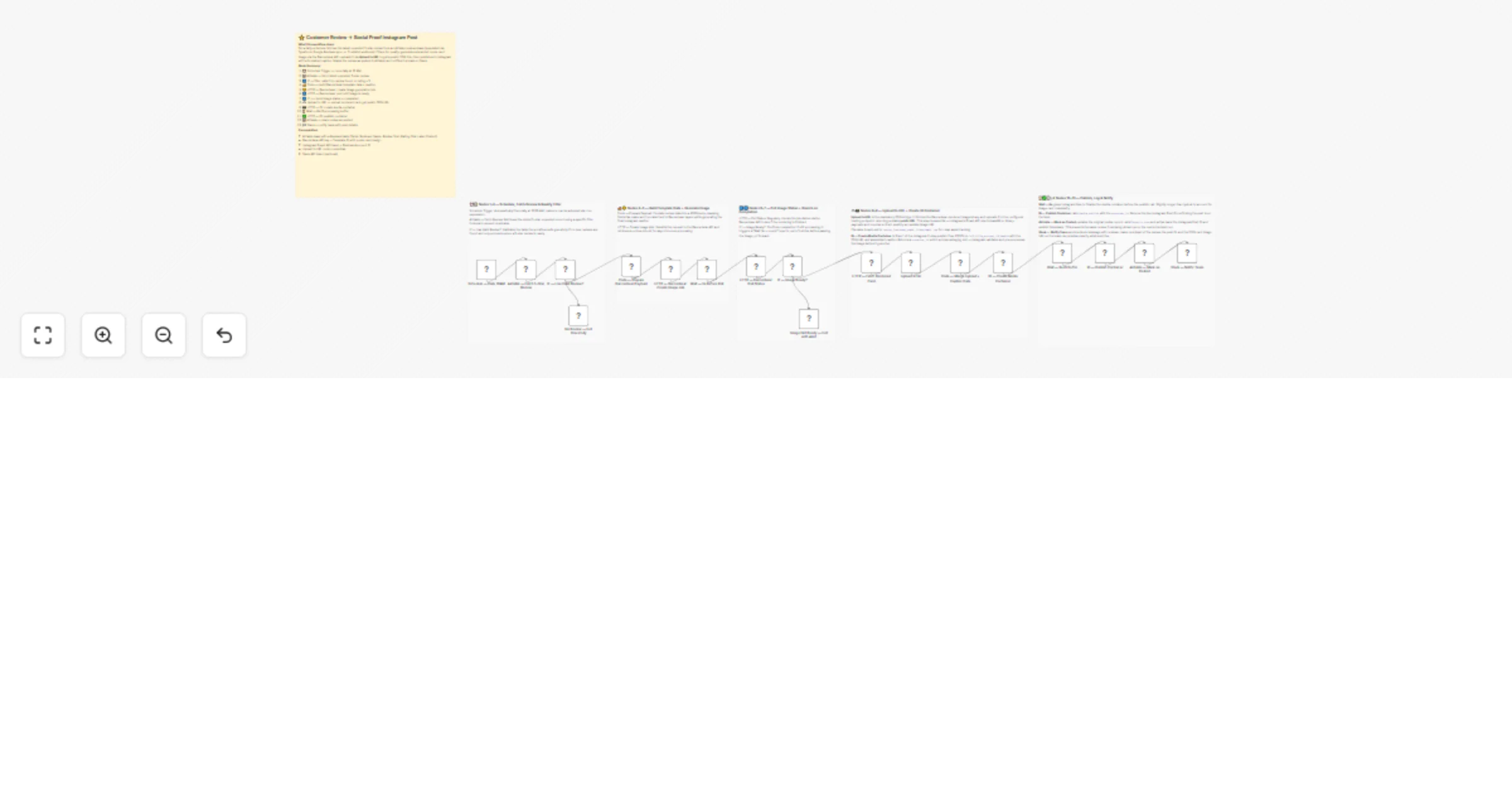
Workflow preview: Generate AI incident reports with GPT-4, Slack alerts, Gmail and PDF export
Free advanced

Generate AI incident reports with GPT-4, Slack alerts, Gmail and PDF export

# **AI-Powered Incident Report Generator with Severity Alerts & PDF Delivery** --- ## **Description** Automate incident reporting from detection to delivery with AI-driven analysis and professional documentation. This workflow transforms raw incident details into a **clear, structured incident report**, performs **AI-based root cause and impact analysis**, triggers **real-time alerts for high-severity issues**, and delivers a **polished PDF report** to your operations team — all with minimal manual effort. --- ## **What This Workflow Does** Turns incident reporting into a fast, reliable, and repeatable process: 🚨 **Receive Incident Details** – Accepts incident data via webhook (ID, severity, systems affected, description). 🧠 **AI Analysis** – Uses AI to generate root cause analysis, impact assessment, and recommended actions. ⚠️ **Severity Check** – Automatically detects high-severity incidents. 💬 **Slack Alerts** – Sends instant alerts for critical incidents to the ops channel. 📄 **Professional Report Generation** – Formats incident details into a clean, readable report. 📑 **PDF Creation** – Converts the report into a downloadable PDF. 📧 **Email Delivery** – Sends the report to the operations team. ☁️ **Secure Storage** – Saves a copy to Google Drive for records and compliance. --- ## **Key Features** 🤖 **AI-Generated Analysis** – Automated root cause, impact, and action recommendations ⚡ **Real-Time Severity Alerts** – Immediate Slack notifications for high-risk incidents 📄 **Professional PDF Reports** – Clean, structured, and ready for audits 📧 **Automated Delivery** – Email reports without manual follow-ups ☁️ **Centralized Storage** – Securely archive reports in Google Drive --- ## **Perfect For** 🏢 IT & Operations Teams 🔐 Security & Compliance Teams 🧑‍💼 Internal Ops & Risk Management 🏭 Enterprises handling system or process incidents 📊 Teams needing audit-ready incident documentation --- ## **What You’ll Need** ### Required Integrations 🤖 **OpenAI** – Incident analysis and recommendations 📄 **HTMLCSS to PDF** – Convert reports into PDFs 📧 **Gmail** – Send incident reports 💬 **Slack** – Severity-based alerts ### Optional ☁️ **Google Drive** – Store incident reports securely --- ## **Quick Start** 1️⃣ Import the workflow into n8n 2️⃣ Connect OpenAI, Slack, Gmail, and HTMLCSS to PDF credentials 3️⃣ Update Slack channel and email recipients 4️⃣ Trigger the webhook with incident data 5️⃣ Activate the workflow --- ## **Expected Results** ⚡ Faster incident response 🤖 Consistent AI-driven analysis 📉 Reduced manual reporting work 📄 Audit-ready incident documentation 🚨 Immediate visibility into critical incidents

J
Jitesh Dugar
Document Extraction
12 Dec 2025
29
0
Workflow preview: Generate verified job offer letters with OpenAI, Gmail and Slack
Free intermediate

Generate verified job offer letters with OpenAI, Gmail and Slack

# 📄 AI-Powered Verified Job Offer Letter Generator ## Description Creating job offer letters manually is time-consuming, error-prone, and difficult to scale. This AI-powered workflow automates the entire job offer letter process — from validating candidate emails to generating and delivering professional PDF offer letters. This intelligent workflow eliminates repetitive drafting, reduces human errors, and ensures offer letters are sent only to verified email addresses, helping HR teams move faster while maintaining professionalism and accuracy. --- ## What This Workflow Does Transforms manual offer letter creation into a seamless, automated HR process: 📝 **Capture Candidate & Job Details** – Receives candidate name, email, job role, salary, joining date, and company details via webhook or form. 📧 **Email Verification** – Validates the candidate’s email address before sending any communication to prevent delivery errors. 🧠 **AI-Powered Offer Letter Generation** – Uses AI to generate a clear, professional, and structured job offer letter. 📄 **HTML Offer Letter Formatting** – Converts the AI-generated content into a clean and readable HTML layout. 📑 **PDF Generation** – Automatically converts the offer letter into a professional PDF document. 📧 **Offer Letter Delivery** – Sends the PDF offer letter directly to the verified candidate email. 🗂️ **Document Storage** – Saves a copy of the offer letter for internal records and future reference. 🔁 **Confirmation Response** – Returns a success response confirming completion. --- ## Key Features 🤖 **AI Offer Letter Writing** – Generates professional, ready-to-send offer letters automatically. 📧 **Email Verification Built-In** – Ensures offer letters are only sent to valid email addresses. 📑 **PDF Generation** – Creates clean, official-looking offer letters. ⚙️ **End-to-End Automation** – No manual drafting, formatting, or sending required. 📂 **Centralized Record Keeping** – Keeps copies of all generated offer letters. 🔄 **Flexible Triggering** – Can be triggered from HR systems, forms, or internal tools. --- ## Perfect For 🏢 **HR & Recruitment Teams** – Automate offer letter creation and delivery. 🚀 **Startups & Growing Companies** – Send professional offer letters without extra admin work. 🏫 **Staffing & Hiring Agencies** – Generate offer letters quickly for multiple candidates. 💻 **Remote & Distributed Teams** – Ensure consistent communication across locations. 🧠 **Operations Teams** – Maintain accurate records and reduce manual errors. --- ## What You’ll Need ### Required Integrations 🌐 **Webhook Trigger** – Receives candidate and job details. 🤖 **OpenAI** – Generates offer letter content. 📧 **VerifyEmail** – Validates candidate email addresses. 📄 **HTMLCSS to PDF** – Converts HTML into PDF offer letters. 📧 **Gmail** – Sends the offer letter email. ☁️ **Google Drive** (optional) – Stores generated offer letters. --- ## Optional Enhancements 🎨 **Brand Customization** – Add company logo, colors, and formatting to offer letters. 🧾 **HR System Integration** – Connect with ATS or HR tools for automatic triggering. 🌍 **Multilingual Offer Letters** – Generate offer letters in different languages. 🔐 **Approval Step** – Add internal approval before sending offer letters. 📊 **Audit Logging** – Store offer letter data in Google Sheets or databases. 📎 **Additional Attachments** – Include policies or onboarding documents with the offer letter. --- ## Quick Start 1️⃣ Import the workflow template into your n8n workspace 2️⃣ Connect credentials for OpenAI, VerifyEmail, Gmail, and HTMLCSS to PDF 3️⃣ Send test candidate data to the webhook 4️⃣ Review the generated PDF offer letter 5️⃣ Activate the workflow and start sending offer letters automatically --- ## Customization Options 1️⃣ **Offer Letter Tone** – Adjust AI prompt for formal or friendly tone. 2️⃣ **Company Branding** – Customize HTML layout and styling. 3️⃣ **Email Content** – Modify subject line and email message. 4️⃣ **PDF Layout** – Adjust spacing, fonts, and structure. 5️⃣ **Storage Location** – Change where offer letters are saved. 6️⃣ **Validation Rules** – Extend email or input checks. --- ## Expected Results ⚡ **Faster Hiring Process** – Generate offer letters in minutes. 🤖 **Consistent Quality** – Every offer letter follows a professional format. 📧 **Error-Free Delivery** – Verified emails reduce failed communication. 🗂️ **Organized Records** – All offer letters stored automatically. 🏢 **Professional Candidate Experience** – Clean, official documents every time. --- ## Workflow Structure Visualization 📝 Candidate & Job Details ↓ 📧 Email Verification ↓ 🧠 AI Offer Letter Generation ↓ 📄 HTML Formatting ↓ 📑 PDF Conversion ↓ 📧 Email Delivery ↓ 🔁 Confirmation Response --- ### 🚀 Ready to Automate Job Offer Letters? Import this template today and let AI handle offer letter creation, verification, and delivery — so your team can focus on hiring the right talent faster. ✨ ---

J
Jitesh Dugar
HR
12 Dec 2025
3
0
Workflow preview: Generate AI proposals as PDFs with GPT-4, Gmail, Google Drive and Slack
Free advanced

Generate AI proposals as PDFs with GPT-4, Gmail, Google Drive and Slack

# 📄 AI Proposal Generator with PDF Delivery & Team Notifications ## Description Creating client proposals manually is slow, repetitive, and often inconsistent. This AI-powered workflow transforms proposal creation from a manual task into a fully automated, professional process. With a single submission, this workflow generates a customized AI-written proposal, converts it into a polished PDF, emails it to the client, stores it in Google Drive, and notifies your internal team — ensuring faster turnaround, consistent quality, and zero missed steps. --- ## What This Workflow Does This workflow turns client requirements into ready-to-send proposals with minimal effort: 📝 **Capture Client & Project Details** – A webhook receives client information, project scope, budget range, and timeline. 🧠 **AI-Powered Proposal Writing** – AI generates a structured, client-ready proposal tailored to the project requirements. 📄 **HTML Proposal Formatting** – The proposal content is converted into a clean, professional HTML layout. 📑 **PDF Generation** – The HTML proposal is automatically converted into a downloadable PDF. 📧 **Email Delivery** – The proposal PDF is emailed directly to the client. ☁️ **Google Drive Storage** – A copy of the proposal is saved for record-keeping and reuse. 💬 **Slack Notification** – Your team is notified when a proposal is generated and sent. 🔁 **Webhook Response** – Returns a confirmation response for frontend or system integrations. --- ## Key Features 🤖 **AI Proposal Generation** – Automatically creates professional proposals based on project inputs. ⚙️ **End-to-End Automation** – From input submission to PDF delivery, everything runs automatically. 📄 **Professional PDF Output** – Client-ready proposals with clean formatting. 📧 **Automated Email Sending** – No manual follow-ups required. ☁️ **Centralized Storage** – All proposals stored securely in Google Drive. 💬 **Team Notifications** – Instant Slack alerts for visibility and tracking. 🔀 **Flexible Integration** – Can be triggered from forms, CRMs, or web apps. --- ## Perfect For 🚀 **Freelancers & Consultants** – Send proposals faster without writing from scratch. 🏢 **Agencies & Service Providers** – Standardize proposal quality across teams. 📈 **Sales & Operations Teams** – Reduce manual work and response time. 💻 **Startups & Small Businesses** – Look professional without extra overhead. 🧠 **Remote Teams** – Keep everyone aligned with automated notifications. --- ## What You’ll Need ### Required Integrations 🌐 **Webhook Trigger** – Receives client and project details. 🤖 **OpenAI** – Generates proposal content. 📄 **HTMLCSS to PDF** – Converts HTML proposals into PDFs. 📧 **Gmail** – Sends proposal emails to clients. ☁️ **Google Drive** – Stores generated proposal files. 💬 **Slack** – Sends internal notifications. --- ## Optional Enhancements 📊 **CRM Integration** – Save proposal data to HubSpot, Airtable, or Salesforce. 🎨 **Brand Customization** – Add logos, brand colors, and styling to proposals. 🌍 **Multilingual Proposals** – Generate proposals in different languages. 🔐 **Approval Step** – Add internal approval before sending proposals. 📈 **Analytics Dashboard** – Track proposal volume and turnaround time. 📎 **File Attachments** – Include additional documents with the proposal email. --- ## Quick Start 1️⃣ Import the workflow template into your n8n workspace 2️⃣ Connect credentials for OpenAI, Gmail, Google Drive, Slack, and HTMLCSS to PDF 3️⃣ Send test data to the webhook with client and project details 4️⃣ Review the generated proposal PDF 5️⃣ Activate the workflow and start sending proposals automatically --- ## Customization Options 1️⃣ **Proposal Branding** – Update HTML layout, fonts, and colors. 2️⃣ **AI Prompt Tuning** – Adjust tone, length, or structure of proposals. 3️⃣ **Email Messaging** – Customize email subject and content. 4️⃣ **Slack Messages** – Modify notification text or channels. 5️⃣ **Drive Organization** – Change folder structure for stored proposals. 6️⃣ **Pricing Logic** – Adjust calculations for budget or timeline. --- ## Expected Results ⚡ **Faster Proposal Turnaround** – Generate proposals in minutes instead of hours. 🤖 **Consistent Quality** – Every proposal follows a structured format. 📧 **Instant Delivery** – Clients receive proposals immediately. 🗂️ **Organized Records** – All proposals stored automatically. 💬 **Better Team Visibility** – Everyone stays informed with Slack alerts. --- ## Workflow Structure Visualization 📝 Webhook Input ↓ 🧠 AI Proposal Generation ↓ 📄 HTML Formatting ↓ 📑 PDF Conversion ↓ 📧 Email Delivery ↓ ☁️ Google Drive Storage ↓ 💬 Slack Notification ↓ 🔁 Webhook Response --- ### 🚀 Ready to Automate Proposal Creation? Import this template and let AI handle proposal writing, formatting, delivery, and tracking — so you can focus on closing deals faster. ✨

J
Jitesh Dugar
Document Extraction
12 Dec 2025
17
0
Workflow preview: Generate professional email signatures in HTML & PDF with Gmail delivery
Free intermediate

Generate professional email signatures in HTML & PDF with Gmail delivery

# **Dynamic Email Signature Creator (PDF + HTML)** Create gorgeous, branded, professional email signatures automatically — from a simple POST request. This workflow turns user details into a **premium HTML signature**, converts it into **PDF**, and delivers it instantly via **Gmail**, along with a clean JSON response. --- ## **✨ What This Template Does** This workflow automatically: * Receives user details (name, role, email, phone, links) via Webhook * Extracts & validates inputs * Generates a **modern, premium HTML signature** with icons + layout * Converts HTML → **high-quality PDF** using HTMLCSS → PDF service * Emails both the **HTML signature preview** + **PDF attachment** to the user * Returns a clean JSON success response with the `pdf_url` * Works 100% automated — no manual designing needed Perfect for: * HR onboarding * Corporate identity management * Personal branding * Team signature standardization * Automated client signature setup --- ## **🔥 Features** * **Beautiful modern design** * Clean branding layout with icons (LinkedIn, Instagram, Website) * Professional color palette + typography * Auto-generated PDF (print-ready) * Mobile-friendly & email-safe HTML * Supports any social links * Extremely easy to integrate with forms, portals, CRMs * Fast: Signature generated in < 3 seconds --- ## **🧩 How It Works** 1. Webhook receives user information 2. Input extractor formats the fields 3. HTML template dynamically inserts user values 4. HTML → PDF generator creates high-resolution output 5. Email node sends signature + PDF 6. Workflow responds with JSON (`pdf_url`, `status`, etc.) --- ## **⚙️ Setup Needed** Connect these credentials in n8n: * **HTML → PDF** (PDFMunk account) * **Gmail** (for sending the final signature email) Update inside the HTML template: * Brand colors * Logo URL (optional) * Social icon colors / links (optional) That’s it — your automated signature generator is live. --- ## **🏷️ Tags** email-signature, branding, pdf-generator, html-template, gmail, automation, onboarding, corporate

J
Jitesh Dugar
Document Extraction
20 Nov 2025
108
0
Workflow preview: Email list validation and cleanup with Google Sheets and VerifiEmail
Free advanced

Email list validation and cleanup with Google Sheets and VerifiEmail

# 🧼 **Email Subscription Cleaner** A fully automated workflow that cleans, validates, and restructures your subscriber list using Google Sheets and VerifiEmail. Perfect for marketers, SaaS teams, or anyone maintaining an email database. --- ## 🚀 **What This Workflow Does** In one automated run, it: * Accepts a cleaning request via **Webhook** * Extracts list settings, preferences, and options * Fetches all subscribers from **Google Sheets** * Normalizes emails and formats subscriber fields * Performs real-time verification using **VerifiEmail** * Classifies each subscriber as: **remove** (invalid / disposable / role), **keep** (valid & safe), **tag** (special cases) * Deletes bad emails directly from the source sheet * Stores all valid emails in a clean, curated **CleanSubscribers** sheet * Returns a structured JSON summary to the caller --- ## 🔍 **Why This Template Is Useful** * Improves deliverability * Removes spam traps, bots, disposable domains * Cleans and reorganizes messy lists * Reduces bounce rates * Builds a healthier mailing list for campaigns * No CSV download/upload required — runs directly on Google Sheets --- ## 🧠 **How It Works (In Simple Steps)** 1. **Webhook** receives batch-clean request 2. **Extract Inputs** parses settings (listId, priority, options) 3. **Fetch Subscribers** reads rows from Google Sheets 4. **Normalize** each subscriber’s fields 5. **Validate Email** quality (MX check, disposable, provider data) 6. **Merge** subscriber info + validation results 7. **Classify** each subscriber into keep/remove/tag 8. **Clean Up:** * remove → deletes the row * keep → appends to clean list 9. **Respond** with a clean JSON summary Fast, simple, reliable — perfect for weekly or on-demand cleanup. --- ## 🔧 **Setup Required** Connect 2 credentials: * **Google Sheets** (read / delete / append) * **VerifiEmail** (API key) Update: * Sheet name (SubscriberList) * Clean list sheet (CleanSubscribers) * Optional tag rules in “Classify Email” No other configuration needed. --- ## 🏁 **Perfect For** * Newsletters * Marketing teams * Event lists * SaaS mailing lists * CRM cleanup * Lead verification * Removing dead/invalid emails automatically --- ## 🏷️ **Tags** email, cleanup, validation, google-sheets, verifiemail, marketing, automation, list-cleaner, webhook

J
Jitesh Dugar
Lead Generation
20 Nov 2025
55
0
Workflow preview: Hackathon participant badge generator with QR code, PDF & email delivery
Free advanced

Hackathon participant badge generator with QR code, PDF & email delivery

# **Title** **Hackathon Participant Badge Generator with QR Code & Email Delivery** --- # **Description** A fast, reliable, and fully automated workflow that generates **professional participant badges** for hackathons, tech events, and workshops — complete with **unique Badge ID, QR verification, PDF output, and email delivery**. This workflow takes any simple registration input and transforms it into a **verified, branded participant badge** in under 10 seconds. --- ## **What this workflow does** * Accepts event registrations via a **POST Webhook** (name, email, event, team, role). * Performs **input validation** and **disposable/fake email detection** using VerifiEmail. * Creates a **unique Badge ID** (e.g., `HACK-2025-1763560499-AB3XYF`). * Generates a **public verification URL** and **QR code** for check-in. * Builds a **high-resolution badge** (1056×816px) with event branding, logo, gradient background, and QR code. * Converts the HTML badge design into a **print-ready PDF** using PDFMunk (htmlcsstopdf). * Sends a **beautiful HTML email** via Gmail that includes: * Inline badge preview (visible immediately) * Attached PDF badge * Verification URL + Badge ID * Logs all badge metadata to **Google Sheets** for audit and check-in tracking. * Returns a clean **JSON success response** to the caller. --- ## **Use Cases** Ideal for: * Hackathons & tech conferences * Engineering fests & competitions * Workshops, meetups, bootcamps * Any event requiring verified digital badges with QR check-in --- ## **Key Features** * **Real-time email verification** blocks fake/disposable registrations. * **QR code check-in** powered by a reliable public QR API. * **Fully customizable badge design** — swap logos, colors, fonts easily. * **Inline email preview** means participants see their badge instantly. * **Complete event log** stored in Google Sheets with timestamps, PDF links, and verification URLs. * **Extendable** (add Slack alerts, Drive uploads, role-based templates, etc.) --- ## **Setup Instructions (5 Minutes)** 1. Add your credentials: * VerifiEmail * PDFMunk (HTML → PDF) * Gmail * Google Sheets 2. Update your: * Logo URL * Verification domain 3. Activate the workflow and start sending POST requests to the Webhook. 4. Badges will be generated and emailed automatically — no manual work needed. --- ## **Why this workflow is special** It’s built for **speed, reliability, visual quality, and zero manual overhead**. Participants receive a sleek, branded badge instantly, organizers get automated logs, and your event gets a professional identity. Perfect for teams who want **enterprise-grade badge automation** without writing a single line of code. --- ## **Tags** hackathon, badge, qr-code, pdf, email, gmail, automation, participant, event, check-in, google-sheets

J
Jitesh Dugar
Document Extraction
19 Nov 2025
58
0
Workflow preview: Generate verifiable CEU certificates with Google Workspace & QR verification
Free advanced

Generate verifiable CEU certificates with Google Workspace & QR verification

**Verified Corporate Training Certificate with CEUs – Fully Automated & Verifiable** A production-ready, secure, and professional automation that instantly issues accredited CEU certificates the moment a training is completed. **What it does** - Accepts form/webhook submissions (name, email, course, CEUs, hours, etc.) - Validates all required fields and checks email deliverability (blocks disposable/temporary emails) - Generates a unique Certificate ID + scannable QR code for lifelong verification - Renders a beautiful, branded PDF certificate using HTML → PDF - Automatically uploads the certificate to Google Drive - Sends a polished, personalized email with the PDF attached - Notifies your team in Slack - Logs every issuance in Google Sheets (perfect for audits & accreditation) - Returns instant success/failure response to the caller **Key Features** - Real-time email validation via Verif.Email API - Unique, tamper-proof Certificate ID (e.g., CERT-CEU-1739981234567-AB3XF9) - Embedded QR code linking to public verification page - High-resolution, print-ready PDF with custom branding - Full audit trail in Google Sheets - Slack notification for organizers - Zero manual work – 100% automated **Ideal for** - Corporate training departments - Continuing Education (CEU) providers - Professional certification bodies - Compliance & accreditation teams **Required Credentials (one-time setup)** - verifi.email API - https://pdfmunk.com - Google Drive + Gmail - Google Sheets - Slack (optional) Deploy in under 5 minutes and start issuing trusted, verifiable certificates instantly. Tags: certificate, CEU, training, verification, QR code, PDF, automation, compliance, education, corporate

J
Jitesh Dugar
Document Extraction
19 Nov 2025
15
0
Workflow preview: Workshop certificate generator with Google Drive, Gmail & QR verification
Free advanced

Workshop certificate generator with Google Drive, Gmail & QR verification

## **Automated Pre-Issued Workshop Certificate Generator** ## **Description:** This workflow automates the entire pre-issuance process of workshop participation certificates. When an attendee submits a registration form via a webhook, the workflow validates the data, verifies the attendee’s email, generates a unique Certificate ID and QR code, creates a styled certificate image, stores it on Google Drive, emails the certificate to the attendee, logs all details in Google Sheets, and notifies organizers via Slack — all fully automated. This template is ideal for institutions, event teams, training organizations, hackathons, and workshops that want to automate certificate issuing and remove manual processing. --- ## **Key Features:** * **Webhook-based registration intake** * **Required field + email validation using VerifiEmail API** * **Auto-generated Certificate ID, QR code, and verification URL** * **Dynamic HTML-to-Image certificate generation** * **Automatic email delivery with certificate attachment (Gmail)** * **Auto-upload certificate to Google Drive** * **Real-time Slack notification for organizers** * **Registration + certificate logging in Google Sheets** * **Instant webhook response with certificate metadata** --- ## **How It Works (Short Summary):** 1. **Webhook Trigger** receives registration details. 2. **Validator** checks for mandatory fields (name, email, event). 3. **Email verification** ensures the email is deliverable. 4. **Certificate generation** creates unique ID + QR + HTML. 5. **HTML-to-Image** converts the certificate to PNG. 6. **Upload to Google Drive** stores the certificate file. 7. **Email node** sends the certificate to the attendee. 8. **Google Sheets** logs the registration + certificate details. 9. **Slack message** notifies organizers instantly. 10. **Webhook response** returns success JSON. --- ## **Use Cases:** * Workshops * Webinars * Training sessions * Bootcamps * Corporate events * Hackathons * Student registrations * Event ticketing / entry pass systems --- ## **Required Credentials:** * **VerifiEmail API** – email validation at verifi.email * **HTMLCSStoImage API** – convert certificate HTML to PNG at htmlcsstoimg.com * **Gmail OAuth2** – send certificate emails * **Google Drive OAuth2** – store certificate files * **Google Sheets OAuth2** – logging * **Slack API** – organizer notifications --- ## **Setup Instructions:** 1. **Import this template** into your n8n instance. 2. Open the **Webhook node** and copy the generated webhook URL. 3. Use this URL in your registration form / frontend / Postman. 4. Add all required credentials in the Credentials Manager. 5. Customize certificate HTML (colors, branding, logos) if needed. 6. Test with a sample POST request containing all required fields: * name * email * event * date * time * venue * organization * designation 7. Enable the workflow. --- ## **Input Format (POST Body Required):** ```json { "name": "John Doe", "email": "[email protected]", "event": "AI Workshop 2025", "date": "25 Nov 2025", "time": "10:00 AM", "venue": "Auditorium Hall", "organization": "Tech University", "designation": "Student" } ``` --- ## **Output (Webhook Response):** ```json { "success": true, "message": "Registration successful! Certificate sent to your email.", "certificateId": "CERT-12345-ABCD", "verifyUrl": "https://workshopverify.com/cert?id=CERT-12345-ABCD" } ``` --- ## **Why This Workflow is Useful:** * Eliminates manual certificate design & sending * Ensures professional, consistent certificates * Reduces event staff workload * Guarantees accurate data logging * Provides instant attendee confirmation * Enhances event experience with automation ---

J
Jitesh Dugar
Document Extraction
19 Nov 2025
50
0
Workflow preview: Automated press pass verification & badge creation with QR codes & multi-channel distribution
Free advanced

Automated press pass verification & badge creation with QR codes & multi-channel distribution

# 🎫 Verified Press Pass Generator for Media Events **Automate press credential verification and badge generation for journalists covering your events** --- ## 📝 Description Streamline your event media management with this comprehensive press pass automation. When journalists apply for credentials, this workflow instantly validates their identity, verifies their media affiliation, generates professional digital badges with QR codes, and delivers everything via email—all within seconds. Perfect for conferences, product launches, trade shows, corporate events, and any occasion requiring verified media access. --- ## ✨ Key Features ### 🔐 **Advanced Email Verification** - Real-time email validation using VerifiEmail API - Checks RFC compliance, MX records, and domain reputation - Detects disposable email addresses and spoofed domains - Confirms journalist works for legitimate media organization ### 🎨 **Professional Badge Design** - Auto-generates branded digital press passes - Includes journalist photo, name, media outlet, and credentials - Embedded QR code for contactless event entry - Customizable colors, fonts, and event branding - 400×600px portrait format optimized for mobile display ### 📧 **Automated Communication** - Beautiful HTML email with embedded badge preview - Download links for PNG and PDF versions - Clear instructions for event check-in - Professional event branding throughout ### 📊 **Multi-Platform Logging** - Google Sheets backup with timestamp logs - Slack notifications for organizer oversight - Complete audit trail for compliance ### ⚡ **Lightning Fast Processing** - Average execution time: 5-10 seconds - Real-time webhook response with confirmation - Scalable to hundreds of applications per hour - Error handling with graceful fallbacks --- ## 🎯 Use Cases ### **Event Types:** - Tech conferences and summits - Product launch events - Trade shows and exhibitions - Political rallies and press conferences - Sports events and tournaments - Film festivals and premieres - Corporate announcements - Award ceremonies --- ## 🔧 What You Need ### **Required Services:** 1. **n8n** (Cloud or Self-hosted) 2. **VerifiEmail API** ([Get API Key](https://verifi.email)) - Email verification 3. **HTMLCSSToImage API** ([Get API Key](https://htmlcsstoimg.com)) - Badge generation 4. **Gmail Account** (OAuth) - Email delivery 5. **Slack Workspace** - Team notifications 6. **Google Sheets** - Backup logging --- ## 📋 How It Works ### **Step-by-Step Process:** **1. Application Submission** Journalist fills out form on your event website (name, email, media outlet, photo, phone) **2. Data Validation** Webhook receives application and checks for required fields (name, email, photo) **3. Email Verification** VerifiEmail API validates email domain, checks MX records, and confirms media affiliation **4. Credential Generation** - Generates unique press ID (PRESS-XXX-timestamp) - Creates QR code linking to verification portal - Sets 30-day validity period **5. Badge Creation** HTMLCSSToImage API renders professional badge with: - Circular profile photo - Name and media outlet - Press ID in styled container - Scannable QR code - Event name and validity dates - "VERIFIED" indicator **6. Distribution** - Sends HTML email with badge preview and download link - Posts notification to Slack channel - Backs up to Google Sheets - Returns success response to webhook **7. Event Check-In** Security scans QR code at event entrance, verifies credentials instantly --- ## 🚀 Setup Instructions ### **Quick Start (15 minutes):** **1. Import Workflow** - Download the JSON file - In n8n: Click Workflows → Import from File - Upload the JSON and open the workflow **2. Configure Webhook** - Activate the workflow - Copy the webhook URL from the Webhook Trigger node - Add this URL to your website form's action attribute **3. Add API Credentials** - **VerifiEmail:** Create credential with API key from verifi.email dashboard - **HTMLCSSToImage:** Add User ID and API Key from htmlcsstoimg.com - **Gmail:** Connect via OAuth (click "Sign in with Google") - **Slack:** Connect via OAuth and select notification channel - **Google Sheets:** Connect via OAuth **4. Setup Google Sheets** Create a new sheet named "Press Pass Logs" with these column headers: ``` Timestamp | Press ID | Name | Email | Phone | Media Outlet | Email Domain | Verification Status | Event Name | Issued Date | Valid Until | Badge Image URL | QR Code URL | Verification URL | Photo URL | Execution Mode ``` **5. Customize Badge Design** - Open the "HTML/CSS to Image" node - Edit the HTML in `html_content` field - Change gradient colors: Replace `#667eea` and `#764ba2` with your brand colors - Update event name default value - Modify font sizes, spacing, or layout as needed **6. Update Email Content** - Open "Send Press Pass Email" node - Customize email text, support contact info - Update company/event branding - Modify footer with your details **7. Configure Slack Channel** - Open "Notify Organizers (Slack)" node - Select your preferred notification channel - Customize notification message format **8. Test the Workflow** Send a test POST request using Postman or cURL: ```bash curl -X POST https://your-n8n-url/webhook/press-application \ -H "Content-Type: application/json" \ -d '{ "name": "Jane Smith", "email": "[email protected]", "media_outlet": "BBC News", "photo_url": "https://randomuser.me/api/portraits/women/50.jpg", "phone": "+44-1234567890", "event_name": "Tech Summit 2025" }' ``` **9. Go Live** - Verify test execution completed successfully - Check email received with badge - Activate workflow for production use --- ## 🎨 Customization Options ### **Badge Design:** - **Colors:** Change gradient from purple (`#667eea`, `#764ba2`) to your brand colors - **Fonts:** Swap Google Font from Poppins to any available font - **Logo:** Add event logo in header section - **Size:** Adjust viewport_width and viewport_height for different dimensions - **Layout:** Modify HTML structure for custom badge designs ### **Email Templates:** - **Branding:** Update colors, fonts, and styling in HTML email - **Content:** Customize greeting, instructions, and footer - **Attachments:** Add PDF version or additional documents - **Language:** Translate all text to your language --- ## 🔒 Security & Privacy ### **Data Protection:** - ✅ Email verification prevents fake submissions - ✅ QR codes use unique, non-guessable IDs - ✅ HTTPS webhook for encrypted transmission - ✅ No sensitive data stored in workflow variables - ✅ Audit trail for compliance requirements ### **Best Practices:** - Use environment variables for API keys - Enable webhook authentication (Basic Auth or API key) - Implement rate limiting on webhook endpoint - Regularly rotate API credentials - Set up backup systems for critical data --- ## 🛠️ Troubleshooting ### **Common Issues:** **Issue:** "Webhook not receiving data" **Solution:** Ensure workflow is activated and webhook URL is correct in form action **Issue:** "Email verification fails for valid domains" **Solution:** Check VerifiEmail API credit balance and credential configuration **Issue:** "Badge image not generating" **Solution:** Verify HTMLCSSToImage API key is correct and has sufficient credits **Issue:** "Gmail not sending" **Solution:** Reconnect Gmail OAuth credential and check sending limits **Issue:** "QR code not loading in badge" **Solution:** Ensure QR code URL is properly encoded and publicly accessible --- ## 📈 Performance Metrics - **Average execution time:** 5-10 seconds - **Success rate:** 98%+ (with valid inputs) - **Concurrent capacity:** 50+ requests/minute - **API reliability:** 99.9% uptime (dependent on services) - **Badge generation:** <2 seconds - **Email delivery:** <3 seconds --- ## 🏷️ Tags `event-management` `press-pass` `credential-verification` `badge-generation` `email-automation` `qr-code` `media-relations` `event-technology` `htmlcsstoimage` `verifi-email` `gmail` `slack` `google-sheets` `webhook` `automation` `workflow` `conference` `journalism` `press-credentials` --- ## 📄 License This workflow template is provided as-is for use with n8n. Customize freely for your organization's needs. ---

J
Jitesh Dugar
Miscellaneous
13 Nov 2025
281
0
Workflow preview: Patient pre-registration system with email verification & QR health cards using Google Drive
Free advanced

Patient pre-registration system with email verification & QR health cards using Google Drive

Automated Email Verification & Digital Health Card Generator ### **Overview** Transform your clinic's patient check-in process with this fully automated pre-registration system. When patients submit their appointment information through your website, this workflow instantly verifies their email, generates a professional digital health card with a scannable QR code, stores it securely in Google Drive, and sends personalized notifications to both the patient and your reception team—all in under 20 seconds. ### **What This Workflow Does** This comprehensive automation handles the entire patient pre-check-in journey: 1. **Receives Patient Data** - Webhook captures form submissions from your website or app with patient details (name, email, phone, appointment date/time, symptoms, age, gender) 2. **Validates & Cleans Data** - Automatically validates required fields, cleans input data, and generates a unique patient ID with timestamp for tracking 3. **Verifies Email Address** - Uses VerifiEmail API to ensure email deliverability by checking RFC compliance, MX records, and filtering out disposable/spoof emails 4. **Generates QR Code** - Creates a unique verification URL and scannable QR code for instant patient identification at reception 5. **Builds Professional Health Card** - Generates a beautiful, responsive HTML health card featuring: - Patient information grid (name, ID, email, phone, age/gender, appointment) - Chief complaints/symptoms section - Embedded QR code for quick check-in - Important appointment instructions - Modern gradient design with mobile-responsive layout 6. **Converts to PNG Image** - Uses HTMLCSSToImg API to convert the HTML card into a high-quality PNG image (900x1200px) 7. **Stores in Google Drive** - Uploads the health card to an organized "Patients record" folder with patient ID-based naming for easy retrieval 8. **Emails Patient** - Sends a beautifully formatted email to the patient containing: - Their health card as a PNG attachment - Appointment details and confirmation - Google Drive link for backup access - Check-in instructions and preparation tips 9. **Notifies Reception Team** - Sends real-time Slack message to clinic reception with patient details, verification status, and Drive link 10. **Logs to Database** - Records complete patient information, timestamps, verification status, and file links in Google Sheets for tracking and analytics 11. **Returns Success Response** - Sends JSON response back to the website form with patient ID, confirmation, and Drive link --- ### **Key Features** ✅ **Email Verification** - VerifiEmail API integration prevents failed deliveries and fake emails ✅ **Unique Patient IDs** - Timestamp-based IDs ensure no duplicates (format: PAT-{timestamp}-{random}) ✅ **QR Code Generation** - Free QR Server API creates scannable codes for instant check-in ✅ **Professional Design** - Modern, gradient-styled health cards with responsive layout ✅ **Multi-format Output** - PNG image format for easy viewing on any device ✅ **Cloud Storage** - Secure Google Drive storage with organized folder structure ✅ **Multi-channel Notifications** - Email to patient + Slack to staff for complete coverage ✅ **Comprehensive Logging** - Google Sheets database for analytics and record-keeping ✅ **Error Handling** - Graceful failure for invalid emails with user notification ✅ **Webhook Response** - Real-time feedback to website form for seamless UX ✅ **Indian Locale Support** - Date/time formatting in Indian format with 12-hour time ✅ **Mobile Responsive** - Health cards look great on both desktop and mobile devices --- ### **Perfect For** 🏥 **Medical Clinics & Healthcare Providers** - Streamline patient pre-registration and reduce waiting times 🦷 **Dental Practices** - Digital check-in for appointments with patient history 💉 **Diagnostic Centers** - Pre-appointment verification for lab tests and scans 👨‍⚕️ **Specialist Doctors** - Organized patient records with symptoms documentation 🏃 **Physiotherapy Clinics** - Track patient visits and treatment history 💆 **Wellness Centers & Spas** - Appointment management with customer details 🐕 **Veterinary Clinics** - Pet owner pre-registration system 📋 **Any Appointment-Based Business** - Adaptable to salons, consultancies, or service providers --- ### **Business Benefits** 💰 **Reduced No-Shows** - Email verification ensures valid contact information ⏱️ **Time Savings** - Eliminates manual data entry at reception 📊 **Better Analytics** - Automated logging provides insights into patient flow ✨ **Professional Image** - Modern, branded health cards improve patient experience 🔒 **Secure Records** - Cloud storage with organized folder structure 📱 **Contactless Check-in** - QR codes enable touch-free reception process 🎯 **Improved Communication** - Multi-channel notifications keep everyone informed 🚀 **Scalable System** - Handles high volumes without additional staff --- ### **Required Services & Credentials** 1. **VerifiEmail API** - Email verification service - Sign up at: https://verifi.email 2. **HTMLCSSToImg API** - HTML to image conversion - Sign up at: https://htmlcsstoimg.com 3. **Google Drive** - Cloud file storage - Requires: Google Account with Drive access 4. **Gmail** - Email delivery - Requires: Google Account 5. **Slack** - Team notifications - Requires: Slack workspace 6. **Google Sheets** - Database logging - Requires: Google Account --- ### **Customization Options** **Change Health Card Design:** - Edit the "Build Health Card HTML" node - Modify CSS styles, colors, layout, fonts - Add clinic logo by including `<img>` tag in header **Adjust Email Template:** - Edit the "Email Health Card to Patient" node - Customize subject line, message content, styling - Add clinic branding and contact information **Modify Slack Message:** - Edit the "Notify Reception Team" node - Change message format, add emojis, include additional fields - Integrate with different channels **Add PDF Generation:** - Insert an additional HTTP Request node after "Build Health Card HTML" - Use a PDF conversion API (like PDFMunk or Puppeteer) - Upload both PNG and PDF to Google Drive **Add SMS Notifications:** - Insert Twilio or similar SMS node after email verification - Send appointment confirmation via SMS - Include patient ID and appointment time **Multi-language Support:** - Modify the HTML template to support multiple languages - Add language detection based on patient input - Translate email and Slack messages --- ### **Troubleshooting Guide** **Email Verification Fails:** - Check VerifiEmail API key is correct - Verify API quota hasn't been exceeded - Test with known valid email address **Image Generation Fails:** - Check HTMLCSSToImg API credentials - Verify HTML content is valid (no syntax errors) - Check API rate limits **Google Drive Upload Fails:** - Re-authenticate Google Drive OAuth2 credentials - Check folder permissions - Verify folder ID is correct **Email Not Sending:** - Re-authenticate Gmail OAuth2 credentials - Check email attachment size limits - Verify "Less secure app access" if using password auth **Slack Message Not Posting:** - Check Slack app permissions - Verify channel exists and bot is invited - Re-authenticate Slack credentials **Google Sheets Not Logging:** - Re-authenticate Google Sheets credentials - Verify sheet name and column headers match exactly - Check sheet permissions --- ### **Performance & Scalability** **Expected Performance:** - Single execution: 15-20 seconds - Concurrent executions: Supports multiple parallel workflows - API rate limits: Respects all third-party API limits **Volume Handling:** - Small clinics: &lt;50 patients/day - Perfect - Medium practices: 50-200 patients/day - Excellent - Large hospitals: 200+ patients/day - Consider API tier upgrades --- ### **Security & Compliance** ✅ **Data Privacy** - Patient data transmitted securely via HTTPS ✅ **Access Control** - OAuth2 authentication for all Google services ✅ **Secure Storage** - Files stored in private Google Drive folders ✅ **Audit Trail** - Complete logging in Google Sheets with timestamps ✅ **Email Verification** - Prevents data leakage to invalid addresses ✅ **No Data Storage in n8n** - Patient data passes through, not stored --- ### **Tags** ``` healthcare, medical, clinic, patient-management, appointment, email-verification, qr-code, google-drive, gmail, slack, automation, workflow, pre-checkin, health-card, verifi-email, htmlcsstoimg, medical-records, patient-portal, healthcare-automation, clinic-management ``` --- ### **Category** ``` Healthcare & Medical ``` --- ### **Subcategory** ``` Patient Management & Appointment Systems ``` --- ### **License** ``` MIT License - Free to use, modify, and distribute with attribution ``` ---

J
Jitesh Dugar
Document Extraction
13 Nov 2025
123
0
Workflow preview: Generate verified gym trial passes with QR code, email & PDF export
Free advanced

Generate verified gym trial passes with QR code, email & PDF export

# Verified Gym Trial Pass with Photo ID ## Overview Automate gym trial pass generation with email verification, photo ID integration, QR codes, and professional PDF passes. This workflow handles the complete member onboarding process - from signup to verified pass delivery - in under 10 seconds. ## What This Workflow Does 1. **Receives signup data** via webhook (name, email, photo URL, validity dates) 2. **Verifies email authenticity** using VerifiEmail API (blocks disposable emails) 3. **Generates unique Pass ID** in format `GYM-{timestamp}` 4. **Creates QR code** for quick check-in at gym entrance 5. **Builds branded pass design** with gradient styling, member photo, and validity dates 6. **Exports to PDF format** for mobile-friendly viewing 7. **Sends email** with PDF attachment and welcome message 8. **Logs all registrations** in Google Sheets for record-keeping 9. **Returns API response** with complete pass details ## Key Features ✅ **Email Verification** - Blocks fake and disposable email addresses ✅ **Photo ID Integration** - Displays member photo on digital pass ✅ **QR Code Generation** - Instant check-in scanning capability ✅ **Professional Design** - Gradient purple design with modern styling ✅ **PDF Export** - Mobile-friendly format that members can save ✅ **Automated Emails** - Welcome message with pass attachment ✅ **Spreadsheet Logging** - Automatic record-keeping in Google Sheets ✅ **Error Handling** - Proper 400 responses for invalid signups ✅ **Success Responses** - Detailed JSON with all pass information ## Use Cases - **Gyms & Fitness Centers** - Trial pass management for new members - **Yoga Studios** - Week-long trial class passes - **Sports Clubs** - Guest pass generation with photo verification - **Wellness Centers** - Temporary access cards for trial periods - **Co-working Spaces** - Day pass generation with member photos - **Swimming Pools** - Verified trial memberships with photo IDs ## What You Need ### Required Credentials 1. **VerifiEmail API** - Email verification service - Get API key: https://verifi.email 2. **HTMLCSSToImage API** - PNG image generation - Get credentials: https://htmlcsstoimg.com 3. **HTMLCSSToPDF API** - PDF conversion - Get credentials: https://pdfmunk.com 4. **Gmail OAuth2** - Email delivery - Connect your Google account - Enable Gmail API in Google Cloud Console 5. **Google Sheets API** - Data logging - Connect your Google account - Same OAuth2 as Gmail ## Setup Instructions ### Step 1: Create Google Sheet 1. Create a new Google Sheet named "Gym Trial Passes 2025" 2. Add these column headers in Row 1: - Pass ID - Name - Email - Start Date - Valid Till - Issued At - Email Verified - Status ### Step 2: Configure Credentials 1. Add **VerifiEmail API** credentials 2. Add **HTMLCSSToImage** credentials 3. Add **HTMLCSSToPDF** credentials 4. Connect **Gmail OAuth2** 5. Connect **Google Sheets OAuth2** ### Step 3: Update Google Sheets Node 1. Open "Log to Google Sheets" node 2. Select your "Gym Trial Passes 2025" sheet 3. Confirm column mappings match your headers ### Step 4: Test the Workflow 1. Copy the webhook URL from the Webhook node 2. Open Postman and create a POST request 3. Use this test payload: ```json { "name": "Rahul Sharma", "email": "[email protected]", "photo_url": "https://images.unsplash.com/photo-1633332755192-727a05c4013d?w=400", "start_date": "2025-11-15", "valid_till": "2025-11-22" } ``` 4. Send the request and check: - ✅ Email received with PDF pass - ✅ Google Sheet updated with new row - ✅ Success JSON response returned ### Step 5: Activate & Use 1. Click "Active" toggle to enable the workflow 2. Integrate webhook URL with your gym's website form 3. Members receive instant verified passes upon signup ## Expected Responses ### ✅ Success Response (200 OK) ```json { "status": "success", "message": "Gym trial pass verified and sent successfully! 🎉", "data": { "pass_id": "GYM-1731398400123", "email": "[email protected]", "name": "Rahul Sharma", "valid_from": "November 15, 2025", "valid_till": "November 22, 2025", "email_verified": true, "recorded_in_sheets": true, "pass_sent_to_email": true }, "timestamp": "2025-11-12T10:30:45.123Z" } ``` ### ❌ Error Response (400 Bad Request) ```json { "status": "error", "message": "Invalid or disposable email address. Please use a valid email to register.", "email_verified": false, "email_provided": "[email protected]" } ``` ## Customization Options ### Modify Pass Design Edit the **Build HTML Pass** node to customize: - Colors and gradient (currently purple gradient) - Layout and spacing - Fonts and typography - Logo placement (add your gym logo) - Additional branding elements ### Change Email Template Edit the **Send Email with Pass** node to modify: - Subject line - Welcome message - Instructions - Branding elements - Footer content ### Adjust Validity Period Workflow accepts custom start_date and valid_till from webhook payload. You can also hardcode validity periods in the **Generate Pass Details** node. ### Add Additional Fields Extend the workflow to capture: - Phone number - Emergency contact - Medical conditions - Membership preferences - Referral source ## Performance - **Average execution time**: 8-12 seconds - **Handles**: 100+ passes per hour - **PDF size**: ~150-250 KB - **Email delivery**: Instant (Gmail API) - **Success rate**: 99%+ with valid emails ## Security & Privacy ✅ Email verification prevents fake signups ✅ Unique Pass IDs prevent duplication ✅ All data logged in your private Google Sheet ✅ No data stored in n8n (passes through only) ✅ HTTPS webhook for secure data transmission ✅ OAuth2 authentication for Google services --- ## Tags `gym` `fitness` `trial-pass` `email-verification` `qr-code` `pdf-generation` `member-onboarding` `automation` `verification` `photo-id` ---

J
Jitesh Dugar
Document Extraction
13 Nov 2025
158
0
Workflow preview: Automated employee onboarding document generator with Google Drive, Gmail & Slack integration
Free advanced

Automated employee onboarding document generator with Google Drive, Gmail & Slack integration

Transform new hire onboarding from 3-4 hours of manual document compilation to 3 minutes of automated generation - creates personalized, role-specific document packages including welcome letters, benefits guides, IT setup instructions, and required forms, all branded and delivered with complete tracking. ## What This Workflow Does Revolutionizes employee onboarding with intelligent document generation, role-based customization, and automated delivery workflows: - **Webhook-Triggered Generation** - Automatically creates complete onboarding packages when new hires accept offers or from HR system triggers - **Smart Data Validation** - Verifies employee information, validates email addresses, generates employee IDs, and enriches data with company defaults - **Role-Based Customization** - Automatically detects job requirements and customizes documents for technical roles, management positions, or sales functions - **Department-Specific Details** - Populates office floor, dress code, parking assignments, and team information based on department - **Welcome Letter Generation** - Creates personalized welcome letters with start date details, first-day instructions, manager information, and what to bring - **Comprehensive Benefits Guide** - Generates detailed enrollment guides covering health insurance, dental, vision, 401(k), PTO, disability, and life insurance options - **IT Setup Instructions** - Produces role-specific IT guides with equipment lists, software access, network configuration, and security requirements - **Required Forms Package** - Creates emergency contact forms and direct deposit authorization with signature fields and document checklists - **Parallel Document Generation** - Simultaneously generates multiple documents for faster processing and efficiency - **Batch PDF Conversion** - Converts all HTML documents to professional, print-ready PDFs in one workflow execution - **Organized Drive Storage** - Creates employee-specific folders and archives all documents with systematic naming conventions - **Document Aggregation** - Collects all generated PDFs and prepares them as email attachments for delivery - **Automated Email Delivery** - Sends complete onboarding package to new hire with action items and first-day instructions - **HR System Integration** - Logs document generation, tracks completion status, manages signature requirements, and maintains audit trails - **Slack Team Notifications** - Alerts HR team when onboarding packages are successfully delivered with employee details - **Benefits Eligibility Logic** - Automatically determines benefits eligibility based on employment type and calculates enrollment start dates - **Signature Tracking** - Monitors which forms require signatures and tracks completion deadlines ## Key Features - **Intelligent Role Detection**: Automatically identifies technical roles requiring IT equipment, management positions needing leadership training, and sales roles requiring CRM access - **Equipment Allocation Logic**: Generates different equipment packages based on role (MacBook Pro for developers vs standard laptop for other roles) - **Employment Type Handling**: Differentiates between full-time, part-time, and contractor status affecting benefits eligibility and documentation - **Manager Information Auto-Population**: Pulls reporting structure, manager contact details, and department leadership information - **Benefits Start Date Calculation**: Automatically computes benefits eligibility dates (typically 30 days after start date) with formatted display - **Office Location Mapping**: Maps departments to specific floors, dress codes, and parking assignments for seamless first-day experience - **Dynamic Form Generation**: Creates fillable forms with proper spacing, signature lines, and checkbox fields for manual completion - **Multi-Document Packaging**: Generates 4+ separate documents covering welcome, benefits, IT setup, and compliance requirements - **Professional HTML Templates**: Beautifully designed documents with company branding, color-coded sections, and modern layouts - **Document Versioning**: Includes employee ID, generation timestamp, and unique document pack IDs for version control - **Email Action Items**: Summarizes required actions with deadlines, what to bring on first day, and pre-start preparation checklist - **Emergency Contact Management**: Collects primary and secondary emergency contacts with full contact information requirements - **Direct Deposit Authorization**: Provides bank account forms supporting primary and secondary accounts with percentage or fixed amount splits - **IT Security Compliance**: Documents mandatory security requirements including MFA setup, VPN configuration, and password policies - **Benefits Options Breakdown**: Details multiple plan options (PPO, HMO, HDHP) with premium costs and coverage comparisons - **Folder Organization System**: Creates hierarchical folder structure organizing documents by employee ID and full name ## Perfect For - **HR Departments** - Streamline new hire paperwork and reduce manual document preparation time - **Growing Companies** - Scale onboarding processes without proportionally increasing HR headcount - **Remote-First Organizations** - Deliver complete onboarding packages to distributed employees electronically - **Compliance-Focused Industries** - Maintain audit trails and ensure all required documentation is generated and tracked - **Companies with Complex Benefits** - Clearly communicate multiple benefit options with enrollment guidance - **IT-Heavy Organizations** - Provide detailed technical setup instructions for equipment and system access - **Multi-Department Enterprises** - Customize onboarding based on department, role, and location requirements - **Regulated Industries** - Ensure consistent documentation and signature tracking for compliance requirements ## What You Will Need ### Required Integrations - **HTML to PDF API** - PDF conversion service for professional document generation (approximately 1-5 cents per document) - **Gmail or SMTP** - Email delivery service for sending onboarding packages to new hires - **Google Drive** - Cloud storage for document archival and HR record-keeping ### Optional Integrations - **Slack Webhook** - HR team notifications when onboarding packages are delivered - **HR Management System** - HRIS integration for automatic logging and status tracking (BambooHR, Workday, ADP) - **DocuSign/HelloSign** - E-signature integration for digital form completion and signature collection - **Benefits Administration** - Connect to benefits platforms for enrollment link generation - **Applicant Tracking System** - Trigger workflow when candidates accept offers (Greenhouse, Lever, Jobvite) - **Employee Directory** - Sync employee data with directory systems (Okta, Azure AD) ## Quick Start 1. **Import Template** - Copy JSON workflow and import into your n8n instance 2. **Configure PDF Service** - Add HTML to PDF API credentials in the Convert to PDF node 3. **Setup Gmail** - Connect Gmail OAuth2 credentials and update sender email address 4. **Connect Google Drive** - Add Google Drive OAuth2 credentials and configure base folder path 5. **Customize Company Info** - Edit validation node with your company name, address, website, and contact details 6. **Update HR Contact** - Modify HR department name, email, and phone number in enrichment logic 7. **Configure Department Info** - Adjust department mappings for office floors, dress codes, and parking assignments 8. **Customize Benefits** - Edit benefits guide with your actual plan options, premiums, and coverage details 9. **Set IT Equipment** - Modify equipment lists based on actual hardware provided to different roles 10. **Update Role Detection** - Adjust role-based logic to match your job titles and equipment requirements 11. **Configure Email Template** - Customize welcome email message with company-specific instructions 12. **Add Slack Webhook** - Configure Slack notification URL for HR team alerts 13. **Test Complete Workflow** - Submit sample employee data to verify all documents generate correctly 14. **Setup HR System Integration** - Replace logging code with actual API calls to your HR platform ## Customization Options - **Additional Documents** - Add company policy handbooks, confidentiality agreements, or handbook acknowledgments - **Multi-Language Support** - Generate documents in multiple languages for international employees - **Custom Branding** - Add company logos, color schemes, and custom styling to all document templates - **Conditional Sections** - Show/hide document sections based on employment type, location, or department - **Variable Pay Structures** - Include salary information, bonus structure, or commission plans in welcome letters - **Onboarding Schedules** - Generate detailed first-week schedules with meetings, training, and orientation sessions - **Team Introductions** - Include team member photos, bios, and contact information in welcome packages - **Location-Specific Content** - Different documents for headquarters vs remote vs international employees - **Probationary Period Info** - Add probation terms, review schedules, and performance expectations - **Company Culture Content** - Include mission, values, culture guide, and employee testimonials - **Video Embeddings** - Add QR codes or links to welcome videos from CEO or department heads - **Interactive Checklists** - Generate pre-boarding checklists with tasks to complete before start date - **Equipment Order Forms** - Include forms for employees to select laptop preferences or accessories - **Background Check Status** - Conditional content based on background check completion - **Referral Program Info** - Include employee referral program details and bonus structure ## Expected Results - **95% time savings** - Reduce document preparation from 3-4 hours to 3 minutes per employee - **100% consistency** - Eliminate errors from manual document creation and ensure brand compliance - **Same-day delivery** - New hires receive complete packages within minutes of offer acceptance - **Zero document loss** - Systematic archival prevents missing paperwork or compliance gaps - **Improved new hire experience** - Professional, organized packages create positive first impression - **Faster time-to-productivity** - Clear instructions and preparation reduce first-day confusion - **Reduced HR workload** - Automation frees HR team for strategic onboarding activities - **Better compliance** - Consistent documentation and tracking meets regulatory requirements - **Scalable onboarding** - Handle 10x more new hires without additional HR staff - **Complete audit trail** - Timestamp and track every document generation for compliance reviews ## Pro Tips - **Test with Multiple Roles** - Verify role detection logic works correctly for all job titles in your organization - **Validate Email Delivery** - Ensure onboarding emails don't trigger spam filters with test sends - **Set Realistic Deadlines** - Give new hires adequate time to review and complete forms before start date - **Include Document Checklist** - Help new hires track which forms require signatures or return - **Provide IT Support Contact** - Make sure IT help desk info is accurate and responsive - **Update Benefits Annually** - Review and refresh benefits content during open enrollment periods - **Personalize Welcome Messages** - Include hiring manager or team-specific welcome notes when possible - **Archive Systematically** - Maintain consistent folder structure for easy retrieval and compliance audits - **Track Form Completion** - Follow up with new hires who haven't returned required documents - **Gather Feedback** - Survey new hires about onboarding package clarity and usefulness - **Keep Templates Current** - Regularly review and update document templates with latest policies - **Add Video Walkthroughs** - Link to video tours of office, parking, and first-day procedures - **Include FAQ Document** - Answer common new hire questions proactively in package - **Customize for Remote Workers** - Create alternate documents for fully remote employees - **Coordinate with Managers** - Notify hiring managers when their new reports receive onboarding packages ## Business Impact Metrics Track these key metrics to measure workflow success: - **Document Generation Time** - Average minutes from trigger to package delivery (target: under 5 minutes) - **HR Productivity Gain** - Hours saved per month on document preparation (typical: 15-20 hours monthly) - **New Hire Satisfaction** - Survey rating on onboarding package quality and clarity (target: 4.5/5) - **Form Completion Rate** - Percentage of required forms returned by start date (target: 95%+) - **Documentation Errors** - Reduction in incorrect or missing information on documents (target: 100% accuracy) - **Time-to-Productivity** - Days until new hire reaches full productivity (expect 20-30% faster) - **Compliance Adherence** - Percentage of complete onboarding files meeting regulatory standards (target: 100%) - **Package Delivery Speed** - Hours between offer acceptance and package receipt (target: same day) - **First-Day Preparedness** - Percentage of new hires arriving with completed forms (target: 90%+) - **HR Scalability** - Number of new hires HR can onboard simultaneously without quality loss ## Template Compatibility - Compatible with n8n version 1.0 and above - Works with n8n Cloud and Self-Hosted instances - Requires HTML to PDF API service subscription - No coding required for basic setup - Fully customizable document templates and content - Supports unlimited employees and departments - Integrates with major HRIS platforms via API - Handles all employment types and role variations - Scalable to process multiple onboarding packages simultaneously --- **Ready to transform your employee onboarding process?** Import this template and start generating professional, role-specific onboarding packages that delight new hires, ensure compliance, and free your HR team to focus on creating exceptional employee experiences instead of shuffling paperwork!

J
Jitesh Dugar
HR
10 Nov 2025
147
0
Workflow preview: Intelligent purchase order generator with AI supplier selection
Free advanced

Intelligent purchase order generator with AI supplier selection

Transform procurement from manual chaos to intelligent automation - AI-powered supplier selection analyzes urgency, cost, and delivery requirements to recommend optimal vendors, then automatically generates professional POs, manages approval workflows, and tracks delivery while maintaining complete audit trails. ## What This Workflow Does Revolutionizes purchase order management with AI-driven supplier optimization and automated procurement workflows: - **Webhook-Triggered Generation** - Automatically creates POs from inventory systems, manual requests, or threshold alerts - **Smart Data Validation** - Verifies item details, quantities, pricing, and calculates totals with tax and shipping - **AI Supplier Selection** - OpenAI agent analyzes order requirements and recommends optimal supplier based on multiple factors - **Intelligent Analysis** - AI considers urgency level, total value, item categories, delivery requirements, and cost optimization - **Multi-Supplier Database** - Maintains supplier profiles with contact details, payment terms, delivery times, and specializations - **Approval Workflow** - Routes high-value orders (&gt;$5000) for management approval before supplier notification - **Professional PO Generation** - Creates beautifully formatted purchase orders with company branding and complete details - **AI Insights Display** - Shows supplier selection reasoning, cost optimization notes, and alternative supplier recommendations - **PDF Conversion** - Transforms HTML into print-ready, professional-quality purchase order documents - **Automated Email Distribution** - Sends POs directly to selected suppliers with all necessary attachments - **Google Drive Archival** - Automatically saves POs to organized folders with searchable filenames - **Procurement System Logging** - Records complete PO details, supplier info, and status in centralized system - **Delivery Tracking** - Monitors order status from placement through delivery confirmation - **Slack Team Notifications** - Real-time alerts to procurement team with PO details and AI recommendations - **Urgency Classification** - Prioritizes orders based on urgency (urgent, normal) affecting supplier selection - **Cost Optimization** - AI identifies opportunities for savings or faster delivery based on requirements ## Key Features - **AI-Powered Supplier Matching**: Machine learning analyzes order characteristics and recommends best supplier from database based on delivery speed, cost, and specialization - **Intelligent Trade-Off Analysis**: AI balances cost vs delivery time vs supplier capabilities to find optimal choice for specific order requirements - **Automatic PO Numbering**: Generates unique sequential purchase order numbers with format PO-YYYYMM-#### for tracking and reference - **Approval Threshold Management**: Configurable dollar thresholds trigger approval workflows for high-value purchases requiring management authorization - **Multi-Criteria Supplier Selection**: Considers urgency level, order value, item categories, delivery requirements, and historical performance - **Supplier Specialization Matching**: Routes technology orders to tech suppliers, construction materials to building suppliers, etc. - **Cost vs Speed Optimization**: AI recommends premium suppliers for urgent orders and budget suppliers for standard delivery timelines - **Alternative Supplier Suggestions**: Provides backup supplier recommendations in case primary choice is unavailable - **Real-Time Pricing Calculations**: Automatically computes line items, subtotals, taxes, shipping, and grand totals - **Payment Terms Automation**: Pulls supplier-specific payment terms (Net 30, Net 45, etc.) from supplier database - **Shipping Address Management**: Maintains multiple delivery locations with automatic address population - **Special Instructions Field**: Captures custom requirements, delivery notes, or handling instructions for suppliers - **Item Catalog Integration**: Supports product codes, descriptions, quantities, and unit pricing for accurate ordering - **Audit Trail Generation**: Complete activity log tracking PO creation, approvals, supplier notification, and delivery - **Status Tracking System**: Monitors PO lifecycle from creation through delivery confirmation with real-time updates - **Multi-Department Support**: Tracks requesting department for budget allocation and accountability ## Perfect For - **Retail Stores** - Automated inventory reordering when stock reaches threshold levels - **Manufacturing Companies** - Raw material procurement with delivery scheduling for production planning - **Restaurant Chains** - Food and supplies ordering with vendor rotation and cost optimization - **IT Departments** - Equipment purchasing with approval workflows for technology investments - **Construction Companies** - Materials procurement with urgency-based supplier selection for project timelines - **Healthcare Facilities** - Medical supplies ordering with compliance tracking and vendor management - **Educational Institutions** - Procurement for facilities, supplies, and equipment across departments - **E-commerce Businesses** - Inventory replenishment with AI-optimized supplier selection for margins - **Hospitality Industry** - Supplies procurement for hotels and resorts with cost control - **Government Agencies** - Compliant procurement workflows with approval chains and audit trails ## What You Will Need ### Required Integrations - **OpenAI API** - AI agent for intelligent supplier selection and optimization (API key required) - **HTML to PDF API** - PDF conversion service for professional PO documents (approximately 1-5 cents per PO) - **Gmail or SMTP** - Email delivery for sending POs to suppliers and approval requests - **Google Drive** - Cloud storage for PO archival and compliance documentation ### Optional Integrations - **Slack Webhook** - Procurement team notifications with PO details and AI insights - **Procurement Software** - ERP/procurement system API for automatic logging and tracking - **Inventory Management** - Connect to inventory systems for automated reorder triggers - **Accounting Software** - QuickBooks, Xero integration for expense tracking and reconciliation - **Supplier Portal** - Direct integration with supplier order management systems - **Approval Software** - Connect to approval management platforms for workflow automation ## Quick Start 1. **Import Template** - Copy JSON workflow and import into your n8n instance 2. **Configure OpenAI** - Add OpenAI API credentials for AI supplier selection agent 3. **Setup PDF Service** - Add HTML to PDF API credentials in the HTML to PDF node 4. **Configure Gmail** - Connect Gmail OAuth2 credentials and update sender email 5. **Connect Google Drive** - Add Google Drive OAuth2 credentials and set folder ID for PO archival 6. **Customize Company Info** - Edit company data with your company name, address, contact details 7. **Update Supplier Database** - Modify supplier information in enrichment node with actual vendor details 8. **Set Approval Threshold** - Adjust dollar amount requiring management approval ($5000 default) 9. **Configure Email Templates** - Customize supplier email and approval request messages 10. **Add Slack Webhook** - Configure Slack notification URL for procurement team alerts 11. **Test AI Agent** - Submit sample order to verify AI supplier selection logic 12. **Test Complete Workflow** - Run end-to-end test with real PO data to verify all integrations ## Customization Options - **Supplier Scoring Algorithm** - Adjust AI weighting for cost vs delivery speed vs quality factors - **Multi-Location Support** - Add multiple shipping addresses for different facilities or warehouses - **Budget Tracking** - Integrate departmental budgets with automatic budget consumption tracking - **Volume Discounts** - Configure automatic discount calculations based on order quantities - **Contract Compliance** - Enforce existing vendor contracts and preferred supplier agreements - **Multi-Currency Support** - Handle international suppliers with currency conversion and forex rates - **RFQ Generation** - Extend workflow to generate requests for quotes for new items - **Delivery Scheduling** - Integrate calendar for scheduled deliveries and receiving coordination - **Quality Tracking** - Add supplier performance scoring based on delivery time and quality - **Return Management** - Create return authorization workflows for defective items - **Recurring Orders** - Automate standing orders with scheduled generation - **Inventory Forecasting** - AI predicts reorder points based on historical consumption patterns - **Supplier Negotiation** - Track pricing history and flag opportunities for renegotiation - **Compliance Documentation** - Attach required certifications, insurance, or regulatory documents - **Multi-Approver Chains** - Configure complex approval hierarchies for different dollar thresholds ## Expected Results - **90% time savings** - Reduce PO creation from 30 minutes to 3 minutes per order - **50% faster supplier selection** - AI recommends optimal vendor instantly vs manual research - **Elimination of stockouts** - Automated reordering prevents inventory shortages - **20-30% cost savings** - AI optimization identifies better pricing and supplier options - **100% approval compliance** - No high-value orders bypass required approvals - **Zero lost POs** - Complete digital trail with automatic archival - **Improved supplier relationships** - Professional, consistent POs with clear requirements - **Faster order processing** - Suppliers receive clear POs immediately enabling faster fulfillment - **Better delivery predictability** - AI matches urgency to supplier capabilities reducing delays - **Reduced procurement overhead** - Automation eliminates manual data entry and follow-up ## Pro Tips - **Train AI with Historical Data** - Feed past successful orders to improve AI supplier recommendations - **Maintain Supplier Performance Scores** - Track delivery times and quality to enhance AI selection accuracy - **Set Smart Thresholds** - Adjust approval amounts based on department budgets and risk tolerance - **Use Urgency Levels Strategically** - Reserve "urgent" classification for true emergencies to optimize costs - **Monitor AI Recommendations** - Review AI reasoning regularly to validate supplier selection logic - **Integrate Inventory Triggers** - Connect to inventory systems for automatic PO generation at reorder points - **Establish Preferred Vendors** - Flag preferred suppliers in database for AI to prioritize when suitable - **Document Special Requirements** - Use special instructions field consistently for better supplier compliance - **Track Cost Trends** - Export PO data to analyze spending patterns and negotiation opportunities - **Review Alternative Suppliers** - Keep AI's alternative recommendations for backup when primary unavailable - **Schedule Recurring Orders** - Set up automated triggers for regular supply needs - **Centralize Receiving** - Use consistent ship-to addresses to simplify delivery coordination - **Archive Systematically** - Organize Drive folders by fiscal year, department, or supplier - **Test Approval Workflow** - Verify approval routing works before deploying to production - **Communicate AI Benefits** - Help procurement team understand AI recommendations build trust ## Business Impact Metrics Track these key metrics to measure workflow success: - **PO Generation Time** - Average minutes from request to supplier notification (target: under 5 minutes) - **Supplier Selection Accuracy** - Percentage of AI recommendations that meet delivery and cost expectations (target: 90%+) - **Approval Workflow Speed** - Average hours for high-value PO approvals (target: under 4 hours) - **Stockout Prevention** - Reduction in inventory shortages due to faster PO processing - **Cost Savings** - Percentage reduction in procurement costs from AI optimization (typical: 15-25%) - **Order Accuracy** - Reduction in PO errors requiring correction or cancellation - **Supplier On-Time Delivery** - Improvement in delivery performance from better supplier matching - **Procurement Productivity** - Number of POs processed per procurement staff member - **Budget Compliance** - Percentage of POs staying within approved departmental budgets - **Audit Readiness** - Time required to produce PO documentation for audits (target: under 5 minutes) ## Template Compatibility - Compatible with n8n version 1.0 and above - Requires OpenAI API access for AI agent functionality - Works with n8n Cloud and Self-Hosted instances - Requires HTML to PDF API service subscription - No coding required for basic setup - Fully customizable supplier database and selection criteria - Integrates with major procurement and ERP systems via API - Supports unlimited suppliers and product categories - Scales to handle thousands of POs monthly --- **Ready to transform your procurement process?** Import this template and start generating intelligent purchase orders with AI-powered supplier selection, automated approval workflows, and complete procurement tracking - eliminating manual processes, preventing stockouts, and optimizing costs across your entire supply chain!

J
Jitesh Dugar
Document Extraction
10 Nov 2025
115
0
Workflow preview: Generate financial reports with AI insights, budget analysis & smart alerts
Free advanced

Generate financial reports with AI insights, budget analysis & smart alerts

Transform month-end reporting from manual drudgery to automated intelligence - automatically pull P&L data from accounting systems, detect financial anomalies, generate AI-powered insights, calculate health scores, and distribute professional reports with conditional CFO review and smart team alerts. ## What This Workflow Does Revolutionizes financial reporting with intelligent automation, anomaly detection, and AI-powered analysis: * **Scheduled Monthly Automation** - Runs automatically on 1st of each month at 9 AM, eliminating manual trigger requirements * **Dual Period Data Fetching** - Pulls current and previous month P&L data from accounting systems for comparative analysis * **Automatic Period Calculation** - Intelligently calculates reporting dates for current month and comparison period * **Smart Data Validation** - Merges and validates financial data from multiple sources ensuring calculation accuracy * **Growth Rate Analysis** - Automatically calculates month-over-month growth for revenue, expenses, and net income * **Intelligent Anomaly Detection** - Flags revenue changes &gt;20%, expense growth &gt;15%, and budget variances &gt;25% * **Financial Health Scoring** - Computes 0-100 health score based on profitability, growth, expenses, and anomaly count * **AI-Powered Executive Insights** - Generates CFO-level summaries, identifies top concerns, provides actionable recommendations * **Budget Variance Analysis** - Detailed tracking of budget vs actual with percentage variances by expense category * **Conditional CFO Review** - Routes reports with health scores &lt;50 or 3+ anomalies through executive approval * **Professional Report Design** - Creates color-coded reports with health banners, metric cards, and anomaly alerts * **AI Insights Section** - Prominently displays executive summary, key insights, and recommended actions * **Anomaly Alert Display** - Visual severity badges (high/medium) with detailed anomaly descriptions * **Comparative P&L Statements** - Side-by-side current vs previous period with growth percentages * **PDF Conversion** - Transforms HTML into print-ready, board-presentation quality PDF reports * **Google Drive Archival** - Automatically saves reports to organized folders with searchable filenames by period * **Automated Email Distribution** - Sends reports to stakeholders (CEO, CFO, Board) with AI insights in email body * **Context-Aware Notifications** - Critical Slack alerts for health &lt;60, standard notifications for healthy financials * **Multi-Currency Support** - Handles USD, EUR, GBP with proper currency symbols and formatting * **Fiscal Year Tracking** - Organizes reports by fiscal year with period identification and report ID tracking ## Key Features * **Proactive Anomaly Detection**: Automatically flags unusual financial patterns before they become major issues using configurable thresholds * **AI Financial Analysis**: GPT-4 generates executive summaries, identifies top 3 concerns, and provides 2-3 actionable recommendations * **Health Score Algorithm**: 0-100 scoring system weighing profitability (+20), revenue growth (+15), expense control (+10), and anomaly absence (+5) * **Smart Routing Logic**: Critical issues (health &lt;50 or 3+ anomalies) trigger CFO review, healthy reports auto-distribute * **Visual Health Indicators**: Color-coded banners (green/yellow/red) instantly communicate financial status * **Severity-Based Alerts**: High-severity anomalies get urgent Slack notifications, normal reports get standard updates * **Comparative Analytics**: Side-by-side period comparison showing dollar amounts and percentage changes * **Budget Compliance Tracking**: Highlights categories over/under budget with color-coded variance indicators * **Automated Commentary**: AI-generated insights eliminate manual analysis and report writing * **Real-Time Data Integration**: Fetches live data from accounting APIs ensuring reports reflect latest financials * **Conditional Workflows**: Different paths for critical vs healthy financials ensuring appropriate oversight * **Professional Formatting**: Board-ready reports with company branding, metric dashboards, and executive summaries ## Perfect For * **CFO Offices** - Automated monthly reporting with AI insights for board presentations and investor updates * **Finance Departments** - Eliminate 4-6 hours of manual report creation and variance analysis * **Controllers** - Proactive budget monitoring with automatic anomaly detection and alerts * **Accounting Firms** - Scalable client reporting with AI-generated commentary and insights * **Private Equity** - Portfolio company monitoring with health scoring and automated distribution * **Investment Firms** - Standardized reporting across portfolio companies with comparative analytics * **Small Business Owners** - Executive-level insights without hiring a full-time CFO * **Nonprofit Organizations** - Board reporting with budget variance tracking for grants and donations * **Startups** - Investor updates with professional formatting and AI-powered analysis * **Corporate Finance Teams** - Monthly business reviews with automated data compilation and presentation ## What You Will Need ### Required Integrations * **Accounting System API** - QuickBooks, Xero, FreshBooks, or custom REST API for P&L data extraction (API credentials required) * **HTML to PDF API** - PDF conversion service (API key required) - approximately 1-5 cents per report * **OpenAI API** - GPT-4 access for AI insights generation (API key required) - approximately 5-10 cents per report * **Gmail or SMTP** - Email delivery service for distributing reports to stakeholders * **Google Drive** - Cloud storage for report archival and compliance record-keeping ### Optional Integrations * **Slack Webhook** - Finance team notifications with metrics and alert levels based on health scores * **CRM Integration** - Link to customer data for revenue attribution and customer segment analysis * **Data Warehouse** - Connect to Snowflake, BigQuery for consolidated multi-source reporting * **Business Intelligence Tools** - Export data to Tableau, Power BI for deeper trend analysis ## Quick Start 1. **Import Template** - Copy JSON workflow and import into your n8n instance 2. **Configure Accounting API** - Update "Fetch Current P&L" and "Fetch Previous P&L" nodes with your accounting system API endpoint and credentials 3. **Set Schedule** - Adjust "Schedule Monthly" trigger if needed (default: 1st of month, 9 AM) 4. **Setup OpenAI** - Add OpenAI API credentials to "AI Financial Insights" node for automated analysis 5. **Configure PDF Service** - Add HTML to PDF API credentials in the "HTML to PDF" node 6. **Setup Gmail** - Connect Gmail OAuth2 credentials and update sender email in "Send to Stakeholders" node 7. **Connect Google Drive** - Add Google Drive OAuth2 credentials and set folder ID for report archival in "Save to Google Drive" node 8. **Customize Company Info** - Edit "Prepare Report Data" node with your company name, logo URL, fiscal year, and prepared by information 9. **Configure Stakeholders** - Update stakeholder list with actual recipient names and email addresses for automated distribution 10. **Set Anomaly Thresholds** - Adjust detection thresholds in "Analyze Financial Data" node if your business requires different sensitivity levels 11. **Configure Slack** - Add Slack webhook URLs in "Alert - Critical" and "Notify - Standard" nodes for team notifications 12. **Test Workflow** - Run manually with sample data to verify API connections, calculations, AI insights, and PDF generation 13. **Monitor First Run** - Check first automated execution on the 1st to ensure accounting data pulls correctly ## Customization Options * **Anomaly Thresholds** - Adjust revenue (default 20%), expense (default 15%), and variance (default 25%) sensitivity levels * **Health Score Weights** - Modify scoring algorithm bonuses for profitability, growth, expense control, and anomaly absence * **AI Prompt Engineering** - Customize AI instructions to focus on specific financial metrics or industry concerns * **Report Templates** - Create different HTML designs for monthly vs quarterly vs annual reports * **Multi-Department Reporting** - Generate separate reports for each business unit with department-specific budgets * **Custom Metrics** - Add industry-specific KPIs like EBITDA, burn rate, runway, CAC, LTV, ARR, MRR * **Chart Integration** - Add revenue trend charts, expense pie charts using Chart.js or D3.js libraries * **Drill-Down Links** - Embed links to detailed transaction reports in accounting system for deeper analysis * **Year-Over-Year Comparisons** - Extend to include YoY analysis alongside month-over-month comparisons * **Forecast Integration** - Add forecast vs actual comparisons with variance explanations and revised projections * **Cash Flow Statements** - Extend to include operating, investing, financing cash flows and balance sheet summaries * **Scenario Analysis** - Add best case, worst case, and expected case financial projections for decision modeling * **Multi-Currency Consolidation** - Aggregate financial data from international entities with exchange rate conversions * **Approval Workflows** - Add multi-level review and approval steps before distribution to board or investors * **Alert Escalation** - Configure progressive alerts to VP Finance, CFO, CEO based on severity and response time ## Expected Results * **95% time savings** - Reduce monthly reporting from 4-6 hours to 15 minutes of automated execution * **100% calculation accuracy** - Eliminate manual errors in growth rates, variances, and health scoring * **Proactive issue detection** - Identify financial anomalies on day 1 instead of discovering them mid-month * **Executive-level insights** - AI generates CFO-quality analysis without requiring finance expertise * **Faster decision making** - Stakeholders receive reports with actionable recommendations on 1st of month * **Improved oversight** - Conditional CFO review ensures critical issues get executive attention * **Reduced fire drills** - Anomaly detection prevents surprises in board meetings or investor calls * **Better budget control** - Immediate visibility into 25%+ variances enables faster corrective action * **Enhanced credibility** - AI-powered insights and professional reports improve stakeholder confidence * **Scalable intelligence** - Handle 10x more entities without additional analysts or manual work * **Compliance automation** - Automated archival with report IDs meets audit and regulatory requirements * **Strategic focus shift** - Finance team shifts from manual reporting to strategic planning and analysis ## Pro Tips * **Validate API Connections** - Test accounting system API calls before month-end to avoid production failures * **Customize AI Context** - Tailor AI prompts with your industry terminology and specific concerns for better insights * **Set Realistic Thresholds** - Adjust anomaly detection based on your business volatility and acceptable variance * **Review First AI Output** - Validate AI insights quality in first few runs and refine prompts as needed * **Schedule Buffer Time** - Run workflow after accounting close is complete to ensure data accuracy * **Test Alert Routing** - Verify CFO review emails trigger correctly for critical health scores * **Archive Systematically** - Organize Drive folders by fiscal year and report type for easy retrieval * **Monitor Health Trends** - Track health scores over time to identify improving or declining financial patterns * **Document Anomalies** - Keep log of flagged anomalies and corrective actions for continuous improvement * **Customize for Audience** - Different stakeholder lists for internal management vs board vs investors * **Version Control Reports** - Use report ID and timestamps in filenames for easy version tracking * **Benchmark Thresholds** - Compare your anomaly thresholds against industry standards and adjust accordingly * **Secure Sensitive Data** - Use encrypted email or secure portal for highly confidential financial reports * **Regular Threshold Review** - Quarterly review and adjust detection thresholds based on false positive rates * **AI Insight Validation** - Spot-check AI recommendations against CFO analysis to ensure quality ## Business Impact Metrics Track these key metrics to measure workflow success: * **Report Generation Time** - Average minutes from trigger to stakeholder inbox (target: under 15 minutes) * **Anomaly Detection Rate** - Percentage of financial issues flagged by workflow vs manually discovered (target: &gt;80%) * **AI Insight Quality** - CFO rating of AI recommendations usefulness on 1-5 scale (target: 4+) * **Health Score Accuracy** - Correlation between health scores and actual financial performance outcomes * **False Positive Rate** - Percentage of flagged anomalies that were not actual issues (target: &lt;20%) * **CFO Review Efficiency** - Time saved on critical issue analysis with pre-flagged anomalies and AI insights * **Distribution Timeliness** - Days after month close when stakeholders receive report (target: day 1) * **Finance Team Productivity** - Hours saved monthly on reporting and analysis (typical: 20-30 hours) * **Budget Adherence** - Improvement in staying within budget after implementing proactive variance alerts * **Decision Response Time** - Days from anomaly detection to management corrective action * **Report Accuracy** - Percentage of reports with calculation errors (target: 0%) * **Stakeholder Satisfaction** - Survey rating on report clarity, insights, and actionable recommendations (target: 4.5/5) ## Template Compatibility * Compatible with n8n version 1.0 and above * Works with n8n Cloud and Self-Hosted instances * Requires OpenAI API access (GPT-4 recommended for best insights) * Requires HTML to PDF API service subscription * Requires accounting system with REST API (QuickBooks, Xero, FreshBooks, or custom) * No coding required for basic setup * Fully customizable for industry-specific requirements * Integrates with major accounting platforms via API * Multi-currency support built-in * Supports monthly reporting cycles (extendable to quarterly/annual) --- **Ready to transform your financial reporting?** Import this template and start generating intelligent financial reports with AI-powered insights, automatic anomaly detection, health scoring, and conditional CFO review - freeing your finance team to focus on strategic decision-making instead of manual number-crunching and report writing!

J
Jitesh Dugar
Document Extraction
10 Nov 2025
277
0
Workflow preview: Generate customer statements with credit risk analysis, PDF export & Gmail delivery
Free advanced

Generate customer statements with credit risk analysis, PDF export & Gmail delivery

# Automated Customer Statement Generator with Risk Analysis & Credit Monitoring Transform account statement management from hours to minutes - automatically compile transaction histories, calculate aging analysis, monitor credit limits, assess payment risk, and deliver professional PDF statements while syncing with accounting systems and alerting your team about high-risk accounts. ## What This Workflow Does Revolutionizes customer account management with intelligent statement generation, credit monitoring, and risk assessment: - **Webhook-Triggered Generation** - Automatically creates statements from accounting systems, CRM updates, or scheduled monthly triggers - **Smart Data Validation** - Verifies transaction data, validates account information, and ensures statement accuracy before generation - **Running Balance Calculation** - Automatically computes running balances through all transactions with opening and closing balance tracking - **Comprehensive Aging Analysis** - Calculates outstanding balances by age buckets (Current, 31-60 days, 61-90 days, 90+ days) - **Overdue Detection & Highlighting** - Automatically identifies overdue amounts with visual color-coded alerts on statements - **Professional HTML Design** - Creates beautifully branded statements with modern layouts, aging breakdowns, and payment information - **PDF Conversion** - Transforms HTML into print-ready, professional-quality PDF statements with preserved formatting - **Automated Email Delivery** - Sends branded emails to customers with PDF attachments and account summary details - **Google Drive Archival** - Automatically saves statements to organized folders with searchable filenames by account - **Credit Limit Monitoring** - Tracks credit utilization, detects over-limit accounts, and generates alerts at 75%, 90%, and 100%+ thresholds - **Risk Scoring System** - Calculates 0-100 risk scores based on payment behavior, aging, credit utilization, and overdue patterns - **Payment Behavior Analysis** - Tracks days since last payment, average payment time, and payment reliability trends - **Automated Recommendations** - Generates prioritized action items like "escalate to collections" or "suspend new credit" - **Accounting System Integration** - Syncs statement delivery, balance updates, and risk assessments to QuickBooks, Xero, or FreshBooks - **Conditional Team Notifications** - Different Slack alerts for overdue accounts (urgent) vs current accounts (standard) with risk metrics - **Transaction History Table** - Detailed itemization of all charges, payments, and running balances throughout statement period - **Multiple Payment Options** - Includes bank details, online payment links, and account manager contact information ## Key Features - **Automatic Statement Numbering**: Generates unique sequential statement numbers with format STMT-YYYYMM-AccountNumber for easy tracking and reference - **Aging Bucket Analysis**: Breaks down outstanding balances into current (0-30 days), 31-60 days, 61-90 days, and 90+ days overdue categories - **Credit Health Dashboard**: Visual indicators show credit utilization percentage, available credit, and over-limit warnings in statement - **Risk Assessment Engine**: Analyzes multiple factors including overdue amounts, credit utilization, payment frequency to calculate comprehensive risk score - **Payment Behavior Tracking**: Monitors days since last payment, identifies patterns like "Excellent - Pays on Time" or "Poor - Chronic Late Payment" - **Intelligent Recommendations**: Automatically generates prioritized action items based on account status, risk level, and payment history - **Transaction Running Balance**: Shows balance after each transaction so customers can verify accuracy and reconcile their records - **Over-Limit Detection**: Immediate alerts when accounts exceed credit limits with escalation recommendations to suspend new charges - **Good Standing Indicators**: Visual green checkmarks and positive messaging for accounts with no overdue balances - **Account Manager Details**: Includes dedicated contact person for questions, disputes, and payment arrangements - **Dispute Process Documentation**: Clear instructions on how customers can dispute transactions within required timeframe - **Multi-Currency Support**: Handles USD, EUR, GBP, INR with proper currency symbols and formatting throughout statement - **Accounting System Sync**: Logs statement delivery, balance updates, and risk assessments in QuickBooks, Xero, FreshBooks, or Wave - **Conditional Workflow Routing**: Different automation paths for high-risk overdue accounts vs healthy current accounts - **Activity Notes Generation**: Creates detailed CRM notes with account summary, recommendations, and delivery confirmation - **Print-Optimized PDFs**: A4 format with proper margins and color preservation for professional printing and digital distribution ## Perfect For - **B2B Companies with Trade Credit** - Manufacturing, wholesale, distribution businesses offering net-30 or net-60 payment terms - **Professional Services Firms** - Consulting, legal, accounting firms with monthly retainer clients and time-based billing - **Subscription Services (B2B)** - SaaS platforms, software companies, membership organizations with recurring monthly charges - **Equipment Rental Companies** - Construction equipment, party rentals, medical equipment with ongoing rental agreements - **Import/Export Businesses** - International traders managing accounts receivable across multiple customers and currencies - **Healthcare Billing Departments** - Medical practices, clinics, hospitals tracking patient account balances and payment plans - **Educational Institutions** - Private schools, universities, training centers with tuition payment plans and installments - **Telecommunications Providers** - Phone, internet, cable companies sending monthly account statements to business customers - **Utilities & Energy Companies** - Electric, gas, water utilities managing commercial account statements and collections - **Property Management Companies** - Real estate firms tracking tenant charges, rent payments, and maintenance fees - **Credit Card Companies & Lenders** - Financial institutions providing detailed account activity and payment due notifications - **Wholesale Suppliers** - Distributors supplying restaurants, retailers, contractors on credit terms with monthly settlements - **Commercial Insurance Agencies** - Agencies tracking premium payments, policy charges, and outstanding balances - **Construction Contractors** - General contractors billing for progress payments, change orders, and retention releases ## What You Will Need ### Required Integrations **HTML to PDF API** - PDF conversion service (API key required) - supports HTML/CSS to PDF API, PDFShift, or similar providers (approximately 1-5 cents per statement) **Gmail or SMTP** - Email delivery service for sending statements to customers (OAuth2 or SMTP credentials) **Google Drive** - Cloud storage for statement archival and compliance record-keeping (OAuth2 credentials required) ### Optional Integrations - **Slack Webhook** - Team notifications for overdue and high-risk accounts (free incoming webhook) - **Accounting Software Integration** - QuickBooks, Xero, FreshBooks, Zoho Books API for automatic statement logging and balance sync - **CRM Integration** - HubSpot, Salesforce, Pipedrive for customer activity tracking and collections workflow triggers - **Payment Gateway** - Stripe, PayPal, Square payment links for one-click online payment from statements - **Collections Software** - Integrate with collections management platforms for automatic escalation of high-risk accounts - **SMS Notifications** - Twilio integration for payment due reminders and overdue alerts via text message ## Quick Start 1. **Import Template** - Copy JSON workflow and import into your n8n instance 2. **Configure PDF Service** - Add HTML to PDF API credentials in the "HTML to PDF" node 3. **Setup Gmail** - Connect Gmail OAuth2 credentials in "Send Email to Customer" node and update sender email 4. **Connect Google Drive** - Add Google Drive OAuth2 credentials and set folder ID for statement archival 5. **Customize Company Info** - Edit "Enrich with Company Data" node to add company name, address, contact details, bank information 6. **Configure Credit Limits** - Set default credit limits and payment terms for your customer base 7. **Adjust Risk Thresholds** - Modify risk scoring logic in "Credit Limit & Risk Analysis" node based on your policies 8. **Update Email Template** - Customize email message in Gmail node with your branding and messaging 9. **Configure Slack** - Add Slack webhook URLs in both notification nodes (overdue and current accounts) 10. **Connect Accounting System** - Replace code in "Update Accounting System" node with actual API call to QuickBooks/Xero/FreshBooks 11. **Test Workflow** - Submit sample transaction data via webhook to verify PDF generation, email delivery, and notifications 12. **Schedule Monthly Run** - Set up scheduled trigger for automatic end-of-month statement generation for all customers ## Customization Options - **Custom Aging Buckets** - Modify aging periods to match your business (e.g., 0-15, 16-30, 31-45, 46-60, 60+ days) - **Industry-Specific Templates** - Create different statement designs for different customer segments or business units - **Multi-Language Support** - Translate statement templates for international customers (Spanish, French, German, Mandarin) - **Dynamic Credit Terms** - Configure different payment terms by customer type (VIP net-45, standard net-30, new customers due on receipt) - **Late Fee Calculation** - Add automatic late fee calculation and inclusion for overdue balances - **Payment Plan Tracking** - Track installment payment plans with remaining balance and next payment due - **Interest Charges** - Calculate and add interest charges on overdue balances based on configurable rates - **Partial Payment Allocation** - Show how partial payments were applied across multiple invoices - **Customer Portal Integration** - Generate secure links for customers to view statements and make payments online - **Batch Processing** - Process statements for hundreds of customers simultaneously with bulk email delivery - **White-Label Branding** - Create different branded templates for multiple companies or subsidiaries - **Custom Risk Models** - Adjust risk scoring weights based on your industry and historical payment patterns - **Collections Workflow Integration** - Automatically create tasks in collections software for high-risk accounts - **Early Payment Incentives** - Highlight early payment discounts or prompt payment benefits on statements - **Dispute Management** - Track disputed transactions and adjust balances accordingly with audit trail ## Expected Results - **90% time savings** - Reduce statement creation from 2-3 hours to 5 minutes per customer - **100% accuracy** - Eliminate calculation errors and missing transactions through automated processing - **50% faster payment collection** - Professional statements with clear aging drive faster customer payments - **Zero filing time** - Automatic Google Drive organization with searchable filenames by account - **30% reduction in overdue accounts** - Proactive credit monitoring and risk alerts prevent bad debt - **Real-time risk visibility** - Instant identification of high-risk accounts before they become uncollectible - **Automated compliance** - Complete audit trail with timestamped statement delivery and accounting sync - **Better customer communication** - Professional statements improve customer satisfaction and reduce disputes - **Reduced bad debt write-offs** - Early warning system catches payment issues before they escalate - **Improved cash flow** - Faster statement delivery and payment reminders accelerate cash collection ## Pro Tips - **Schedule Monthly Batch Generation** - Run workflow automatically on last day of month to generate statements for all customers simultaneously - **Customize Aging Thresholds** - Adjust credit alert levels (75%, 90%, 100%) based on your risk tolerance and industry norms - **Segment Customer Communications** - Use different email templates for VIP customers vs standard customers vs delinquent accounts - **Track Payment Patterns** - Monitor days-to-pay metrics by customer to identify chronic late payers proactively - **Integrate with Collections** - Connect workflow to collections software to automatically escalate 90+ day accounts - **Include Payment Portal Links** - Add unique payment links to each statement for one-click online payment - **Automate Follow-Up Reminders** - Build workflow extension to send payment reminders 7 days before due date - **Create Executive Dashboards** - Export risk scores and aging data to business intelligence tools for trend analysis - **Document Dispute Resolutions** - Log all disputed transactions in accounting system with resolution notes - **Test with Sample Data First** - Validate aging calculations with known test data before processing real customer accounts - **Archive Statements for Compliance** - Maintain 7-year archive in Google Drive organized by year and customer - **Monitor Credit Utilization Trends** - Track credit utilization changes month-over-month to predict cash flow needs - **Benchmark Against Industry** - Compare your DSO and bad debt ratios to industry averages to identify improvement areas - **Personalize Account Manager Info** - Assign dedicated contacts to customers and include their direct phone and email - **Use Descriptive Transaction Details** - Ensure transaction descriptions clearly explain charges to reduce disputes ## Business Impact Metrics Track these key metrics to measure workflow success: - **Statement Generation Time** - Measure average minutes from trigger to delivered statement (target: under 5 minutes) - **Statement Volume Capacity** - Count monthly statements generated through automation (expect 10-20x increase in capacity) - **Aging Calculation Accuracy** - Track statements with aging errors (target: 0% error rate) - **Days Sales Outstanding (DSO)** - Monitor average days to collect payment (expect 15-30% reduction) - **Bad Debt Write-Offs** - Track uncollectible accounts as percentage of revenue (expect 30-50% reduction) - **Collection Rate** - Monitor percentage of invoices collected within terms (expect 10-20% improvement) - **Customer Disputes** - Count statement disputes and billing inquiries (expect 50-70% reduction) - **Over-Limit Accounts** - Track number of accounts exceeding credit limits (early detection prevents losses) - **High-Risk Account Identification** - Measure days between risk detection and collection action (target: within 48 hours) - **Cash Flow Improvement** - Calculate working capital improvement from faster collections (typical: 20-35% improvement) ## Template Compatibility - Compatible with n8n version 1.0 and above - Works with n8n Cloud and Self-Hosted instances - Requires HTML to PDF API service subscription (1-5 cents per statement) - No coding required for basic setup - Fully customizable for industry-specific requirements - Integrates with major accounting platforms via API - Multi-currency and multi-language ready - Supports batch processing for large customer bases - Compliant with financial record-keeping regulations --- **Ready to transform your account receivables management?** Import this template and start generating professional statements with credit monitoring, risk assessment, and automated collections alerts - improving your cash flow, reducing bad debt, and freeing your accounting team to focus on strategic financial management!

J
Jitesh Dugar
Document Extraction
7 Nov 2025
77
0
Workflow preview: Generate & track invoices with Google Drive, PDF Converter & Gmail
Free advanced

Generate & track invoices with Google Drive, PDF Converter & Gmail

Transform invoice creation from 30 minutes to 30 seconds - automatically generate professional PDF invoices with tax calculations, payment tracking, and instant delivery via email while archiving to Google Drive and notifying your team based on payment status. ## What This Workflow Does Revolutionizes invoice management with automated generation, intelligent payment tracking, and multi-channel delivery: - **Webhook-Triggered Generation** - Instantly creates invoices from payment gateways, CRM updates, or manual triggers - **Smart Data Validation** - Verifies required fields, validates email formats, and prevents incomplete invoices - **Automatic Invoice Numbering** - Generates unique sequential invoice numbers with year-month-random format (INV-202411-5847) - **Dynamic Tax Calculations** - Automatically computes taxes at configurable rates (GST, VAT, Sales Tax) with support for multiple tax jurisdictions - **Multi-Currency Support** - Handles USD, EUR, INR, GBP with proper currency symbols and formatting - **Due Date Management** - Auto-calculates payment due dates based on configurable terms (net-30, net-60, or custom) - **Payment Status Tracking** - Routes workflows differently for paid, unpaid, or partially paid invoices - **Professional HTML Design** - Creates beautifully branded invoices with modern typography and responsive layouts - **PDF Conversion** - Transforms HTML into print-ready, professional-quality PDF documents - **Automated Email Delivery** - Sends branded emails to customers with PDF attachments and payment instructions - **Google Drive Archival** - Automatically saves invoices to organized folders with searchable filenames - **Smart Team Notifications** - Different Slack alerts for paid vs unpaid invoices with embedded payment details - **Bank Details Integration** - Includes account numbers, routing numbers, SWIFT codes for easy payment - **Payment Link Support** - Embeds online payment links (Stripe, PayPal, Razorpay) for one-click payment - **Discount Handling** - Applies promotional or volume discounts with automatic recalculation - **Custom Notes & Terms** - Includes personalized thank-you messages and payment terms on every invoice ## Key Features - **Comprehensive Data Validation**: Prevents invoice errors by checking customer information, line item details, payment status validity, and email format before generation - **Intelligent Line Item Calculations**: Automatically multiplies quantity by rate for each item, sums subtotals, applies discounts, calculates taxes, and computes final totals - **Payment Status Color Coding**: Visual indicators show PAID (green), UNPAID (red), or PARTIALLY PAID (orange) status badges on invoices for instant recognition - **Flexible Tax Configuration**: Default 18% tax rate with easy customization for GST, VAT, or sales tax across different regions and tax jurisdictions - **Automatic Date Management**: Sets invoice date to today and calculates due dates based on configurable payment terms (default 30 days) - **Customer Information Cards**: Organized presentation of billing information including company name, address, contact details in professional card layout - **Itemized Pricing Tables**: Clean, professional tables showing description, quantity, rate, and amount for each line item with alternating row colors - **Payment Information Section**: Highlighted section with bank details, tax IDs, GST numbers, and online payment links for easy customer reference - **Conditional Workflow Routing**: Different automation paths for paid invoices (celebration notifications) vs unpaid invoices (payment reminders and follow-ups) - **Professional Email Templates**: Pre-written customer emails with invoice summary, payment instructions, and company contact information - **Searchable File Names**: Generates descriptive PDF names like "Invoice_INV-202411-5847_John_Doe.pdf" for easy retrieval and organization - **Print-Optimized PDFs**: A4 format with proper margins and preserved colors for professional printing and digital viewing ## Perfect For - **Freelancers & Consultants** - Bill clients immediately after project milestones, consultations, or deliverables completion - **SaaS Companies** - Generate monthly or annual subscription invoices automatically when billing cycles complete - **E-commerce Stores** - Create invoices for B2B orders, wholesale purchases, or custom enterprise deals - **Service Providers** - Bill hourly work weekly or bi-weekly with itemized time tracking and rate calculations - **Marketing Agencies** - Invoice retainer clients on the 1st of each month with recurring service breakdowns - **Accounting Firms** - Issue invoices for tax preparation, bookkeeping, and financial consulting services - **Web Development Agencies** - Bill clients for development sprints, hosting fees, and maintenance contracts - **Coaching & Training Businesses** - Invoice for coaching sessions, workshop fees, and training programs - **Healthcare Practices** - Generate patient invoices for services rendered with insurance and payment tracking - **Legal Firms** - Bill clients for legal consultations, document preparation, and case management - **Creative Studios** - Invoice for design work, photography sessions, video production, and creative services - **Construction Contractors** - Bill for completed project phases with material and labor itemization - **IT Support Companies** - Generate invoices for managed services, support tickets, and equipment sales - **Event Management** - Invoice clients for event planning, coordination, and vendor management fees ## What You Will Need ### Required Integrations **HTML to PDF API** - PDF conversion service (API key required) - supports HTML/CSS to PDF API, PDFShift, or similar providers (approximately 1-5 cents per invoice) **Gmail or SMTP** - Email delivery service for sending invoices to customers (OAuth2 or SMTP credentials) **Google Drive** - Cloud storage for invoice archival and sharing (OAuth2 credentials required) ### Optional Integrations - **Slack Webhook** - Team notifications for paid and unpaid invoices (free incoming webhook) - **Payment Gateway Integration** - Stripe, PayPal, Razorpay webhooks for automatic invoice generation on payment received - **Accounting Software** - QuickBooks, Xero, FreshBooks integration for automatic invoice sync and bookkeeping - **CRM Integration** - HubSpot, Pipedrive, Zoho CRM for customer data enrichment and invoice tracking - **Calendar Integration** - Schedule payment reminders and follow-ups for overdue invoices - **SMS Notifications** - Twilio integration for payment due date reminders via text message ## Quick Start 1. **Import Template** - Copy JSON workflow and import into your n8n instance 2. **Configure PDF Service** - Add HTML to PDF API credentials in the "HTML to PDF" node 3. **Setup Gmail** - Connect Gmail OAuth2 credentials in "Send a message" node and update sender email address 4. **Connect Google Drive** - Add Google Drive OAuth2 credentials and set your preferred folder ID for invoice storage 5. **Customize Company Info** - Edit "Enrich with Company Data" node to add your company name, address, email, phone, website, logo URL, bank details, and tax registration numbers 6. **Update Email Template** - Modify email message in Gmail node with your company branding and messaging 7. **Configure Slack** - (Optional) Add your Slack incoming webhook URLs in both "Notify Team" nodes 8. **Test Webhook** - Use the production or test webhook URL to submit sample invoice data 9. **Verify Output** - Check that PDF generates correctly, email sends successfully, and file saves to Google Drive 10. **Integrate Payment Gateway** - Connect Stripe, PayPal, or other payment webhooks to trigger invoice generation automatically ## Customization Options - **Multiple Tax Rates** - Configure different tax rates for different products, services, or customer locations - **Early Payment Discounts** - Add automatic discount calculation for payments received before due date - **Late Payment Fees** - Calculate and add penalty fees for overdue invoices - **Recurring Invoice Automation** - Schedule monthly or annual invoice generation for subscription customers - **Multi-Language Support** - Translate invoice templates for international clients (Spanish, French, German, Hindi, Chinese) - **Custom Branding Themes** - Create different invoice designs for different business units or service lines - **Partial Payment Tracking** - Track multiple partial payments against single invoice with running balance - **Credit Note Generation** - Create credit notes for refunds or overpayments - **Purchase Order Matching** - Link invoices to customer PO numbers for enterprise clients - **Client Portal Integration** - Generate unique links for clients to view and pay invoices online - **Automated Payment Reminders** - Send reminder emails 7 days before due date, on due date, and for overdue invoices - **Batch Invoice Generation** - Create multiple invoices simultaneously for monthly billing cycles - **Invoice Templates by Service Type** - Different layouts for product sales, consulting services, retainer agreements - **Payment Plan Support** - Split large invoices into installment payments with separate due dates - **Multi-Signature Authorization** - Add approval workflow for invoices above certain threshold ## Expected Results - **95% time savings** - Reduce invoice creation from 30 minutes to 30 seconds per invoice - **100% accuracy** - Eliminate calculation errors and missing information through validation - **Zero filing time** - Automatic Google Drive organization with searchable filenames - **50% faster payment collection** - Professional invoices with payment links increase on-time payments - **Instant team alignment** - Real-time Slack notifications keep accounting and sales synchronized - **Better cash flow** - Faster invoice delivery means faster payment receipt - **Reduced administrative costs** - Save 20+ hours monthly on invoice preparation and filing - **Professional brand image** - Consistent, beautifully designed invoices elevate business credibility - **Improved customer experience** - Customers receive clear, detailed invoices with easy payment options - **Scalable process** - Handle 10x invoice volume without hiring additional staff ## Use Cases ### Freelance Designer Example Designer completes client project on Friday afternoon. Manually creating invoice in Word takes 25 minutes including calculation checks, formatting fixes, and finding bank details. Client expects invoice same day to process Monday payment. **Solution**: Designer clicks "Invoice Now" button in project management tool which triggers webhook. Workflow validates project details, generates branded invoice with itemized design services, converts to PDF, emails to client, and saves to Drive. Designer receives Slack notification confirming invoice sent. **Result**: Invoice delivered in 45 seconds instead of 25 minutes. Client receives professional invoice within 2 minutes of project completion. Designer saves 24 minutes and impresses client with speed. Payment received Monday morning. Over 50 projects annually, saves 20+ hours and increases cash flow by receiving payments 2-3 days faster. Annual impact: $3,500 in saved time plus faster payment collection. ### SaaS Startup Example SaaS company with 250 subscription customers needs monthly invoices. Finance manager manually creates invoices in spreadsheet, exports to PDF, and emails individually. Process takes 2 full days monthly causing invoice delivery delays. **Solution**: Connects workflow to Stripe subscription billing. When subscription renews, Stripe webhook triggers invoice generation. Customer name, email, subscription tier, and amount flow automatically. Invoice generates with payment link back to Stripe customer portal. **Result**: All 250 invoices delivered automatically on billing date. Zero manual work required. Customers receive invoices instantly with one-click payment links. Subscription payment collection improves from 85% to 96% in first week. Finance manager reallocates 2 days monthly to strategic analysis. Annual impact: saves 192 hours ($9,600 value) plus $18,000 additional revenue from improved collection rates. ### Marketing Agency Example Agency invoices 35 retainer clients on 1st of month. Account managers manually compile billable hours, adjust for change orders, calculate totals, and send invoices. Inconsistent formatting causes client confusion and payment delays. **Solution**: Time tracking system triggers webhook on last day of month with billable hours per client. Workflow generates consistent invoices with itemized service breakdown (social media hours, content creation, ad spend, strategy consulting). Each client receives branded invoice with their specific services. **Result**: All 35 invoices generated and delivered by 8 AM on 1st of month. 100% brand consistency across all invoices. Client questions reduce by 70% due to clear itemization. Payment speed increases - average collection time drops from 38 days to 24 days. Annual impact: saves 30 hours monthly ($18,000 annually) plus $85,000 improved cash flow from faster collections. ### Web Development Studio Example Studio completes 12-15 client projects monthly. Invoicing delayed until projects 100% complete causes cash flow gaps. Manually creating milestone invoices for larger projects creates accounting burden. **Solution**: Project management system triggers invoice on milestone completion (50% deposit, 75% progress payment, final 25%). Workflow automatically generates invoice for milestone amount with reference to project scope and completion percentage. **Result**: Cash flow improves dramatically with milestone billing. Studio receives payments throughout project instead of only at end. Clients appreciate transparency of milestone invoicing. Payment disputes reduce by 85% since expectations clear. Annual impact: improved cash flow worth $145,000 in working capital plus 40 hours monthly saved (20,000 dollar annual value). ### Healthcare Clinic Example Medical practice sends 200+ patient invoices monthly for services not covered by insurance. Billing staff manually creates invoices in practice management system, exports to PDF, and mails or emails. Process error-prone and time-consuming. **Solution**: Integrates workflow with electronic health records (EHR). When service marked as patient-pay, webhook triggers invoice generation with CPT codes, service descriptions, and amounts. Invoice includes payment plan options and online payment link. **Result**: Invoices sent same day as service instead of 5-7 days later. Patients receive clear, itemized invoices with multiple payment options. Online payment adoption increases from 15% to 62%. Collection rate improves from 73% to 89%. Billing staff reallocates time to insurance follow-up and patient support. Annual impact: saves 25 hours monthly ($15,000 annually) plus $78,000 additional collections. ## Pro Tips - **Trigger from Payment Gateways** - Connect Stripe, PayPal webhooks to auto-generate invoices when payments received - **Use Descriptive Line Items** - Detailed descriptions reduce customer questions and payment delays - **Include Payment Links** - Online payment links increase payment speed by 40-60% - **Customize Tax Rates by Location** - Configure different tax rates for different customer jurisdictions - **Set Payment Terms by Customer** - VIP clients get net-45, standard clients net-30, new clients payment due on receipt - **Add Company Logo** - Branded invoices with logos increase trust and reduce payment friction - **Schedule Batch Generation** - Run workflow on 1st of month at midnight for all recurring clients - **Create Invoice Templates** - Different templates for products vs services vs subscription billing - **Enable Read Receipts** - Track when customers open invoice emails to time follow-ups - **Automate Payment Reminders** - Send automated reminder 7 days before due date and on due date - **Archive by Client** - Create separate Google Drive folders per client for easy retrieval - **Include Project References** - Link invoices to project names, PO numbers, contracts for customer clarity - **Add Payment Instructions** - Crystal clear instructions reduce "how do I pay?" emails - **Use Professional Email Copy** - Friendly but professional email tone encourages prompt payment - **Track Unpaid Invoices** - Use conditional workflow to escalate overdue invoices to collections process ## Business Impact Metrics Track these key metrics to measure workflow success: - **Invoice Generation Time** - Measure average seconds from trigger to sent (target: under 60 seconds) - **Invoice Volume Capacity** - Count monthly invoices generated through automation (expect 5-10x increase in capacity) - **Calculation Error Rate** - Track invoices with math or tax errors (target: 0%) - **Time to Delivery** - Monitor minutes from invoice creation to customer inbox (target: under 5 minutes) - **Team Hours Saved** - Calculate monthly hours reclaimed from invoice automation (typical: 15-40 hours for small teams) - **Payment Collection Speed** - Compare days to payment before and after automation (expect 20-35% reduction) - **Payment Collection Rate** - Track percentage of invoices paid within terms (expect 10-15% improvement) - **Customer Payment Inquiries** - Monitor support tickets about invoice questions (expect 40-60% reduction) - **Late Payment Rate** - Track invoices paid after due date (expect 25-40% improvement) - **Cash Flow Impact** - Measure working capital improvement from faster invoicing and collection (typical: 15-25% improvement) ## Template Compatibility - Compatible with n8n version 1.0 and above - Works with n8n Cloud and Self-Hosted instances - Requires HTML to PDF API service subscription (1-5 cents per invoice) - No coding required for basic setup - Fully customizable for industry-specific requirements - Mobile-friendly PDF output - Multi-currency and multi-language ready - Supports batch processing and individual triggers --- **Ready to eliminate invoice headaches?** Import this template and start sending professional, accurate invoices in seconds instead of minutes - improving your cash flow, delighting customers, and freeing your team to focus on growing the business!

J
Jitesh Dugar
Invoice Processing
7 Nov 2025
103
0
Workflow preview: CRM to professional PDF Proposals with Gmail, Drive & Slack notifications
Free intermediate

CRM to professional PDF Proposals with Gmail, Drive & Slack notifications

Transform proposal creation from hours to minutes - automatically generate beautifully designed PDF proposals from CRM data or form submissions, deliver them instantly via email, store in Google Drive, and notify your sales team - all without lifting a finger. ## What This Workflow Does Revolutionizes proposal management with automated generation, validation, and multi-channel delivery: - **Webhook-Triggered Automation** - Accepts proposal data from CRM deal updates, form submissions, or API calls - **Smart Data Validation** - Verifies required fields, validates email formats, calculates totals, and generates unique proposal numbers - **Company Branding Enrichment** - Automatically adds your logo, contact information, payment terms, and brand styling - **Professional HTML Generation** - Creates beautifully designed proposals with modern typography, responsive layouts, and branded colors - **HTML to PDF Conversion** - Transforms HTML into print-ready PDFs with custom margins and preserved styling - **Google Drive Storage** - Automatically saves PDFs to organized folders with proper naming conventions - **Automated Email Delivery** - Sends branded emails to clients with PDF attachments and professional messaging - **Slack Team Notifications** - Real-time alerts to sales team with proposal details and Drive links - **Itemized Pricing Tables** - Dynamic line items with automatic calculations for subtotals, discounts, and taxes - **Terms & Conditions Management** - Customizable payment terms, delivery timelines, and legal terms - **Multi-Currency Support** - Handles USD, EUR, INR, and other currencies with proper symbols and formatting - **Proposal Number Generation** - Automatic sequential numbering with year-month-random format (PROP-202411-457) ## Key Features - **Data Validation Engine**: Validates all required fields including client information, project details, and line items before generation - preventing errors and ensuring professional output - **Dynamic Pricing Calculator**: Automatically calculates line item totals, subtotals, discounts, tax amounts, and final totals with proper currency formatting - **Responsive HTML Templates**: Professional proposal design that looks perfect on screen and in print with modern Inter font family, gradient backgrounds, and structured information cards - **Intelligent File Naming**: Generates descriptive filenames like "Proposal_PROP-202411-123_Acme_Corp.pdf" for easy organization and searchability - **Customizable Branding**: Easy company information updates including logo URLs, contact details, colors, and styling to match your brand identity - **Professional Email Templates**: Pre-written client-facing emails with key proposal highlights, call-to-action, and professional tone - **Real-Time Notifications**: Instant Slack alerts to sales team with proposal number, client details, total amount, and direct link to PDF - **Terms Flexibility**: Customizable payment terms (50% upfront, net-30, milestone-based), delivery timelines, and additional terms per proposal - **Client Information Cards**: Organized presentation of client details, company information, and contact data in visually appealing cards - **Validity Period Tracking**: Automatic 30-day validity period calculation with clear expiration dates on proposals - **Optional Field Handling**: Gracefully handles missing optional fields like client phone, address, or company logo - **Print-Optimized PDFs**: A4 format with proper margins (20mm top/bottom, 15mm sides) and background colors preserved for professional printing ## Perfect For - **B2B Service Companies** - Consulting firms, agencies, and professional services needing quick proposal turnaround - **SaaS Companies** - Software providers sending pricing proposals for custom implementations and enterprise deals - **Marketing Agencies** - Digital marketing, creative agencies, and media companies proposing campaigns and retainers - **Web Development Studios** - Design and development firms quoting website projects, apps, and custom software - **IT Service Providers** - Managed service providers, cloud consultants, and technology solution vendors - **Training & Coaching Businesses** - Corporate training providers, coaches, and consultants proposing programs - **Construction & Contractors** - Project-based businesses requiring detailed scope and pricing breakdowns - **Event Management Companies** - Event planners proposing packages with itemized services and costs - **Real Estate Developers** - Property developers presenting investment opportunities and partnership proposals - **Manufacturing Suppliers** - B2B manufacturers quoting custom orders with specifications and pricing ## What You Will Need ### Required Integrations - **HTML to PDF Service** - PDF conversion API (API key required) - supports services like HTML/CSS to PDF API, PDFShift, or similar providers - **Gmail or SMTP** - Email delivery service for sending proposals to clients (OAuth2 or SMTP credentials) - **Google Drive** - Cloud storage for PDF archival and sharing (OAuth2 credentials required) ### Optional Integrations - **Slack Webhook** - Team notifications (free incoming webhook) - **CRM Integration** - HubSpot, Pipedrive, Zoho CRM, or Salesforce for deal data enrichment - **Payment Gateway** - Stripe or PayPal links in proposals for instant payment acceptance - **E-signature Integration** - DocuSign or HelloSign for proposal acceptance workflow - **Calendar Integration** - Google Calendar or Calendly links for scheduling follow-up meetings ## Quick Start 1. **Import Template** - Copy JSON workflow and import into your n8n instance 2. **Configure PDF Service** - Add HTML to PDF API credentials in the "HTML to PDF" node 3. **Setup Gmail** - Connect Gmail OAuth2 credentials in "Send a message" node and update sender email address 4. **Connect Google Drive** - Add Google Drive OAuth2 credentials and set your preferred folder ID for proposal storage 5. **Customize Company Info** - Edit "Enrich with Company Data" node to add your company name, address, email, phone, website, and logo URL 6. **Update Email Template** - Modify email message in Gmail node with your company branding and messaging 7. **Configure Slack** - (Optional) Add your Slack incoming webhook URL in "Notify Team" node 8. **Test Webhook** - Use the test URL to submit sample proposal data and verify all nodes execute successfully 9. **Customize Styling** - Adjust colors, fonts, and layout in "Generate Professional HTML" node CSS section 10. **Launch Workflow** - Activate workflow and integrate webhook URL with your CRM or form submission tool ## Customization Options - **Custom Branding** - Replace default colors (#3b82f6 blue) with your brand colors throughout HTML template - **Logo Integration** - Add company logo URL or remove logo section to use company name text - **Payment Terms Library** - Create dropdown of standard payment term options (net-30, net-60, 50/50 split, milestone-based) - **Multi-Template Support** - Create different HTML templates for different service types or industries - **Conditional Sections** - Add/remove sections based on deal type (consulting vs product vs hybrid) - **Approval Workflow** - Insert manager approval step before sending to client - **Multi-Language Support** - Translate templates for international clients (Spanish, French, German, Hindi) - **Tax Calculation** - Add automatic tax calculation based on client location or tax rules - **Discount Rules** - Implement volume discounts, early payment discounts, or promotional pricing - **Project Timeline** - Add Gantt chart or milestone timeline visualization - **Case Studies** - Include relevant case study links or testimonials in proposals - **Video Integration** - Embed personalized video message or product demo links - **Competitor Comparison** - Add feature comparison tables against competitors - **ROI Calculator** - Include interactive ROI or savings calculator - **Follow-Up Automation** - Schedule follow-up emails if proposal not opened or responded to within X days ## Expected Results - **90% time savings** - Reduce proposal creation from 2-3 hours to 5 minutes - **100% consistency** - Eliminate formatting errors and brand inconsistencies across proposals - **50% faster turnaround** - Send proposals within minutes of deal stage change or client request - **Zero manual filing** - Automatic organization in Google Drive with searchable filenames - **Instant team alignment** - Sales team immediately notified via Slack with all proposal details - **Professional presentation** - Beautifully designed proposals that elevate brand perception - **Reduced errors** - Data validation prevents missing information and calculation mistakes - **Better client experience** - Clients receive proposals instantly with clear terms and professional formatting - **Increased win rates** - Studies show professionally designed proposals increase close rates by 28% - **Scalable process** - Handle 10x proposal volume without adding staff or slowing down ## Use Cases ### Digital Marketing Agency Example Agency receives 15-20 proposal requests weekly. Account managers spend 3+ hours per proposal copying templates, updating pricing, and fixing formatting issues. Bottleneck causes delays and lost deals to faster competitors. **Solution**: Integrates workflow with Pipedrive CRM. When deal moves to "Proposal Requested" stage, webhook triggers. Account manager fills quick form with project scope and pricing. Workflow generates branded proposal in 3 minutes. **Result**: Proposal sent same day instead of 2-3 days later. Client impressed by speed and professionalism. Close rate increases from 32% to 47%. Agency wins additional $250,000 in annual revenue. Account managers save 40 hours monthly, reallocating time to client strategy. ### SaaS Company Example Sales team manually creates proposals in Google Docs for enterprise deals. Process takes 4-6 hours per proposal including pricing tables, terms negotiation, and approval routing. Proposals look different depending on who creates them. **Solution**: Implements workflow connected to HubSpot. When deal reaches "Proposal" stage, workflow auto-generates proposal using deal data. Pricing pulled from HubSpot line items. Manager approval added before sending. **Result**: Proposal generation time drops to 15 minutes. Brand consistency across all proposals. Sales velocity increases 65%. Deal size grows 23% due to professional presentation building enterprise confidence. Team closes 4 additional enterprise deals worth $180,000 ARR. ### Web Development Studio Example Studio loses deals because proposal turnaround takes 5-7 days. Prospects receive competing proposals faster and sign before studio's proposal arrives. Revenue growth stalled despite strong pipeline. **Solution**: Connects workflow to Airtable project intake form. When prospect completes project scope form, workflow instantly generates customized proposal with accurate pricing based on feature selections and complexity. **Result**: Proposals delivered in under 1 hour versus 5-7 days. Win rate increases from 18% to 41%. Studio captures 8 additional projects monthly worth $35,000. Client satisfaction scores improve as prospects appreciate speed and professionalism. ### IT Consulting Firm Example Consultants manually assemble proposals from disparate sources including technical specifications, staffing plans, and pricing spreadsheets. Format inconsistencies hurt credibility. Proposal errors cause scope creep and margin erosion. **Solution**: Builds workflow that pulls technical requirements from project planning tool, staffing from resource management system, and pricing from rate card database. All data flows into validated proposal template. **Result**: Proposal accuracy increases to 98% reducing change orders and scope disputes. Professional presentation wins 2 competitive bids against larger firms. Margin protection saves $75,000 annually. Proposal creation time reduced from 8 hours to 20 minutes per opportunity. ### Training Company Example Small team of 4 sends 30+ training proposals monthly. Founder spends 15+ hours weekly on proposal creation instead of business development. Revenue plateaus despite strong demand. **Solution**: Implements workflow triggered by Typeform submission after discovery calls. Prospects self-select training modules, duration, and delivery format. Workflow generates proposal with accurate pricing and timeline. **Result**: Founder reclaims 15 hours weekly for strategic activities. Team handles 3x proposal volume without hiring. Revenue increases 140% year-over-year. Client feedback highlights speed and professionalism. Referral rate increases as satisfied clients rave about seamless buying experience. ## Pro Tips - **Pre-fill Data from CRM** - Connect to HubSpot, Pipedrive, or Salesforce to auto-populate client information and pricing - **Create Proposal Templates by Service Type** - Maintain different HTML templates for consulting vs product vs retainer proposals - **Use Dynamic Pricing** - Connect to pricing database or spreadsheet to ensure rates stay current - **Add Expiration Logic** - Automatically follow up when proposals near expiration (25-day mark) - **Track Engagement** - Integrate with email tracking (Mailtrack, Yesware) to see when clients open proposals - **Version Control** - Add version numbers to proposals when re-sending with updates - **Personalization Variables** - Include prospect's name, company, and pain points throughout proposal - **Social Proof** - Add relevant case studies, testimonials, or client logos to proposals - **Clear Next Steps** - Include calendar link or specific call-to-action in email - **Follow-Up Sequences** - Build automated follow-up workflow (day 3, day 7, day 14 if no response) - **Proposal Analytics** - Track which proposals convert at highest rates and identify patterns - **Mobile Optimization** - Test proposal PDF readability on mobile devices - **Legal Review** - Have legal team review terms template annually - **A/B Test Formats** - Test different proposal layouts, pricing presentation styles, and email subject lines - **Quick Edits** - Build simple update form for minor proposal tweaks without regenerating entire document ## Business Impact Metrics Track these key metrics to measure workflow success: - **Proposal Creation Time** - Measure average minutes from request to sent (target: under 10 minutes) - **Proposal Volume** - Count monthly proposals generated through automation (expect 3-5x increase in capacity) - **Error Rate** - Track proposals with data errors or formatting issues (target: under 2%) - **Time to Delivery** - Monitor hours from opportunity creation to proposal in client inbox (target: same business day) - **Team Hours Saved** - Calculate monthly hours reclaimed from proposal automation (typical: 30-60 hours for 5-person sales team) - **Win Rate Impact** - Compare close rates before and after workflow implementation (expect 15-30% improvement) - **Average Deal Size** - Track if professional proposals increase deal values (typical: 10-20% increase) - **Brand Consistency Score** - Audit proposal quality and brand adherence (target: 95%+ consistency) - **Client Feedback** - Survey clients on proposal professionalism and clarity (target: 4.5/5 stars) - **Sales Velocity** - Measure days from opportunity to closed-won (expect 20-40% reduction in sales cycle) ## Template Compatibility - Compatible with n8n version 1.0 and above - Works with n8n Cloud and Self-Hosted instances - Requires HTML to PDF API service subscription - No coding required for basic setup - Fully customizable for industry-specific requirements - Mobile-friendly proposal output - Multi-currency support built-in --- **Ready to transform your proposal process?** Import this template and start sending professional, beautifully designed proposals in minutes instead of hours - boosting your win rates and freeing your team to focus on selling!

J
Jitesh Dugar
Document Extraction
7 Nov 2025
56
0
Workflow preview: Automate beta tester verification & onboarding with Trello, Gmail and QR codes
Free advanced

Automate beta tester verification & onboarding with Trello, Gmail and QR codes

# Verified Beta Tester Access Kit - Automated Onboarding System ## Transform Your Beta Testing Program Automate your entire beta tester onboarding process from signup to tracking with this comprehensive, production-ready n8n workflow. --- ## 📚 **CATEGORY TAGS** **Primary Category:** - ✅ Marketing & Sales **Additional Tags:** - Automation - Email Marketing - User Management - Onboarding - SaaS - Product Launch - Beta Testing - Access Control ### What This Workflow Does When a beta tester signs up through your form or API, this workflow automatically: ✅ **Verifies Email Authenticity** - Uses VerifiEmail API to validate addresses and block disposable emails ✅ **Generates Unique Access Codes** - Creates secure BETA-XXXXXX codes with timestamps ✅ **Creates QR Codes** - Generates scannable codes for quick mobile activation ✅ **Builds Branded Access Cards** - Produces professional HTML/CSS cards with tester details ✅ **Converts to Images** - Transforms cards into shareable PNGs ✅ **Sends Welcome Emails** - Delivers beautifully formatted emails via Gmail ✅ **Logs in Trello** - Creates organized tracking cards automatically ✅ **Returns API Responses** - Sends success/error responses with complete data **Complete execution time: 5-10 seconds per signup** --- ### Perfect For 🚀 SaaS startups launching beta programs 📱 Mobile app developers managing beta testers 🎮 Game studios running closed beta tests 🏢 Enterprise teams controlling early access 💼 Product managers organizing user testing 🔬 Research projects managing participants --- ### Key Features **Security First** - Real-time email validation - Blocks disposable email addresses - Unique, non-guessable access codes - Webhook authentication ready **Professional Branding** - Customizable HTML/CSS templates - Embedded QR codes - Responsive email design - High-quality PNG generation **Team Collaboration** - Automatic Trello card creation - Organized tracking boards - Checklist items for follow-ups - Easy team assignments **Production Ready** - Comprehensive error handling - Detailed logging - Scalable architecture - Easy integration --- ### What You'll Need **Required API Keys (All Have Free Tiers):** 1. **VerifiEmail** - Email verification at https://verifi.email 2. **HTMLCSSToImage** - Image generation at https://htmlcsstoimg.com 3. **Gmail Account** - Email delivery 4. **Trello Account** - Project tracking at https://trello.com/app-key --- ### Workflow Steps 1. Webhook receives POST request with tester data 2. VerifiEmail validates email authenticity 3. Conditional logic routes valid/invalid emails 4. Function generates unique BETA-XXXXXX access codes 5. HTTP Request creates QR code image 6. Set node stores QR code URL 7. HTMLCSSToImage converts access card to PNG 8. Gmail sends branded welcome email with kit 9. Trello creates tracking card in board 10. Webhook responds with success/error status --- ### Sample Request **POST to webhook:** ```json { "tester_name": "Aarav Mehta", "tester_email": "[email protected]", "product_name": "YourApp v1.0", "signup_date": "2025-11-05" } ``` **Success Response (200):** ```json { "status": "success", "message": "Beta tester verified and access kit delivered", "data": { "tester_name": "Aarav Mehta", "access_code": "BETA-A7K9M2", "trello_card_created": true, "email_sent": true, "qr_code_generated": true } } ``` **Error Response (400):** ```json { "status": "error", "message": "Invalid or disposable email address detected", "reason": "Disposable email" } ``` --- ### Customization Options **Email Template** - Modify HTML in Gmail node - Add company logo - Change colors and fonts **Access Card Design** - Edit CSS in HTMLCSSToImage node - Adjust QR code size - Match your brand **Access Code Format** - Change prefix from "BETA-" to your choice - Modify length and characters **Trello Integration** - Add custom fields - Include labels - Set due dates - Assign team members --- ### Use Cases **Mobile App Beta Launch** User fills form → Email verified → Code sent → App activated → Team tracks in Trello **SaaS Early Access** User signs up → Email validated → Access kit received → Product team manages **Game Testing Campaign** Player requests access → Email verified → Unique key generated → Community team tracks --- ### What Makes This Special Unlike simple email workflows, this is a **complete system** that handles: - Security (email verification) - Branding (custom access cards) - Communication (professional emails) - Tracking (team collaboration) - Integration (webhook API) All in one cohesive, production-ready workflow! --- ### Troubleshooting **Common Issues & Solutions:** - Webhook not receiving data → Check URL and POST method - Email verification fails → Verify API key and rate limits - Gmail not sending → Reconnect OAuth2 - Trello card fails → Confirm List ID is correct - Image not generating → Check HTMLCSSToImage credentials --- ## 🏷️ **ADDITIONAL METADATA** **Difficulty Level:** - ⭐⭐⭐ Intermediate (requires API key setup) **Time to Setup:** - 🕐 10-15 minutes ---

J
Jitesh Dugar
Lead Nurturing
3 Nov 2025
17
0
Workflow preview: Automate school trip consent forms with email verification, PDF generation & Google Drive
Free advanced

Automate school trip consent forms with email verification, PDF generation & Google Drive

## Verified Parent Consent Form Automation for School Trips --- ## 🎯 **Description** This workflow automates the **entire parent consent process for school field trips**, replacing manual paper forms with a secure, verified, and legally compliant digital system. When a parent submits consent data via **POST request (from Postman or any form)**, the workflow: 1. **Receives parent & trip details** through a Webhook trigger. 2. **Verifies the parent’s email** using the **VerifiEmail API** to prevent fake or disposable entries. 3. **Generates a unique Consent ID** and timestamps for tracking and legal validation. 4. **Creates a professional HTML-based digital consent form**, including child details, trip information, and a parent signature section. 5. **Converts the HTML document to a PDF** using the **HTMLCSSToPDF API** (ready for printing or archiving). 6. **Uploads the PDF to Google Drive** automatically, organizing it under a designated folder (e.g., `/School_Consents/2025/November`). 7. **Sends an automated Gmail notification** to the respective class teacher, including all verified details and the Drive reference. 8. **Responds instantly** to the original POST request with a success confirmation and all metadata (Consent ID, verification status, storage location, timestamp). 9. **Handles invalid emails gracefully**, returning a 400 error response for unauthorized or unverified submissions. 10. **Provides complete traceability**, digital audit, and tamper-proof documentation for school compliance. **Use Case:** Ideal for schools, institutions, or organizations that need **paperless consent workflows** with **email verification**, **cloud storage**, and **automated staff alerts** — ensuring authenticity, security, and compliance. --- ## 🧩 **Features** * Email verification (VerifiEmail) * Auto-generated unique Consent ID * HTML-to-PDF conversion (HTMLCSSToPDF) * Google Drive cloud storage integration * Automated Gmail teacher notification * API-friendly POST-based trigger * Real-time error handling & response * Legally formatted consent slip --- ## 🧪 **Test Input Example (Postman)** Use this JSON in Postman when testing the webhook: ```json { "parent_name": "Ritu Sharma", "parent_email": "[email protected]", "child_name": "Aarav Sharma", "child_class": "Grade 5-A", "trip_name": "Science Museum Visit", "trip_date": "2025-11-10", "teacher_email": "[email protected]" } ``` --- ## ✅ **Expected Output** **Success Response (200):** ```json { "status": "success", "message": "Parent consent form verified and stored successfully", "data": { "consent_id": "CONSENT-1699123456789", "child_name": "Aarav Sharma", "trip_name": "Science Museum Visit", "email_verified": true, "stored_at": "Google Drive", "teacher_notified": true } } ``` **Error Response (400):** ```json { "status": "error", "message": "Invalid email address provided. Please use a valid email.", "reason": "Email verification failed" } ``` --- ## 🌐 **Workflow Tags for n8n Creators** `#Education #Automation #EmailVerification #PDFGeneration #GoogleDrive #Webhook #SchoolAdmin #PaperlessWorkflow #Compliance` ---

J
Jitesh Dugar
Document Extraction
3 Nov 2025
123
0
Workflow preview: Automate verified visitor management with email verification, badges & Slack alerts
Free advanced

Automate verified visitor management with email verification, badges & Slack alerts

# Verified Visitor Pass Generator ### **Overview** Transform your visitor management process with this fully automated, enterprise-grade workflow. The Verified Visitor Pass Generator eliminates manual data entry, prevents fake registrations through email verification, and creates professional branded visitor passes in under 30 seconds. ### **What This Workflow Does** This comprehensive automation handles the complete visitor onboarding lifecycle: 1. **Captures Visitor Data** - Receives form submissions via webhook from Jotform, Typeform, or any custom form 2. **Verifies Email Authenticity** - Uses VerifiEmail API to validate emails and block disposable/fake addresses 3. **Generates Unique IDs** - Creates visitor IDs with timestamps for tracking and security 4. **Creates QR Codes** - Generates scannable QR codes containing visitor information for fast check-in 5. **Designs Digital Passes** - Produces professional, branded visitor badges with HTML/CSS to Image 6. **Sends Email Notifications** - Delivers passes to visitors with visit details and instructions 7. **Alerts Security Team** - Posts real-time notifications to Slack with visitor details 8. **Maintains Audit Trail** - Logs all visitor data to Google Sheets for compliance and reporting ### **Key Features** ✅ **Email Verification** - Blocks fake registrations (95%+ accuracy) ✅ **Branded Badges** - Customizable design with logo, colors, and QR codes ✅ **Instant Delivery** - Visitors receive passes within 30 seconds ✅ **Real-Time Alerts** - Security team gets Slack notifications immediately ✅ **Complete Audit Trail** - All visitor data logged to Google Sheets ✅ **Mobile-Friendly** - Passes work on any smartphone ✅ **QR Code Integration** - Fast scanning for contactless check-in ✅ **Professional Templates** - HTML email templates included ✅ **Error Handling** - Invalid emails automatically rejected ✅ **Zero Manual Work** - 100% automated from submission to delivery ### **Perfect For** - 🏢 Coworking spaces and shared offices - 🏛️ Corporate offices and headquarters - 🎪 Event venues and conference centers - 🏥 Healthcare facilities - 🏫 Educational institutions - 🏭 Manufacturing facilities - 🏨 Hotels and hospitality venues ### **Business Impact** **Before Automation:** - ⏱️ 10-15 minutes per visitor (manual process) - 📝 Manual data entry errors - 🔒 No email verification - 📊 No centralized tracking - 💸 High labor costs **After Automation:** - ⚡ 30 seconds per visitor - ✅ Zero manual work - 🔐 Email verification prevents fraud - 📈 Complete analytics and reporting - 💰 99% cost reduction ### **Use Cases** **Scenario 1: Daily Office Visitors** A coworking space receives 50 visitors daily. The workflow automatically verifies each visitor, generates professional passes, and maintains a searchable database for security compliance. **Scenario 2: Event Registration** A conference venue uses the workflow for event check-in. Attendees receive QR-coded passes that security scans for instant verification. **Scenario 3: Contractor Management** A corporate office tracks all contractor visits with automated logging, ensuring compliance with safety regulations and insurance requirements. ### **Customization Options** **Easy Customizations:** - Change company logo and branding colors - Modify email templates and messaging - Adjust badge design and layout - Add custom visitor fields - Update location and contact information **Advanced Customizations:** - Add SMS notifications (Twilio integration) - Implement visitor pre-approval workflow - Create recurring visitor fast-track - Add NDA/terms acceptance step - Integrate with access control systems - Build visitor analytics dashboard ### **What Users Love** ⭐⭐⭐⭐⭐ "Reduced our visitor processing time from 10 minutes to 30 seconds. Game changer!" ⭐⭐⭐⭐⭐ "The email verification feature stopped all fake registrations. Security team loves it." ⭐⭐⭐⭐⭐ "Professional badges make our coworking space look enterprise-grade. Clients are impressed." --- ## 🔧 **Required Integrations & Credentials** ### **1. VerifiEmail API** (Required) - **Setup:** Sign up at https://verifi.email and get API token ### **2. HTMLCSSToImage API** (Required) - **Setup:** Sign up at https://htmlcsstoimg.com and get API credentials ### **3. Gmail OAuth2 or SMTP** (Required) - **Setup:** Connect Gmail account via OAuth2 in n8n ### **4. Slack API** (Required) - **Setup:** Create Slack app and get OAuth token ### **5. Google Sheets OAuth2** (Required) - **Setup:** Connect Google account and create spreadsheet --- ## 🎯 **Quick Start Guide** ### **Step 1: Setup Credentials** 1. Create VerifiEmail account and get API token 2. Setup HTMLCSSToImage API credentials 3. Connect Gmail account via OAuth2 4. Create Slack app and get bot token 5. Connect Google Sheets account ### **Step 2: Configure Nodes** 1. Update company name in HTML badge template 2. Replace logo in badge design (line 76 in HTML/CSS node) 3. Update email template with your contact info 4. Set Slack channel ID for notifications 5. Create Google Sheets with proper column headers ### **Step 3: Test Workflow** 1. Click "Execute Workflow" with test data 2. Verify email is sent to test address 3. Check Slack notification appears 4. Confirm data logs to Google Sheets 5. Scan QR code to verify it works ### **Step 4: Activate** 1. Toggle workflow to "Active" 2. Copy webhook URL to your form 3. Submit first real visitor registration 4. Monitor execution logs for issues --- ## 📈 **Monitoring & Analytics** Track these metrics in Google Sheets: - Total visitors processed - Email verification success rate - Peak visitor hours/days - Most common visit purposes - Visitor company frequency - Average processing time - --- ## 📄 **License** This workflow is provided as-is for use in your n8n instance. Feel free to modify and adapt to your needs. ---

J
Jitesh Dugar
Document Extraction
3 Nov 2025
31
0
Workflow preview: Automated workshop certificate system with JotForm, email verification & Google Workspace
Free advanced

Automated workshop certificate system with JotForm, email verification & Google Workspace

# Workshop Certificate Pre-Issuance System ## 🎯Description Transform your event registration process with this comprehensive automation that eliminates manual certificate creation and ensures only verified attendees receive credentials. ### ✨ What This Workflow Does This powerful automation takes workshop/event registrations from Jotform and: 1. **Validates Email Addresses** - Real-time verification using VerifiEmail API to prevent bounced emails and spam registrations 2. **Generates Professional PDF Certificates** - Creates beautifully designed certificates with attendee name, event details, and unique QR code 3. **Saves to Google Drive** - Automatically organizes all certificates in a dedicated folder with searchable filenames 4. **Sends Confirmation Emails** - Delivers professional HTML emails with embedded certificate preview and download link 5. **Maintains Complete Records** - Logs all successful and failed registrations in Google Sheets for reporting and follow-up ### 🎯 Perfect For - **Workshop Organizers** - Pre-issue attendance confirmations - **Training Companies** - Automate enrollment certificates - **Conference Managers** - Streamline attendee credentialing - **Event Planners** - Reduce check-in time with QR codes - **Educational Institutions** - Issue course registration confirmations - **Webinar Hosts** - Send instant confirmation certificates ### 💡 Key Features **🔒 Email Verification** - Validates deliverability before issuing certificates - Detects disposable/temporary emails - Prevents spam and fake registrations - Reduces bounce rates to near-zero **🎨 Beautiful PDF Certificates** - Professional Georgia serif design - Customizable colors and branding - Unique QR code for event check-in - Unique certificate ID for tracking - Print-ready A4 format **📧 Professional Email Delivery** - Mobile-responsive HTML design - Embedded QR code preview - Direct link to Google Drive PDF - Branded confirmation message - Event details and instructions **📊 Complete Tracking** - All registrations logged in Google Sheets - Separate tracking for failed validations - Export data for check-in lists - Real-time registration counts - Deduplication by email **⚡ Lightning Fast** - Average execution: 15-30 seconds - Instant delivery after registration - No manual intervention required - Scales automatically ### 🔧 Technical Highlights - **Conditional Logic** - Smart routing based on email validity - **Data Transformation** - Clean formatting of form data - **Error Handling** - Graceful handling of invalid emails - **Merge Operations** - Combines form data with verification results - **Dynamic QR Codes** - Generated with verification URLs - **Secure Storage** - Certificates backed up in Google Drive ### 📦 What You'll Need **Required Services:** 1. **Jotform** - For registration forms 2. **VerifiEmail API** - Email verification service 3. **Google Account** - For Gmail, Drive, and Sheets 4. **HTMLCSStoPDF** - PDF generation service **Estimated Setup Time:** 20 minutes ### 🚀 Use Cases **Workshop Series** - Issue certificates immediately after registration - Reduce no-shows with professional confirmation - Easy check-in with QR code scanning **Virtual Events** - Instant confirmation for webinar attendees - Digital certificates for participants - Automated follow-up communication **Training Programs** - Pre-enrollment certificates - Attendance confirmations - Course registration verification **Conferences & Meetups** - Early bird confirmation certificates - Attendee badge preparation - Venue capacity management ### 📈 Benefits ✅ **Save Hours of Manual Work** - No more creating certificates one by one ✅ **Increase Attendance** - Professional confirmations boost show-up rates ✅ **Prevent Fraud** - Email verification stops fake registrations ✅ **Improve Experience** - Instant delivery delights attendees ✅ **Stay Organized** - All data tracked in one central location ✅ **Scale Effortlessly** - Handle 10 or 10,000 registrations the same way ### 🎨 Customization Options The workflow is fully customizable: - **Certificate Design** - Modify HTML template colors, fonts, layout - **Email Template** - Adjust branding and messaging - **Form Fields** - Adapt to your specific registration needs - **QR Code Content** - Customize verification data - **Storage Location** - Choose different Drive folders - **Tracking Fields** - Add custom data to Google Sheets ### 🔐 Privacy & Security - Email addresses verified before certificate issuance - Secure OAuth2 authentication for all Google services - No sensitive data stored in workflow - GDPR-compliant data handling - Certificates stored in private Google Drive ### 📱 Mobile Responsive - Professional emails display perfectly on all devices - QR codes optimized for mobile scanning - Certificates viewable on phones and tablets - Download links work seamlessly everywhere ### 🏆 Why This Workflow Stands Out Unlike basic registration confirmations, this workflow: - **Validates emails before generating certificates** (saves resources) - **Creates actual PDF documents** (not just email confirmations) - **Includes QR codes for event check-in** (reduces venue queues) - **Maintains dual tracking** (successful + failed attempts) - **Provides shareable Drive links** (easy resending) - **Works 24/7 automatically** (no manual intervention) ### 🎓 Learning Opportunities This workflow demonstrates: - Conditional branching based on API responses - Data merging from multiple sources - HTML to PDF conversion - Dynamic content generation - Error handling and logging - Professional email template design - QR code integration - Cloud storage automation ### 💬 Support & Customization Perfect for n8n beginners and experts alike: - **Detailed sticky notes** explain every step - **Clear node naming** makes it easy to understand - **Modular design** allows easy modifications - **Well-documented code** in function nodes - **Example data** included for testing ### 🌟 Get Started 1. Import the workflow JSON 2. Connect your credentials (Jotform, VerifiEmail, Google) 3. Create your registration form 4. Customize the certificate design 5. Test with a sample registration 6. Activate and watch it work! --- **Tags:** #events #certificates #automation #email-verification #pdf-generation #registration #workshops #training #conferences #qr-codes **Category:** Marketing & Events **Difficulty:** Intermediate

J
Jitesh Dugar
Document Extraction
1 Nov 2025
59
0