G

Ghulam Ahmad

1
Workflow

Workflows by Ghulam Ahmad

Workflow preview: Find & score LinkedIn leads with GPT-4 AI and export to Google Sheets CRM
Free advanced

Find & score LinkedIn leads with GPT-4 AI and export to Google Sheets CRM

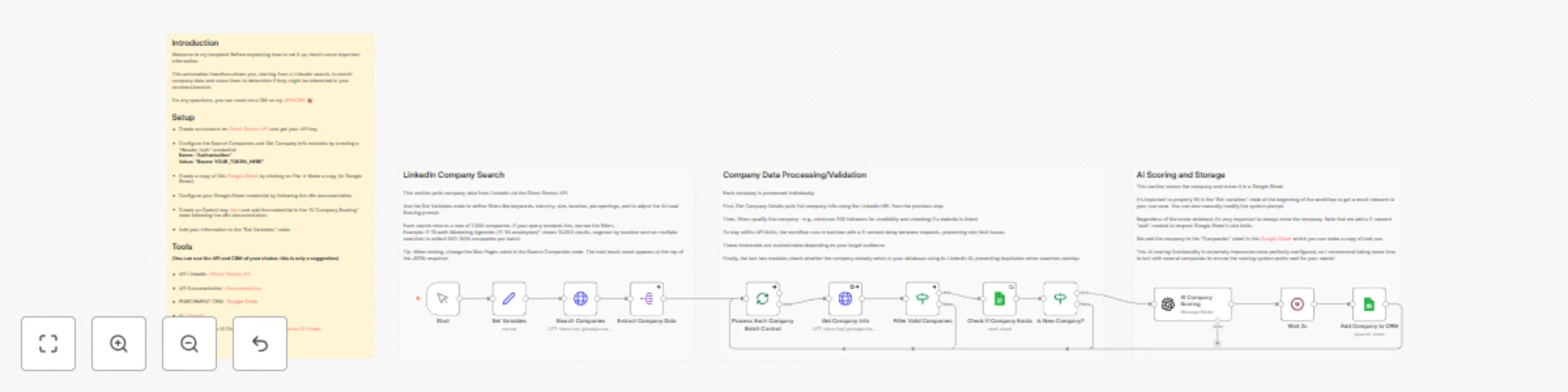
# Search LinkedIn Companies, Score Them with AI, and Add to Google Sheets CRM ## Who is this for? This template is designed for sales teams, business development reps, and marketers who need a reliable, automated way to build targeted prospect lists. It’s especially useful for agencies, consultants, and B2B companies that want to identify, qualify, and prioritize high-value leads. ## What problem does this workflow solve? Researching companies on LinkedIn, evaluating whether they fit your ideal customer profile, and manually updating your CRM can be slow, inconsistent, and labor-intensive. This workflow replaces that entire process with a fully automated system that finds, qualifies, and organizes leads for you. ## What this workflow does The workflow searches LinkedIn for companies based on your chosen filters, gathers in-depth company details, applies qualification rules, uses AI to score how well each company matches your ICP, and then adds them to your Google Sheets CRM while automatically preventing duplicates. ## Setup Create a Ghost Genius API account and generate your API key Add your API credentials to the HTTP Request nodes Make a copy of the included Google Sheets template Set up Google Sheets and OpenAI credentials as described in the n8n documentation Customize the Set Variables node to define your audience and AI scoring parameters ## How to customize this workflow Update your search filters to target specific industries, regions, or company sizes Change the follower count threshold to match your qualification rules Modify the AI scoring prompt to better reflect your product or service Add notifications (email, Slack, etc.) to alert you when high-scoring leads are found

G
Ghulam Ahmad
Lead Generation
24 Nov 2025
141
0