D

Dr. Firas

35
Workflows

Workflows by Dr. Firas

Workflow preview: Generate scalable e-commerce product images with GPT-4 and NanoBanana Pro
Free advanced

Generate scalable e-commerce product images with GPT-4 and NanoBanana Pro

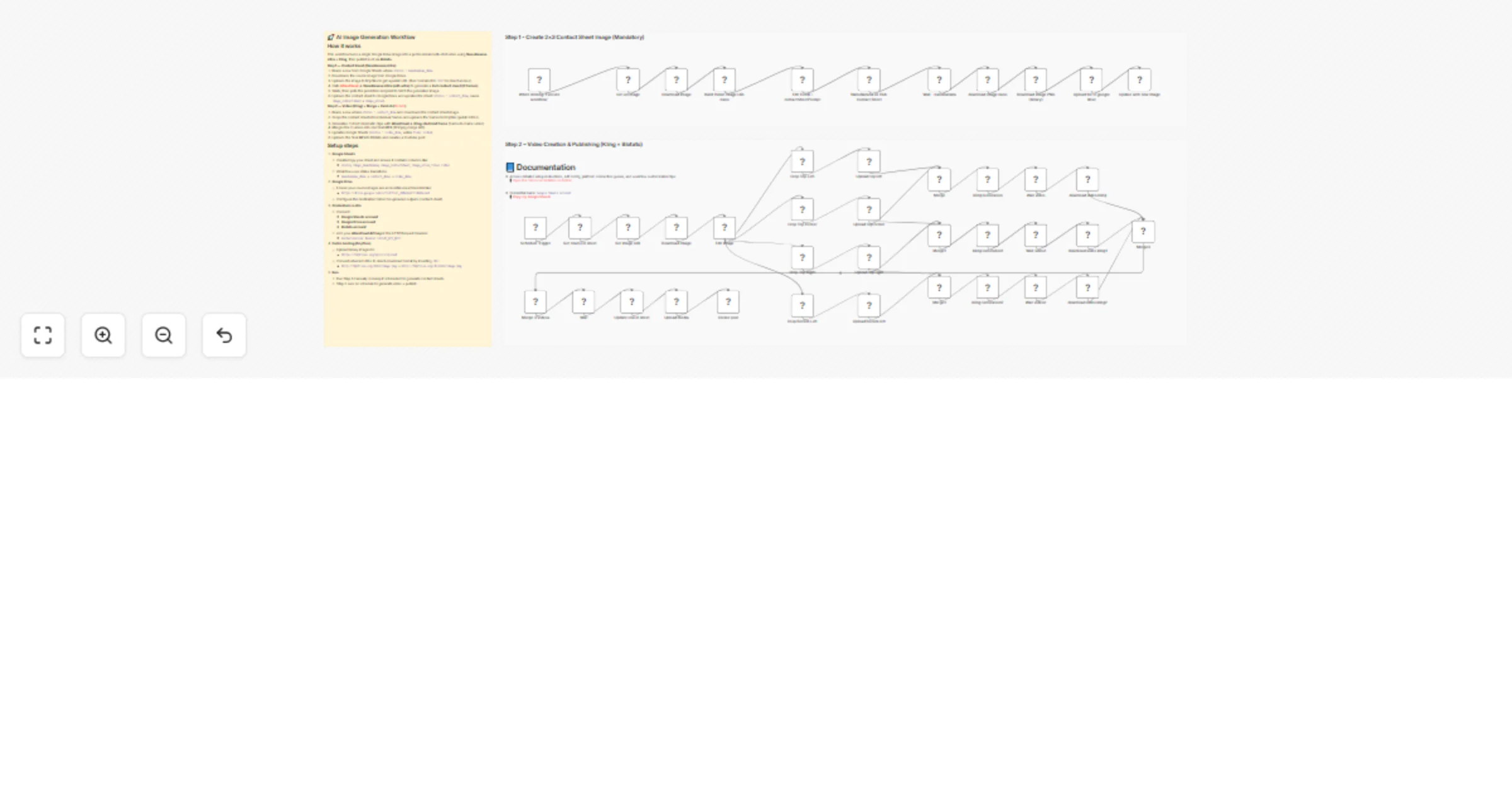
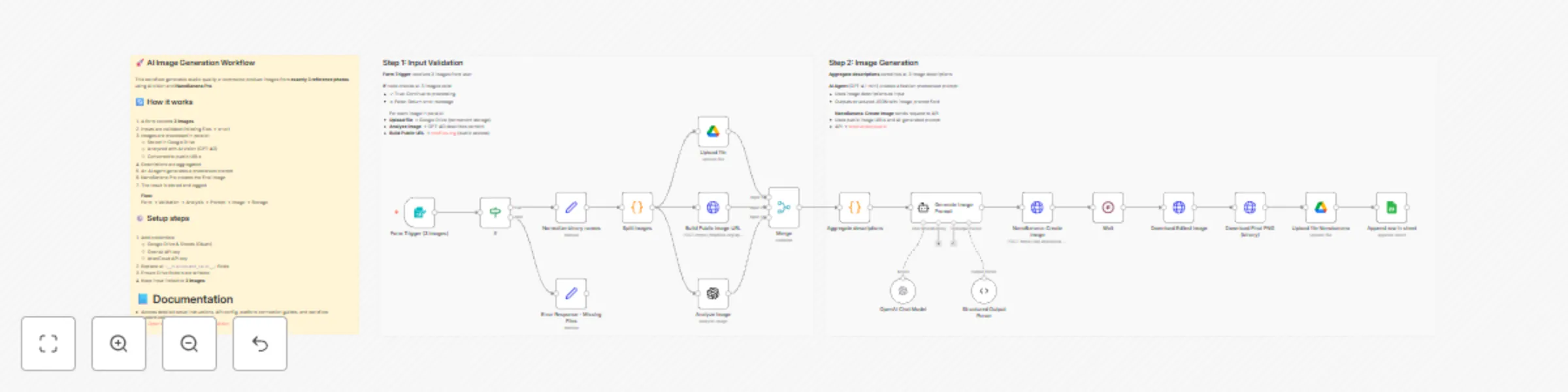
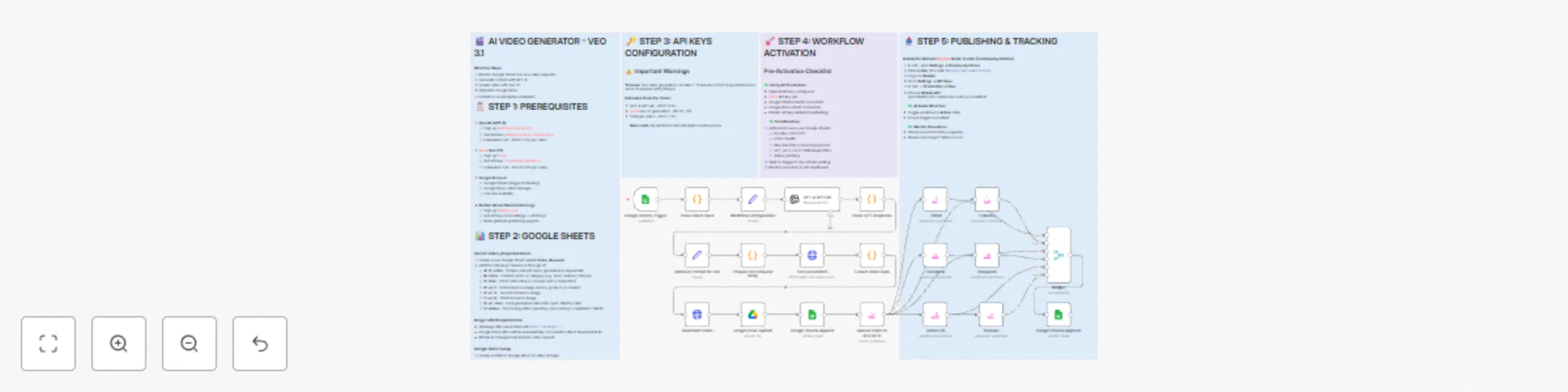
## 🚀 AI Image Generation Workflow – Scalable E-commerce Product Images This workflow automates the creation of high-quality, AI-generated product images using **NanoBanana Pro**. It analyzes multiple reference images, generates a professional photoshoot-style prompt, creates a new image, and stores the final result with a public URL for reuse. ![Workflow Overview](https://www.dr-firas.com/scalable_e.png) --- 📄 **Documentation**: [Notion Guide](https://automatisation.notion.site/Create-scalable-e-commerce-product-images-from-photos-using-NanoBanana-Pro-2e33d6550fd9808e8891f7d606b49df7?source=copy_link) ## 👤 Who is this for? This workflow is designed for: - E-commerce store owners - Digital marketers and growth teams - Creative agencies - Automation builders using n8n - Anyone who wants to generate scalable, consistent product images from existing photos No advanced coding skills are required. --- ## ❓ What problem does this workflow solve? / Use case Creating professional product images at scale is expensive, slow, and inconsistent. This workflow solves: - Manual photoshoot costs - Inconsistent visual branding - Time wasted on prompt writing - Difficulty generating AI-ready public image URLs - Repetitive image upload and storage steps **Typical use case:** Transform 3 reference photos (model + product) into a studio-quality fashion image automatically. --- ## ⚙️ What this workflow does 1. Collects **exactly 3 images** via a form upload 2. Validates inputs to ensure all required images are present 3. Splits images into individual processing paths 4. Uploads original images to Google Drive (permanent storage) 5. Generates public, crawlable image URLs 6. Analyzes each image using AI vision (GPT-4O) 7. Aggregates image descriptions into a structured context 8. Generates a professional photoshoot prompt using an AI agent 9. Creates a new image via NanoBanana Pro 10. Polls the API until the image generation is completed 11. Downloads the final image as a binary file 12. Uploads the final image to Google Drive 13. Logs results (images + descriptions) into Google Sheets --- ## 🛠️ Setup ### Required credentials - Google Drive (OAuth) - Google Sheets (OAuth) - OpenAI API key - AtlasCloud API key ### Required configuration 1. Replace all `<__PLACEHOLDER_VALUE__>` fields: - Google Drive folder IDs - Google Sheets document ID and sheet name - AtlasCloud API key 2. Ensure Google Drive folders have write permissions 3. Confirm tmpfiles.org is reachable from your environment ### Important notes - The workflow expects **exactly 3 images** - The final image is downloaded as binary before upload - Public URLs are normalized to `https://tmpfiles.org/dl/...` for maximum AI compatibility ### 🎥 [Watch This Tutorial](https://youtu.be/EVIvyyoNrQE) ![SORA2 logo](https://www.dr-firas.com/scalle-e.png) --- ### 👋 Need help or want to customize this? 📩 Contact: [LinkedIn](https://www.linkedin.com/in/dr-firas/) 📺 YouTube: [@DRFIRASS](https://www.youtube.com/@DRFIRASS) 🚀 Workshops: [Mes Ateliers n8n](https://hotm.art/formation-n8n) ### Need help customizing? Contact me for consulting and support : [Linkedin](https://www.linkedin.com/in/dr-firas/) / [Youtube](https://www.youtube.com/channel/UCriIQI8uaoEro5FEnOpeidQ) / [🚀 Mes Ateliers n8n ](https://hotm.art/formation-n8n)

D
Dr. Firas
Content Creation
12 Jan 2026
0
0
Workflow preview: Create AI product images and marketing videos with NanoBanana Pro, Veo 3.1 and Blotato
Free advanced

Create AI product images and marketing videos with NanoBanana Pro, Veo 3.1 and Blotato

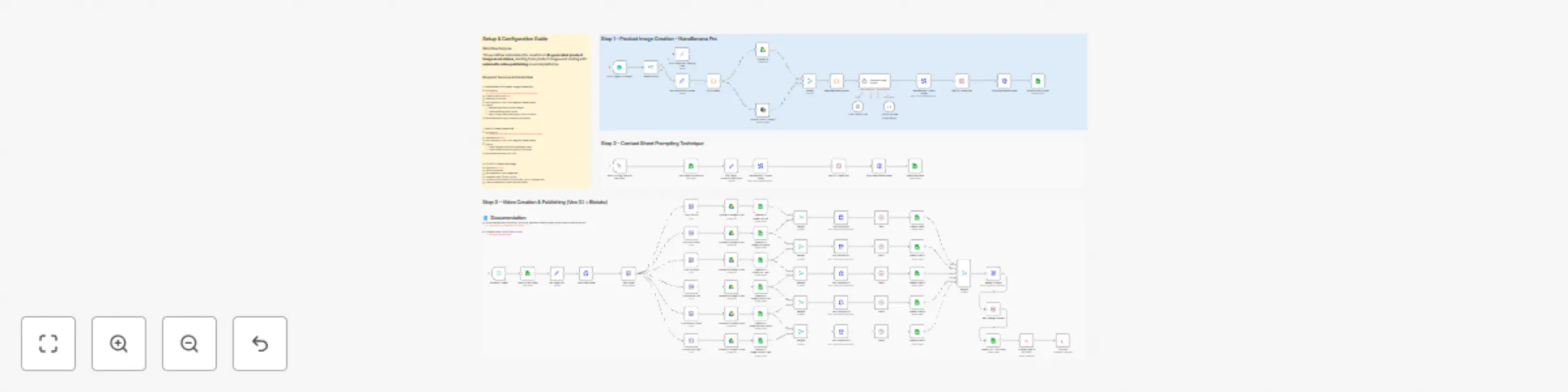
# 💥 Generate product images with NanoBanana Pro to Veo videos and Blotato ![Workflow Overview](https://www.dr-firas.com/nanobananaPro-veo.png) ### Who is this for? This workflow is designed for: - Content creators and marketers - E-commerce and product-based businesses - Agencies producing social media visuals and videos - Automation builders looking for AI-powered creative pipelines It is ideal for anyone who wants to automate product image and video creation using AI and publish content without manual work. --- ### What problem is this workflow solving? / Use case Creating product visuals and marketing videos usually requires multiple tools, manual prompt writing, and repetitive steps. This workflow solves: - Manual image and video creation - Inconsistent visual quality across assets - Time-consuming prompt iteration - Manual video publishing to social platforms The workflow automates the entire process from **image generation to video publishing** using AI. --- ### What this workflow does This workflow provides an end-to-end automation pipeline: 1. Generates high-quality product images using **NanoBanana Pro** 2. Applies **Contact Sheet Prompting** to explore multiple visual variations 3. Converts selected images into short marketing videos using **Veo 3.1** 4. Automatically publishes the final videos via **[BLOTATO](https://blotato.com/?ref=firas)** The result is a fully automated creative workflow that turns AI prompts into ready-to-publish video content. --- ### Setup To use this workflow, you need the following services and credentials: - **OpenAI API** - Used for image analysis and prompt generation - **NanoBanana Pro (fal.ai)** - Product image generation - API: https://fal.ai/models/fal-ai/nano-banana-pro/edit/api - **Veo 3.1 (fal.ai)** - Video generation - API: https://fal.ai/models/fal-ai/veo3.1/first-last-frame-to-video - **Blotato** - Video publishing to social platforms - Sign up at [BLOTATO](https://blotato.com/?ref=firas) All credentials must be added in n8n before running the workflow. --- ### How to customize this workflow to your needs You can easily adapt this workflow by: - Modifying AI prompts to match your brand style - Adjusting image composition and realism parameters in NanoBanana Pro - Changing video motion, pacing, and aspect ratio in Veo 3.1 - Selecting different social platforms or publishing rules in Blotato - Replacing or extending individual steps while keeping the same architecture The workflow is modular and can be reused for multiple products or campaigns. ### 🎥 [Watch This Tutorial](https://youtu.be/-xQFnB-htQY) ![SORA2 logo](https://www.dr-firas.com/Automation.png) --- ### 👋 Need help or want to customize this? 📩 Contact: [LinkedIn](https://www.linkedin.com/in/dr-firas/) 📺 YouTube: [@DRFIRASS](https://www.youtube.com/@DRFIRASS) 🚀 Workshops: [Mes Ateliers n8n](https://hotm.art/formation-n8n) --- 📄 **Documentation**: [Notion Guide](https://automatisation.notion.site/NonoBanan-PRO-2-2b53d6550fd981a5acbecf7cf50aeb3c?source=copy_link) ### Need help customizing? Contact me for consulting and support : [Linkedin](https://www.linkedin.com/in/dr-firas/) / [Youtube](https://www.youtube.com/channel/UCriIQI8uaoEro5FEnOpeidQ) / [🚀 Mes Ateliers n8n ](https://hotm.art/formation-n8n)

D
Dr. Firas
Content Creation
5 Jan 2026
587
0
Workflow preview: Repurpose YouTube videos and publish via Blotato with Telegram, Sheets and GPT-4.1-mini
Free advanced

Repurpose YouTube videos and publish via Blotato with Telegram, Sheets and GPT-4.1-mini

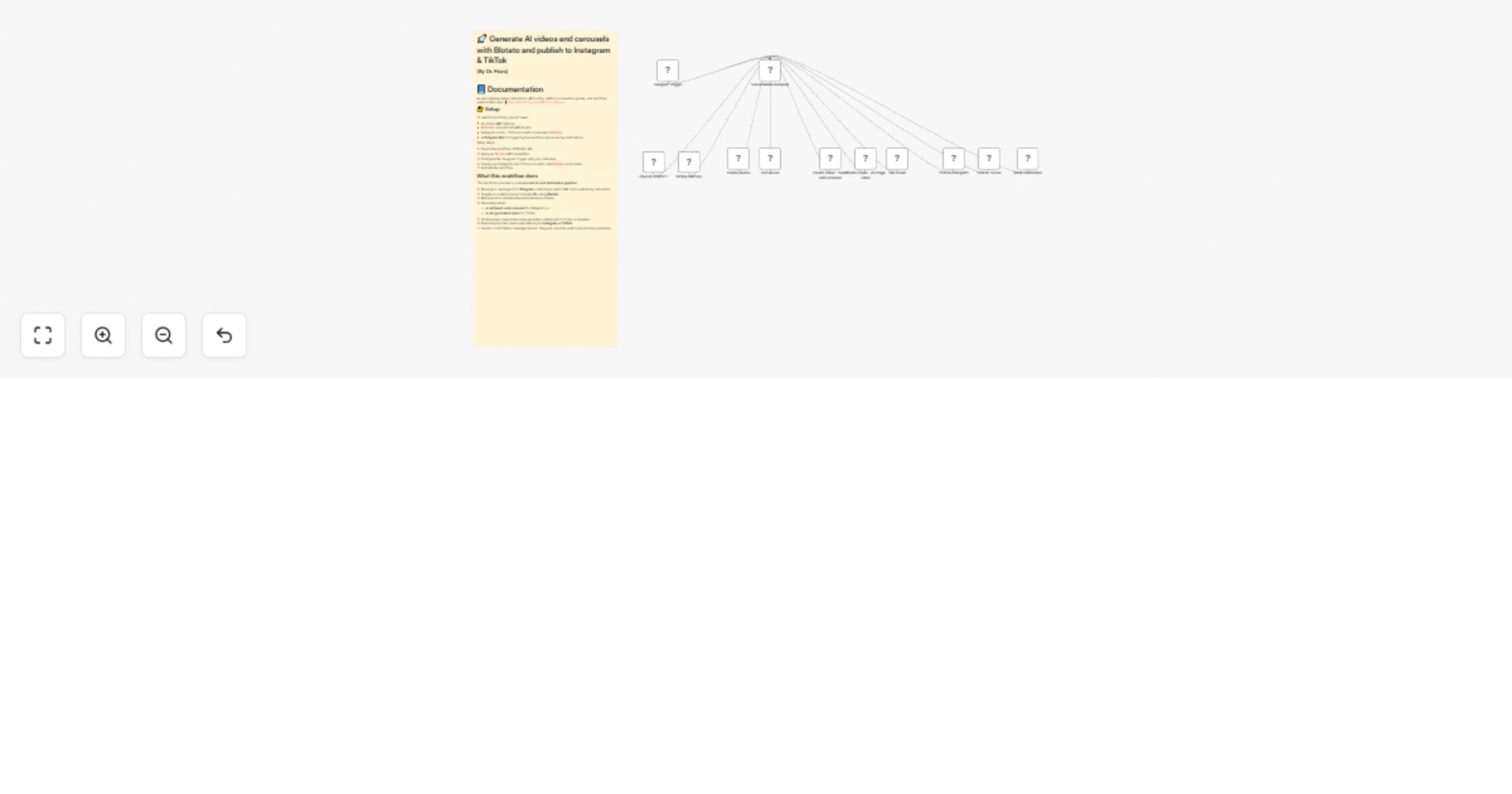
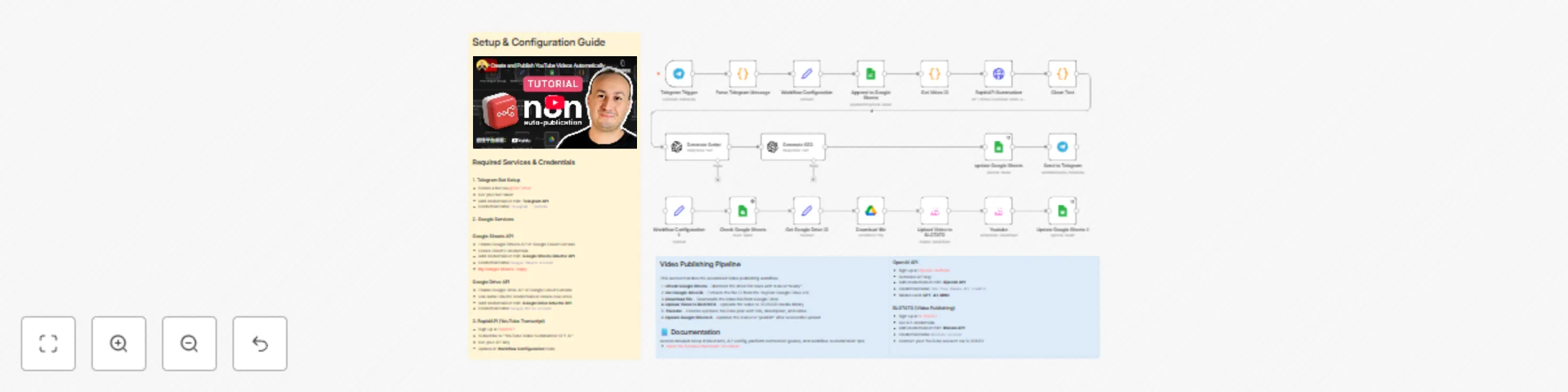
# 💥 Automate YouTube Video Creation and Publishing with Blotato ![Workflow Overview](https://www.dr-firas.com/youtube-blotato2.png) ### Who is this for? This workflow is designed for **YouTube creators, content marketers, automation builders, and agencies** who want to **repurpose existing YouTube videos into new original content** and **automate the publishing process**. It is especially useful for users already working with **Telegram, Google Sheets, OpenAI, and Blotato**. --- ### What problem is this workflow solving? / Use case Creating YouTube content at scale is time-consuming: extracting ideas from existing videos, rewriting scripts, generating SEO metadata, tracking content, and publishing videos all require manual work across multiple tools. This workflow solves that by: - Automating **content analysis and rewriting** - Centralizing **tracking and approvals in Google Sheets** - Automating **YouTube publishing via Blotato** --- ### What this workflow does This workflow automates the full **YouTube video repurposing and publishing pipeline**: 1. Receives a **YouTube video URL and instructions via Telegram** 2. Logs the request in **Google Sheets** 3. Extracts the **YouTube video ID** 4. Retrieves the **video transcript via RapidAPI** 5. Cleans and normalizes the transcript 6. Generates a **new original video script** using OpenAI 7. Generates **SEO metadata** (title, description, tags) in strict JSON format 8. Updates Google Sheets with the generated content 9. Waits for approval (`status = ready`) 10. Uploads the final video to **Blotato** 11. Publishes the video on **YouTube** 12. Updates the status to `publish` in Google Sheets --- ### Setup To use this workflow, you need to configure the following services: #### Google Services - Enable Google Sheets API in Google Cloud Console - Create OAuth2 credentials - Add credentials in n8n: **Google Sheets OAuth2 API** - Credential name: `Google Sheets account` - **[My Google Sheets : copy](https://docs.google.com/spreadsheets/d/1A-LpZ8OGn8FP692Hx50j3sEuPgIhlyMOrJ1jUNGwHr8/copy)** #### RapidAPI (YouTube Transcript) - Sign up at [RapidAPI](https://rapidapi.com) - Subscribe to "YouTube Video Summarizer GPT AI" - Get your API key - Update in **Workflow Configuration** node #### BLOTATO (Video Publishing) - Sign up at [BLOTATO](https://blotato.com/?ref=firas) - Get API credentials - Add credentials in n8n: **Blotato API** - Credential name: `Blotato account` - Connect your YouTube account via BLOTATO --- ### How to customize this workflow to your needs You can easily adapt this workflow by: - Changing the **output language** (`output_lang`) in the configuration node - Modifying the **OpenAI prompts** to match your tone or niche - Adjusting Google Sheets columns or approval logic - Replacing YouTube with another platform supported by Blotato - Extending the workflow to generate **shorts, reels, or multi-platform posts** The workflow is modular and designed to be extended without breaking the core logic. ### 🎥 [Watch This Tutorial](https://youtu.be/szKueQ7Aen8) ![SORA2 logo](https://www.dr-firas.com/workflow-youtube.png) --- ### 👋 Need help or want to customize this? 📩 Contact: [LinkedIn](https://www.linkedin.com/in/dr-firas/) 📺 YouTube: [@DRFIRASS](https://www.youtube.com/@DRFIRASS) 🚀 Workshops: [Mes Ateliers n8n](https://hotm.art/formation-n8n) --- 📄 **Documentation**: [Notion Guide](https://automatisation.notion.site/NonoBanan-PRO-2-2b53d6550fd981a5acbecf7cf50aeb3c?source=copy_link) ### Need help customizing? Contact me for consulting and support : [Linkedin](https://www.linkedin.com/in/dr-firas/) / [Youtube](https://www.youtube.com/channel/UCriIQI8uaoEro5FEnOpeidQ) / [🚀 Mes Ateliers n8n ](https://hotm.art/formation-n8n)

D
Dr. Firas
Content Creation
27 Dec 2025
347
0
Workflow preview: Create AI viral videos using NanoBanana 2 PRO & VEO3.1 and publish via Blotato
Free advanced

Create AI viral videos using NanoBanana 2 PRO & VEO3.1 and publish via Blotato

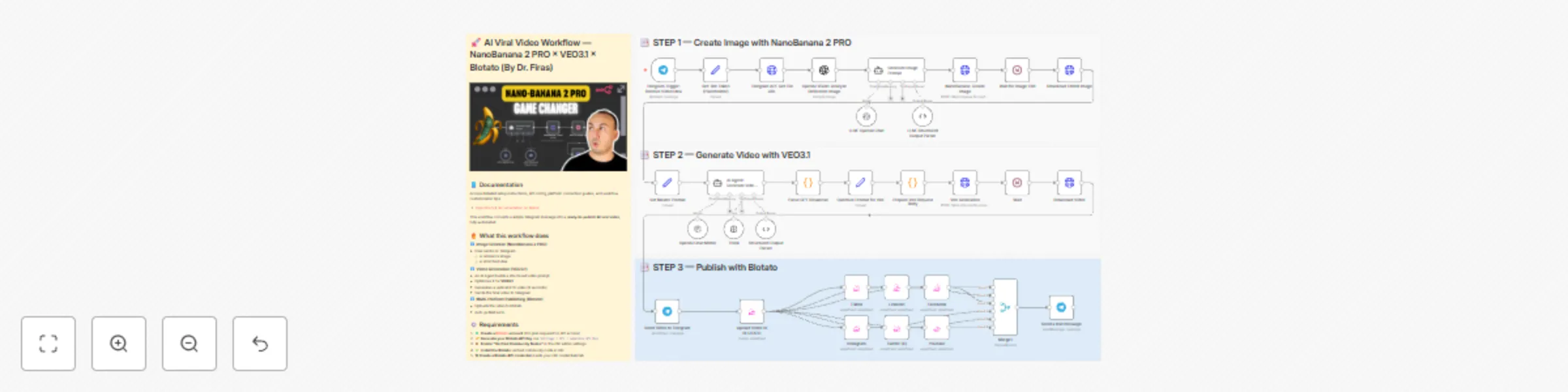
# 💥 Create AI Viral Videos using NanoBanana 2 PRO & VEO3.1 and Publish via Blotato ![Workflow Overview](https://www.dr-firas.com/nanobananaPro.png) ### Who is this for? This template is for **content creators, marketers, agencies, and UGC studios** who want to turn a simple Telegram message into **AI-generated vertical videos**, automatically published across multiple social platforms using **[Blotato](https://blotato.com/?ref=firas)**. --- ### What problem is this workflow solving? / Use case Creating short-form video ads usually requires: - Designing visuals - Writing hooks and captions - Generating or editing video - Manually uploading to TikTok, Instagram, YouTube, Facebook, LinkedIn, X, etc. This workflow solves that by automating the full pipeline from **image + idea → edited image → AI video → multi-platform post**. --- ### What this workflow does 1. **Create Image with NanoBanana 2 PRO** - User sends a photo + caption idea to a Telegram bot. - OpenAI Vision analyzes the reference image. - An LLM builds a UGC-style image prompt. - **NanoBanana 2 PRO** generates an enhanced, UGC-friendly image. 2. **Generate Video with VEO3.1** - An AI Agent structures a detailed Veo prompt (scene, camera, lighting, audio). - Prompt is optimized and sent to **VEO3.1 reference-to-video**. - The result is a **9:16, ~8s vertical video** downloaded back into n8n. 3. **Publish with Blotato** - Video is uploaded to **Blotato**. - Posts are created for TikTok, Instagram, YouTube, Facebook, LinkedIn, and X using the AI-generated caption, title, and hashtags. - A final “Published” message is sent on Telegram. --- ### Setup 1. Create and configure: - **Telegram bot** (token in `Set: Bot Token (Placeholder)` node). - **OpenAI** credentials. - **Fal.ai API key** (for NanoBanana 2 PRO + VEO3.1). - **[Blotato](https://blotato.com/?ref=firas)** account + API credentials and connected social accounts. 2. Import the template into n8n and update all credential references. 3. Test by sending a product image + short idea to your Telegram bot. --- ### How to customize this workflow to your needs - Edit the **UGC image prompt system message** to change visual style (more cinematic, minimal, etc.). - Adjust the **VEO prompt optimizer** to tweak duration, mood, or camera movement. - Enable/disable specific **Blotato platforms** depending on where you want to publish. - Modify the caption/hashtag generation logic to match your brand tone, language, or niche. --- ### 👋 Need help or want to customize this? 📩 Contact: [LinkedIn](https://www.linkedin.com/in/dr-firas/) 📺 YouTube: [@DRFIRASS](https://www.youtube.com/@DRFIRASS) 🚀 Workshops: [Mes Ateliers n8n](https://hotm.art/formation-n8n) --- 📄 **Documentation**: [Notion Guide](https://automatisation.notion.site/NonoBanan-PRO-2-2b53d6550fd981a5acbecf7cf50aeb3c?source=copy_link) ### Need help customizing? Contact me for consulting and support : [Linkedin](https://www.linkedin.com/in/dr-firas/) / [Youtube](https://www.youtube.com/channel/UCriIQI8uaoEro5FEnOpeidQ) / [🚀 Mes Ateliers n8n ](https://hotm.art/formation-n8n)

D
Dr. Firas
Content Creation
25 Nov 2025
15865
0
Workflow preview: Transform videos with FAL AI avatar swaps & voice and publish to TikTok with Blotato
Free advanced

Transform videos with FAL AI avatar swaps & voice and publish to TikTok with Blotato

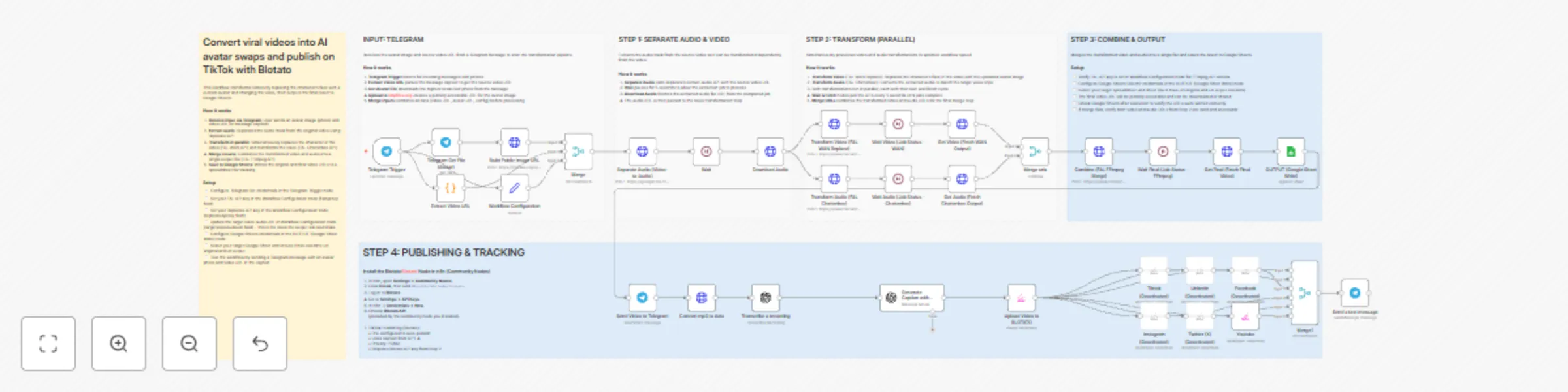
# Convert Viral Videos into AI Avatar Swaps and Publish on TikTok with Blotato ![Workflow Overview](https://www.dr-firas.com/wan.png) ### Who is this for? This workflow is designed for content creators, agencies, influencers, and automation builders who want to transform viral videos into personalized avatar-based edits — and automatically publish them on TikTok (and other platforms) without manual editing or video software. ### What problem is this workflow solving? Replacing a character in a video, transforming the voice, merging audio/video, and publishing to social networks typically requires multiple tools, editing skills, and a lot of time. This workflow automates the entire pipeline end-to-end: - No manual video editing - No audio processing - No API debugging - No uploading/publishing hassles It’s a full AI-powered transformation system that produces ready-to-post content in minutes. ### What this workflow does This workflow receives an avatar image + a viral video URL and automatically: 1. Extracts the audio using Replicate 2. Replaces the character in the video using **FAL WAN Replace** 3. Transforms the voice using **FAL Chatterbox Speech-to-Speech** 4. Merges the new video and audio using **FAL FFmpeg** 5. Saves results to Google Sheets for tracking 6. Publishes the final video to **TikTok** via Blotato (and optionally to Instagram, Facebook, LinkedIn, X, and YouTube) 7. Sends a confirmation message when publishing is complete Everything runs automatically, in parallel, for maximum speed. ### Setup 1. **Telegram Bot** - Add your Telegram Bot credentials in the **Telegram Trigger** node. - Send an avatar photo + video URL in one message (URL in the caption). 2. **Workflow Configuration** - Add your **FAL API key** - Add your **Replicate API key** - Add your **targetVoiceAudioUrl** (this is the voice the output will use) 3. **Google Sheets** - Connect your Google Sheets OAuth credentials - Select your sheet and ensure columns exist (e.g. original URL, output URL) 4. **Blotato Publishing** - Install community node `@blotato/n8n-nodes-blotato` - Connect your [Blotato](https://blotato.com/?ref=firas) API credentials - Select the TikTok account (and optional other accounts) 5. **Test the workflow** - Send a Telegram message with: - A photo (avatar) - Video URL in the caption - The workflow will process everything automatically. ### How to customize this workflow to your needs - **Change platforms**: remove or add publishing outputs (TikTok, Instagram, LinkedIn, Facebook, YouTube, X). - **Change voice style**: update the `targetVoiceAudioUrl` in the Workflow Configuration node. - **Use your own avatar**: send any image in Telegram — the workflow automatically makes it public and ready for AI processing. - **Adjust video logic**: swap FAL models, update merg --- ### 👋 Need help or want to customize this? 📩 Contact: [LinkedIn](https://www.linkedin.com/in/dr-firas/) 📺 YouTube: [@DRFIRASS](https://www.youtube.com/@DRFIRASS) 🚀 Workshops: [Mes Ateliers n8n](https://hotm.art/formation-n8n) --- 📄 **Documentation**: [Notion Guide](https://automatisation.notion.site/Convert-viral-videos-into-AI-avatar-swaps-and-publish-on-TikTok-with-Blotato-2b13d6550fd9809d98d4c8b7bac85e20?source=copy_link) ### Need help customizing? Contact me for consulting and support : [Linkedin](https://www.linkedin.com/in/dr-firas/) / [Youtube](https://www.youtube.com/channel/UCriIQI8uaoEro5FEnOpeidQ) / [🚀 Mes Ateliers n8n ](https://hotm.art/formation-n8n)

D
Dr. Firas
Content Creation
20 Nov 2025
1103
0
Workflow preview: Scrape Google Maps business leads with Apify & GPT-4 email extraction
Free advanced

Scrape Google Maps business leads with Apify & GPT-4 email extraction

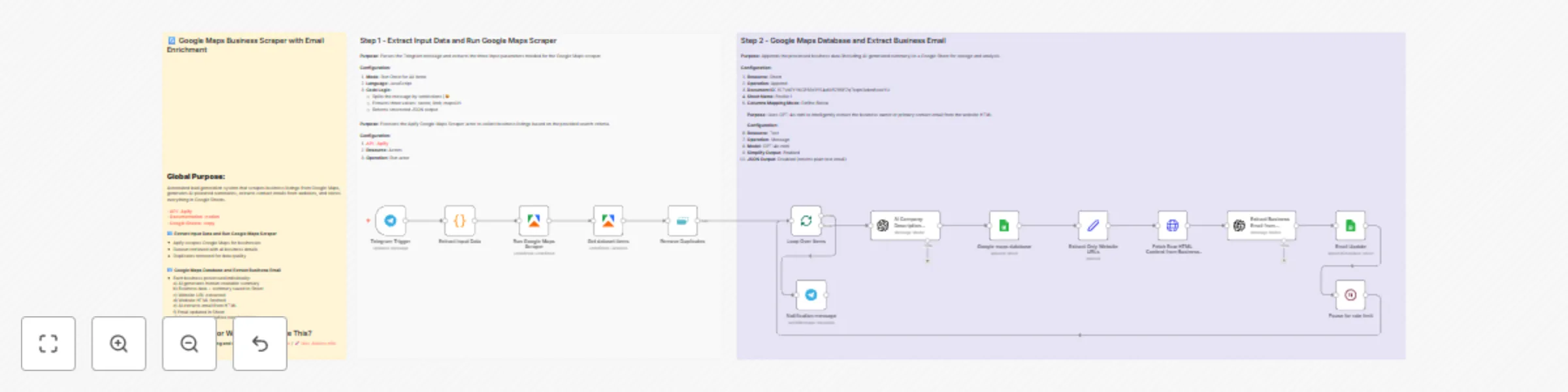
# 💥 Automate Scrape Google Maps Business Leads (Email, Phone, Website) using Apify ![Workflow Overview](https://www.dr-firas.com/googlemaps.png) # 🧠 AI-Powered Business Prospecting Workflow (Google Maps + Email Enrichment) ### Who is this for? This workflow is designed for **entrepreneurs, sales teams, marketers, and agencies** who want to **automate lead discovery** and **build qualified business contact lists** — without manual searching or copying data. It’s perfect for anyone seeking an **AI-driven prospecting assistant** that saves time, centralizes business data, and stays fully **compliant with GDPR**. --- ### What problem is this workflow solving? Manually searching for potential clients, copying their details, and qualifying them takes hours — and often leads to messy spreadsheets. This workflow **automates the process** by: - Gathering **publicly available business information** from Google Maps - Enriching that data with **AI-powered summaries and contact insights** - Compiling it into a clean, ready-to-use **Google Sheet database** This means you can focus on **closing deals**, not collecting data. --- ### What this workflow does This automation identifies, analyzes, and organizes business opportunities in just a few steps: 1. **Telegram Trigger** → Send a message specifying your business type, number of leads, and Google Maps URL. 2. **Apify Integration** → Fetches business information from Google Maps (public data). 3. **Duplicate Removal** → Ensures clean, non-redundant results. 4. **AI Summarization (GPT-4)** → Generates concise business summaries for better understanding. 5. **Email Extraction (GPT-4)** → Finds and extracts professional contact emails from company websites. 6. **Google Sheets Integration** → Automatically stores results (name, category, location, phone, email, etc.) in a structured sheet. 7. **Telegram Notification** → Confirms when all businesses are processed. All data is handled ethically and transparently — only from **public sources** and without any unsolicited contact. --- ### Setup 1. **Telegram Setup** - Create a Telegram bot via [BotFather](https://t.me/BotFather) - Copy the API token and paste it into the Telegram Trigger node credentials. 2. **Apify Setup** - Create an account on [Apify](https://www.apify.com?fpr=udemy) - Get your API token and connect it to the “Run Google Maps Scraper” node. 3. **Google Sheets Setup** - Connect your Google account under the “Google Maps Database” node. - Specify the target spreadsheet and worksheet name. 4. **OpenAI Setup** - Add your OpenAI API key to the AI nodes (“Company Summary Info” and “Extract Business Email”). 5. **Test** - Send a Telegram message like: `restaurants, 5, https://www.google.com/maps/search/restaurants+in+Paris` --- ### How to customize this workflow to your needs - **Change search region or business type** by modifying the Telegram input message format. - **Adjust the number of leads** via the `maxCrawledPlacesPerSearch` parameter in Apify. - **Add filters or enrichments** (e.g., websites with social links, review counts, or opening hours). - **Customize AI summaries** by tweaking the prompt inside the “Company Summary Info” node. - **Integrate CRM tools** like HubSpot or Pipedrive by adding a connector after the Google Sheets node. --- ### ⚙️ Expected Outcome ✅ A clean, enriched, and ready-to-use **Google Sheet** of businesses with: - Name, category, address, and city - Phone number and website - AI-generated business summary - Extracted professional email (if available) ✅ Telegram confirmation once all businesses are processed ✅ Fully automated, scalable, and GDPR-compliant prospecting workflow --- 💡 *This workflow provides a transparent, ethical way to streamline your B2B lead research while staying compliant with privacy and anti-spam regulations.* ### 🎥 [Watch This Tutorial](https://youtu.be/cijBIHI6iLk) ![Apify logo](https://www.dr-firas.com/apify.png) --- ### 👋 Need help or want to customize this? 📩 Contact: [LinkedIn](https://www.linkedin.com/in/dr-firas/) 📺 YouTube: [@DRFIRASS](https://www.youtube.com/@DRFIRASS) 🚀 Workshops: [Mes Ateliers n8n](https://hotm.art/formation-n8n) --- 📄 **Documentation**: [Notion Guide](https://automatisation.notion.site/Automate-Scrape-Google-Maps-Business-Leads-Email-Phone-Website-using-Apify-2a53d6550fd98118ba22e441171944dd?source=copy_link) ### Need help customizing? Contact me for consulting and support : [Linkedin](https://www.linkedin.com/in/dr-firas/) / [Youtube](https://www.youtube.com/channel/UCriIQI8uaoEro5FEnOpeidQ) / [🚀 Mes Ateliers n8n ](https://hotm.art/formation-n8n)

D
Dr. Firas
Lead Generation
9 Nov 2025
7197
0
Workflow preview: Generate UGC promo videos with OpenAI, Sora 2 and Blotato for eCommerce
Free advanced

Generate UGC promo videos with OpenAI, Sora 2 and Blotato for eCommerce

# 💥 Generate UGC Promo Videos with Blotato and Sora 2 for eCommerce ![Workflow Overview](https://www.dr-firas.com/sora22.png) ### 🧩 Who is this for? This workflow is perfect for **eCommerce brands, content creators, and marketing teams** who want to automatically generate short, eye-catching videos from their product images — without editing software or manual work. ### 🚀 What problem does this workflow solve? Creating engaging promotional videos manually can be time-consuming and expensive. This automation eliminates that friction by combining **Blotato**, **Sora 2**, and **AI scripting** to turn static product images into dynamic UGC-style videos ready for **TikTok, Instagram Reels, and YouTube Shorts**. ### ⚙️ What this workflow does This workflow: 1. Receives a **product image** directly from Telegram or another input source. 2. Analyzes the image with **OpenAI Vision** to understand the product’s features and audience. 3. Generates a natural, short **UGC-style script** using GPT-based AI. 4. Sends the image and script to **Sora 2 via the Fal API** to generate a **vertical promotional video**. 5. Monitors the video status every 15 seconds until completion. 6. Downloads or automatically publishes the final video to your social platforms. ### 🧠 Setup 1. Create a **Fal.ai API key** and set it in your n8n credentials (`Authorization: Key YOUR_FAL_KEY`). 2. Connect your **Telegram**, **OpenAI**, and **HTTP Request** nodes as shown in the workflow. 3. Make sure the `Build Public Image URL` node outputs a valid, public image link. 4. In the HTTP Request node for Sora 2, set: - **Method:** POST - **URL:** `https://fal.run/fal-ai/sora-2/image-to-video` - **Headers:** - `Authorization: Key YOUR_FAL_KEY` - `Content-Type: application/json` - **Body:** Raw JSON with parameters like `prompt`, `image_url`, `duration`, and `aspect_ratio`. 5. Run the workflow and monitor the execution logs for your video URL. 6. [Blotato](https://blotato.com/?ref=firas) → API key for social media publishing ### 🎨 How to customize this workflow to your needs - 🧾 **Change the video tone:** Edit the OpenAI prompt to produce educational, emotional, or luxury-style scripts. - 🎬 **Adjust duration or format:** Use Sora 2’s supported durations (4, 8, or 12 seconds) and aspect ratios (e.g., `9:16` for social media). - 📲 **Auto-publish your videos:** Connect the TikTok, Instagram, or YouTube upload nodes for full automation. - ✨ **Add branding:** Include overlays, logos, or end screens via CapCut or an external API integration. ### 🎥 [Watch This Tutorial](https://youtu.be/SZMWXW8Vk8E) ![SORA2 logo](https://www.dr-firas.com/sora2YT.png) --- ### 👋 Need help or want to customize this? 📩 Contact: [LinkedIn](https://www.linkedin.com/in/dr-firas/) 📺 YouTube: [@DRFIRASS](https://www.youtube.com/@DRFIRASS) 🚀 Workshops: [Mes Ateliers n8n](https://hotm.art/formation-n8n) --- 📄 **Documentation**: [Notion Guide](https://automatisation.notion.site/Generate-UGC-Promo-Videos-with-Blotato-and-Sora-2-for-eCommerce-2a23d6550fd980898426fe195192da6d?source=copy_link) ### Need help customizing? Contact me for consulting and support : [Linkedin](https://www.linkedin.com/in/dr-firas/) / [Youtube](https://www.youtube.com/channel/UCriIQI8uaoEro5FEnOpeidQ) / [🚀 Mes Ateliers n8n ](https://hotm.art/formation-n8n)

D
Dr. Firas
Content Creation
5 Nov 2025
3095
0
Workflow preview: Automate AI video creation & multi-platform publishing with GPT-4, Veo 3.1 & Blotato
Free advanced

Automate AI video creation & multi-platform publishing with GPT-4, Veo 3.1 & Blotato

# 💥 Automate AI Video Creation & Multi-Platform Publishing with Veo 3.1 & Blotato ![Workflow Overview](https://www.dr-firas.com/veo31.png) ### 🎯 Who is this for? This workflow is designed for **content creators, marketers, and automation enthusiasts** who want to produce professional AI-generated videos and publish them automatically on social media — without editing or manual uploads. Perfect for those using **Veo 3.1**, **GPT-4**, and **Blotato** to scale video creation. --- ### 💡 What problem is this workflow solving? Creating short-form content (TikTok, Instagram Reels, YouTube Shorts) is time-consuming — from writing scripts to video editing and posting. This workflow eliminates the manual steps by combining **AI storytelling + video generation + automated publishing**, letting you focus on creativity while your system handles production and distribution. --- ### ⚙️ What this workflow does 1. **Reads new ideas from Google Sheets** 2. **Generates story scripts** using GPT-4 3. **Creates cinematic videos** using Veo 3.1 (`fal.ai/veo3.1/reference-to-video`) with 3 input reference images 4. **Uploads the final video** automatically to Google Drive 5. **Publishes the video** across multiple platforms (TikTok, Instagram, Facebook, X, LinkedIn, YouTube) via **Blotato** 6. **Updates Google Sheets** with video URL and status (Completed / Failed) --- ### 🧩 Setup **Required accounts:** - [OpenAI](https://platform.openai.com/api-keys) → GPT-4 API key - [fal.ai](https://fal.ai/dashboard/keys) → Veo 3.1 API key - [Google Cloud Console](https://console.cloud.google.com) → Sheets & Drive connection - [Blotato](https://blotato.com/?ref=firas) → API key for social media publishing **Configuration steps:** 1. Copy the **Google Sheets structure**: - A: `id_video` - B: `niche` - C: `idea` - D: `url_1` - E: `url_2` - F: `url_3` - G: `url_final` - H: `status` 2. Add your API keys to the **Workflow Configuration** node. 3. Insert three image URLs and a short idea into your sheet. 4. Wait for the automation to process and generate your video. --- ### 🧠 How to customize this workflow - **Change duration or aspect ratio** → Edit the Veo 3.1 node JSON body (`duration`, `aspect_ratio`) - **Modify prompt style** → Adjust the “Optimize Prompt for Veo” node for your desired tone or cinematic look - **Add more platforms** → Extend Blotato integration to publish on Pinterest, Reddit, or Threads - **Enable Telegram Trigger** → Allow users to submit ideas and images directly via Telegram --- ### 🚀 Expected Outcome Within **2–3 minutes**, your idea is transformed into a full cinematic AI video — complete with storytelling, visuals, and automatic posting to your social media channels. Save hours of editing and focus on strategy, creativity, and growth. --- ### 👋 Need help or want to customize this? 📩 Contact: [LinkedIn](https://www.linkedin.com/in/dr-firas/) 📺 YouTube: [@DRFIRASS](https://www.youtube.com/@DRFIRASS) 🚀 Workshops: [Mes Ateliers n8n](https://hotm.art/formation-n8n) --- 📄 **Documentation**: [Notion Guide](https://automatisation.notion.site/Automate-AI-Video-Creation-Multi-Platform-Publishing-with-Veo-3-1-Blotato-29c3d6550fd981cd982fd4a031bdfe07?source=copy_link) ### Need help customizing? Contact me for consulting and support : [Linkedin](https://www.linkedin.com/in/dr-firas/) / [Youtube](https://www.youtube.com/channel/UCriIQI8uaoEro5FEnOpeidQ) / [🚀 Mes Ateliers n8n ](https://hotm.art/formation-n8n)

D
Dr. Firas
Content Creation
31 Oct 2025
12524
0
Workflow preview: Automate YouTube thumbnail creation & social publishing with Templated.io & Blotato
Free advanced

Automate YouTube thumbnail creation & social publishing with Templated.io & Blotato

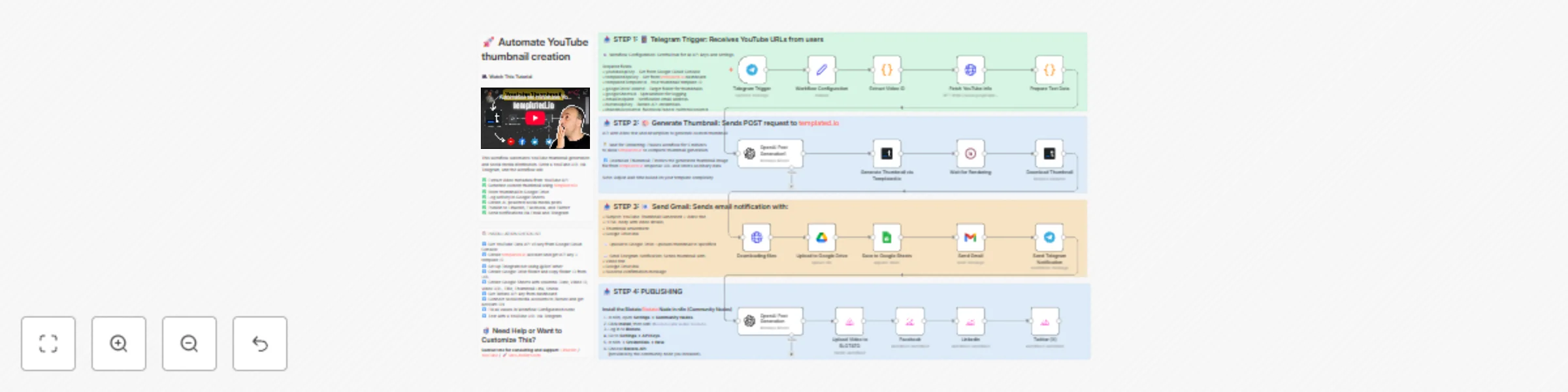
# 💥 Automate YouTube thumbnail creation from video links (with templated.io) ![Workflow Overview](https://www.dr-firas.com/templated.io.png) ## Who is this for? This workflow is designed for **content creators**, **YouTubers**, and **automation enthusiasts** who want to automatically generate stunning YouTube thumbnails and streamline their publishing workflow — all within **n8n**. If you regularly post videos and spend hours designing thumbnails manually, this automation is built for you. --- ## What problem is this workflow solving? Creating thumbnails is time-consuming — yet crucial for video performance. This workflow completely automates that process: - No more manual design. - No more downloading screenshots. - No more repetitive uploads. In less than 2 minutes, you can refresh your entire YouTube thumbnail library and make your channel look brand new. --- ## What this workflow does Once activated, this workflow can: ✅ Receive YouTube video links via **Telegram** ✅ Extract metadata (title, description, channel info) via **YouTube API** ✅ Generate a **custom thumbnail automatically** using **Templated.io** ✅ Upload the new thumbnail to **Google Drive** ✅ Log data in **Google Sheets** ✅ Send **email and Telegram notifications** when ready ✅ Create and publish **AI-generated social posts** on **LinkedIn, Facebook, and Twitter** via **Blotato** **Bonus:** You can re-create dozens of YouTube covers in minutes — saving up to **5 hours per week** and around **$500/month** in manual design effort. --- ## Setup 1️⃣ Get a YouTube Data API v3 key from **Google Cloud Console** 2️⃣ Create a **Templated.io** account and get your API key + template ID 3️⃣ Set up a **Telegram bot** using @BotFather 4️⃣ Create a **Google Drive folder** and copy the folder ID 5️⃣ Create a **Google Sheet** with columns: Date, Video ID, Video URL, Title, Thumbnail Link, Status 6️⃣ Get your **Blotato API key** from the dashboard 7️⃣ Connect your **social media accounts** to Blotato 8️⃣ Fill all credentials in the **Workflow Configuration** node 9️⃣ Test by sending a YouTube URL to your Telegram bot --- ## How to customize this workflow - Replace the **Templated.io template ID** with your own custom thumbnail layout - Modify the **OpenAI node prompts** to change text tone or style - Add or remove **social platforms** in the Blotato section - Adjust the **wait time** (default: 5 minutes) based on template complexity - Localize or translate the generated captions as needed --- ## Expected Outcome With one Telegram message, you’ll receive: - A professional custom thumbnail - An instant email + Telegram notification - A Google Drive link with your ready-to-use design And your social networks will be automatically updated — no manual uploads. --- ## Credits - Thumbnail generation powered by **[Templated.io](https://templated.io/?utm_campaign=drfiras)** - Social publishing powered by **[Blotato](https://blotato.com/?ref=firas)** - Automation orchestrated via **n8n** --- ### 👋 Need help or want to customize this? 📩 Contact: [LinkedIn](https://www.linkedin.com/in/dr-firas/) 📺 YouTube: [@DRFIRASS](https://www.youtube.com/@DRFIRASS) 🚀 Workshops: [Mes Ateliers n8n](https://hotm.art/formation-n8n) ### 🎥 [Watch This Tutorial](https://youtu.be/hrR4cjObjD4) ![templated logo](https://www.dr-firas.com/templated.png) --- 📄 **Documentation**: [Notion Guide](https://automatisation.notion.site/Automate-YouTube-thumbnail-creation-from-video-links-2953d6550fd98063b9b9f9c8ce3b05fe?source=copy_link) ### Need help customizing? Contact me for consulting and support : [Linkedin](https://www.linkedin.com/in/dr-firas/) / [Youtube](https://www.youtube.com/channel/UCriIQI8uaoEro5FEnOpeidQ) / [🚀 Mes Ateliers n8n ](https://hotm.art/formation-n8n)

D
Dr. Firas
Content Creation
24 Oct 2025
2281
0
Workflow preview: Auto-create TikTok videos with VEED.io AI avatars, ElevenLabs & GPT-4
Free advanced

Auto-create TikTok videos with VEED.io AI avatars, ElevenLabs & GPT-4

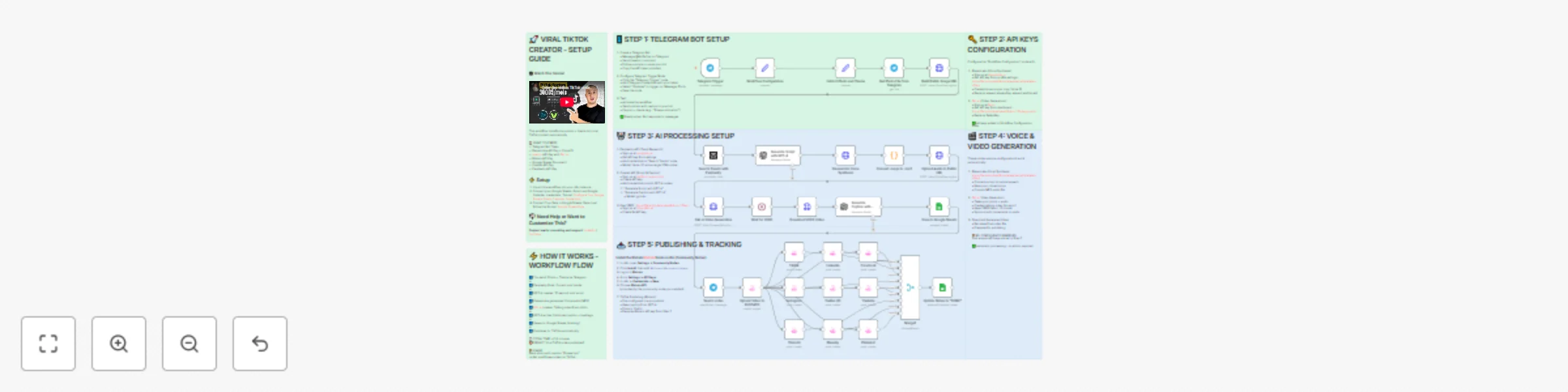
# 💥 Viral TikTok Video Machine: Auto-Create Videos with Your AI Avatar ![Workflow Overview](https://www.dr-firas.com/workflow-veed.png) --- ### 🎯 Who is this for? This workflow is for **content creators, marketers, and agencies** who want to use **Veed.io’s AI avatar technology** to produce short, engaging TikTok videos automatically. It’s ideal for creators who want to appear on camera without recording themselves, and for teams managing multiple brands who need to generate videos at scale. --- ### ⚙️ What problem this workflow solves Manually creating videos for TikTok can take hours — finding trends, writing scripts, recording, and editing. By combining **Veed.io**, **ElevenLabs**, and **GPT-4**, this workflow transforms a simple Telegram input into a **ready-to-post TikTok video** featuring your **AI avatar powered by Veed.io** — speaking naturally with your cloned voice. --- ### 🚀 What this workflow does This automation links Veed.io’s video-generation API with multiple AI tools: - Analyzes TikTok trends via **Perplexity AI** - Writes a 10-second **viral script** using **GPT-4** - Generates your **voiceover** via **ElevenLabs** - Uses **Veed.io (Fabric 1.0 via FAL.ai)** to animate your avatar and sync the lips to the voice - Creates an engaging **caption + hashtags** for TikTok virality - Publishes the video automatically via **Blotato TikTok API** - Logs all results to **Google Sheets** for tracking --- ### 🧩 Setup 1. **Telegram Bot** - Create your bot via [@BotFather](https://t.me/BotFather) - Configure it as the trigger for sending your **photo** and **theme** 2. **Connect Veed.io** - Create an account on [Veed.io](https://www.veed.io) - Get your **FAL.ai API key** (Veed Fabric 1.0 model) - Use HTTPS image/audio URLs compatible with Veed Fabric 3. **Other APIs** - Add **Perplexity**, **ElevenLabs**, and **Blotato TikTok** keys - Connect your Google Sheet for logging results --- ### 🛠️ How to customize this workflow - **Change your Avatar:** Upload a new image through Telegram, and **Veed.io** will generate a new talking version automatically. - **Modify the Script Style:** Adjust the GPT prompt for tone (educational, funny, storytelling). - **Adjust Voice Tone:** Tweak **ElevenLabs** stability and similarity settings. - **Expand Platforms:** Add Instagram, YouTube Shorts, or X (Twitter) posting nodes. - **Track Performance:** Customize your Google Sheet to measure your most successful Veed.io-based videos. --- ### 🧠 Expected Outcome In just a few seconds after sending your photo and theme, this workflow — powered by **Veed.io** — creates a **fully automated TikTok video** featuring your AI avatar with natural lip-sync and voice. The result is a continuous stream of **viral short videos**, made without cameras, editing, or effort. --- ✅ **Import the JSON file in n8n**, add your API keys (including Veed.io via FAL.ai), and start generating viral TikTok videos starring your AI avatar today! ### 🎥 [Watch This Tutorial](https://youtu.be/EOe7h1resHk) ![VEED logo](https://www.dr-firas.com/VEED.png) --- 📄 **Documentation**: [Notion Guide](https://automatisation.notion.site/Viral-TikTok-Video-Machine-Auto-Create-Videos-with-Your-AI-Avatar-2943d6550fd9804a947ae762d60d76f5?source=copy_link) ### Need help customizing? Contact me for consulting and support : [Linkedin](https://www.linkedin.com/in/dr-firas/) / [Youtube](https://www.youtube.com/channel/UCriIQI8uaoEro5FEnOpeidQ)

D
Dr. Firas
Content Creation
22 Oct 2025
34466
0
Workflow preview: Automate & publish video ad campaigns with NanoBanana, Seedream, GPT-4o, Veo 3
Free advanced

Automate & publish video ad campaigns with NanoBanana, Seedream, GPT-4o, Veo 3

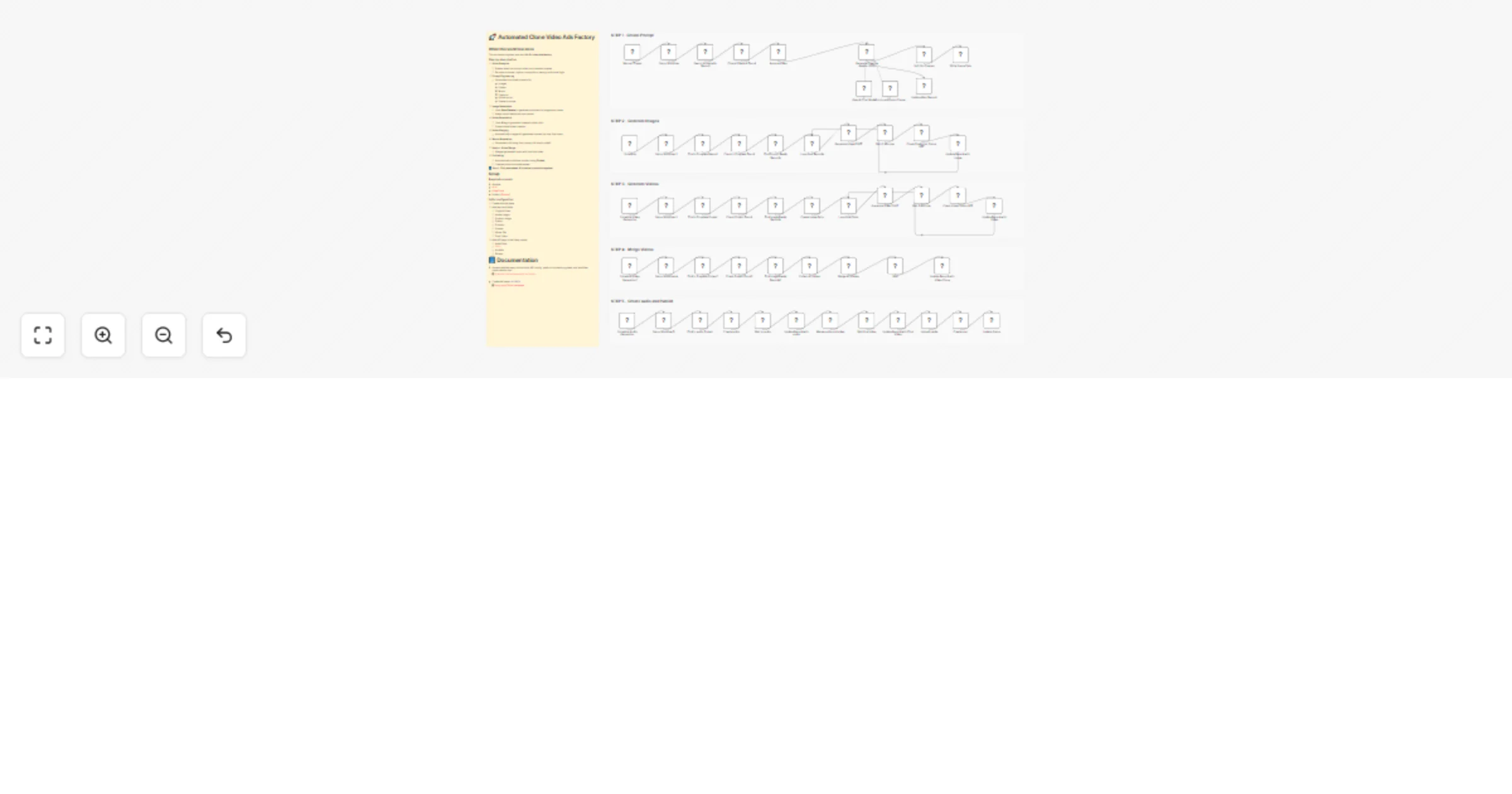
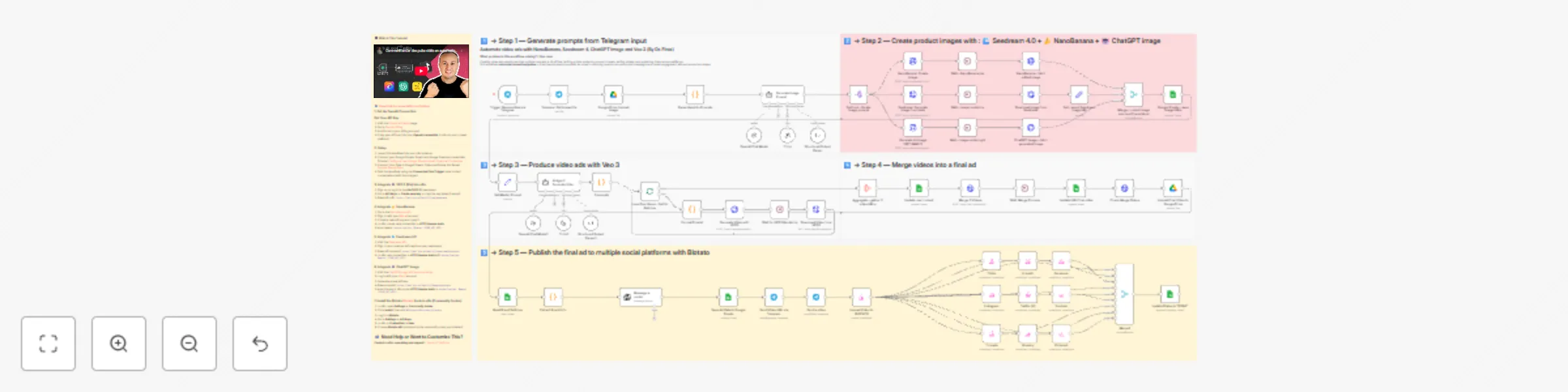
![Workflow Screenshot](https://www.dr-firas.com/n8n-Seedream.png) # 💥 Automate video ads with NanoBanana, Seedream 4, ChatGPT Image and Veo 3 ### Who is this for? This template is designed for **marketers, content creators, and e-commerce brands** who want to automate the creation of professional ad videos at scale. It’s ideal for teams looking to generate consistent, high-quality video ads for social media without spending hours on manual design, editing, or publishing. ### What problem is this workflow solving? / Use case Creating video ads usually requires multiple tools and a lot of time: writing scripts, designing product visuals, editing videos, and publishing them across platforms. This workflow **automates the entire pipeline** — from idea to ready-to-publish ad video — ensuring brands can quickly test campaigns and boost engagement without production delays. ### What this workflow does 1. **Generates ad ideas** from Telegram input (text + product image). 2. **Creates product visuals** using multiple AI image engines: - 🌊 **Seedream 4.0** (realistic visuals) - 🍌 **NanoBanana** (image editing & enhancement) - 🤖 **ChatGPT Image / GPT-4o** (creative variations) 3. **Produces cinematic video ads** with **Veo 3** based on AI-generated scripts. 4. **Merges multiple short clips** into a polished final ad. 5. **Publishes automatically** to multiple platforms (TikTok, Instagram, LinkedIn, X, Threads, Facebook, Pinterest, Bluesky, YouTube) via **Blotato**. 6. **Stores metadata and results** in Google Sheets & Google Drive for easy tracking. 7. **Notifies you via Telegram** with the video link and copy. ### Setup 1. **Connect your accounts** in n8n: - Telegram API (for input and notifications) - Google Drive + Google Sheets (storage & tracking) - Kie AI API (Seedream + Veo 3) - Fal.ai API (NanoBanana + video merging) - OpenAI (for script and prompt generation) - Blotato API (for social publishing) 2. **Prepare a Google Sheet** with brand info and settings (product name, category, features, offer, website URL). 3. **Deploy the workflow** and connect your Telegram bot to start sending ad ideas (photo + caption). 4. **Run the workflow** — it will automatically generate images, create videos, and publish to your chosen channels. ### How to customize this workflow to your needs - **Brand customization**: Adjust the Google Sheet values to reflect your brand’s offers and product features. - **Platforms**: Enable/disable specific Blotato nodes depending on which platforms you want to publish to. - **Video style**: Edit the AI agent’s system prompt to control tone, format, and transitions (cinematic, playful, modern, etc.). - **Notifications**: Adapt Telegram nodes to send updates to different team members or channels. - **Storage**: Change the Google Drive folder IDs to store generated videos and images in your preferred location. This workflow lets you **go from idea → images → cinematic ad video → auto-published content** in minutes, fully automated. --- 📄 **🎥 Watch This Tutorial**: [Step by Step](https://youtu.be/E-_8KZ_FSeY) --- 📄 **Documentation**: [Notion Guide](https://automatisation.notion.site/Automate-video-ads-with-NanoBanana-Seedream-4-ChatGPT-Image-and-Veo-3-27e3d6550fd9800dbe46e6192bae60a9?source=copy_link) --- ### Need help customizing? Contact me for consulting and support : [Linkedin](https://www.linkedin.com/in/dr-firas/) / [Youtube](https:/https://www.youtube.com/@DRFIRASS)

D
Dr. Firas
Content Creation
3 Oct 2025
10750
0
Workflow preview: Generate AI viral videos with VEO 3 and upload to TikTok
Free advanced

Generate AI viral videos with VEO 3 and upload to TikTok

![Workflow Screenshot](https://www.dr-firas.com/veo3-tiktok.png) # Generate AI Viral Videos with VEO3 and Auto-Publish to TikTok ### Who is this for? This workflow is for **content creators, marketers, and social media managers** who want to consistently produce **viral-style short videos** and publish them automatically to TikTok — without manual editing or uploading. ### What problem is this workflow solving? / Use case Creating short-form video content that stands out takes time: ideation, scriptwriting, video generation, and publishing. This workflow automates the **entire pipeline** — from idea generation to TikTok upload — enabling you to scale your content strategy and focus on creativity rather than repetitive tasks. ### What this workflow does - **Generates viral video ideas** daily using GPT-5 - **Creates structured prompts** for before/after transformation videos - **Renders cinematic vertical videos** with VEO3 (9:16 format) - **Saves ideas and metadata** into Google Sheets for tracking - **Uploads videos automatically to TikTok** via Blotato integration - **Updates status in Google Sheets** once the video is live The result: a fully automated daily viral video publishing system. ### Setup 1. **Google Sheets** - Connect your Google Sheets account. - Create a sheet with columns for idea, caption, environment, sound, production, and final_output. 2. **OpenAI** - Add your OpenAI API credentials (for GPT-5 mini / GPT-4.1 mini). 3. **VEO3 (Kie API)** - Set up your API key in the HTTP Request node (`Generate Video with VEO3`). 4. **Blotato** - Connect your Blotato account for TikTok publishing. 5. **Schedule Trigger** - Adjust the `Start Daily Content Generation` node to fit your preferred posting frequency. ### How to customize this workflow to your needs - **Platforms**: Extend publishing to YouTube Shorts or Instagram Reels by duplicating the TikTok step. - **Frequency**: Change the Schedule Trigger to post multiple times per day or only a few times per week. - **Creative Style**: Modify the system prompts to align with your brand’s style (cinematic, minimalist, neon, etc.). - **Tracking**: Enhance the Google Sheets logging with engagement metrics by pulling TikTok analytics via Blotato. --- This workflow helps you build a **hands-free AI-powered content engine**, turning raw ideas into published viral videos every day. --- 📄 **🎥 Watch This Tutorial**: [Step by Step](https://youtu.be/E-_8KZ_FSeY) --- 📄 **Documentation**: [Notion Guide](https://automatisation.notion.site/Generate-AI-Viral-Videos-with-VEO3-and-Upload-to-TikTok-2703d6550fd980aa9ea1dd7867c1cccf?source=copy_link) --- ### Need help customizing? Contact me for consulting and support : [Linkedin](https://www.linkedin.com/in/dr-firas/) / [Youtube](https:/https://www.youtube.com/@DRFIRASS)

D
Dr. Firas
Content Creation
16 Sep 2025
118402
0
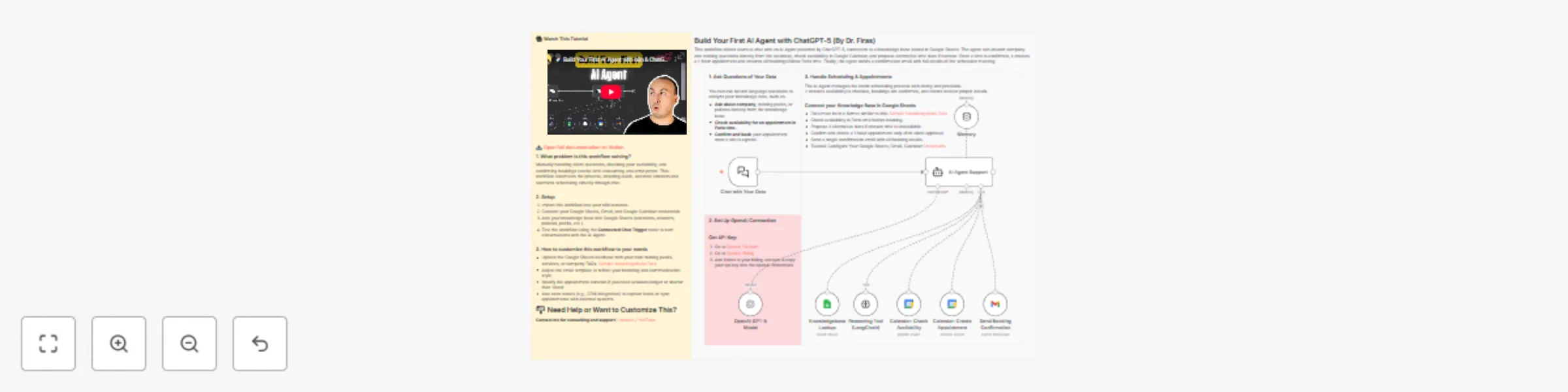
Workflow preview: Build your first AI agent with ChatGPT-5
Free intermediate

Build your first AI agent with ChatGPT-5

## Build Your First AI Agent with ChatGPT-5 ![Workflow Screenshot](https://www.dr-firas.com/build-agent-ai.png) ### Who is this for? This workflow is designed for beginners and professionals who want to build their first AI-powered assistant with n8n. It’s perfect for anyone managing online trainings, consultations, or services that require both a knowledge base and appointment scheduling. ### What problem is this workflow solving? Manually handling client questions, checking your availability, and confirming bookings can be time-consuming and error-prone. This workflow automates the process, ensuring quick, accurate answers and seamless scheduling directly through chat. ### What this workflow does - Answers user questions using your knowledge base stored in Google Sheets. - Checks availability in Google Calendar and proposes alternative time slots if needed. - Books 1-hour appointments in Paris time only after client confirmation. - Sends a professional confirmation email with all appointment details. ### Setup 1. Import this workflow into your n8n instance. 2. Connect your Google Sheets, Gmail, and Google Calendar credentials. 3. Add your knowledge base into Google Sheets (questions, answers, policies, packs, etc.). 4. Test the workflow using the **Connected Chat Trigger** node to start conversations with the AI Agent. ### How to customize this workflow to your needs - Update the Google Sheets database with your own training packs, services, or company FAQs. - Adjust the email template to reflect your branding and communication style. - Modify the appointment duration if you need sessions longer or shorter than 1 hour. - Add extra nodes (e.g., CRM integration) to capture leads or sync appointments with external systems. --- 📄 **Documentation**: [Notion Guide](https://automatisation.notion.site/Build-Your-First-AI-Agent-with-ChatGPT-5-By-Dr-Firas-26f3d6550fd9801eb00dc0c578fc5f2c?source=copy_link) --- ### Need help customizing? Contact me for consulting and support : [Linkedin](https://www.linkedin.com/in/dr-firas/) / [Youtube](https:/https://www.youtube.com/@DRFIRASS)

D
Dr. Firas
Support Chatbot
15 Sep 2025
12711
0
Workflow preview: Create viral ads with AI: NanoBanana & publish on socials via upload-post
Free advanced

Create viral ads with AI: NanoBanana & publish on socials via upload-post

# 💥 Create viral Ads with NanoBanana & Seedance, publish on socials via upload-post ![Workflow Screenshot](https://www.dr-firas.com/upload-postII.png) ### Who is this for? This workflow is designed for **marketers, content creators, and small businesses** who want to automate the creation of engaging social media ads without spending hours on manual design, video editing, or publishing. --- ### What problem is this workflow solving? / Use case Manually creating ads for multiple platforms is **time-consuming and repetitive**. You need to generate visuals, edit videos, add music, and then publish them across social channels. This workflow automates the **end-to-end ad production pipeline**, saving time while ensuring consistent, professional-quality output. --- ### What this workflow does - Receives ad ideas via **Telegram**. - Uses **NanoBanana** to generate and edit realistic product images. - Transforms images into engaging short videos with **Seedance**. - Generates background music with **Suno**. - Merges video and audio into a polished final ad. - Reads brand info and generates ad copy with **AI (OpenAI)**. - Publishes ads to **Instagram, TikTok, YouTube, Facebook, and X** via **upload-post**. - Stores media and campaign data in **Google Drive** and **Google Sheets** for tracking. - Sends back notifications and previews via **Telegram**. --- ### Setup 1. **Connect your accounts**: - Telegram - Google Drive - Google Sheets - OpenAI API - NanoBanana API - Seedance API - Suno API - Upload-post 2. **Prepare Google Sheets**: - Add a sheet for **brand details** (name, category, features, website). - Add another sheet for **video logs** (status, links, captions). 3. **Configure upload-post**: - Ensure your social accounts (TikTok, Instagram, YouTube, Facebook, X) are linked to upload-post. --- ### How to customize this workflow to your needs - **Prompts** → Adjust the **image/video/music prompts** to better reflect your brand’s tone and products. - **Ad copy** → Modify the AI prompt inside the **Ads Copywriter Generator** to control wording, style, and structure. - **Publishing scope** → Choose only the platforms you want (TikTok, Instagram, etc.) inside the **upload-post** node. - **Storage** → Update Google Drive folder IDs and Google Sheets document IDs to match your own workspace. --- 👉 With this template, you get a **fully automated viral ad production system** powered by **AI visuals, video rendering, and auto-publishing** across social platforms. Perfect for scaling your content strategy while saving time. 📄 **Documentation**: [Notion Guide](https://automatisation.notion.site/Welcome-to-Upload-Post-2683d6550fd980ffa23ee340fdb3285e?source=copy_link) ## Demo Video 🎥 Watch the full tutorial here: [YouTube Demo](https://youtu.be/4ec9WDCz9CY) ### Need help customizing? Contact me for consulting and support : [Linkedin](https://www.linkedin.com/in/dr-firas/) / [Youtube](https:/https://www.youtube.com/@DRFIRASS)

D
Dr. Firas
Content Creation
10 Sep 2025
9834
0
Workflow preview: Generate AI viral videos with NanoBanana & VEO3, shared on socials via Blotato
Free advanced

Generate AI viral videos with NanoBanana & VEO3, shared on socials via Blotato

![Workflow Screenshot](https://www.dr-firas.com/nano-banana.png) # Generate AI viral videos with NanoBanana & VEO3, shared on socials via Blotato ## Who is this for? This workflow is designed for **content creators, marketers, and entrepreneurs** who want to automate their video production and social media publishing process. If you regularly post promotional or viral-style content on platforms like TikTok, YouTube Shorts, Instagram Reels, LinkedIn, and more, this template will save you hours of manual work. --- ## What problem is this workflow solving? / Use case Creating **viral short-form videos** is often time-consuming: - You need to generate visuals, write scripts, edit videos, and then manually upload them to multiple platforms. - Staying consistent across **TikTok, YouTube Shorts, Instagram Reels, LinkedIn, Twitter/X, and others** requires constant effort. This workflow solves the problem by **automating the entire pipeline** from idea → video creation → multi-platform publishing. --- ## What this workflow does 1. **Collects an idea and image** from Telegram. 2. **Enhances visuals with NanoBanana** for user-generated content style. 3. **Generates a complete video script with AI** (OpenAI + structured prompts). 4. **Creates the final video with VEO3** using your custom prompt and visuals. 5. **Rewrites captions with GPT** to be short, catchy, and optimized for social platforms. 6. **Saves metadata in Google Sheets** for tracking and management. 7. **Auto-uploads the video to all major platforms via Blotato** (TikTok, YouTube, Instagram, LinkedIn, Threads, Pinterest, X/Twitter, Bluesky, Facebook). 8. **Notifies you on Telegram** with a preview link once publishing is complete. --- ## Setup 1. **Connect your accounts**: - Google Sheets (for video tracking) - Telegram (to receive and send media) - Blotato (for multi-platform publishing) - OpenAI API (for captions, prompts, and image analysis) - VEO3 API (for video rendering) - Fal.ai (for NanoBanana image editing) - Google Drive (to store processed images) 2. **Set your credentials** in the respective nodes. 3. **Adjust the Google Sheet IDs** to match your own sheet structure. 4. **Insert your Telegram bot token** in the `Set: Bot Token (Placeholder)` node. --- ## How to customize this workflow to your needs - **Platforms**: Disable or enable only the Blotato social accounts you want to post to. - **Video style**: Adjust the master prompt schema in the `Set Master Prompt` node to fine-tune tone, camera style, or video format. - **Captions**: Modify the GPT prompt in the `Rewrite Caption with GPT-4o` node to control length and tone. - **Notifications**: Customize the Telegram nodes to notify team members, not just yourself. - **Scheduling**: Add a Cron trigger if you want automatic posting at specific times. --- ✨ With this workflow, you go from **idea → AI-enhanced video → instant multi-platform publishing** in just minutes, with almost no manual work. 📄 **Documentation**: [Notion Guide](https://automatisation.notion.site/NonoBanan-2643d6550fd98041aef5dcbe8ab0f7a1?source=copy_link) --- ### Need help customizing? Contact me for consulting and support : [Linkedin](https://www.linkedin.com/in/dr-firas/) / [Youtube](https:/https://www.youtube.com/@DRFIRASS)

D
Dr. Firas
Content Creation
5 Sep 2025
98670
0
Workflow preview: Create a customer support voice agent with GPT-5, ElevenLabs & calendar booking
Free intermediate

Create a customer support voice agent with GPT-5, ElevenLabs & calendar booking

# Build a Customer Support AI Voice Agent with GPT-5 and ElevenLabs ![Workflow Screenshot](https://www.dr-firas.com/VOICE-AI-AGENTS.png) ### 👥 Who is this for? This template is ideal for: - Businesses that want to provide **24/7 automated voice-based customer support** - Service providers needing to **schedule appointments via voice interaction** - Teams looking to handle multilingual customer queries automatically - Entrepreneurs aiming to boost customer engagement without hiring large support teams --- ### 💡 What problem is this workflow solving? Traditional customer support requires: - Human agents to answer repeated questions - Manual handling of bookings and confirmations - Limited availability outside office hours This workflow solves those issues by combining **GPT-5 intelligence** with **ElevenLabs voice synthesis**, enabling your website visitors to: - Ask questions and receive **spoken answers** in multiple languages - Request appointment availability - Confirm bookings and receive **automatic email confirmations** All of this happens automatically, reducing costs and ensuring consistent customer experience. --- ### ⚙️ What this workflow does 1. **Receive customer voice input** via webhook from your website 2. **Transcribe and understand intent** using GPT-5 and LangChain reasoning 3. **Fetch information** from your knowledge base (Google Sheets) for FAQs, services, or policies 4. **Check availability** in Google Calendar in real-time 5. **Create confirmed appointments** only after explicit user confirmation 6. **Send confirmation emails** with booking details via Gmail 7. **Respond back to the user** with a multilingual spoken reply using ElevenLabs --- ### 🧰 Setup Before launching this workflow, make sure you: 1. Have an **OpenAI API key** for GPT-5 2. Set up an **ElevenLabs account** and API key for voice input/output 3. Enable **Google Sheets API** and prepare a sheet with your FAQ/knowledgebase 4. Enable **Google Calendar API** and connect your calendar for scheduling 5. Connect your **Gmail account** for booking confirmation emails 6. Configure the **Webhook URL** on your website for sending voice requests 7. Follow the sticky note instructions inside the workflow for final setup --- ### 🛠️ How to customize this workflow - **Knowledgebase:** Add or update information in your Google Sheets to cover new FAQs - **Voice settings:** Configure ElevenLabs voice style, tone, or supported languages - **Appointment rules:** Adjust event duration or add reschedule/cancellation options - **Notifications:** Add Slack or Telegram alerts for each new confirmed booking - **Email templates:** Customize the confirmation email with your brand style --- With this workflow, your website becomes an **AI-powered voice assistant** — capable of handling customer inquiries, providing multilingual support, and managing bookings seamlessly. --- 📄 **Documentation**: [Notion Guide](https://automatisation.notion.site/AI-Voice-Agent-25f3d6550fd9807cbf55e202138d5291?source=copy_link) --- ### Need help customizing? Contact me for consulting and support : [Linkedin](https://www.linkedin.com/in/dr-firas/) / [Youtube](https:/https://www.youtube.com/@DRFIRASS)

D
Dr. Firas
Support Chatbot
31 Aug 2025
6129
0
Workflow preview: Automate video creation from voice input with HeyGen, GPT-5 & social publishing
Free advanced

Automate video creation from voice input with HeyGen, GPT-5 & social publishing

*This workflow contains community nodes that are only compatible with the self-hosted version of n8n.* ![Workflow Screenshot](https://www.dr-firas.com/HeyGen_II.png) # Automate Video Creation from Voice Input with HeyGen & n8n --- ### 👥 Who is this for? This workflow is ideal for: - Content creators who want to turn ideas into videos in minutes - Marketers managing multi-platform video campaigns - Agencies needing scalable video workflows for multiple clients - Entrepreneurs looking to automate social media presence --- ### 💡 What problem is this workflow solving? Creating and publishing videos across TikTok, YouTube, Instagram and more is: - Time-consuming (writing scripts, creating videos, uploading manually) - Inconsistent (different platforms, formats, captions) - Hard to scale without automation This workflow solves it by **turning a voice note into a complete AI video** — scripted, generated, and published automatically. --- ### ⚙️ What this workflow does 1. **Capture idea via Telegram voice note** 2. **Transcribe audio to text** using OpenAI Whisper 3. **Generate script, title, and caption** with GPT-5 4. **Create avatar video** with HeyGen based on your script 5. **Save final video** to Google Drive and log metadata in Google Sheets 6. **Upload video** to Blotato 7. **Auto-publish** to 9 platforms (TikTok, YouTube Shorts, Instagram, LinkedIn, Facebook, Twitter (X), Threads, Bluesky, Pinterest) 8. **Send Telegram notification** once published --- ### 🧰 Setup Before you start, you’ll need: 1. ✅ A **Telegram Bot** connected to n8n 2. 🔑 An **OpenAI API key** (Whisper + GPT-5) 3. 🎭 A **HeyGen API key** for avatar video generation 4. 📂 **Google Drive + Sheets integrations** for storage & logs 5. 🧩 A **Blotato Pro account** with API access enabled 6. 📦 **Verified Community Nodes** enabled in n8n Admin Panel 7. ⚙️ Blotato node installed + credentials configured 8. 📄 A Google Sheet template to log titles, captions, and video links --- ### 🛠️ How to customize this workflow - **Change prompts** → Adjust GPT-5 prompts to fit your tone or brand - **Select avatars** → Configure HeyGen avatar and voice to match your style - **Choose platforms** → Activate only TikTok, YouTube, Instagram, etc. - **Add approvals** → Insert a Telegram or Slack approval step before publishing - **Extend reporting** → Push analytics or engagement data into Sheets or Notion --- This workflow transforms a **simple voice message** into a **ready-to-publish viral video** — fully automated, consistent, and scalable. --- 📄 **Documentation**: [Notion Guide](https://automatisation.notion.site/HeyGen-2563d6550fd980ee8e56c064c42177a3?source=copy_link) --- ### Need help customizing? Contact me for consulting and support : [Linkedin](https://www.linkedin.com/in/dr-firas/) / [Youtube](https:/https://www.youtube.com/@DRFIRASS)

D
Dr. Firas
Content Creation
24 Aug 2025
2447
0
Workflow preview: Generate AI avatar videos with GPT-5 & publish to social media platforms
Free advanced

Generate AI avatar videos with GPT-5 & publish to social media platforms

*This workflow contains community nodes that are only compatible with the self-hosted version of n8n.* ![Workflow Screenshot](https://www.dr-firas.com/HEYGEN.png) # Automate Social Media with HeyGen and GPT-5: Publish Videos to TikTok, YouTube & Instagram --- ### 👥 Who is this for? This workflow is designed for: - Content creators who want to scale their short-form video production - Marketing teams seeking consistent and automated publishing pipelines - Agencies managing multiple social accounts for clients - Entrepreneurs looking to save time by automating repetitive content tasks --- ### 💡 What problem is this workflow solving? Publishing on **multiple platforms** like YouTube Shorts, TikTok, and Instagram is often: - Time-consuming (manual editing, caption writing, uploads) - Inconsistent (different requirements for each platform) - Prone to delays (switching between tools) This workflow solves these issues by creating a **fully automated video pipeline** powered by GPT-5, HeyGen, and Blotato. --- ### ⚙️ What this workflow does 1. **Capture voice idea via Telegram** 2. **Transcribe voice to text** using OpenAI Whisper 3. **Generate a catchy title and caption** with GPT-5 4. **Create an AI avatar video** with HeyGen 5. **Save and organize assets** in Google Drive and Google Sheets 6. **Upload final video** to Blotato 7. **Auto-publish** to: - YouTube Shorts - TikTok - Instagram - (Optional: Facebook, X/Twitter, LinkedIn, Pinterest, Threads, Bluesky) 8. **Update logs in Google Sheets** 9. **Send a Telegram confirmation** once published --- ### 🧰 Setup Before using this workflow, ensure you have: 1. A **Telegram Bot** connected to n8n for voice input 2. An **OpenAI API key** for transcription (Whisper) and GPT-5 processing 3. A **HeyGen account & API key** for avatar video generation 4. A **Google Drive & Google Sheets integration** for storing assets and logs 5. A **Blotato account (Pro plan)** with API access enabled 6. **Verified Community Nodes** enabled in n8n Admin Panel 7. Blotato node installed and credentials configured --- ### 🛠️ How to customize this workflow - **Prompts** → Adjust GPT-5 prompts to match your brand voice and niche - **Avatars** → Use custom avatars or voices via HeyGen configuration - **Platforms** → Activate only the social nodes you need (e.g., focus on TikTok & YouTube Shorts) - **Approval steps** → Add Telegram or Slack confirmation before publishing - **Analytics** → Extend the workflow to track engagement data in Google Sheets, Airtable, or Notion --- This workflow turns a **simple spoken idea** into a **viral-ready video** — automatically generated, styled, and posted across your most important platforms. --- 📄 **Documentation**: [Notion Guide](https://automatisation.notion.site/HeyGen-2563d6550fd980ee8e56c064c42177a3?source=copy_link) --- ### Need help customizing? Contact me for consulting and support : [Linkedin](https://www.linkedin.com/in/dr-firas/) / [Youtube](https:/https://www.youtube.com/@DRFIRASS)

D
Dr. Firas
Content Creation
22 Aug 2025
2592
0
Workflow preview: Auto-generate social media videos with GPT-5 and publish via Blotato
Free advanced

Auto-generate social media videos with GPT-5 and publish via Blotato

![Workflow Screenshot](https://www.dr-firas.com/Blotato-gpt5.png) # Auto-Generate Social Media Videos with GPT-5 and Publish via Blotato > ⚠️ **Disclaimer**: This workflow uses Community Nodes (Blotato) and requires a self-hosted n8n instance with "Verified Community Nodes" enabled. --- ### 👥 Who is this for? This workflow is perfect for: - Content creators and influencers who post regularly on social media - Marketing teams that want to scale branded video production - Solo entrepreneurs looking to automate their video marketing - Agencies managing multi-client social media publishing --- ### 💡 What problem is this workflow solving? Creating high-quality video content and publishing consistently on multiple platforms is time-consuming. You often need to: - Write compelling captions and titles - Adapt content to fit each platform’s requirements - Publish manually or across disconnected tools This workflow automates the entire process — from idea to publishing — so you can focus on growth and creativity, not logistics. --- ### ⚙️ What this workflow does 1. Receives a video idea via **Telegram** 2. Saves metadata to **Google Sheets** 3. Transcribes the video using **OpenAI Whisper** 4. Generates a catchy **title and caption** using **GPT-5** 5. Uploads the final media to **Blotato** 6. Publishes the video automatically to: - TikTok - Instagram - YouTube Shorts - Facebook - X (Twitter) - Threads - LinkedIn - Pinterest - Bluesky 7. Updates the post status in **Google Sheets** 8. Sends confirmation via **Telegram** --- ### 🧰 Setup Before launching the workflow, make sure to: 1. Create a **Blotato Pro** account and generate your API Key 2. Enable **Verified Community Nodes** in the n8n Admin Panel 3. Install the **Blotato** community node in n8n 4. Create your **Blotato credential** using the API key 5. Make a copy of this [Google Sheet template](https://docs.google.com/spreadsheets/d/1zrfxthPoUhbf1Ae3cKsDrJKw-Stri7uM-d3-eO9CgA4/edit?usp=sharing) 6. Ensure your **Google Drive folder** with videos is shared publicly (viewable by anyone with the link) 7. Link your **Telegram Bot** and configure the trigger node 8. Follow the **sticky note instructions** inside the workflow --- ### 🛠️ How to customize this workflow - Modify the GPT-5 prompt to reflect your brand voice or campaign tone - Add/remove social platforms depending on your strategy - Include additional AI modules (e.g., for voiceover or thumbnails) - Insert review/approval steps (via Slack, email, or Telegram) - Connect Airtable, Notion, or your CRM to track results --- This is your all-in-one **AI video publishing engine**, built for automation, scale, and growth across the social web. --- 📄 **Documentation**: [Notion Guide](https://automatisation.notion.site/Blotato-2473d6550fd980e19983f69611a80a0d?source=copy_link) --- ### Need help customizing? Contact me for consulting and support : [Linkedin](https://www.linkedin.com/in/dr-firas/) / [Youtube](https:/https://www.youtube.com/@DRFIRASS)

D
Dr. Firas
Social Media
14 Aug 2025
3028
0
Workflow preview: Automate content publishing to TikTok, YouTube, Instagram, Facebook via Blotato
Free advanced

Automate content publishing to TikTok, YouTube, Instagram, Facebook via Blotato

*This workflow contains community nodes that are only compatible with the self-hosted version of n8n.* ![Workflow Screenshot](https://www.dr-firas.com/Auto-Publish-blotato.png) # Automate Content Publishing to TikTok, YouTube, Instagram, Facebook via Blotato --- ### 🎯 Who is this for? This workflow is perfect for: - Content creators who post daily to multiple platforms - Marketing teams managing brand presence across channels - Solo entrepreneurs and social media managers looking to scale their output - Anyone tired of uploading content manually across apps --- ### 💡 What problem is this solving? Managing content across platforms is time-consuming. You need to: - Track posts per platform - Upload videos manually - Adapt captions and posting time - Avoid repetitive mistakes This workflow solves all of that by centralizing everything in one place (Google Sheets) and automating it via Blotato. --- ### ⚙️ What this workflow does Every hour, this workflow will: 1. Check your Google Sheet for any post marked as `"TO GO"` 2. Select one item at a time (avoids spam and overposting) 3. Extract media from a shared Google Drive link 4. Upload the media to **Blotato** 5. Publish it automatically to: - TikTok - YouTube Shorts - Instagram - Facebook 6. Update the post status in your Sheet to `"Posted"` --- ### 🧰 Setup Before running this template, make sure you have: - ✅ A Blotato account (Pro plan required for API key) - 🔑 Generated your Blotato API key (`Settings > API > Generate`) - 📦 Enabled **Verified Community Nodes** in n8n Admin Panel - 🧩 Installed the **Blotato** node via the community nodes list - 🛠 Created a Blotato credential in n8n using your API key - ☁️ Made sure your media folder in Google Drive is set to **Anyone with the link can view** - 📌 Followed the 3 setup steps in the **brown sticky notes** inside the workflow --- ### 🛠 How to customize this workflow - Add new platform nodes (LinkedIn, Threads, Pinterest, etc.) using Blotato - Adjust the scheduling frequency from hourly to daily or weekly - Add an approval layer (Slack/Telegram) before publishing - Customize your captions dynamically using GPT or formulas in Sheets - Use tags, categories, or campaign tracking for analytics --- 📄 **Documentation**: [Notion Guide](https://automatisation.notion.site/Blotato-2473d6550fd980e19983f69611a80a0d?source=copy_link) --- ### Need help customizing? Contact me for consulting and support : [Linkedin](https://www.linkedin.com/in/dr-firas/) / [Youtube](https:/https://www.youtube.com/@DRFIRASS)

D
Dr. Firas
Social Media
9 Aug 2025
4173
0
Workflow preview: Generating AI videos with VEO3 and distributing with Blotato across multiple platforms
Free advanced

Generating AI videos with VEO3 and distributing with Blotato across multiple platforms

*This workflow contains community nodes that are only compatible with the self-hosted version of n8n.* ![Workflow Screenshot](https://www.dr-firas.com/Videos-with-VEO3-and-Blotato.png) # Create and Auto-Post Viral AI Videos with VEO3 and Blotato to 9 Platforms ### Who is this for? This template is ideal for content creators, growth marketers, e-commerce entrepreneurs, and video-first brands who want to automate the creation and multi-platform distribution of viral short-form ads using AI. If you're looking to scale video production without editing tools or posting manually, this is for you. ### What problem is this workflow solving? Creating high-converting video content is time-consuming. You need to: - Come up with ideas - Write compelling scripts - Generate visuals - Adapt content for each platform - Manually publish and track results This workflow automates that entire process and turns a single idea into a ready-to-publish video campaign across 9 platforms. ### What this workflow does 1. **Triggers** via Telegram when a new video idea is submitted 2. **Fetches parameters** (style, tone, duration) from Google Sheets 3. **Generates the video script** using GPT-4 and a master AI prompt 4. **Creates the video** using Google’s VEO3 video generation model 5. **Downloads the final video** once rendering is complete 6. **Rewrites the caption** with GPT-4o for platform-optimized posting 7. **Logs the result** in Google Sheets for tracking 8. **Sends preview links** to Telegram for review 9. **Auto-posts** the video to 9 platforms using Blotato (TikTok, YouTube, Instagram, Threads, Facebook, X, LinkedIn, Pinterest, Bluesky) ### Setup 1. Install **n8n (self-hosted)** with Community Nodes enabled 2. Connect your **Telegram Bot Token** to the trigger node 3. Add your **OpenAI API Key** for GPT-4 and GPT-4o models 4. Configure your **VEO3 API access** (Google AI Studio) 5. Set up **Blotato** with your platform tokens & IDs 6. Link your **Google Sheets** and set the expected column structure (idea, style, caption, etc.) 7. Adjust the Telegram trigger format (e.g., `idea: ...`) to your team’s input style ### How to customize this workflow to your needs - Edit the **master prompt** to match your brand voice or industry - Replace the **caption prompt** to generate more marketing-style hooks - Modify the **platform list** if you only publish to a few specific channels - Add approval steps (Slack, email, Telegram) before publishing - Integrate tracking by pushing published URLs to your analytics or CRM 📄 **Documentation**: [Notion Guide](https://automatisation.notion.site/Create-and-Auto-Post-Viral-AI-Videos-with-VEO3-and-Blotato-to-9-Platforms-23f3d6550fd98037ab1ee9f803400666?source=copy_link) --- ### Need help customizing? Contact me for consulting and support : [Linkedin](https://www.linkedin.com/in/dr-firas/) / [Youtube](https:/https://www.youtube.com/@DRFIRASS)

D
Dr. Firas
Content Creation
30 Jul 2025
4788
0
Workflow preview: Automate CV screening with GPT-4o-mini: Gmail to Google Sheets HR evaluation system
Free advanced

Automate CV screening with GPT-4o-mini: Gmail to Google Sheets HR evaluation system

# AI-Powered HR Workflow: CV Analysis and Evaluation from Gmail to Sheets ![Workflow Screenshot](https://www.dr-firas.com/AI-Powered-HR-Workflow-CV-Analysis.png) ### Who is this for? This workflow is designed for HR professionals, recruiters, startup founders, and operations teams who receive candidate resumes by email and want to automate the evaluation process using AI. It's ideal for teams that receive high volumes of applications and want to streamline screening without sacrificing quality. ### What problem is this workflow solving? Manually reviewing every resume is time-consuming, inconsistent, and often inefficient. This workflow automates the initial screening process by: - Extracting resume data directly from incoming emails - Analyzing resumes using GPT-4 to evaluate candidate fit - Saving scores and notes in Google Sheets for easy filtering It helps teams qualify candidates faster while staying organized. ### What this workflow does 1. Detects when a new email with a CV is received (Gmail) 2. Filters out non-relevant messages using an AI classifier 3. Extracts the resume text (PDF parsing) 4. Uploads the original file to Google Drive 5. Retrieves job offer details from a connected Google Sheet 6. Uses GPT-4 to evaluate the candidate’s fit for the job 7. Parses the AI output to extract the candidate's score 8. Logs the results into a central Google Sheet 9. Sends a confirmation email to the applicant ### Setup 1. Install **n8n self-hosted** 2. Add your **OpenAI API Key** in the AI nodes 3. Enable the following APIs in your [Google Cloud Console](https://console.cloud.google.com): - Gmail API - Google Drive API - Google Sheets API 4. Create OAuth credentials and connect them in n8n 5. Configure your **Gmail trigger** to watch the inbox receiving CVs 6. Create a Google Sheet with columns like: `Candidate`, `Score`, `Job`, `Status`, etc. ### How to customize this workflow to your needs - Adjust the AI scoring prompt to match your company’s hiring criteria - Add new columns to the Google Sheet for additional metadata - Include Slack or email notifications for each qualified candidate - Add multiple job profiles and route candidates accordingly - Add a Telegram or WhatsApp step to notify HR in real time 📄 **Documentation**: [Notion Guide](https://automatisation.notion.site/AI-Powered-HR-Workflow-CV-Analysis-and-Evaluation-from-Gmail-to-Sheets-2363d6550fd98087b305d2f10f20e290?source=copy_link) --- ### Need help customizing? Contact me for consulting and support : [Linkedin](https://www.linkedin.com/in/dr-firas/) / [Youtube](https:/https://www.youtube.com/@DRFIRASS)

D
Dr. Firas
HR
21 Jul 2025
2641
0
Workflow preview: Convert YouTube videos to shorts with Klap & auto-post to multiple social platforms
Free advanced

Convert YouTube videos to shorts with Klap & auto-post to multiple social platforms

![Workflow Screenshot](https://www.dr-firas.com/youtube_shortsii.png) # Convert YouTube videos to viral Shorts with Klap and auto-post with Blotato > ⚠️ **Disclaimer:** This workflow uses Community Nodes and requires a self-hosted n8n instance. ### Who is this for? This workflow is perfect for content creators, YouTubers, marketing teams and entrepreneurs who want to effortlessly convert long YouTube videos into short, viral-ready clips and publish them automatically on TikTok, Instagram, YouTube Shorts and other platforms. ### What problem is this workflow solving? Manually creating short, engaging clips from YouTube videos takes hours: - Selecting highlights - Adding subtitles and effects - Downloading and editing - Posting individually on each platform This workflow eliminates all of that: - AI-powered Shorts generation with Klap - Smart scheduling based on your posting calendar - Full automation of uploads to multiple platforms ### What this workflow does From a simple YouTube link sent via Telegram, the workflow: 1. Extracts the YouTube URL and number of Shorts requested 2. Sends the video to Klap for AI-powered Shorts generation 3. Checks when the Shorts are ready 4. Schedules publication times based on your custom settings 5. Uploads the Shorts to Blotato 6. Auto-posts on TikTok, YouTube Shorts, Instagram and more 7. Sends a confirmation recap to Telegram ### Setup 1. Connect your **Telegram bot** to the trigger node 2. Add your **Klap API key** for video processing 3. Link your **Google Sheets** with your scheduling preferences 4. Add your **Blotato API key** and social platform IDs 5. Adjust the number of Shorts generated if needed 6. Modify the scheduling logic or time windows in the Google Sheets ### How to customize this workflow to your needs - Change AI video settings in the Klap API request - Adjust time windows and frequency in the scheduling nodes - Limit the workflow to specific platforms (e.g., TikTok only) - Add a manual approval step before publishing - Modify the Telegram recap message content 📄 **Documentation**: [Notion Guide](https://automatisation.notion.site/Youtube-2223d6550fd980d1b270c84fca22110d?source=copy_link) --- ### Need help customizing? Contact me for consulting and support : [Linkedin](https://www.linkedin.com/in/dr-firas/) / [Youtube](https:/https://www.youtube.com/@DRFIRASS)

D
Dr. Firas
Content Creation
3 Jul 2025
18239
0
Workflow preview: Generate AI viral videos with Seedance and upload to TikTok, YouTube & Instagram
Free advanced

Generate AI viral videos with Seedance and upload to TikTok, YouTube & Instagram

![Workflow Screenshot](https://www.dr-firas.com/seedanceII.png) # Generate AI videos with Seedance & Blotato, upload to TikTok, YouTube & Instagram ### Who is this for? This template is ideal for creators, content marketers, social media managers, and AI enthusiasts who want to automate the production of short-form, visually captivating videos for platforms like TikTok, YouTube Shorts, and Instagram Reels — all without manual editing or publishing. ### What problem is this workflow solving? Creating engaging videos requires: - Generating creative ideas - Writing detailed scene prompts - Producing realistic video clips and sound effects - Editing and stitching the final video - Publishing across multiple platforms This workflow automates the entire process, saving hours of manual work and ensuring consistent, AI-driven content output ready for social distribution. ### What this workflow does This end-to-end AI video automation workflow: 1. **Generates a creative idea** using OpenAI and LangChain 2. **Creates detailed video prompts** with Seedance AI 3. **Generates video clips** via Wavespeed AI 4. **Generates sound effects** with Fal AI 5. **Stitches the final video** using Fal AI’s ffmpeg API 6. **Logs metadata and video links** to Google Sheets 7. **Uploads the video to Blotato** 8. **Auto-publishes to TikTok, YouTube, Instagram, and other platforms** ### Setup 1. Add your **OpenAI API key** in the LLM nodes 2. Set up **Seedance and Wavespeed AI credentials** for video prompt and clip generation 3. Add your **Fal AI API key** for sound and stitching steps 4. Connect your **Google Sheets account** for tracking ideas and outputs 5. Set your **Blotato API key** and fill in the platform account IDs in the `Assign Social Media IDs` node 6. Adjust the **Schedule Trigger** to control when the automation runs ### How to customize this workflow to your needs - **Change the AI prompts** to target your niche (e.g., ASMR, product videos, humor) - **Add a Telegram or Slack step** for video preview before publishing - **Tweak scene structure** or video duration to match your style - **Disable platforms** you don’t want by turning off specific HTTP Request nodes - **Edit the sound generation prompts** for different moods or effects 📄 **Documentation**: [Notion Guide](https://automatisation.notion.site/Generate-AI-Videos-with-Seedance-Blotato-and-Upload-to-TikTok-YouTube-Instagram-version-II-21d3d6550fd980218096d84f31bfae2d?source=copy_link) --- ### Need help customizing? Contact me for consulting and support : [Linkedin](https://www.linkedin.com/in/dr-firas/) / [Youtube](https:/https://www.youtube.com/@DRFIRASS)

D
Dr. Firas
Content Creation
26 Jun 2025
277125
0