D

dmr

2
Workflows

Workflows by dmr

Workflow preview: Adaptive RAG strategy with query classification & retrieval (Gemini & Qdrant)
Free advanced

Adaptive RAG strategy with query classification & retrieval (Gemini & Qdrant)

This n8n workflow implements a version of the Adaptive Retrieval-Augmented Generation (RAG) framework. It recognizes that the best way to retrieve information often depends on the type of question asked. Instead of a one-size-fits-all approach, this workflow adapts its strategy based on the user's query intent. ## 🌟 How it Works 1. **Receive Query:** Takes a user query as input (along with context like a chat session ID and Vector Store collection ID if used as sub-workflow). 2. **Classify Query:** First, the workflow classifies the query into a predefined category. This template uses four examples: * **Factual:** For specific facts. * **Analytical:** For deeper explanations or comparisons. * **Opinion:** For subjective viewpoints. * **Contextual:** For questions relying on specific background. 3. **Select & Adapt Strategy:** Based on the classification, it selects a corresponding strategy to prepare for information retrieval. The example strategies aim to: * *Factual:* Refine the query for precision. * *Analytical:* Break the query into sub-questions for broad coverage. * *Opinion:* Identify different viewpoints to look for. * *Contextual:* Incorporate implied or user-specific context. 4. **Retrieve Info:** Uses the output of the selected strategy to search the specified knowledge base (Qdrant vector store - change as needed) for relevant documents. 5. **Generate Response:** Constructs a response using the retrieved documents, guided by a prompt tailored to the original query type. By adapting the retrieval strategy, this workflow aims to provide more relevant results tailored to the user's intent. ## ⚙️ Usage & Flexibility * **Sub-Workflow:** Designed to be called from other n8n workflows, passing `user_query`, `chat_memory_key`, and `vector_store_id` as inputs. * **Chat Testing:** Can also be triggered directly via the n8n Chat interface for easy testing and interaction. * **Customizable Framework:** The query categories (Factual, Analytical, etc.) and the associated retrieval strategies are examples. You can modify or replace them entirely to fit your specific domain or requirements. ## 🛠️ Requirements * **Credentials:** You will need API credentials configured in your n8n instance for: * Google Gemini (AI Models) * Qdrant (Vector Store)

d
dmr
Internal Wiki
7 Apr 2025
3162
0
Workflow preview: AI YouTube playlist & video analyst chatbot
Free advanced

AI YouTube playlist & video analyst chatbot

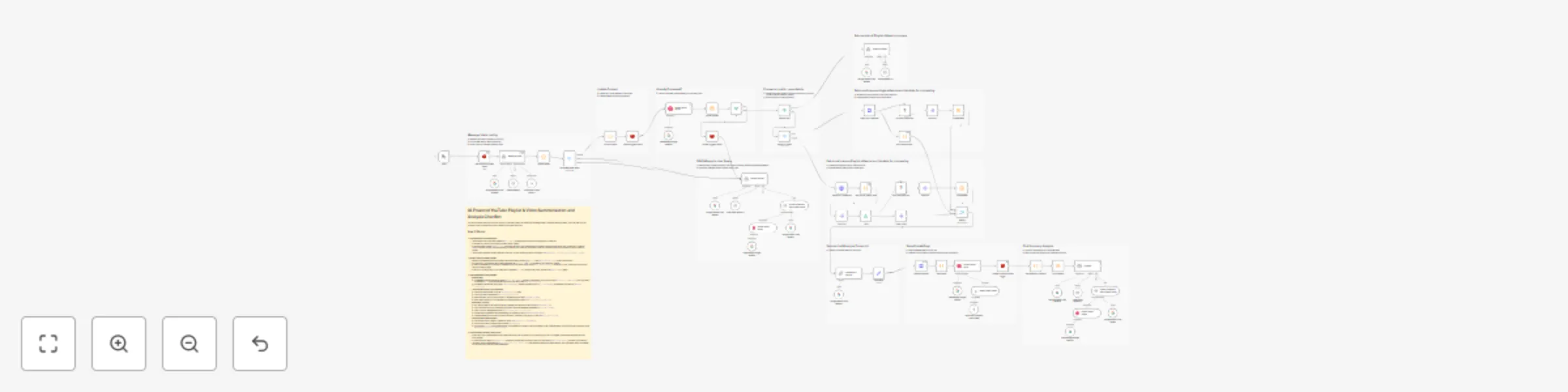
# AI YouTube Playlist & Video Analyst Chatbot This n8n workflow transforms entire YouTube playlists or single videos into interactive knowledge bases you can chat with. Ask questions and get summaries without needing to watch hours of content. ## 🌟 How it Works 1. **🔗 Provide a Link:** Start by giving the workflow a URL for a YouTube playlist or a single video. 2. **📄 Content Retrieval:** The workflow automatically fetches the video details and transcripts for the provided link. For playlists, it can process multiple videos at once (you might be asked how many). 3. **🧠 AI Processing:** Google's Gemini AI reads through the transcripts, understands the content, and creates summaries. 4. **💾 Storage & Context:** The processed information and summaries are stored in a vector database (Qdrant), making them ready for conversation. **Context is managed using Redis**, remembering the current video/playlist you're discussing. 5. **💬 Chat & Ask:** Now, you can ask the AI agent questions about the playlist or video content! **Because context is maintained**, you can ask follow-up questions (like "expand on point X") without needing to provide the URL again. ## 🛠️ Requirements * **Community Node:** This workflow uses the `youtubeTranscripter` community node to fetch video transcripts. You'll need to install it in your n8n environment. * **Installation:** `npm install n8n-nodes-youtube-transcription-dmr` * **Important:** Community nodes require a **self-hosted n8n instance**. * **Redis:** A Redis instance is required for managing conversation context and status between interactions. * **Credentials:** You will need API credentials configured in your n8n instance for: * Google Gemini (AI Models) * Qdrant (Vector Store) * Redis (Context Store) ## 🤖 AI Agent Capabilities Engage with the AI agent to explore the video content. Since the agent remembers the context of your conversation, you can ask detailed follow-up questions naturally: * Get a quick **summary** of a single video or an entire playlist. * Ask for **key takeaways** or main topics discussed. * Query for **specific information** mentioned in the videos. * Ask the agent to **elaborate** on a specific point previously mentioned. * Understand complex subjects **without watching** the full duration. ## 🚀 Use Cases * **📊 Content Analysis:** Quickly understand the themes and key points across a playlist or long video. * **📚 Research & Learning:** Extract insights from educational series or tutorials efficiently. * **✍️ Content Creation:** Easily repurpose video transcript information into blog posts, notes, or social media content. * **⏱️ Save Time:** Get the essence of video content when you're short on time. * **♿ Accessibility:** Offers a text-based way to interact with and understand video content. ## ✨ Sample Prompts * Please analyze this playlist and tell me the main topics covered: [YouTube Playlist URL] * Summarize the first 5 videos in this playlist: [YouTube Playlist URL] * _(Follow-up)_ Tell me more about the main point in video 3. * What are the key points discussed in this video? [YouTube Video URL] * _(Follow-up)_ Expand on the second key point you mentioned. * Does the video at [YouTube Video URL] mention [specific topic]?

d
dmr
Market Research
2 Apr 2025
2691
0