Track expenses automatically with Telegram Bot using GPT-4o, OCR and voice recognition
# Personal Expense Tracker Bot 💰
AI-powered Telegram bot for effortless expense tracking. Send receipts, voice messages, or text - the bot automatically extracts and categorizes your expenses.
## ✨ Key Features
- **📸 Receipt & Invoice OCR** - Send photos of receipts or PDF invoices, AI extracts expense data automatically
- **🎤 Voice Messages** - Speak your expenses naturally, audio is transcribed and processed
- **💬 Natural Language** - Just type "spent 50 on groceries" or any text format
- **🌍 Multilingual** - Processes documents in any language (EN, DE, PT, etc.)
- **📊 Smart Statistics** - Get monthly totals, category breakdowns, multi-month comparisons
- **🔒 Private & Secure** - Single-user authorization, only you can access your data
- **⚡ Zero Confirmation** - Expenses are added instantly, no annoying "confirm?" prompts
## 🎯 How It Works
1. **Send expense data** via Telegram:
- Photo of receipt
- PDF invoice
- Voice message
- Text message
2. **AI processes automatically**:
- Extracts amount, date, vendor
- Categorizes expense
- Stores in organized format
3. **Query your expenses**:
- "Show my expenses for November"
- "How much did I spend on groceries?"
- "Compare last 3 months"
## 📋 Expense Categories
Groceries, Transportation, Housing, Utilities, Healthcare, Entertainment, Dining Out, Clothing, Education, Subscriptions, Personal Care, Gifts, Travel, Sports, Other
## 🔧 Setup Requirements
### 1. Telegram Bot
Create a Telegram bot via [@BotFather](https://t.me/botfather) and get your API token.
Configure credentials for nodes:
- Input, WelcomeMessage,
- GetAudioFile, GetAttachedFile, GetAttachedPhoto
- ReplyText, NotAuthorizedMessage, DeleteProcessing
### 2. OpenRouter API
Get API key from [OpenRouter](https://openrouter.ai/) for AI processing.
Configure credentials for:
- Gpt4o (main processing)
- Sonnet45 (expense assistant)
### 3. Ainoflow API
Get API key from [Ainoflow](https://www.ainoflow.io/signup) for storage and OCR.
Configure Bearer credentials for:
- GetConfig, SaveConfig
- ExtractFileText, ExtractImageText
- TranscribeRecording
- JsonStorageMcp (MCP tool)
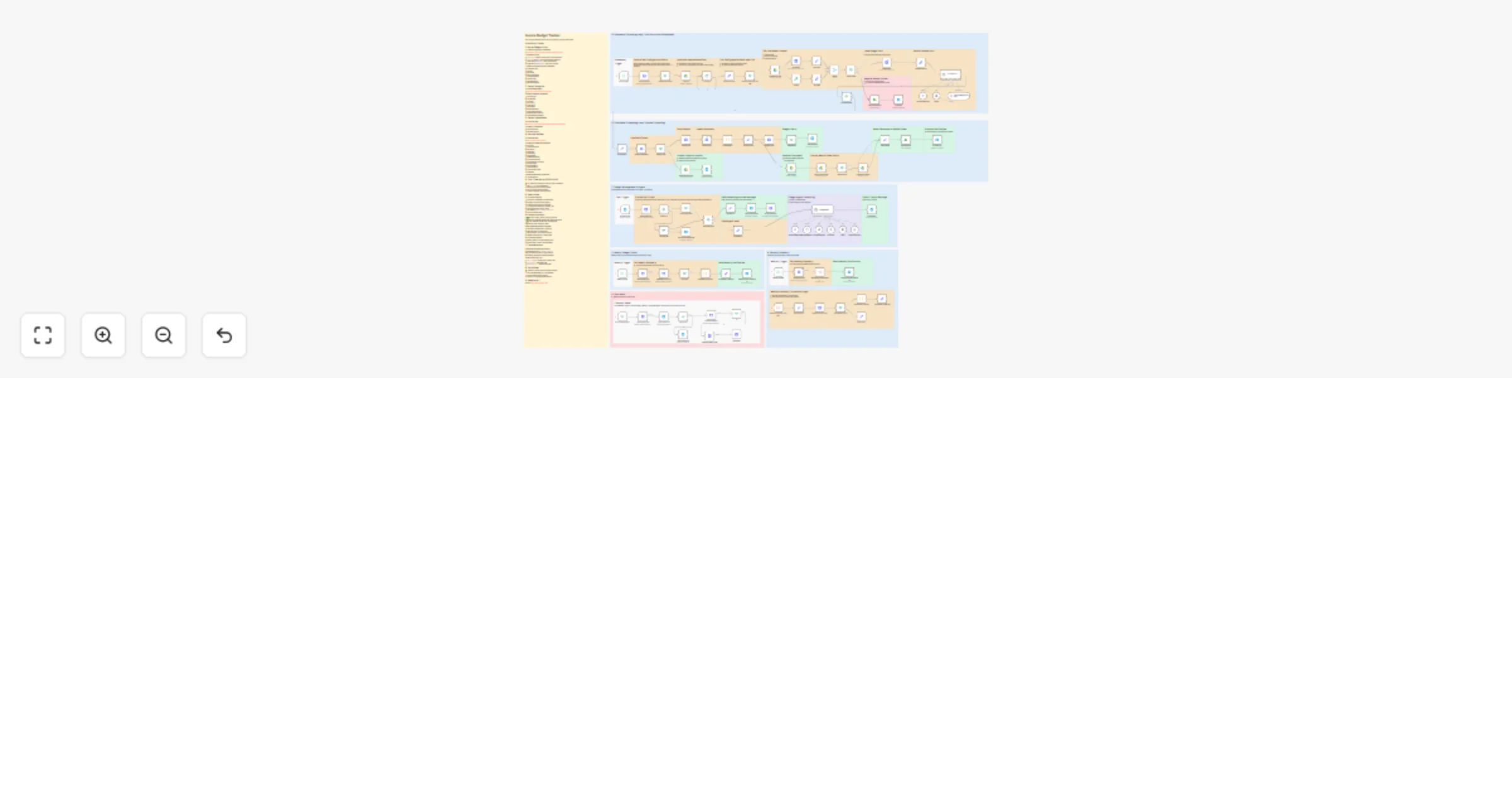
## 🏗️ Workflow Architecture
| Section | Description |
|---------|-------------|
| **Message Trigger** | Receives all Telegram messages |
| **Bot Privacy** | Locks bot to first user, rejects unauthorized access |
| **Chat Message / Audio** | Routes text and voice messages to AI |
| **Document / Photo** | Extracts text from files via OCR and forwards to AI |
| **Root Agent** | Routes messages to Expense Assistant, validates responses |
| **Expense Assistant** | Core logic: stores expenses, calculates statistics |
| **Result / Reply** | Sends formatted response back to Telegram |
| **Cleanup / Reset** | Manual trigger to delete all data (⚠️ use with caution) |
## 💬 Usage Examples
### Adding Expenses
```
📸 [Send receipt photo]
→ Added: 45.50 EUR - Groceries (Lidl)
🎤 "Bought coffee for five euros"
→ Added: 5.00 EUR - Dining Out (coffee)
💬 "50 uber"
→ Added: 50.00 EUR - Transportation (uber)
```
### Querying Expenses
```
"Show my expenses"
→ November 2025: 1,250.50 EUR (23 expenses)
Top: Groceries 450€, Transportation 280€, Dining 220€
"How much on entertainment this month?"
→ Entertainment: 85.00 EUR (3 expenses)
"Compare October and November"
→ Oct: 980€ | Nov: 1,250€ (+27%)
```
## 📦 Data Storage
Expenses are stored in JSON format organized by month (YYYY-MM):
```json
{
"id": "uuid",
"amount": 45.50,
"currency": "EUR",
"category": "Groceries",
"description": "Store name",
"date": "2025-11-10T14:30:00Z",
"created_at": "2025-11-10T14:35:22Z"
}
```
## ⚠️ Important Notes
- **First user locks the bot** - Run `/start` to claim ownership
- **Default currency is EUR** - AI auto-detects other currencies
- **Cleanup deletes ALL data** - Use manual trigger with caution
- **No confirmation for adding** - Only delete operations ask for confirmation
## 🛠️ Customization
- Change default currency in agent prompts
- Add/modify expense categories in ExpenseAssistant
- Extend Root Agent with additional assistants
- Adjust AI models (swap GPT-4o/Sonnet as needed)
## 📚 Related Resources
- [Create Telegram Bot](https://blog.n8n.io/create-telegram-bot/)
- [OpenRouter Credentials](https://docs.n8n.io/integrations/builtin/credentials/openrouter/)
- [Ainoflow Platform](https://www.ainoflow.io/)
## 💼 Need Customization?
Want to adapt this template for your specific needs? Custom integrations, additional features, or enterprise deployment?
**Contact us at [Ainova Systems](https://ainovasystems.com/)** - We build AI automation solutions for businesses.
---
**Tags:** `telegram`, `expense-tracker`, `ai-agent`, `ocr`, `voice-to-text`, `openrouter`, `mcp-tools`, `personal-finance`