Cheng Siong Chin
Workflows by Cheng Siong Chin
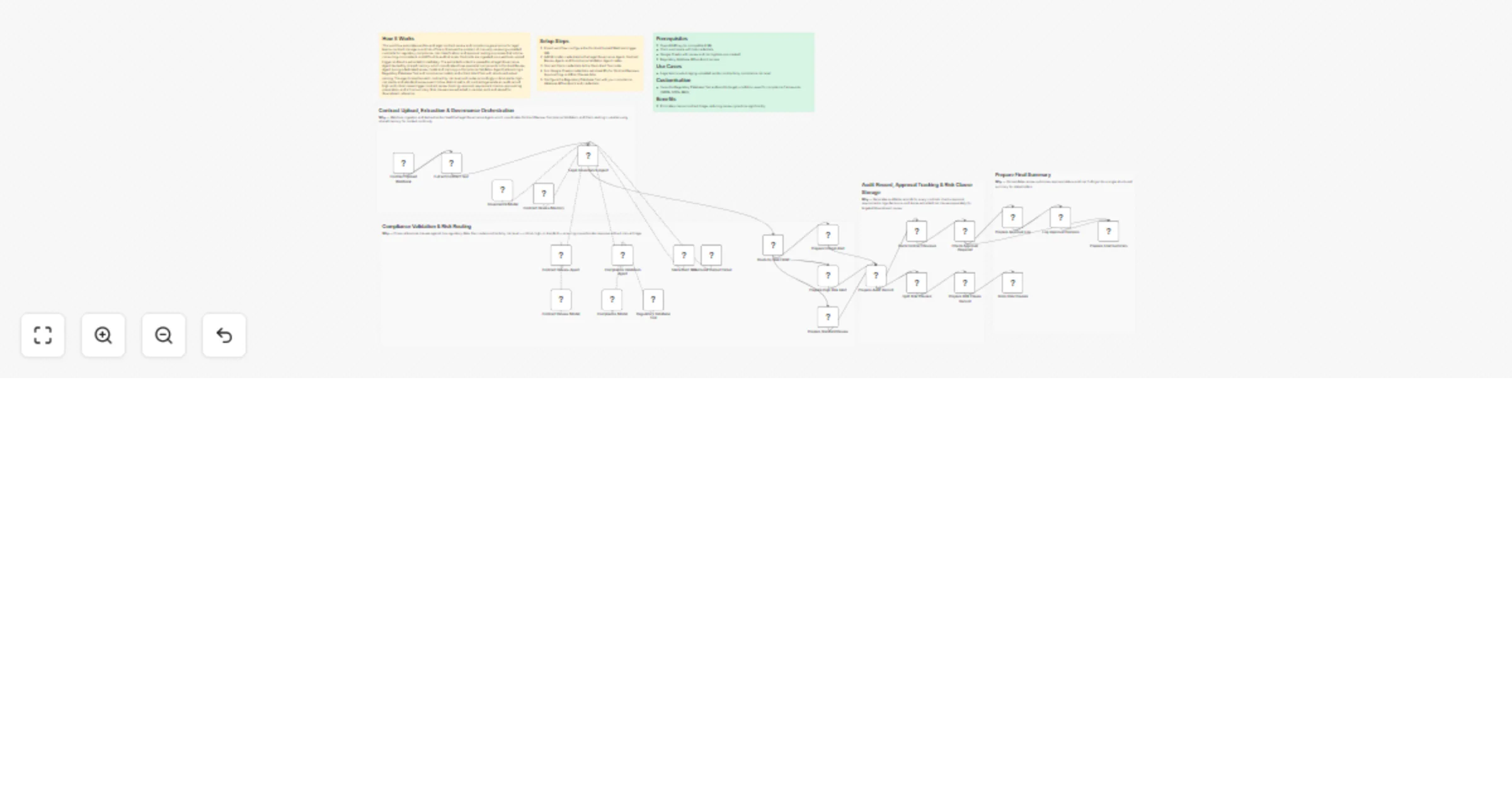
Forecast and report multi-channel tax liabilities with OpenAI, Gmail, Sheets and Airtable
## How It Works This workflow automates tax compliance by aggregating multi-channel revenue data, calculating jurisdiction-specific tax obligations, detecting anomalies, and generating submission-ready reports for tax authorities. Designed for finance teams, tax professionals, and e-commerce operations, it solves the challenge of manually reconciling transactions across multiple sales channels, applying complex tax rules, and preparing compliant filings under tight deadlines. The system triggers monthly or on-demand, fetching revenue data from e-commerce platforms, payment processors, and accounting systems. Transaction records flow through validation layers that merge historical context, classify revenue streams, and calculate tax obligations using jurisdiction-specific rules engines. AI models detect anomalies in tax calculations, identify unusual deduction patterns, and flag potential audit risks. The workflow routes revenue data by tax jurisdiction, applies progressive tax brackets, and generates formatted reports matching authority specifications. Critical anomalies trigger immediate alerts to tax teams via Gmail, while finalized reports store in Google Sheets and Airtable for audit trails. This eliminates 80% of manual tax preparation work, ensures multi-jurisdiction compliance, and reduces filing errors. ## Setup Steps 1. Configure e-commerce API credentials for transaction access 2. Set up payment processor integrations (Stripe, PayPal) for revenue reconciliation 3. Add accounting system credentials (QuickBooks, Xero) for financial data 4. Configure OpenAI API key for anomaly detection and tax analysis 5. Set Gmail OAuth credentials for tax team alert notifications 6. Link Google Sheets for report storage and audit trail documentation 7. Connect Airtable workspace for structured tax record management ## Prerequisites Active e-commerce platform accounts with API access. Payment processor credentials. ## Use Cases Automated monthly sales tax calculations for multi-state e-commerce. ## Customization Modify tax calculation rules for specific jurisdiction requirements. ## Benefits Reduces tax preparation time by 80% through end-to-end automation.
Coordinate patient care and alerts with EHR/FHIR, GPT-4, Twilio, Gmail and Slack
## How It Works This workflow automates end-to-end patient care coordination by monitoring appointment schedules, clinical events, and care milestones while orchestrating personalized communications across multiple channels. Designed for healthcare operations teams, care coordinators, and patient engagement specialists, it solves the challenge of manual patient follow-up, missed appointments, and fragmented communication across care teams. The system triggers on scheduled intervals and real-time clinical events, ingesting data from EHR systems, appointment schedulers, and lab result feeds. Patient records flow through validation and risk stratification layers using AI models that identify high-risk patients, predict no-show probability, and recommend intervention timing. The workflow applies clinical protocols for appointment reminders, medication adherence checks, and post-discharge follow-ups. Critical cases automatically route to care coordinators via Slack alerts, while routine communications deploy via SMS, email, and patient portal notifications. All interactions log to secure databases for compliance documentation. This eliminates manual outreach coordination, reduces no-shows by 40%, and ensures HIPAA-compliant patient engagement at scale. ## Setup Steps 1. Configure EHR/FHIR API credentialsfor patient data access 2. Set up webhook endpoints for real-time clinical event notifications 3. Add OpenAI API key for patient risk stratification and communication personalization 4. Configure Twilio credentials for SMS and voice call delivery 5. Set Gmail OAuth or SMTP credentials for email appointment reminders 6. Connect Slack workspace and define care coordination alert channels ## Prerequisites Active EHR system with FHIR API access or HL7 integration capability. ## Use Cases Automated appointment reminder campaigns reducing no-shows. ## Customization Modify risk scoring models for specialty-specific patient populations. ## Benefits Reduces patient no-show rates by 40% through timely, personalized reminders.
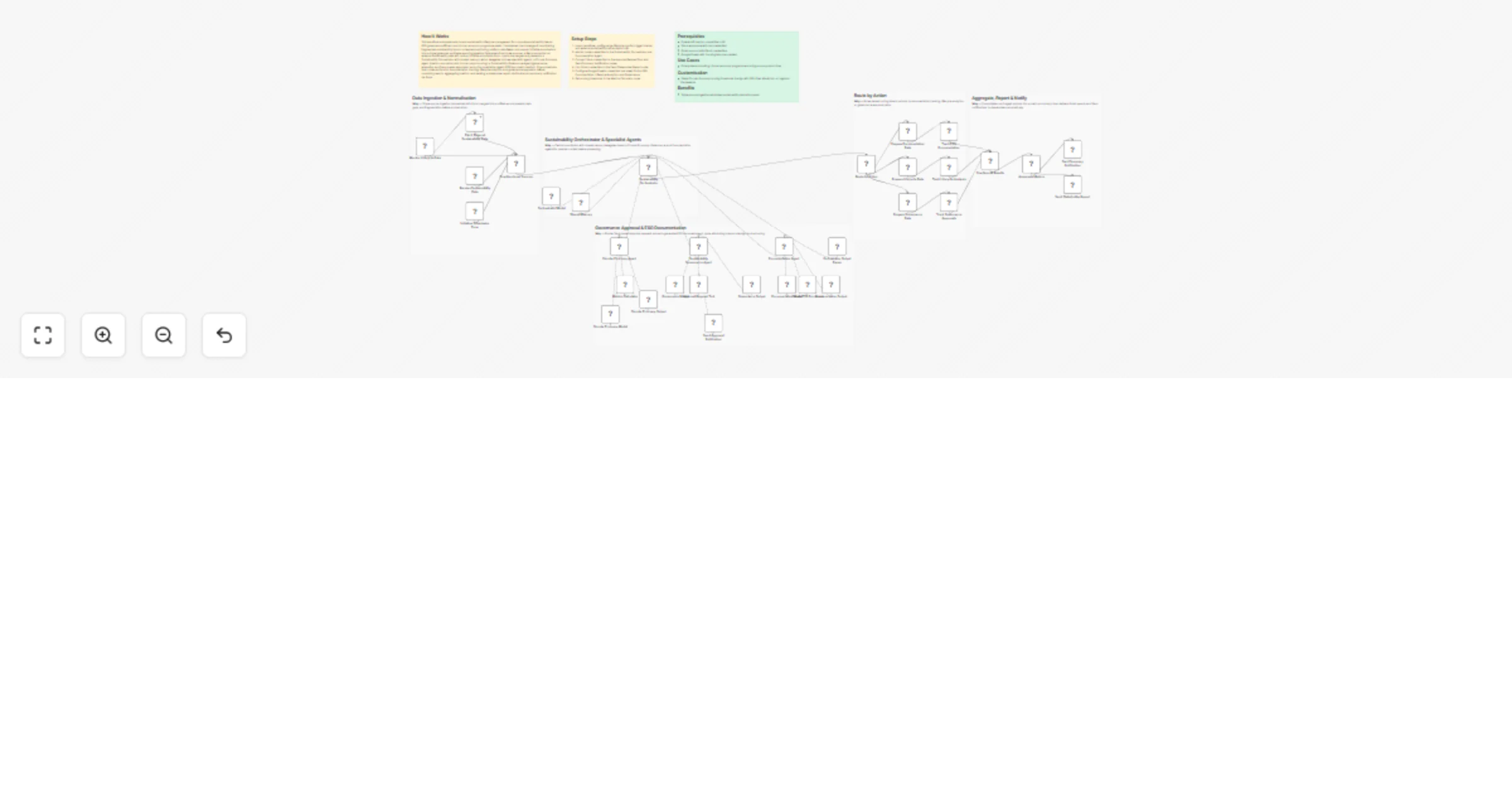
Automate satellite data analysis and regulatory reporting with GPT-4 and Slack
## How It Works This workflow automates satellite data processing by ingesting raw geospatial data, applying AI analysis, and submitting formatted reports to regulatory authorities. Designed for environmental agencies, research institutions, and compliance teams, it solves the challenge of manually processing large satellite datasets and preparing standardized submissions for government agencies. The system triggers on scheduled intervals or event webhooks, fetching satellite imagery and sensor data from ECC/climate APIs. Raw data flows through parsing and normalization stages, then routes to AI models for analysis—detecting environmental changes, calculating metrics, and identifying anomalies. Processed results are validated against agency specifications, formatted into SDQAR reports, and automatically stored in designated repositories. The workflow generates submission packages with required metadata, notifies stakeholders via Slack and email, and logs all activities to Google Sheets for audit trails. This eliminates hours of manual data processing, ensures compliance with submission standards, and accelerates environmental monitoring workflows. ## Setup Steps 1. Configure ECC/climate API credentials for satellite data access 2. Set up webhook endpoints for event-driven data ingestion triggers 3. Add OpenAI API key for geospatial analysis and anomaly detection 4. Configure NVIDIA NIM API for specialized environmental modeling 5. Set Google Sheets credentials for audit logging and tracking 6. Connect Slack workspace and specify notification channels for submission updates 7. Configure Gmail OAuth for automated stakeholder notifications ## Prerequisites Active satellite data API access (ECC, NASA, ESA) with authentication credentials. ## Use Cases Automated climate monitoring with monthly regulatory submissions. ## Customization Modify AI analysis prompts for specific environmental parameters. ## Benefits Reduces satellite data processing time by 85% through end-to-end automation.
Detect multi-source transaction fraud and reconcile finances with OpenAI, Nvidia NIM, Gmail, Slack and Google Sheets
## How It Works This workflow automates financial transaction surveillance by monitoring multiple payment systems, analyzing transaction patterns with AI, and triggering instant fraud alerts. Designed for finance teams, compliance officers, and fintech operations, it solves the challenge of real-time fraud detection across high-volume transaction streams without manual oversight. The system continuously fetches transactions from banking APIs and payment gateways via scheduled triggers or webhooks. Each transaction flows through validation layers checking for irregular amounts, velocity patterns, and geolocation anomalies. AI models analyze transaction metadata against historical patterns to calculate fraud risk scores. High-risk transactions trigger immediate alerts to designated teams via Gmail and Slack, while audit trails are logged to Google Sheets for compliance documentation. Approved transactions proceed to reconciliation, aggregating financial reports automatically. This eliminates delayed fraud discovery, reduces false positives through intelligent scoring, and ensures regulatory compliance through comprehensive audit logging. ## Setup Steps 1. Configure banking API credentials for transaction access 2. Set up webhook endpoints for real-time transaction notifications 3. Add OpenAI API key for fraud pattern analysis and risk scoring 4. Configure NVIDIA NIM API for advanced anomaly detection models 5. Set Gmail OAuth credentials for automated fraud alert delivery 6. Connect Slack workspace and specify alert channels for urgent notifications 7. Link Google Sheets for transaction logging and compliance audit trails ## Prerequisites Active accounts for payment processors (Stripe, PayPal) or banking APIs (Plaid) ## Use Cases Real-time credit card transaction monitoring with instant fraud blocks ## Customization Adjust fraud risk scoring thresholds based on business risk tolerance ## Benefits Reduces fraud detection time from hours to seconds through real-time monitoring.
Grade and deliver multi-course assignment feedback with GPT-4o, Google Drive, Slack, and Gmail
## How It Works This workflow automates business intelligence reporting by aggregating data from multiple sources, processing it through AI models, and delivering formatted dashboards via email. Designed for business analysts, operations managers, and executive teams, it solves the challenge of manually compiling metrics from disparate systems into coherent reports. The system triggers on schedule or webhook, extracting data from Google Sheets, databases, and APIs. Raw data flows through transformation nodes that calculate KPIs, generate trend analyses, and create visualizations. AI models (OpenAI) provide natural language insights and anomaly detection. Results populate multiple dashboard templates—executive summary, departmental metrics, and detailed analytics—each tailored to specific stakeholder needs. Formatted reports are automatically distributed via Gmail with embedded charts and actionable recommendations. This eliminates hours of manual data gathering, reduces reporting errors, and ensures stakeholders receive timely, consistent insights. ## Setup Steps 1. Configure Google Sheets credentials and specify source spreadsheet IDs 2. Set up database connections (PostgreSQL, MySQL) with read-only access 3. Add OpenAI API key for GPT-4 analytics and narrative generation 4. Set Gmail OAuth credentials for automated email delivery 5. Define recipient lists for each dashboard type (executive, departmental, detailed) 6. Customize dashboard templates with company branding and preferred KPIs ## Prerequisites Active Google Workspace account with Sheets and Gmail access. ## Use Cases Automated weekly executive dashboards with YoY comparisons. ## Customization Modify dashboard templates to match corporate branding standards. ## Benefits Reduces report preparation time by 80% through full automation.
Draft and manage academic research papers with GPT-4 and Pinecone
## How It Works This workflow automates academic research processing by routing queries through specialized AI models while maintaining contextual memory. Designed for researchers, faculty, and graduate students, it solves the challenge of managing multiple AI models for different research tasks while preserving conversation context across sessions. The system accepts research queries via webhook, stores them in vector databases for semantic search, and intelligently routes requests to appropriate AI models (OpenAI, Anthropic Claude, or NVIDIA NIM). Results are consolidated, formatted, and delivered via email with full citation tracking. The workflow maintains conversation history using Pinecone vector storage, enabling follow-up queries that reference previous interactions. This eliminates manual model switching, context loss, and repetitive credential management—streamlining research workflows from literature review to hypothesis generation. ## Setup Steps 1. Configure Pinecone credentials 2. Add OpenAI API key for GPT-4 access and embeddings 3. Set up Anthropic Claude API credentials for advanced reasoning 4. Configure NVIDIA NIM API key for specialized academic models 5. Connect Google Sheets for query logging and result tracking 6. Set Gmail OAuth credentials for automated result delivery 7. Configure webhook URL for query submission endpoint ## Prerequisites Active accounts and API keys for Pinecone, OpenAI ## Use Cases Literature review automation with semantic paper discovery. ## Customization Modify AI model selection logic for domain-specific optimization. ## Benefits Reduces research processing time by 60% through automated routing.
Analyze customer feedback and send AI-written replies with GPT-4 and Gmail
## How It Works This workflow automates customer feedback processing by analyzing sentiment, identifying key issues, generating personalized responses, and escalating critical cases to support teams when required. Designed for customer success managers, support teams, and product managers, it enables scalable feedback handling without compromising response quality or urgency. The workflow eliminates manual triage and response drafting by normalizing incoming feedback, performing sentiment and topic analysis, generating context-aware AI responses, validating tone and intent, escalating high-risk or negative feedback, logging all interactions for traceability, and delivering automated replies via email. ## Setup Steps 1. Configure webhook trigger URL for feedback form integration or email parsing 2. Add OpenAI API key for sentiment analysis and response generation 3. Connect Anthropic Claude API for alternative response generation and validation 4. Set up Google Sheets integration for feedback logging and analytics tracking 5. Configure Gmail OAuth2 credentials for automated customer response delivery 6. Integrate support ticket system (Zendesk, Freshdesk) for escalation routing ## Prerequisites OpenAI API key, Anthropic Claude API key (optional), Google Workspace account (Sheets, Gmail) ## Use Cases Product feedback management, customer support automation ## Customization Adjust sentiment scoring thresholds per industry standards, modify response templates ## Benefits Responds to feedback 95% faster, maintains consistent response quality across all interactions
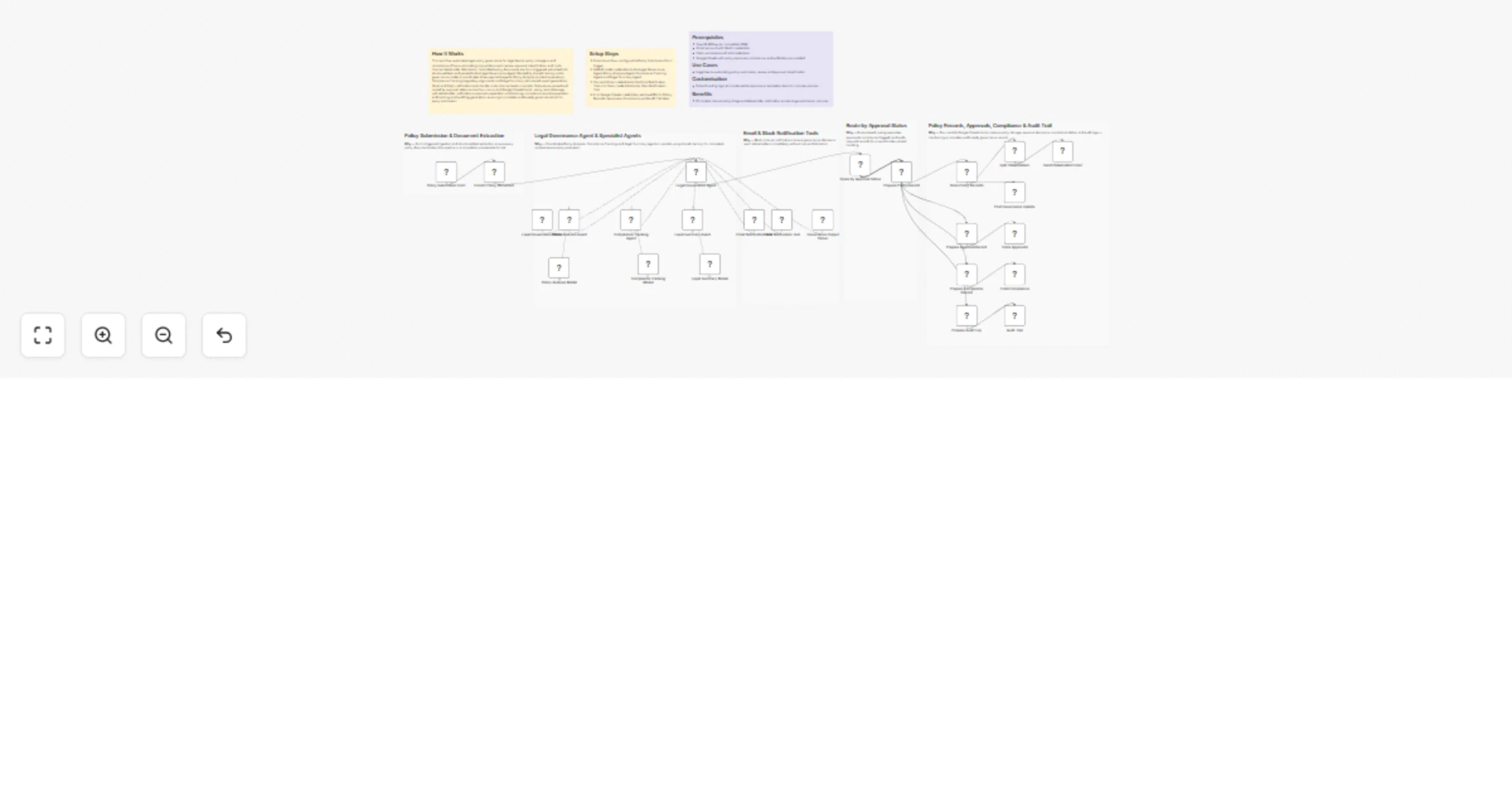
Assess document fraud risk and compliance with GPT-4, Claude and Slack alerts
# n8n Template Submission: AI-Powered Multi-Document Analysis & Recommendation Engine ## 1. Title **AI Multi-Document Analyzer with Smart Recommendations & Reporting** ## How It Works This workflow automates intelligent document analysis by processing multiple uploaded files through parallel AI pipelines to extract insights, generate comparative analysis, and produce actionable recommendations delivered via email. Designed for business analysts, consultants, and researchers, it enables efficient synthesis of insights from diverse document types into strategic, data-driven conclusions. The workflow eliminates the manual effort of reviewing documents, identifying patterns, cross-referencing information, and formulating recommendations by orchestrating structured data extraction, routing content through specialized AI models (OpenAI and Claude), aggregating and validating results, and formatting professional-grade reports. End-to-end processing includes batch document ingestion, structured extraction, parallel AI analysis, comparative evaluation, recommendation generation, report formatting, and tracked delivery via Gmail. ## Setup Steps 1. Configure NVIDIA NIM API credentials for creative content analysis 2. Add OpenAI API key with GPT-4 access for strategic evaluation 3. Connect Anthropic Claude API for technical assessment capabilities 4. Set up Google Sheets integration with read/write permissions 5. Configure Gmail OAuth2 credentials for automated report delivery 6. Customize analysis prompts and recommendation thresholds ## Prerequisites NVIDIA NIM API access, OpenAI API key (GPT-4), Anthropic Claude API key ## Use Cases Multi-vendor proposal evaluation, regulatory compliance document review ## Customization Adjust AI model parameters per analysis depth, modify recommendation scoring algorithms ## Benefits Processes multiple documents 90% faster than manual review, eliminates bias through multi-model
Run multi-model research analysis and email reports with GPT-4, Claude and NVIDIA NIM
## How It Works This workflow automates end-to-end research analysis by coordinating multiple AI models—including NVIDIA NIM (Llama), OpenAI GPT-4, and Claude to analyze uploaded documents, extract insights, and generate polished reports delivered via email. Built for researchers, academics, and business analysts, it enables fast, accurate synthesis of information from multiple sources. The workflow eliminates the manual burden of document review, cross-referencing, and report compilation by running parallel AI analyses, aggregating and validating model outputs, and producing structured, publication-ready documents in minutes instead of hours. Data flows from Google Sheets (user input) through document extraction, parallel AI processing, response aggregation, quality validation, structured storage in Google Sheets, automated report formatting, and final delivery via Gmail with attachments. ## Setup Steps 1. Configure API credentials 2. Add OpenAI API key with GPT-4 access enabled 3. Connect Anthropic Claude API credentials 4. Set up Google Sheets integration with read/write permissions 5. Configure Gmail credentials with OAuth2 authentication for automated email 6. Customize email templates and report formatting preferences ## Prerequisites NVIDIA NIM API access, OpenAI API key (GPT-4 enabled), Anthropic Claude API key ## Use Cases Academic literature reviews, competitive intelligence reports ## Customization Adjust AI model parameters (temperature, tokens) per analysis depth needs ## Benefits Reduces research analysis time by 80%, eliminates single-source bias through multi-model consensus
Optimize multi-property rents and analytics with GPT-4o and Google Sheets
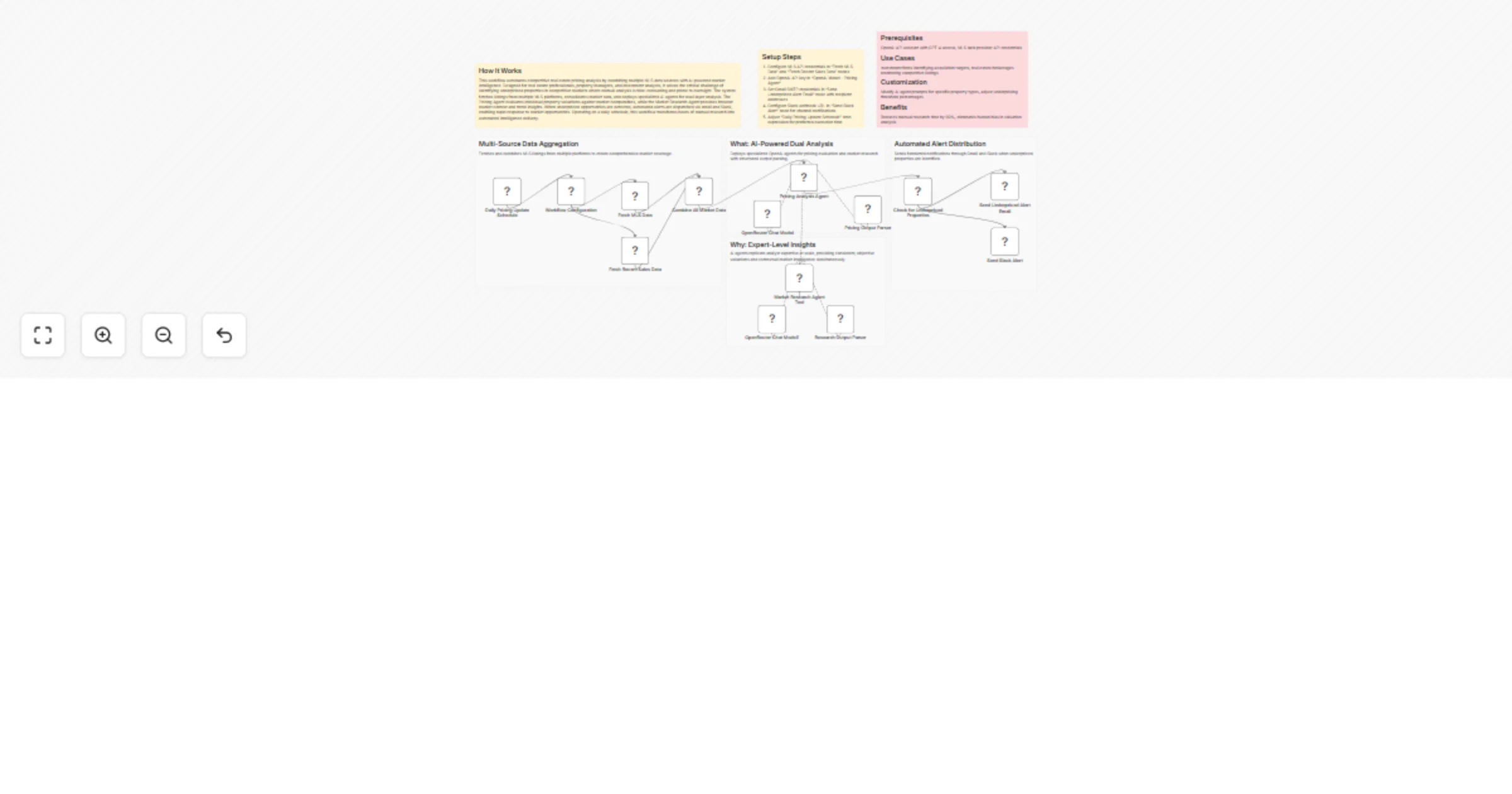
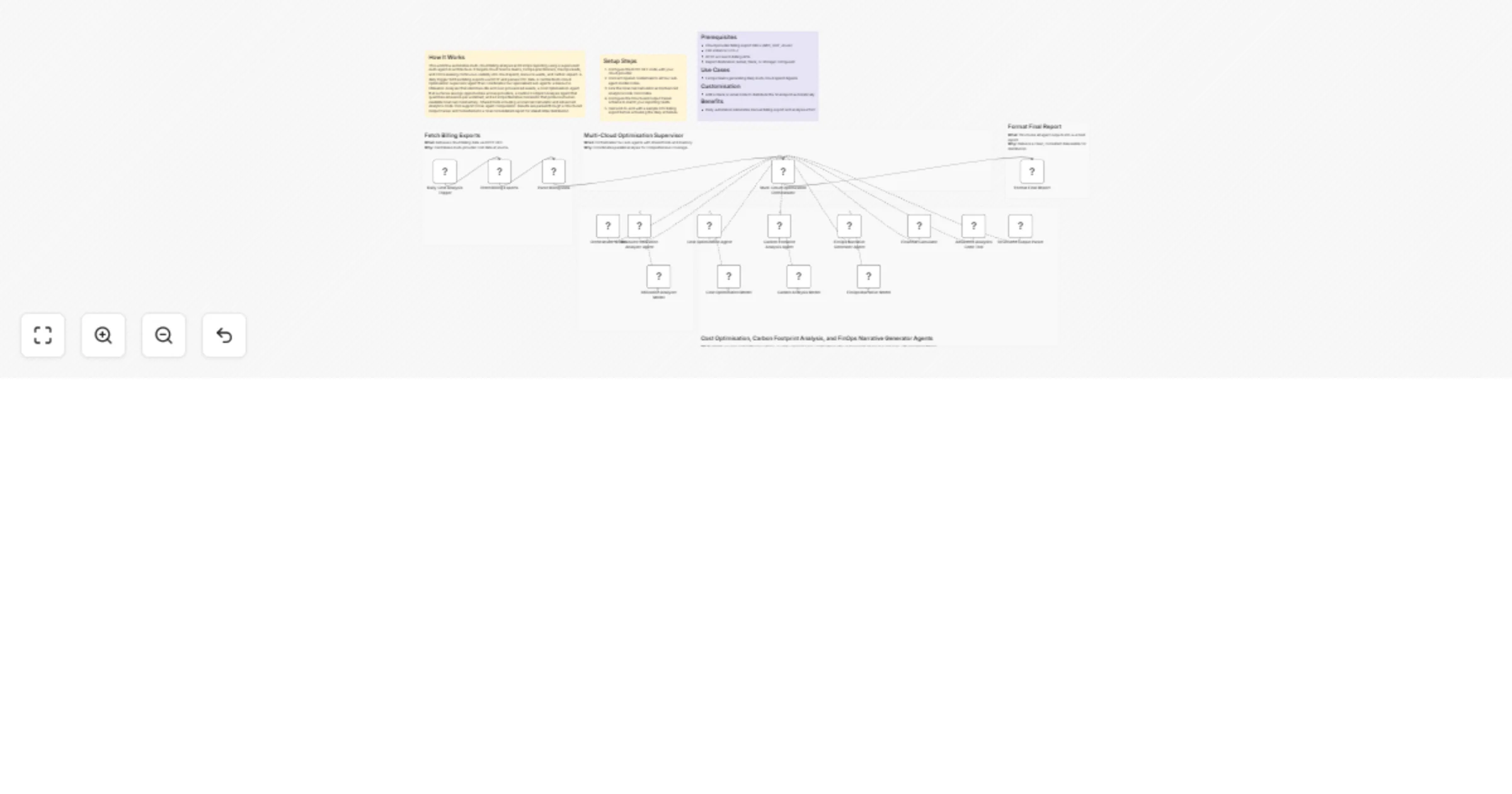
## How It Works This workflow automates comprehensive real estate investment analysis by orchestrating specialized AI agents to evaluate property data, market trends, and financial metrics. Designed for real estate investors, portfolio managers, and property analysts managing multiple properties or evaluating acquisition opportunities, it eliminates the manual research and analysis that typically requires days of work across multiple data sources. The system aggregates data from real estate APIs, market databases, and local statistics, then deploys specialized agents: performance analysis evaluates ROI and cash flow, recommendation engines identify optimal properties, market analysis assesses location trends, sentiment analysis mines reviews and local feedback, and workflow tools calculate financial projections. An orchestrator coordinates these agents to generate consolidated investment reports with property rankings, risk assessments, and portfolio recommendations. Results populate Google Sheets dashboards and trigger email notifications, transforming weeks of analysis into automated insights delivered in hours. ## Setup Steps 1. Configure real estate API credentials (Zillow/Realtor.com) 2. Add market data API keys for local statistics and demographics 3. Input NVIDIA API keys for all OpenAI Model nodes 4. Set OpenAI API key in Team Collaboration Agent/Orchestrator 5. Configure Calculator Tool parameters for financial projections 6. Connect Google Sheets and specify portfolio tracking spreadsheet ID 7. Set up Gmail credentials and specify recipient addresses for reports ## Prerequisites NVIDIA API access, OpenAI API key, real estate data API subscriptions ## Use Cases Multi-property portfolio analysis, acquisition opportunity screening. ## Customization Adjust investment criteria thresholds, add custom financial metrics ## Benefits Reduces analysis time by 90%, evaluates unlimited properties simultaneously
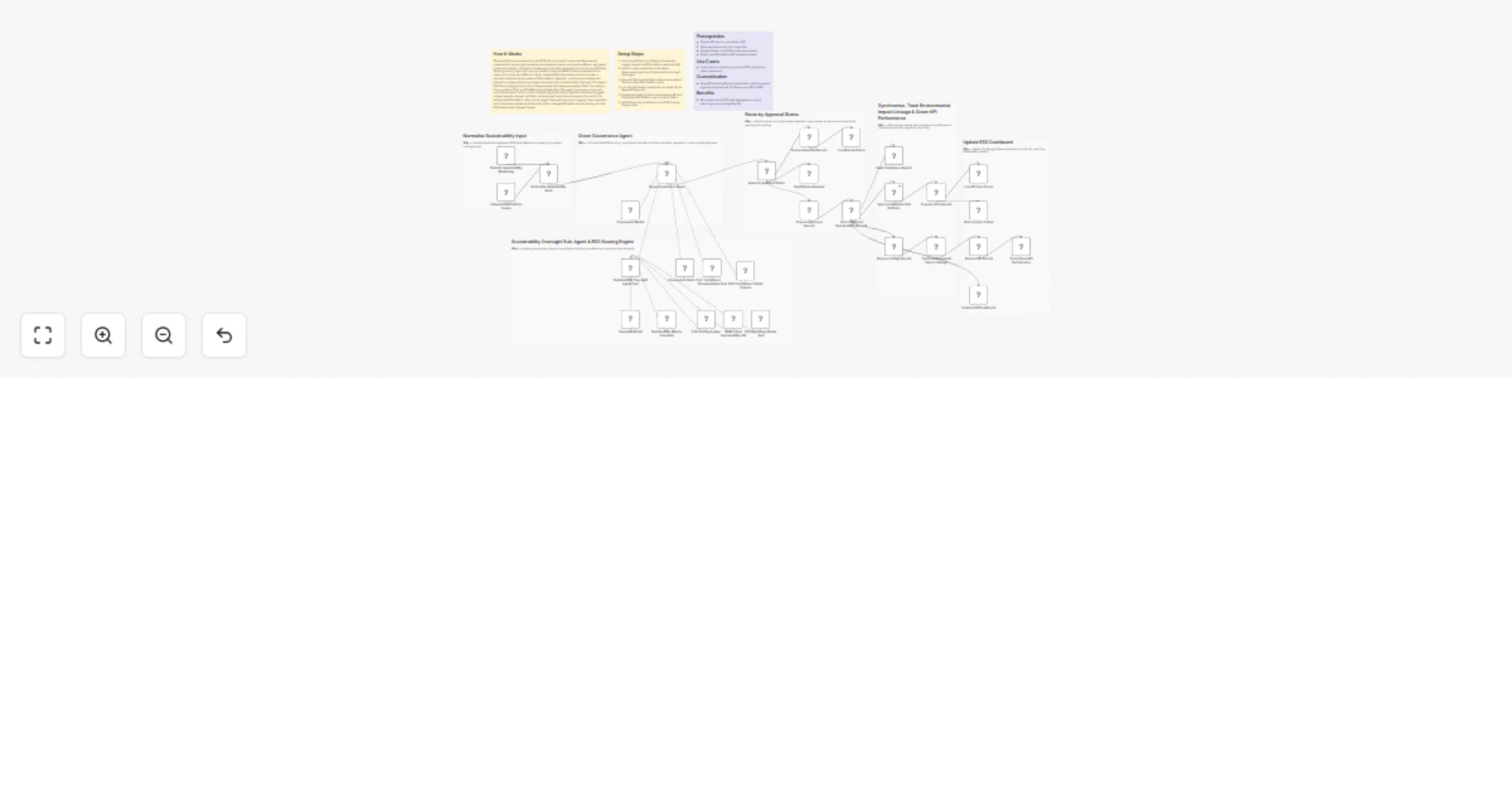
Automate actuarial premium adjustments and claims reporting with GPT-4.1, Gmail and Slack
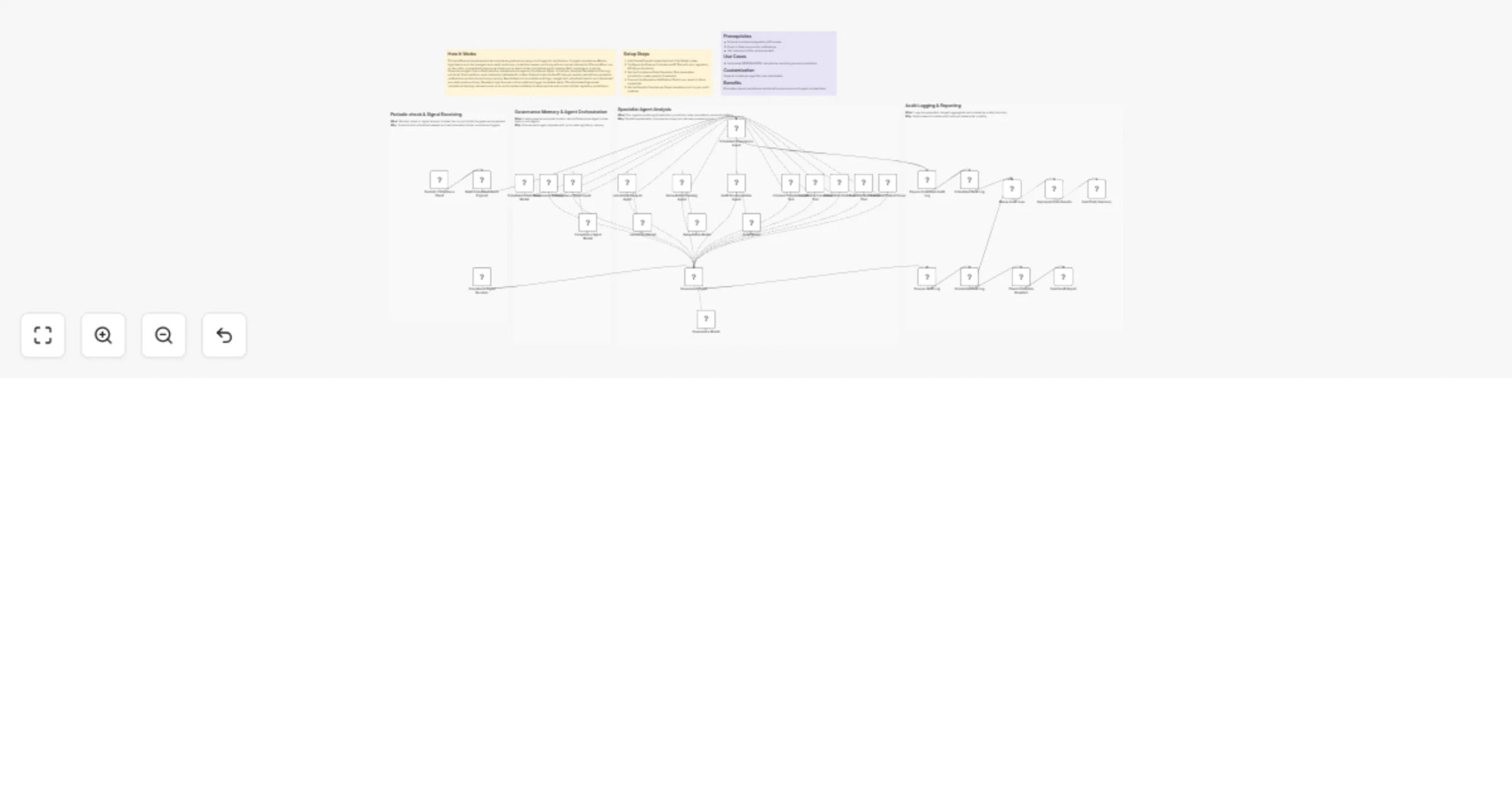
## How It Works This workflow automates insurance claims processing by deploying specialized AI agents to analyze actuarial data, draft claim memos, and perform risk assessments. Designed for insurance adjusters, underwriters, and claims managers handling high claim volumes, it solves the bottleneck of manual claim review that delays settlements and increases operational costs. The system ingests new claims data via scheduled triggers, then routes information to an actuarial analysis agent that calculates loss ratios and risk scores. A memo writer agent generates detailed claim summaries with recommendations, while a risk assessment agent evaluates fraud indicators and coverage implications. An orchestrator agent coordinates these specialists, ensuring consistent analysis standards. Final reports are automatically distributed via email to product teams and Slack notifications to risk management, creating transparent workflows while reducing claim processing time from days to hours with standardized, comprehensive evaluations. ## Setup Steps 1. Configure claims database API credentials in "Fetch New Claims Data" node 2. Input NVIDIA API key for all OpenAI Model nodes 3. Add OpenAI API key in Orchestrator Agent configuration 4. Set up Calculator Tool parameters for premium adjustment calculations 5. Configure Gmail credentials and recipient addresses for product team 6. Connect Slack workspace and specify risk team channel for alerts ## Prerequisites NVIDIA API access, OpenAI API key, claims management system API ## Use Cases Auto insurance claim triage, property damage assessment automation ## Customization Adjust risk scoring thresholds, add industry-specific analysis criteria ## Benefits Reduces claim processing time by 85%, ensures consistent evaluation standards
Reconcile Stripe, bank, and e-commerce data with GPT-4.1 and Google Sheets
## How It Works This workflow automates financial reconciliation by orchestrating multiple AI agents to detect mismatches, analyze root causes, and apply corrections across bank statements, invoices, and e-commerce platforms. Designed for finance teams, accountants, and business owners managing high transaction volumes, it eliminates manual reconciliation tedious work that typically consumes hours weekly. The system retrieves financial data from Stripe, banking APIs, and e-commerce platforms, then feeds it to specialized AI agents: one detects discrepancies using pattern recognition, another performs root cause analysis, and a third generates ledger corrections. An orchestrator agent coordinates these specialists, ensuring systematic processing. Results are logged to Google Sheets and trigger email notifications for critical issues, creating an audit trail while reducing reconciliation time from hours to minutes with 95%+ accuracy. ## Setup Steps 1. Configure Stripe API credentials in "Get Stripe Transactions" node 2. Add banking API authentication for "Get Bank Feed Data" node 3. Connect e-commerce platform (Shopify/WooCommerce) credentials 4. Input NVIDIA API key for all OpenAI Model nodes 5. Set OpenAI API key in Orchestrator Agent 6. Configure Gmail credentials for notification node ## Prerequisites NVIDIA API access, OpenAI API key, Stripe account ## Use Cases Monthly financial close automation, daily transaction reconciliation ## Customization Modify detection thresholds, add custom financial data sources ## Benefits Reduces reconciliation time by 90%, eliminates manual data entry errors
Detect financial anomalies and reconcile revenue with GPT-4o and API integrations
## How It Works This workflow automates financial oversight for accounting teams, tax professionals, and financial controllers managing monthly transaction volumes. It solves the challenge of identifying and correcting revenue discrepancies, tax calculation errors, and unusual patterns that manual review often misses. The system collects monthly financial transactions via scheduled trigger, then fetches complete transaction data through API integration. An AI anomaly detection agent analyzes patterns using multiple specialized tools: an OpenAI model identifies statistical outliers and unusual behaviors, a calculator validates mathematical accuracy of revenue entries, and a historical pattern analyzer compares against baseline trends. Detected anomalies undergo verification by a secondary AI agent to eliminate false positives. Confirmed issues route to automated revenue adjustments and tax agent notifications, while alert emails provide detailed anomaly reports with recommended actions, ensuring financial accuracy and compliance. ## Setup Steps 1. Configure OpenAI API credentials in "Anomaly Detection Agent" 2. Set up financial data source API connection in "Fetch Financial Transactions" node with authentication 3. Define anomaly detection thresholds and rules in AI agent tool configurations 4. Configure tax system integration credentials in "Update Revenue Entries" 5. Set up email notification service with recipient lists in "Send Anomaly Alert" node ## Prerequisites OpenAI API access, financial system API credentials with read/write permissions. ## Use Cases Monthly financial close automation, revenue recognition validation ## Customization Modify anomaly detection algorithms for industry-specific patterns ## Benefits Reduces financial close time by 60%, catches revenue errors before reporting
Convert Japanese scripts to multilingual speech with GPT-4 and ElevenLabs
## How It Works This workflow provides enterprise-grade translation and text-to-speech automation for international communication teams, content publishers, and localization services. It addresses producing high-quality multilingual audio content with consistent accuracy and natural delivery at scale. An AI orchestrator analyzes source content to determine optimal translation strategy, selecting specialized agents based on content type, complexity, and target languages. The translation agent processes text with contextual awareness, generating structured output that feeds into ElevenLabs' neural text-to-speech engine. Each audio file undergoes automated quality validation checking pronunciation accuracy, natural flow, and technical specifications. High-quality outputs proceed to standardized formatting for delivery, while failures trigger dedicated error handling with diagnostic reporting, ensuring reliable production of professional multilingual audio assets. ## Setup Steps 1. Configure OpenAI API key in "Translation Orchestrator" 2. Set up ElevenLabs credentials in "Text-to-Speech" 3. Define source and target languages in "Workflow Configuration" 4. Customize orchestration logic based on content types and complexity 5. Set quality thresholds in "Audio Quality Validation" matching output ## Prerequisites OpenAI API access with GPT-4 capabilities, active ElevenLabs subscription. ## Use Cases Enterprise content localization, multilingual customer communications ## Customization Add language-specific translation agents, modify orchestration routing logic ## Benefits Delivers consistent translation quality through intelligent routing
Create multilingual localized speech audio with GPT-4 and ElevenLabs
## How It Works This workflow delivers intelligent multilingual audio content creation for global marketing teams, e-learning providers, and content production studios. It solves the complex challenge of generating culturally adapted, professionally voiced translations optimized for each target language. The system begins with AI-powered localization that adapts source content for cultural context, idioms, and regional preferences rather than literal translation. Specialized AI agents then optimize speech parameters (pace, tone, emphasis) and voice characteristics (pitch, timbre, style) specific to each language's phonetic requirements. The workflow prepares language arrays and loops through each target language, generating optimized audio via ElevenLabs with customized voice parameters. All audio files are processed, formatted with metadata, and aggregated into a complete deliverable package, transforming single-source content into publication-ready multilingual audio assets. ## Setup Steps 1. Configure OpenAI API credentials in all AI agent nodes 2. Set up ElevenLabs account, obtain API key 3. Define target languages list in "Workflow Configuration" node using ISO language codes 4. Customize localization prompts in AI agents to match brand voice and content type 5. Adjust voice parameter ranges and optimization criteria based on audio requirements 6. Configure output formatting in "Aggregate Results" node ## Prerequisites OpenAI API access with GPT-4 capabilities, active ElevenLabs subscription with multi-voice access. ## Use Cases Global product launch campaigns, international e-learning course production ## Customization Modify AI prompts for industry-specific terminology, add quality validation checkpoints ## Benefits Achieves native-quality audio across languages, reduces production time by 80%
Translate Chinese text to multilingual audio with GPT-4o and ElevenLabs
## How It Works This workflow provides automated Chinese text translation with high-quality audio synthesis for language learning platforms, content creators, and international communication teams. It addresses the challenge of converting Chinese text into accurate multilingual translations with natural-sounding voiceovers. The system receives Chinese text via webhook, validates input formatting, and processes it through an AI translation agent that generates multiple language versions. Each translation is converted to speech using ElevenLabs' neural voice models, then formatted into professional audio responses. A quality review agent evaluates translation accuracy, cultural appropriateness, and audio clarity against predefined criteria. High-scoring outputs are returned via webhook for immediate use, while low-quality results trigger review processes, ensuring consistent delivery of publication-ready multilingual audio content. ## Setup Steps 1. Obtain OpenAI API key and configure in "Translation Agent" 2. Set up ElevenLabs account, generate API key 3. Configure webhook URL and update in source applications to trigger workflow 4. Customize target languages and voice settings in translation and ElevenLabs nodes 5. Adjust quality thresholds in "Check Quality Score" 6. Update output webhook endpoint in "Return Audio Files" node ## Prerequisites Active accounts: OpenAI API access, ElevenLabs subscription. ## Use Cases Chinese language learning apps, international marketing content localization ## Customization Add additional target languages, modify voice characteristics and speaking rates ## Benefits Automates 95% of translation workflow, delivers publication-ready audio in minutes
Translate Chinese audio into multilingual voiceovers with GPT-4o and ElevenLabs
## How It Works This workflow automates end-to-end audio translation with quality assurance for content creators, educators, and international teams managing multilingual content. It solves the challenge of translating audio into multiple languages while ensuring accuracy and maintaining organized delivery. The system receives audio files via webhook, splits them into target languages (Arabic, French, Spanish, Chinese, Hindi), and processes each through NVIDIA's Parakeet TDT translation model. OpenAI validates translation quality, and results are enhanced with comprehensive metadata. Successfully translated files are uploaded to Google Drive with organized naming, combined into a summary spreadsheet, and delivered via email notification. Failed translations trigger quality alerts, ensuring reliable output while minimizing manual oversight and reducing translation turnaround time from hours to minutes. ## Setup Steps 1. Configure NVIDIA API credentials in the "Generate Audio with ElevenLabs" 2. Add OpenAI API key for quality evaluation in the "OpenAI Chat Model" node 3. Set up Google Drive OAuth connection and specify target folder ID for uploads 4. Configure Gmail SMTP credentials for notification delivery 5. Update webhook URL in source applications to trigger workflow 6. Customize target languages in "Split Languages" node if needed ## Prerequisites Active accounts: NVIDIA (build.nvidia.com), OpenAI, Google Drive, Gmail. API credentials for all services. ## Use Cases International podcast distribution, e-learning course localization ## Customization Modify target languages in Split node, adjust quality thresholds in OpenAI evaluation ## Benefits Reduces translation time by 90%, eliminates manual quality checks through automated validation Here are **clear, professional subheadings** for each *What / Why* pair. They’re concise, action-oriented, and fit well in technical workflow documentation.
Generate multilingual audio content with OpenAI, ElevenLabs, Google Drive and Slack
## How It Works This workflow automates multilingual audio content creation for content creators, educators, and marketing teams distributing materials globally. It solves the challenge of producing high-quality, translated audio content at scale without manual intervention. Starting with source text, the system translates content into English, Spanish, French, and German using AI translation services, validates translation quality through automated scoring, generates natural-sounding audio using ElevenLabs text-to-speech technology, calculates audio metrics for quality assurance, combines all language versions into a single package, uploads to Google Drive for centralized storage, and sends Slack notifications for team collaboration. The workflow eliminates weeks of manual translation and voice recording work while maintaining consistent quality across all language variants. ## Setup Steps 1. Configure AI translation service credentials for multilingual processing 2. Add ElevenLabs API key and select voice models for each target language 3. Set quality threshold scores for translation validation gates 4. Connect Google Drive with designated folder for audio storage 5. Configure Slack webhook for team notifications with custom message ## Prerequisites AI translation API access (OpenAI/DeepL), ElevenLabs account with sufficient character quota ## Use Cases E-learning course localization, podcast multilingual distribution ## Customization Add additional languages, modify quality score thresholds ## Benefits Reduces content localization time by 95%, eliminates voice talent costs
Reconcile bank transactions and generate reports with GPT-4 and Gmail
## How It Works This workflow automates end-to-end financial transaction processing for finance teams managing high-volume bank data. It eliminates manual reconciliation by intelligently classifying transactions, detecting anomalies, and generating executive summaries. The system pulls transaction data from Fable Bank, routes it through multiple AI models (OpenAI GPT-4, NVIDIA NIM) for classification and analysis, reconciles accounts, and distributes formatted reports via email. Finance managers and accounting teams benefit from reduced processing time, improved accuracy, and real-time anomaly detection. The workflow handles transaction categorization, reconciliation schema generation, account matching, journal entry creation, and comprehensive reporting—transforming hours of manual work into minutes of automated processing with AI-enhanced accuracy. ## Setup Steps 1. Configure Fable Bank API credentials for transaction data access 2. Add OpenAI API key for GPT-4 classification and reconciliation models 3. Set up NVIDIA NIM credentials for anomaly detection services 4. Connect Google Sheets for reconciliation schema storage 5. Configure Gmail account for automated report distribution ## Prerequisites OpenAI API account with GPT-4 access ## Use Cases Monthly financial close automation, daily transaction monitoring for fraud detection ## Customization Replace Fable Bank with your banking API ## Benefits Reduces reconciliation time by 90%, eliminates manual data entry errors
Repurpose Instagram videos to YouTube with Claude and Google Sheets tracking
## How It Works This workflow automates cross-platform content distribution from Instagram to YouTube with intelligent AI enhancement. Designed for content creators, social media managers, and digital marketers who need to maximize their content reach across platforms efficiently. The template solves the challenge of manual video repurposing by automating the entire process from content retrieval to optimized publishing. It retrieves Instagram videos on schedule, generates engaging metadata using dual AI models (Anthropic Claude for creative titles/descriptions), uploads to YouTube, logs performance metrics to Google Sheets, and sends WhatsApp notifications upon completion. The workflow intelligently routes tasks between AI providers: Claude's language capabilities create compelling and platform-optimized content. This dual-model approach delivers superior results compared to single-AI solutions, combining creativity with precision for maximum engagement. ## Setup Steps 1. Configure Instagram credentials 2. Add Anthropic API key for Claude model in AI nodes 3. Connect YouTube account and configure upload settings 4. Link Google Sheets with target spreadsheet ID for logging 5. Add WhatsApp Business API credentials ## Prerequisites Instagram Business/Creator account with API access ## Use Cases Social media agencies managing multiple client accounts ## Customization Modify AI prompts for brand-specific tone, adjust scheduling frequency ## Benefits Saves 2-3 hours daily on manual uploads, ensures consistent posting schedules
Monitor brand reputation and detect crises with GPT-4, Slack and Gmail
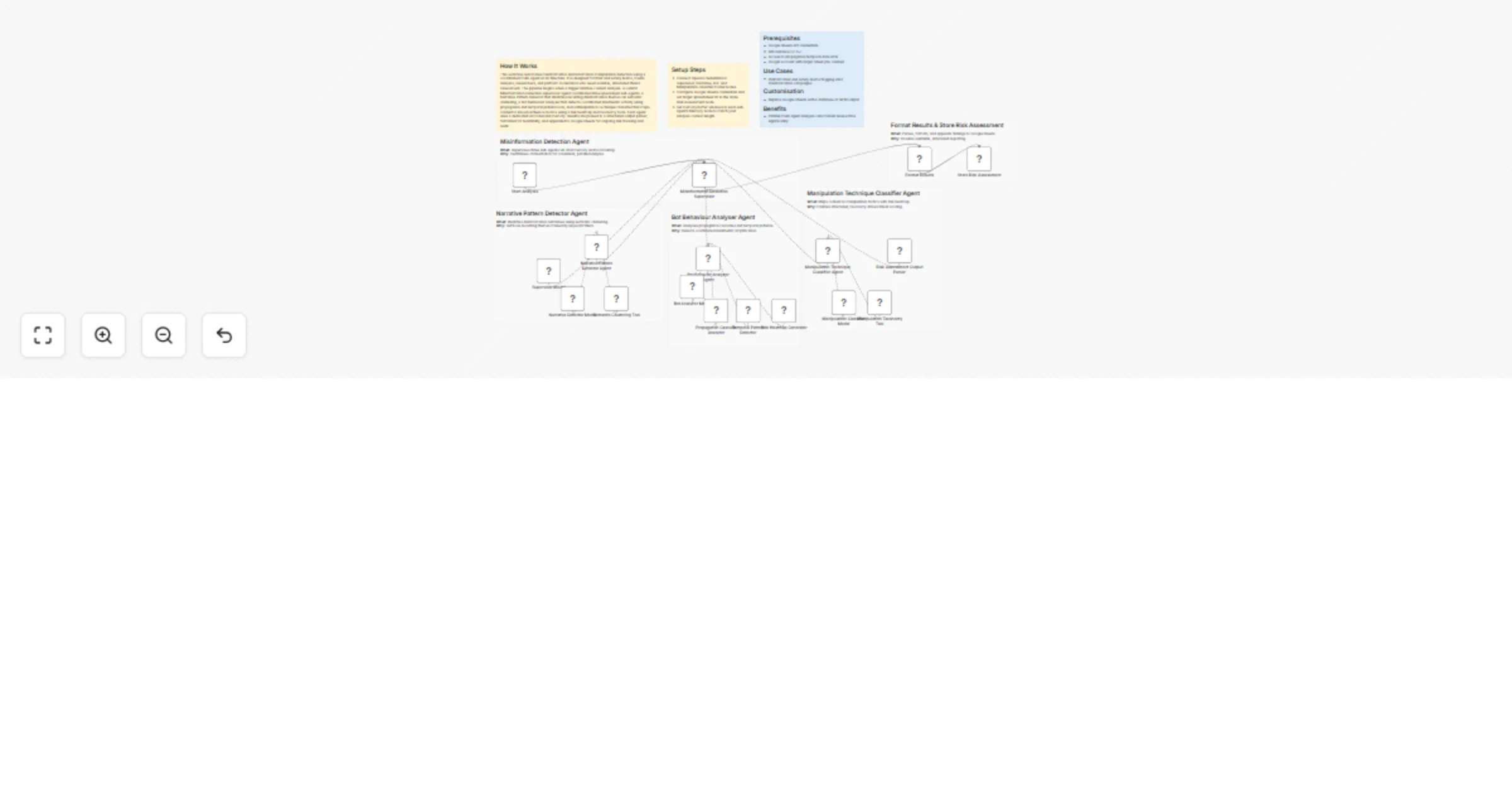
## How It Works This workflow automates brand reputation monitoring by analyzing sentiment across news, social media, reviews, and forums using AI-powered trend detection. Designed for PR teams, brand managers, marketing directors, and crisis communication specialists requiring real-time awareness of reputation threats before they escalate.The template solves the challenge of manually tracking brand mentions across fragmented channels—news outlets, Twitter, Instagram, review sites, Reddit, industry forums—then identifying emerging crises hidden in sentiment shifts and volume spikes.Scheduled execution triggers four parallel HTTP nodes fetching data from news APIs, social media monitoring services, review aggregators, and forum discussion platforms. Merge node combines all sources, then normalization ensures consistent data structure. OpenAI GPT-4 with structured output parsing performs sophisticated sentiment analysis and trend detection, identifying sudden negative sentiment surges, coordinated criticism patterns, and viral complaint escalation. ## Setup Steps 1. Configure HTTP nodes with API credentials for news monitoring service 2. Add OpenAI API key to Chat Model node for sentiment and trend analysis 3. Connect Slack workspace and specify crisis response team channel 4. Integrate Gmail account with PR leadership distribution list 5. Set up Google Sheets connection and create monitoring dashboard ## Prerequisites OpenAI API key, news monitoring API access ## Use Cases Consumer brands monitoring product launch reception and identifying quality issues early ## Customization Modify AI prompts for industry-specific crisis indicators ## Benefits Reduces crisis detection time from hours to minutes enabling damage control before viral spread
Score telematics driving risk with Claude and adjust insurance premiums via HTTP, Gmail, and Slack
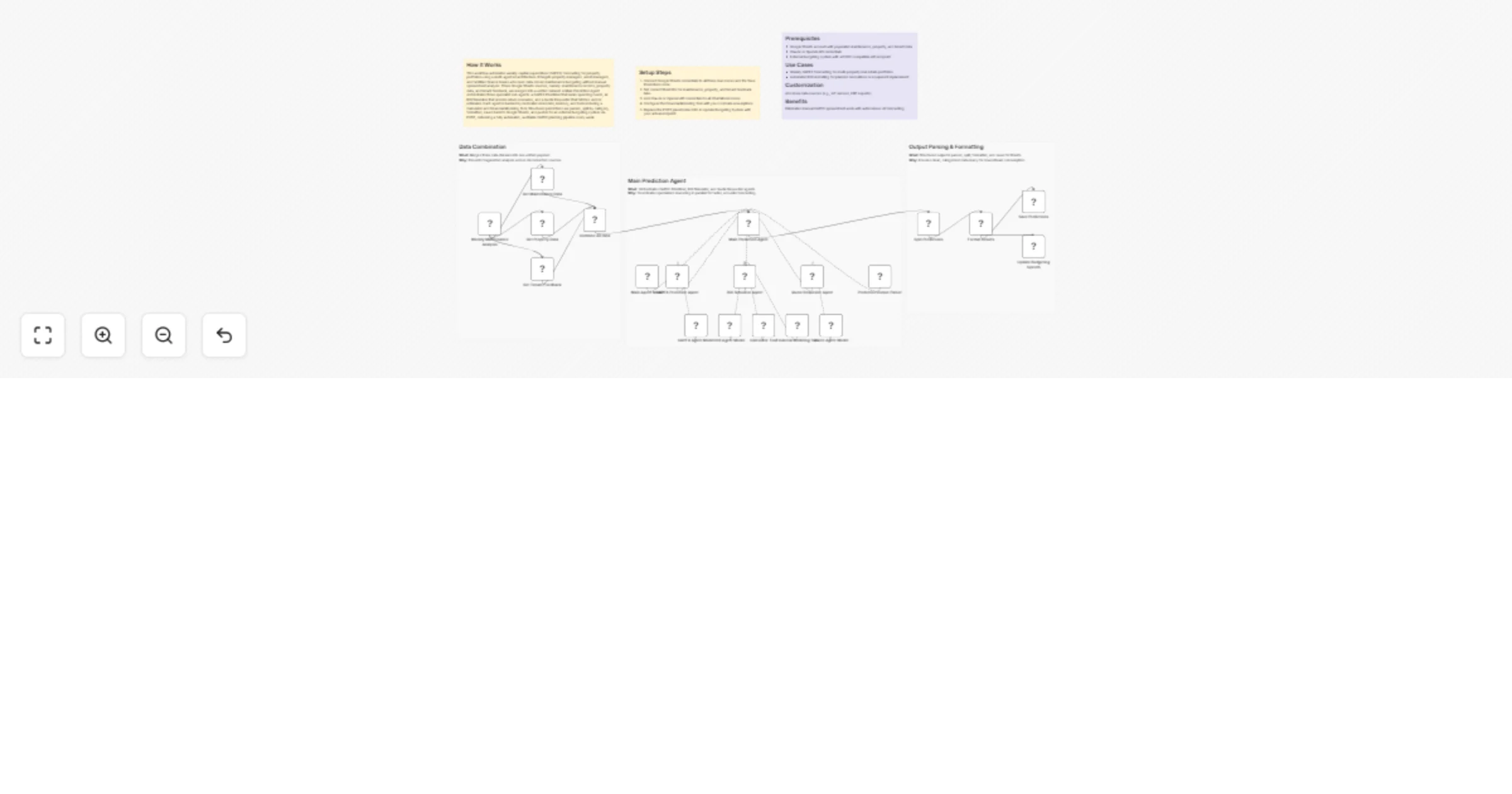
## How It Works This workflow automates insurance premium adjustments by analyzing telematics data with AI-driven risk assessment and syncing changes across underwriting systems. Designed for carriers, actuaries, and underwriting teams managing usage-based insurance programs, it eliminates manual review of driving patterns, speed, braking, and mileage while ensuring compliance. Scheduled execution fetches telematics data via HTTP from vehicles or mobile apps. Anthropic Claude analyzes behavior with structured output parsing, generating risk scores from acceleration, harsh braking, speeding, and time-of-day driving. Calculator node applies scores to premiums, and HTTP node updates policy systems. High-risk cases trigger Gmail alerts to underwriting managers and Slack notifications to claims teams. Final HTTP sync ensures compliance across all systems. ## Setup Steps 1. Configure Schedule node for desired analysis frequency 2. Set up HTTP node with telematics platform API 3. Add Anthropic API key to Chat Model node for behavioral risk analysis 4. Connect policy management system API credentials in HTTP nodes 5. Integrate Gmail and Slack with underwriting team addresses ## Prerequisites Anthropic API key, telematics data platform API access ## Use Cases Auto insurance carriers implementing usage-based insurance programs ## Customization Modify AI prompts to incorporate additional risk factors like weather conditions ## Benefits Reduces premium calculation time from days to minutes
Verify document authenticity with Claude and record proofs on blockchain
## How It Works This workflow automates document authenticity verification by combining AI-based content analysis with immutable blockchain records. It is built for compliance teams, legal departments, supply chain managers, and regulators who need tamper-proof validation and auditable proof. The solution addresses the challenge of detecting forged or altered documents while producing verifiable evidence that meets legal and regulatory standards. Documents are submitted via webhook and processed through PDF content extraction. Anthropic’s Claude analyzes the content for authenticity signals such as inconsistencies, anomalies, and formatting issues, returning structured authenticity scores. Verified documents trigger blockchain record creation and publication to a distributed ledger, with cryptographic proofs shared automatically with carriers and regulators through HTTP APIs. ## Setup Steps 1. Configure webhook endpoint URL for document submission 2. Add Anthropic API key to Chat Model node for AI 3. Set up blockchain network credentials in HTTP nodes for record preparation 4. Connect Gmail account and specify compliance team email addresses 5. Customize authenticity thresholds ## Prerequisites Anthropic API key, blockchain network access and credentials ## Use Cases Supply chain documentation verification for import/export compliance ## Customization Adjust AI prompts for industry-specific authenticity criteria ## Benefits Eliminates manual document review time while improving fraud detection accuracy
Detect and correct claims cost leakage with GPT-4 and automated alerts
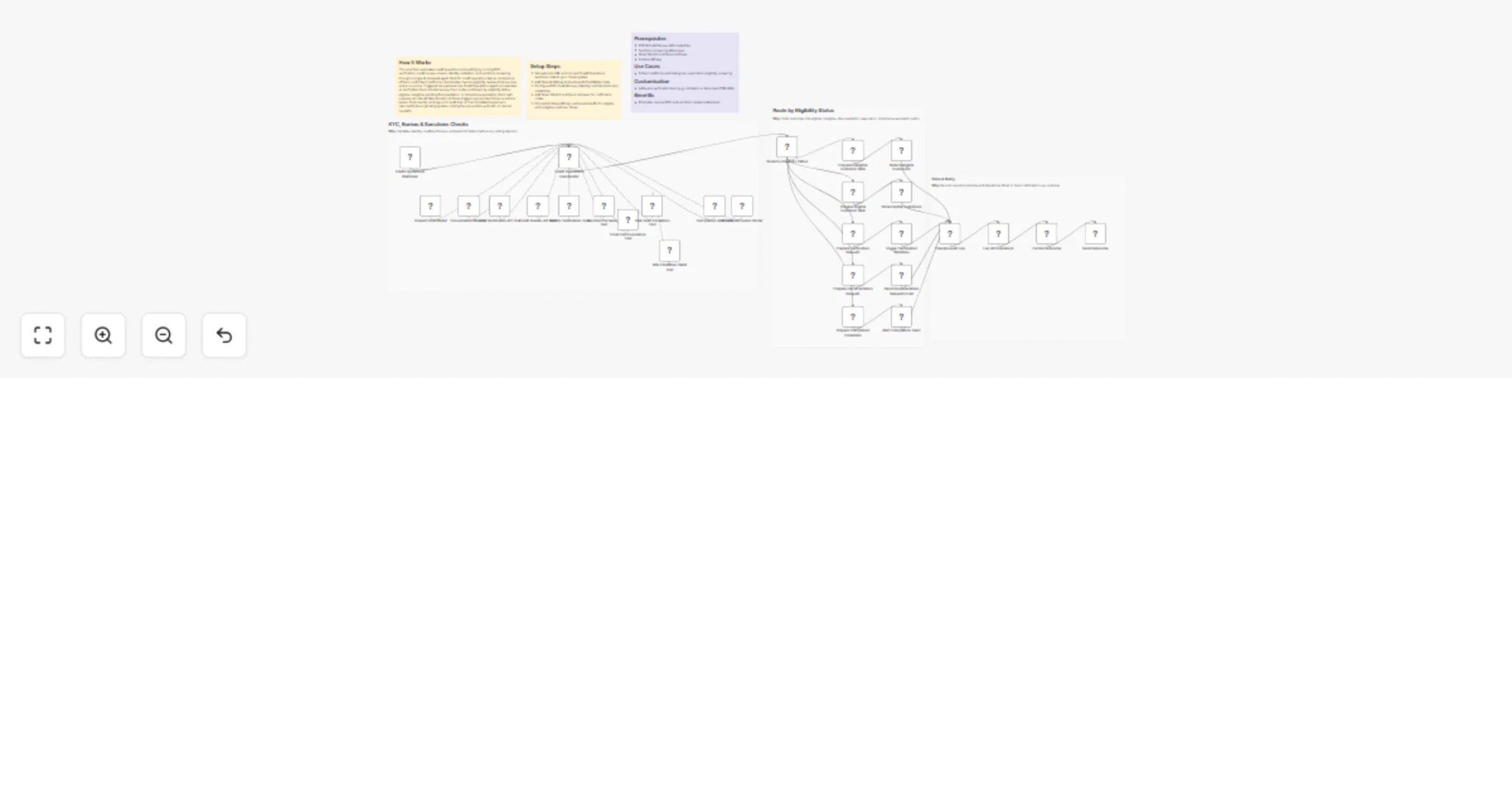
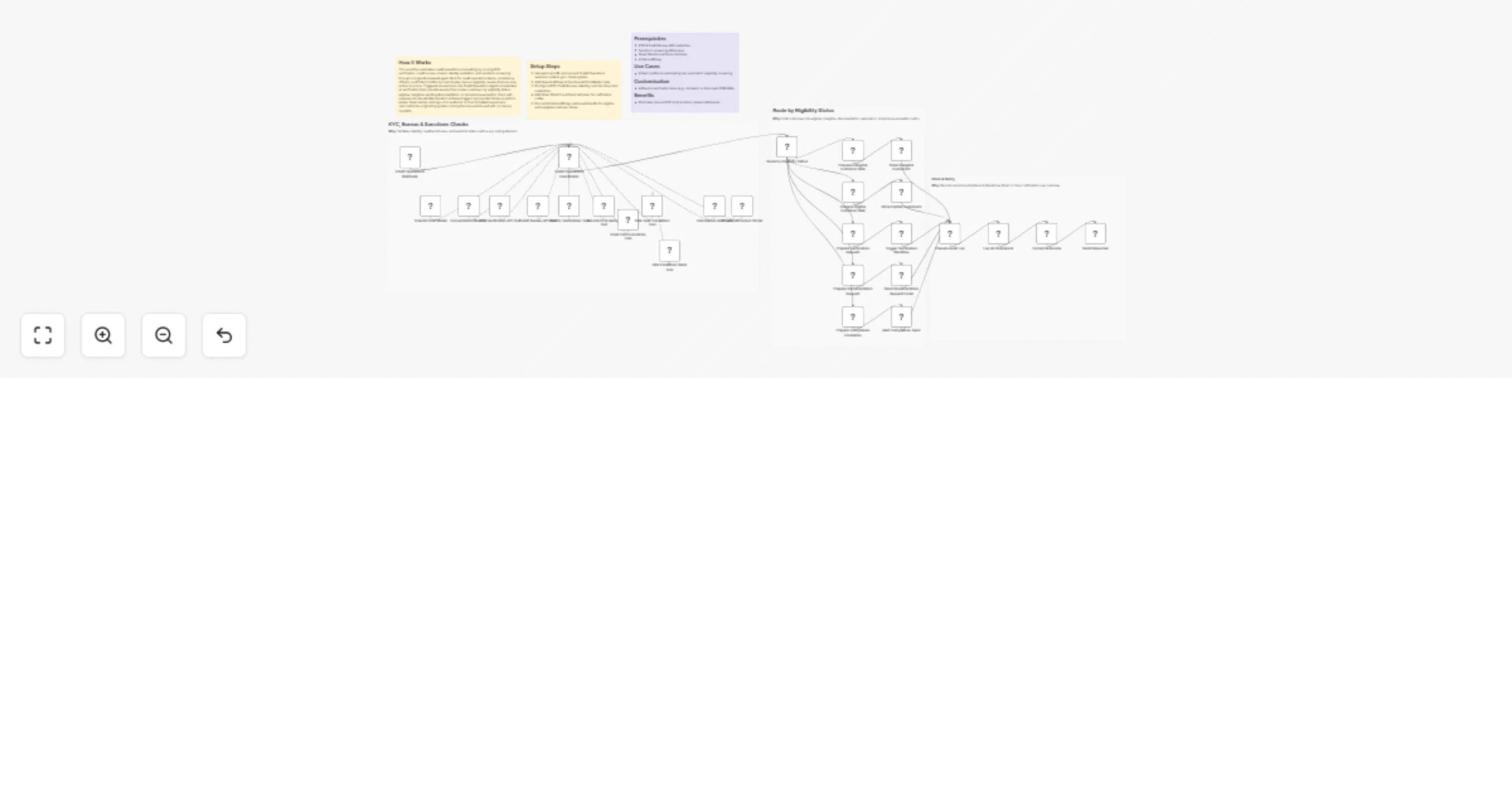
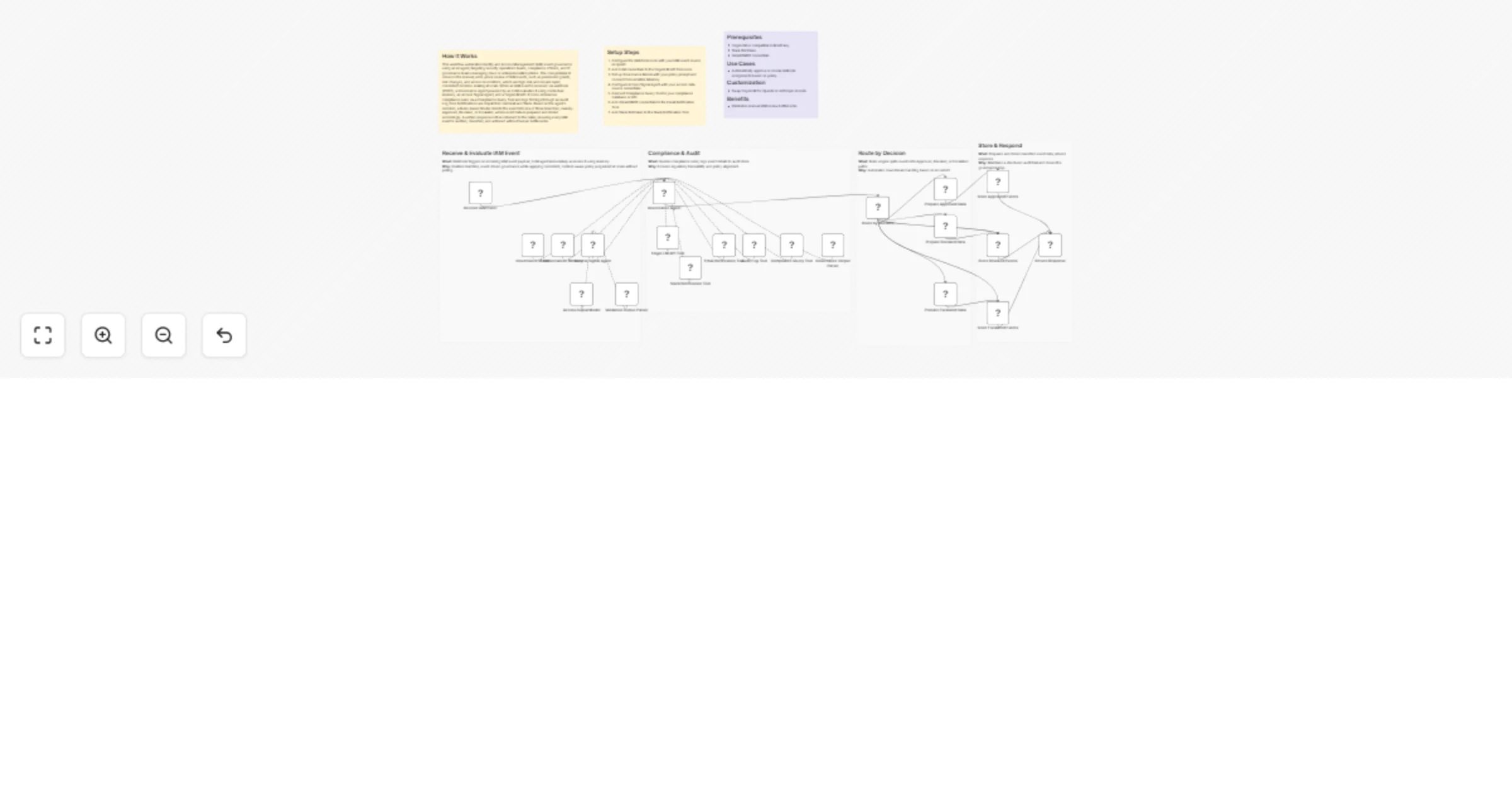
## How It Works This workflow automates enterprise claims cost leakage detection by identifying overpayments, policy deviations, and pricing inconsistencies across claims data. It supports claims operations, finance, and audit teams by providing continuous, AI-driven monitoring without manual review. Claims data is ingested through parallel HTTP requests, including claim history, policy details, pricing rules, and enrichment data. Historical claim patterns feed calculator-based risk scoring to flag potential leakage scenarios. All data streams are consolidated and analyzed using GPT-4 with structured outputs to detect anomalies, quantify leakage risk, and recommend corrective adjustments. The workflow generates claim-level findings and routes outcomes by severity: high-risk leakage triggers immediate email and Slack alerts, while lower-risk issues are compiled into periodic audit and recovery reports. ## Setup Steps 1. Configure HTTP nodes with competitor website APIs 2. Add OpenAI API key to Chat Model node for AI analysis 3. Connect Gmail account and set leadership distribution list 4. Integrate Slack workspace and configure strategy team 5. Adjust Schedule node timing for preferred monitoring frequency ## Prerequisites OpenAI API key, competitor data source API access, vendor monitoring service credentials ## Use Cases SaaS companies tracking competitor feature releases and pricing changes ## Customization Modify risk scoring formulas in Calculator nodes for industry-specific metrics ## Benefits Transforms hours of manual competitor research into automated minutes-long cycles