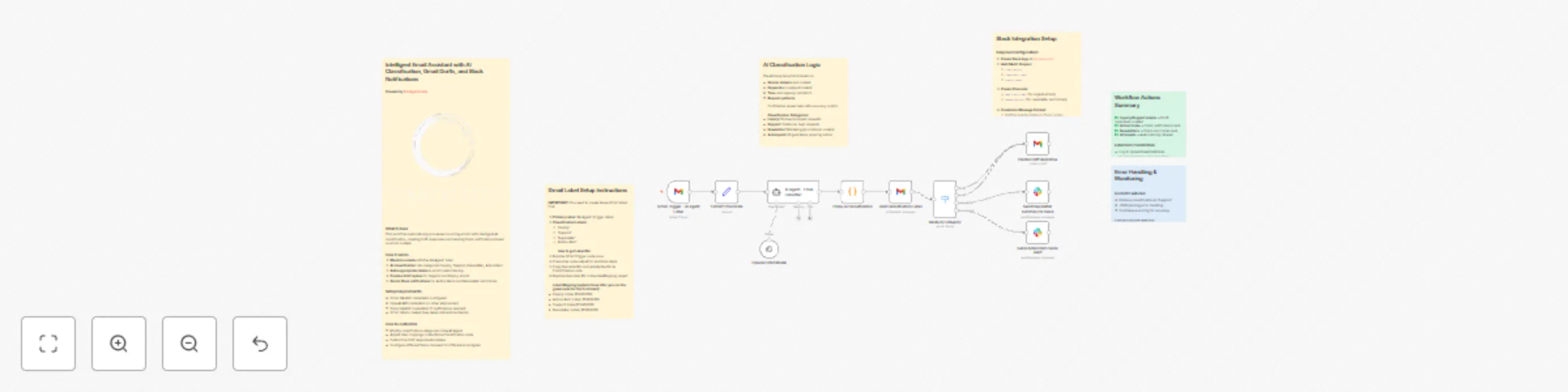
Automate email management with OpenAI classification, Gmail drafts & Slack alerts
### What it does
This workflow automatically processes incoming emails with intelligent AI classification, creating draft responses and sending Slack notifications based on email content.
### How it works
1. **Monitors emails** with the 'AI-Agent' label
2. **AI classification** into categories: Inquiry, Support, Newsletter, Action Item
3. **Adds appropriate labels** to emails automatically
4. **Creates draft replies** for Support and Inquiry emails
5. **Sends Slack notifications** for Action Items and Newsletter summaries
### Setup Requirements
- Gmail OAuth2 credentials configured
- OpenAI API credentials (or other AI provider)
- Slack OAuth2 credentials (if notifications desired)
- Gmail labels created (see setup instructions below)
### How to customize
- Modify classification categories in the AI Agent
- Adjust label mappings in the Parse Classification node
- Customize draft response templates
- Configure different Slack channels for different email types