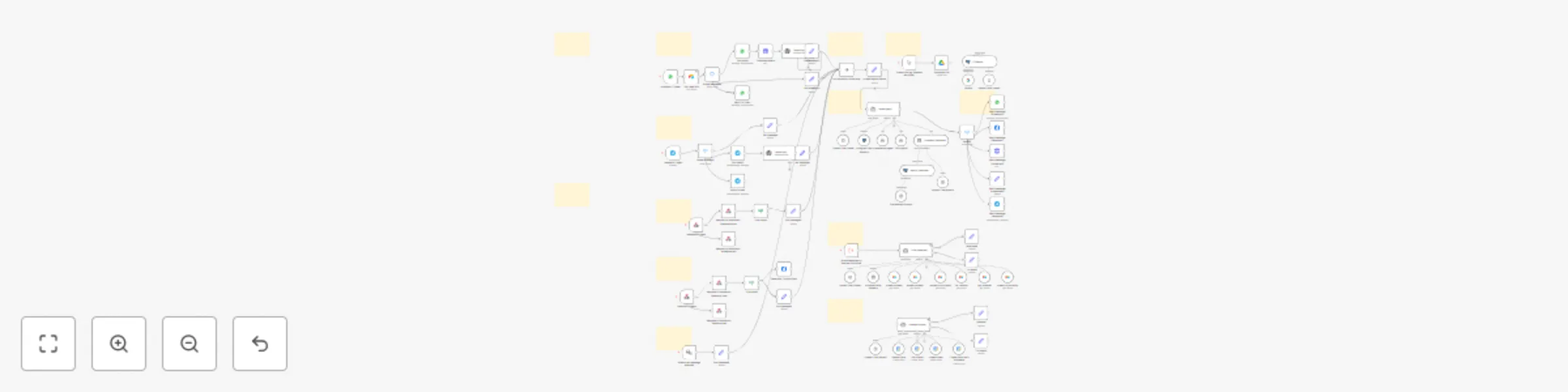
Multi-platform AI sales agent with RAG, CRM logging & appointment booking
## Multi-Platform AI Sales Agent with RAG, CRM Logging & Appointment Booking
This workflow acts as a 24/7 sales agent, engaging leads across **WhatsApp, Instagram, Facebook, Telegram, and your website**. It intelligently transcribes audio messages, answers questions using a knowledge base, and uses modular sub-workflows to manage your CRM in **Airtable** and book appointments in **Google Calendar**.
---
## Who Is It For?
This solution is designed for **service-based businesses** that require a sophisticated, multi-channel lead management and appointment booking system.
* **Agencies, consultants, and clinics** looking to automate lead qualification and booking across text and voice messages.
* **Sales teams** needing a robust system that separates CRM and calendar logic for easier management and scalability.
* **Advanced n8n users** who want a powerful, agent-based framework that can be easily customized and extended.
---
## Key Features & Workflow
This system is composed of a parent workflow that orchestrates the conversation and calls specialized sub-workflows (agents) to perform specific tasks.
* **Omni-Channel Engagement:** Greets and converses with leads naturally on **Website Chat, WhatsApp, Instagram, Facebook, and Telegram**.
* **Voice Message Transcription:** Automatically transcribes incoming audio/voice notes from **WhatsApp and Telegram** into text, allowing the AI to understand and respond without manual intervention.
* **RAG-Powered Intelligence:** The AI agent draws answers from your dedicated **PostgreSQL Knowledge Base (RAG)**, providing accurate information about your services, pricing, and process. A built-in tool allows you to load new knowledge documents from Google Drive.
* **Modular CRM Agent (Sub-Workflow):** When the conversation requires CRM actions (like creating a contact or updating an opportunity), the main agent calls a dedicated **Airtable CRM sub-workflow** to handle the task.
* **Modular Calendar Agent (Sub-Workflow):** To book appointments, the main agent calls a separate **Google Calendar sub-workflow**, which manages event creation, updates, and deletions.
---
## What You'll Need
This workflow framework requires credentials for the following services:
* An AI provider (**OpenAI** is used for the main agent, transcription, and embeddings).
* **PostgreSQL** database with the `pgvector` extension (for RAG and chat memory).
* **Airtable** account (for the CRM sub-workflow).
* **Google Calendar** account (for the Calendar sub-workflow).
* **Telegram Bot** credentials.
* A **Meta Developer Account** (for WhatsApp, Instagram & Facebook).
* (Optional) **Google Drive** for loading knowledge documents.
* (Optional) **Google Gemini** for embeddings.
---
## How to Set It Up
**This is a modular system. You must set up the sub-workflows first.**
1. **Deploy Sub-Workflows:** Create **two new, separate workflows** using the provided templates for the **CRM Agent** and the **Calendar Agent**. Configure the credentials (Airtable, Google Calendar) within those workflows, then **save and activate them**.
2. **Link Sub-Workflows in Main Workflow:** Return to this main workflow. In the **"CRM Agent"** and **"Consultation Agent"** tool nodes, select the new workflows you just created from the dropdown list.
3. **Configure Main Credentials:** Securely add the remaining credentials (**OpenAI, PostgreSQL, Telegram,** and your **Meta App**) in this main workflow.
4. **Personalize the AI Agent:** In the **"Update Agent Details"** node, fill in your business name, the agent's persona name, and your key services to customize the AI's personality.
5. **Load Your Knowledge (Optional):** To populate the RAG database, use the manual trigger path starting with **"When clicking ‘Execute workflow’"** to download a document from Google Drive and insert it into your PostgreSQL vector store.
6. **Activate:** Configure your channel-specific details (e.g., Phone Number ID in WhatsApp nodes), save the workflow, and activate it.
---
**Demo CRM Table:** [View on Airtable](https://airtable.com/app7cw2dSfW9Y8Fg9/shrZ08N5Im3SDzTou/tbl3yCddn8oTpBIX3/viwm20KsStVhawr4s?blocks=bipG9pIosCb4tPbcG)