Trey
Workflows by Trey
Archive Spotify's discover weekly playlist
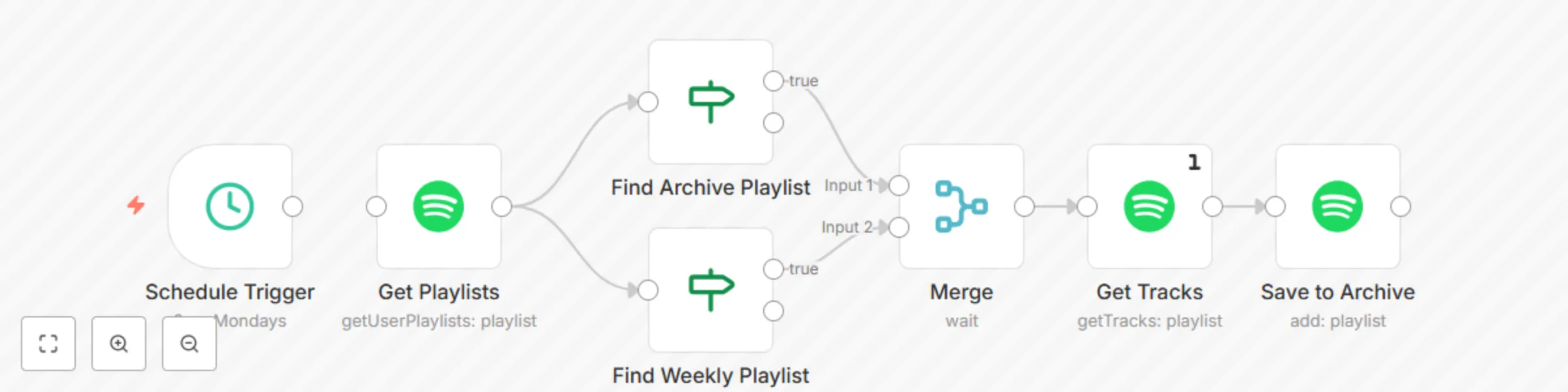
 This workflow will archive your Spotify Discover Weekly playlist to an archive playlist named "Discover Weekly Archive" **which you must create yourself**. If you want to change the name of the archive playlist, you can edit `value2` in the "Find Archive Playlist" node. It is configured to run at 8am on Mondays, a conservative value in case you forgot to set your `GENERIC_TIMEZONE` environment variable (see the docs [here](https://docs.n8n.io/reference/configuration.html#timezone)). Special thanks to [erin2722](https://community.n8n.io/u/erin2722) for creating the Spotify node and [harshil1712](https://community.n8n.io/u/harshil1712) for [help with the workflow logic](https://community.n8n.io/t/if-block-matches-string-literal-but-not-string-expression/2484). To use this workflow, you'll need to: - Create then select your credentials in each Spotify node - Create the archive playlist yourself Optionally, you may choose to: - Edit the archive playlist name in the "Find Archive Playlist" node - Adjust the Cron node with an earlier time if you know `GENERIC_TIMEZONE` is set - Setup an error workflow like [this one](https://n8n.io/workflows/696) to be notified if anything goes wrong
Send email via Gmail on workflow error
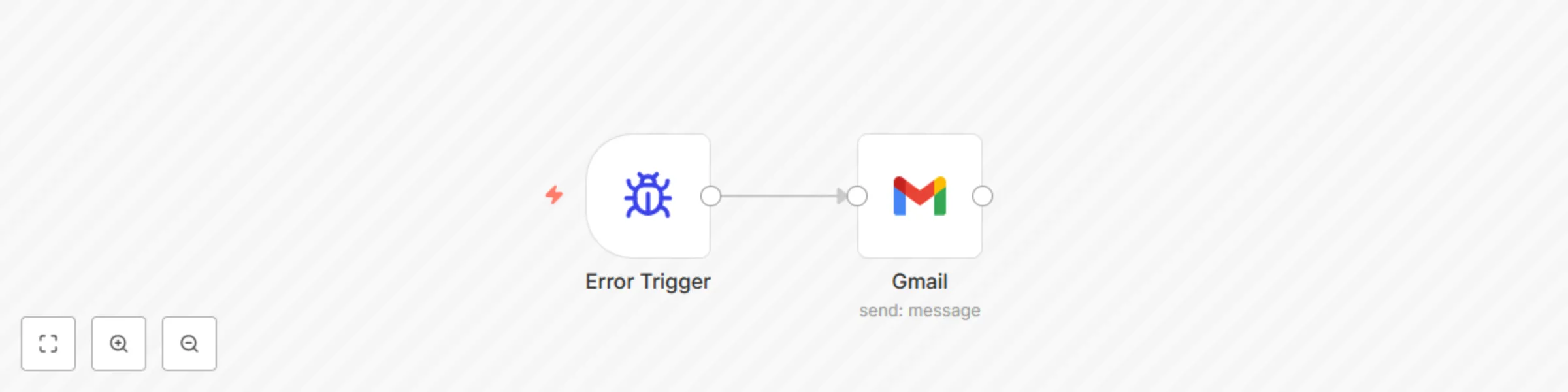
 Send an email via Gmail when a workflow error occurs. The email subject line will contain the workflow name; the message body will contain the following information: - Workflow name - Error message - Last node executed - Execution URL - Stacktrace Error workflows do not need to be activated in order to be used, but they do need to be selected in the Settings menu of whatever workflows you want to use it. To use this workflow, you'll need to: - Create and select credentials in the Gmail node - Choose the email recipient(s) in the Gmail node - Save and select the created workflow as the "Error Workflow" in the Settings menu of whatever workflows you want to email on error
Get local datetime into Function node using moment.js
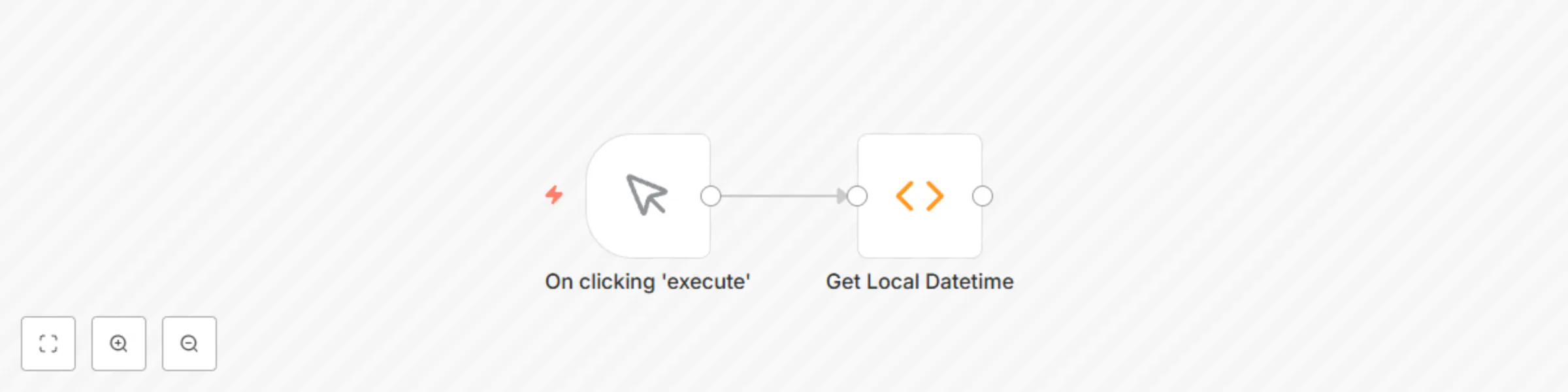
 A quick example showing how to get the local date and time into a Function node using moment.js. This relies on the `GENERIC_TIMEZONE` environment variable being correctly configured (see the docs [here](https://docs.n8n.io/reference/configuration.html#timezone)) **NOTE**: In order for this to work, you must whitelist the moment library for use by setting the following environment variable: ```bash NODE_FUNCTION_ALLOW_EXTERNAL=moment ``` For convenience, the Function code is as follows: ```javascript const moment = require('moment'); let date = moment().tz($env['GENERIC_TIMEZONE']); let year = date.year(); let month = date.month(); // zero-indexed! let day = date.date(); let hour = date.hours(); let minute = date.minutes(); let second = date.seconds(); let millisecond = date.millisecond(); let formatted = date.format('YYYY-MM-DD HH:mm:ss.SSS Z'); return [ { json: { utc: date, year: year, month: month, // zero-indexed! day: day, hour: hour, minute: minute, second: second, millisecond: millisecond, formatted: formatted } } ]; ```