Keith Rumjahn
Workflows by Keith Rumjahn

Automated email optin form with n8n and Hunter io for verification
## Case Study 📧 Want to collect email subscribers without paying expensive monthly fees? 💰 This workflow creates a free email collection system with built-in email verification to ensure you only collect legitimate email addresses! ✨ ## Learn more: 📺 [Watch the tutorial](https://www.youtube.com/watch?v=NgvEHwu19Rs&t=2s): ## What this workflow does 🛠️ - Creates a customizable email collection form that can be embedded on your website 🌐 - Verifies email addresses using Hunter.io to filter out fake or invalid emails ✅ - Stores verified email addresses in SendGrid for your email marketing needs 📊 - Completely free solution (except for Hunter.io's 50 free monthly credits) 🆓 ## Setup ⚙️ 1. Set up a free Hunter.io account for email verification 2. Configure your SendGrid account credentials 3. Customize the email collection form fields 4. Get the embedded form code for your website ## How to adjust it to your needs 🔧 - Add additional form fields beyond just email collection - Customize the form's appearance and labels - Modify the verification logic based on your requirements - Connect to different email marketing platforms instead of SendGrid - Add additional automation steps after email verification ## Benefits 🌟 - No monthly subscription fees for email collection 💸 - Built-in email verification prevents fake signups 🛡️ - Scalable solution that won't lock you into expensive plans 📈 - Clean email list with only verified addresses ✨ - Simple setup and customization 🎯 This workflow is perfect for bloggers, small businesses, and anyone looking to build an email list without getting locked into expensive email marketing platforms as their subscriber count grows! 🚀 Built by [rumjahn](https://rumjahn.com)
Auto-categorize blog posts in wordpress using A.I.
WordPress Post Auto-Categorization Workflow  [📺 Click here to watch youtube tutorial ](https://www.youtube.com/watch?v=IvQioioVqhw) ## 🎯 Purpose Automatically categorize WordPress blog posts using AI, saving hours of manual work. This workflow analyzes your post titles and assigns them to predefined categories using artificial intelligence. ## 🔄 What This Workflow Does • Connects to your WordPress site • Retrieves all uncategorized posts • Uses AI to analyze post titles • Automatically assigns appropriate category IDs • Updates posts with new categories • Processes dozens of posts in minutes ## ⚙️ Setup Requirements 1. WordPress site with admin access 2. Predefined categories in WordPress 3. OpenAI API credentials (or your preferred AI provider) 4. n8n with WordPress credentials ## 🛠️ Configuration Steps 1. Add your WordPress categories (manually in WordPress) 2. Note down category IDs 3. Update the AI prompt with your category IDs 4. Configure WordPress credentials in n8n 5. Set up AI API connection ## 🔧 Customization Options • Modify AI prompts for different categorization criteria • Adjust for multiple category assignments • Add tag generation functionality • Customize for different content types • Add additional metadata updates ## ⚠️ Important Notes • Backup your WordPress database before running • Test with a few posts first • Review AI categorization results initially • Categories must be created manually first ## 🎁 Bonus Features • Can be modified for tag generation • Works with scheduled posts • Handles bulk processing • Maintains categorization consistency Perfect for content managers, bloggers, and website administrators looking to organize their WordPress content efficiently. #n8n #WordPress #ContentManagement #Automation #AI Created by [rumjahn](https://rumjahn.com)
Generate Amazon FBA keywords using Amazon Completion API
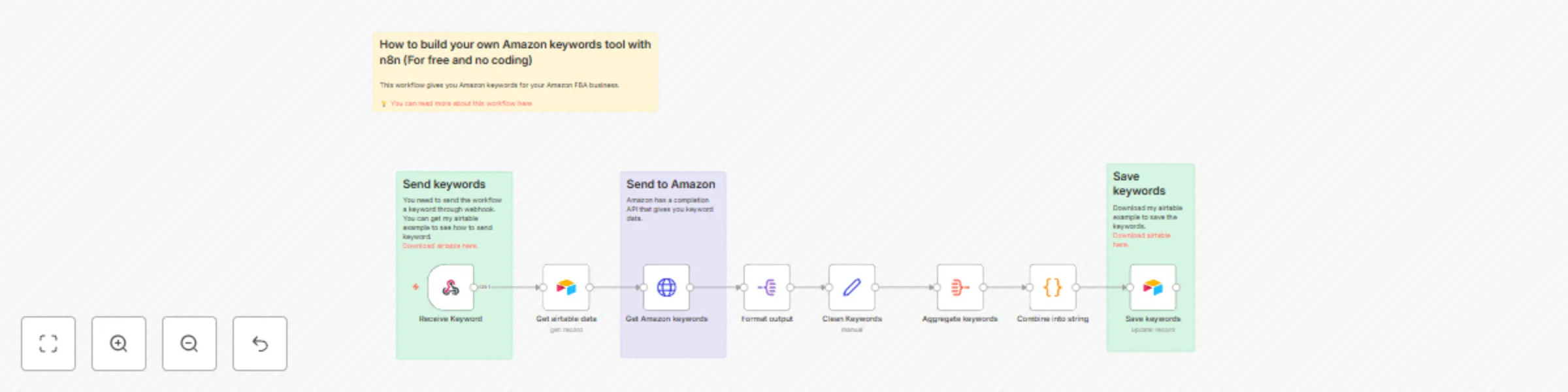
 ## Use Case Generate keywords for your Amazon product. You want to find more keywords for advertising your product on Amazon. [Click here to watch youtube tutorial](https://youtu.be/yiu0Nj0COxg?si=_mObxyMU5Qdn5lf9) ## What this Workflow Does The workflow connects to Amazon's completion API to retrieve keywords for your advertising campaigns  - Use Airtable to send the workflow your keywords. [Download airtable here.](https://airtable.com/invite/l?inviteId=invgv9FzNB258bm5Z&inviteToken=6f820e142d3324318254c1768fa57809b3ef0bcb7212ea27730fd2d140c69ad5&utm_medium=email&utm_source=product_team&utm_content=transactional-alerts) - It sends the keyword to Amazon and returns keywords related to your keyword. - It stores the results back into Airtable. ## How to Adjust it to Your Needs You can modify the Amazon Completion API URL to get more data back from Amazon. Made by [Rumjahn](https://rumjahn.com/)
Extract text from PDF and image using Vertex AI (Gemini) into CSV
 # Case Study I'm too lazy to record every transaction for my expense tracking. Since all my expenses are digital, I just extract the transactions from bank PDF statements and screenshots into CSV to import into my budgeting software. [Click here to watch Youtube tutorial](https://www.youtube.com/watch?v=cDqrtSO_rHU) # What this workflow does - Upload your PDF or screenshots into Google Drive - It then passes the PDF/image to Vertex Gemini to do some A.I. image recognition - It then sends the transactions as CSV and stores it into another Google Drive folder # Setup 1. Set up 2 google drive folders. 1 for uploading and 1 for the output. 2. Input your Google Drive crendtials 3. Input your Vertex Gemini credentials # How to adjust it to your needs - You can upload other types of documents for information extraction. - You can extract any text data from any image or PDF - You can adjust the A.I. prompt to do different things
Summarize SERPBear data with AI (via Openrouter) and save it to Baserow
# Who's this for? - If you own a website and need to analyze your keyword rankings - If you need to create a keyword report on your rankings - If you want to grow your keyword positions SerpBear is an opensourced SEO tool specifically for keyword analytics. [Click here to watch youtube tutorial](https://www.youtube.com/watch?v=cwSYhbFG5PM)   Example output of A.I. ``` **Key Observations about Ranking Performance:** - The top-performing keyword is “Openrouter N8N” with a current position of 7 and an improving trend. - Two keywords, “Best Docker Synology” and “Bitwarden Synology”, are not ranking in the top 100 and have a stable trend. - Three keywords, “Obsidian Second Brain”, “AI Generated Reference Letter”, and “Actual Budget Synology”, and “N8N Workflow Generator” are not ranking well and have a declining trend. **Keywords showing the most improvement:** - “Openrouter N8N” has an improving trend and a relatively high ranking of 7. **Keywords needing attention:** - “Obsidian Second Brain” has a declining trend and a low ranking of 69. - “AI Generated Reference Letter” has a declining trend and a low ranking of 84. - “Actual Budget Synology”, “N8N Workflow Generator”, “Best Docker Synology”, and “Bitwarden Synology” are not ranking in the top 100. ``` # Use case Instead of hiring an SEO expert, I run this report weekly. It checks the keyword rankings of the past week and gives me recommendations on what to improve. # How it works The workflow gathers SerpBear analytics for the past 7 days. It passes the data to openrouter.ai for A.I. analysis. Finally it saves to baserow. # How to use this Input your SerpBearcredentials Enter your domain name Input your Openrouter.ai credentials Input your baserow credentials You will need to create a baserow database with columns: Date, Note, Blog Created by [Rumjahn](Rumjahn)
Send Matomo analytics data to A.I. to analyze then save results in Baserow
# Who's this for? - If you own a website and need to analyze your Matomo analytics data so you can increse the number of frequent visitors - If you need to create an SEO report on what are the common trends amongst your most frequent visitors - If you want to grow your site based on suggestions from data Matomo is an analytics tool that can give you details of each individual visitor. Much more powerful than Google analytics. **[Watch youtube tutorial here](https://www.youtube.com/watch?v=myG_tR2kBqo)** [Get my SEO A.I. agent system here](https://2828633406999.gumroad.com/l/rumjahn)  Here's the A.I. output:  ```Keywords Observations: Keywords showing the most improvement: Openrouter N8N. Keywords needing attention: Ai Generated Reference Letter Obsidian Second Brain Suggested actions for improvement: 1. Optimize for "best Docker Synology" despite stable ranking, an improvement to top 10 is an achievable goal. 2. Since "2nd brain app for developer" is of interest to a developer. Consider writing a blog post on how the app addresses the specific pain points of developers. ``` # Use case Instead of hiring an SEO expert, I run this report weekly. It looks at the data for the past week and looks for visitors with more than 3 visits and recommends ideas to convert more visitors into frequent visitors. # How it works 1. The workflow gathers matomo analytics for the past 7 days. 2. We then parse the data 3. The data is sent to Openrouter and using a FREE LLM, it analyses the data. 4. It stores the results in baserow # How to use this - Input your Matomo analytics credentials - Input your Matomo site ID - Input your Openrouter.ai credentials - Input your baserow credentials - You will need to create a baserow database with columns: Dates, Notes, Blog. Created by [Rumjahn](Rumjahn)
Summarize Umami data with AI (via Openrouter) and save it to Baserow
## Who's this for? - Anyone who wants to improve the SEO of their website - Umami users who want insights on how to improve their site - SEO managers who need to generate reports weekly  ## Case study [Watch youtube tutorial here](https://www.youtube.com/watch?v=hGzdhXyU-o8) [Get my SEO A.I. agent system here](https://2828633406999.gumroad.com/l/rumjahn) ## How it works - This workflow calls the Umami API to get data - Then it sends the data to A.I. for analysis - It saves the data and analysis to Baserow ## How to use this - Input your Umami credentials - Input your website property ID - Input your Openrouter.ai credentials - Input your baserow credentials - You will need to create a baserow database with columns: Date, Summary, Top Pages, Blog (name of your blog). ## Future development - Use this as a template. There's alot more Umami stats you can pull from the API. - Change the A.I. prompt to give even more detailed analysis. Created by [Rumjahn](https://rumjahn.com/)
Send Google Analytics data to A.I. to analyze then save results in Baserow
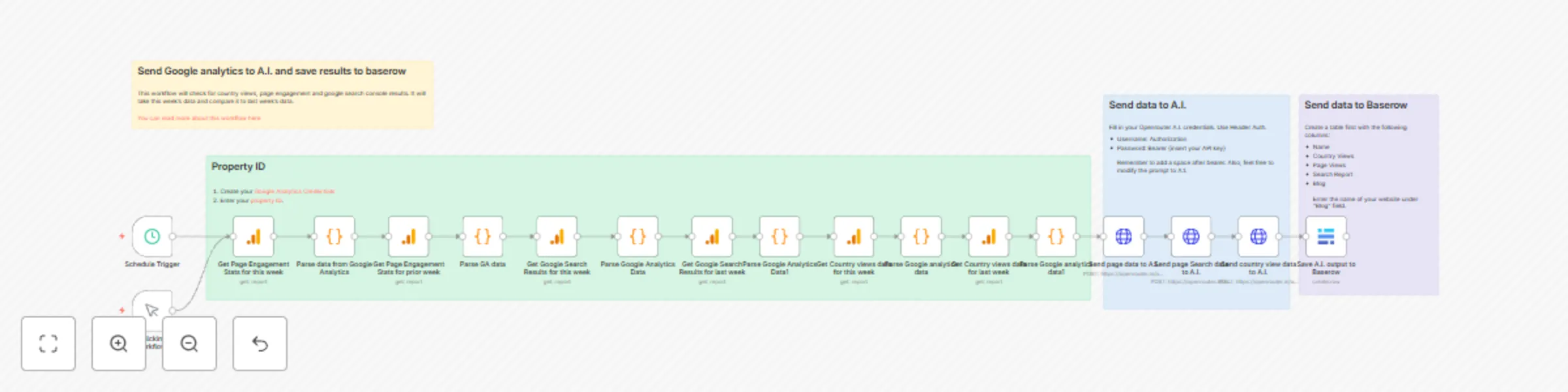
## Who's this for? - If you own a website and need to analyze your Google analytics data - If you need to create an SEO report on which pages are getting most traffic or how your google search terms are performing - If you want to grow your site based on suggestions from data   ## Use case Instead of hiring an SEO expert, I run this report weekly. It checks compares the data from this week to the week before: - Views based on countries - The top performing pages - Google search console performance [Watch youtube tutorial here](https://www.youtube.com/watch?v=KlWFhTz9M9g) [Get my SEO A.I. agent system here](https://2828633406999.gumroad.com/l/rumjahn) ## How it works - The workflow gathers google analytics for the past 7 days then it gathers the data for the week before for comparison. - It does this 3 times to get: views per country, engagement per page and google search console results for organic search results. - The google analytics nodes has already chosen the correct dimensions and metrics. - At the end, it passes the data to openrouter.ai for A.I. analyse. - Finally it saves to baserow. ## How to use this - Input your Google analytics credentials - Input your property ID - Input your Openrouter.ai credentials - Input your baserow credentials - You will need to create a baserow database with columns: Name, Country Views, Page Views, Search Report, Blog (name of your blog). Created by [Rumjahn](https://rumjahn.com/)
Summarize your emails with A.I. (via Openrouter) and send to Line messenger
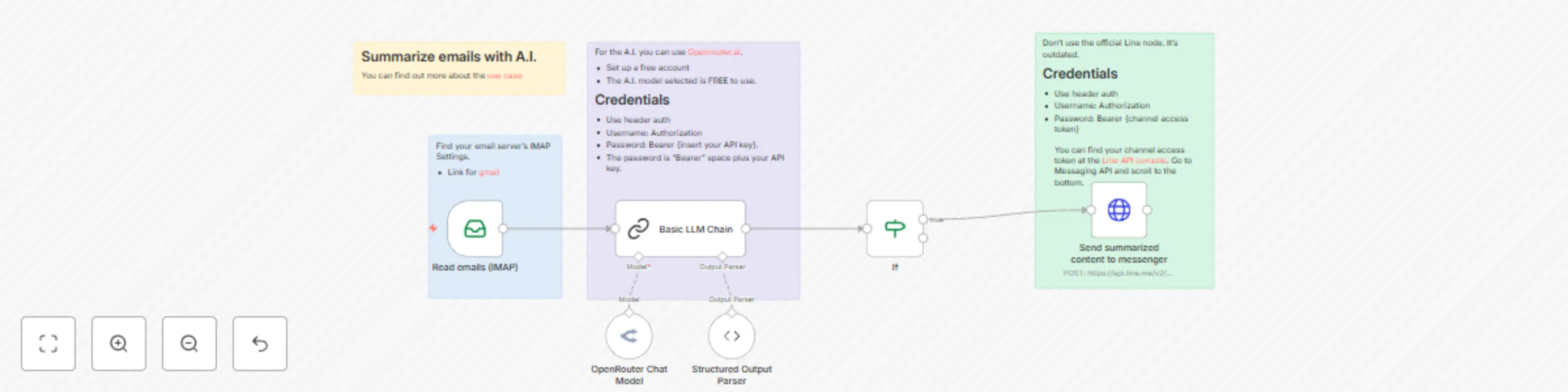
## Who is this template for? - Anyone who is drowning in emails - Busy parents who has alot of school emails - Busy executives with too many emails  ## Case Study I get too many emails from my kid's school about soccer practice, lunch orders and parent events. I use this workflow to read all the emails and tell me what is important and what requires actioning. [Youtube tutorial](https://www.youtube.com/watch?v=c1ZcCnca7PM) ## What this workflow does 1. It uses IMAP to read the emails from your email account (i.e. Gmail). 2. It then passes the email to Openrouter.ai and uses a free A.I. model to read and summarize the email. 3. It then sends the summary as a message to your messenger (i.e. Line). ## Setup 1. You need to find your email server IMAP credentials. 2. Input your openrouter.ai API credentials or replace the HTTP request node with an A.I. node such as OpenAI. 3. Input your messenger credentials. I use Line but you can change the node to another messenger line Telegram. 4. You need to change the message ID to your ID inside the http request. You can find your user ID inside the https://developers.line.biz/console/. Change the "to": {insert your user ID}. ## How to adjust it to your needs - You can change the A.I. prompt to fit your needs by telling it to mark emails from a certain address as important. - You can change the A.I. model from the current meta-llama/llama-3.1-70b-instruct:free to a paid model or other free models. - You can change the messenger node to telegram or any other messenger app you like.