Kevin Meneses
Workflows by Kevin Meneses
Generate AI stock buy/no-buy signals using GPT‑4.1, Google Sheets and EODHD
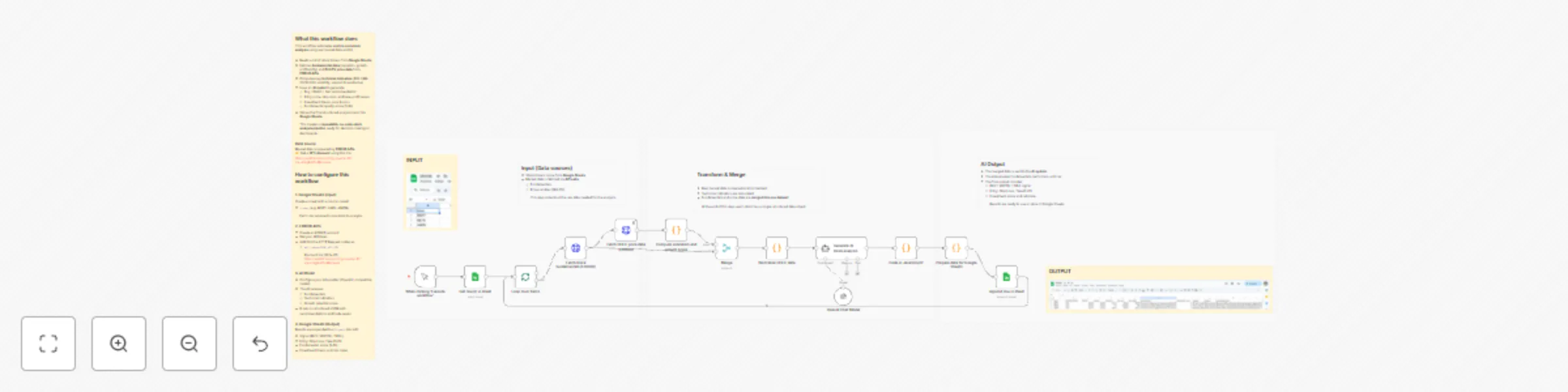
## What this workflow does This workflow automates **end-to-end stock analysis** using real market data and AI: - Reads a list of stock tickers from **Google Sheets**  - Fetches **fundamental data** (valuation, growth, profitability) and **OHLCV price data** from **EODHD APIs** - Computes key **technical indicators** (RSI, SMA 20/50/200, volatility, support & resistance) - Uses an **AI model** to generate: - Buy / Watch / Sell recommendation - Entry price, stop-loss, and take-profit levels - Investment thesis, pros & cons - Fundamental quality score (1–10) - Stores the final structured analysis back into **Google Sheets** This creates a **repeatable, no-code stock analysis pipeline** ready for decision-making or dashboards.  ### Data source Market data is powered by **[EODHD APIs](https://eodhd.com/pricing-special-10?via=kmg&ref1=Meneses)** ## How to configure this workflow ### 1. Google Sheets (Input) Create a sheet with a column called: - `ticker` (e.g. MSFT, AAPL, AMZN) Each row represents one stock to analyze. --- ### 2. EODHD APIs - Create an EODHD account - Get your API token - Add it to the HTTP Request nodes as: - `api_token=YOUR_API_KEY` [EODHD APIs](https://eodhd.com/pricing-special-10?via=kmg&ref1=Meneses) --- ### 3. AI Model - Configure your AI provider (OpenAI / compatible model) - The AI receives: - Fundamentals - Technical indicators - Growth potential score - It returns structured JSON with recommendations and trade levels ### 4. Google Sheets (Output) Results are appended to a `Signals` tab with: - Signal (BUY / WATCH / SELL) - Entry, Stop Loss, Take Profit - Fundamental score (1–10) - Investment thesis and risk notes
Find high-quality remote jobs with OpenAI, Decodo, and Google Sheets
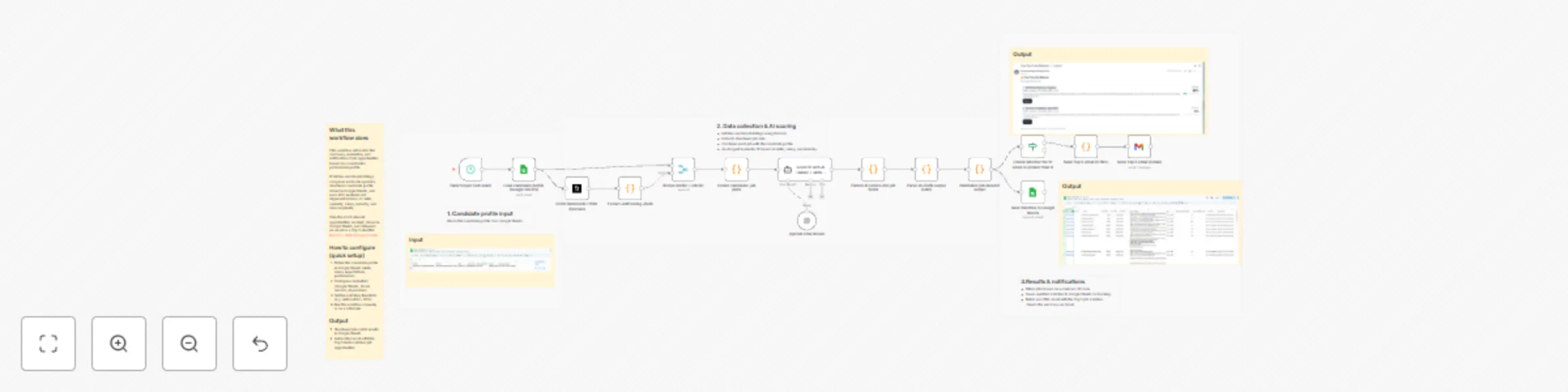
## What this workflow does This workflow automates the discovery, evaluation, and notification of job opportunities based on a candidate’s professional profile. It fetches remote job listings, compares each role against a structured candidate profile stored in Google Sheets, and uses AI to evaluate real alignment in terms of skills, seniority, salary, industry, and role complexity. Only the most relevant opportunities are kept, stored in Google Sheets, and delivered via email as a Top 5 shortlist. [Decodo – Web Scraper for n8n](https://visit.decodo.com/raqXGD) ## How to configure (quick setup) 1. Define the candidate profile in Google Sheets (skills, salary expectations, preferences).  2. Configure credentials (Google Sheets, Gmail, decodo, AI provider). 3. Set the matching threshold (e.g. skill match ≥ 90%). 4. Run the workflow manually or on a schedule. ### Output Structured job match results in Google Sheets Automated email with the Top 5 best-matched job opportunities 
Extract high-intent SEO keywords with Decodo from web pages with AI + SERP data
## What this workflow does This template extracts high-intent SEO keywords from any web page and turns them into a ranked keyword list you can use for content planning, landing pages, and SEO strategy. It runs in 3 phases: ***1. Scrape the target URL*** with Decodo [Decodo – Web Scraper for n8n](https://visit.decodo.com/raqXGD) ***2. Use AI to extract seed keywords*** and understand the page topic ***3. Enrich each seed keyword with real Google SERP data via SerpApi*** (related searches + questions + competitors), then apply a JavaScript scoring system to rank the best opportunities The final output is saved to Google Sheets as a clean table of ranked keywords.  ## Who this workflow is for SEO consultants and agencies SaaS marketers and growth teams Founders validating positioning and messaging Content teams looking for “what people actually search for” This workflow is especially useful when you want keywords with commercial / solution intent, not generic single-word terms. ## Workflow overview **Phase 1 — Scrape & clean page content** Reads the URL from Google Sheets Scrapes the page via Decodo Cleans HTML into plain text (token-friendly) **Phase 2 — AI keyword extraction** AI returns a structured JSON with: brand / topic 5–10 mid-tail seed keywords intent + audience hints **Phase 3 — SERP enrichment + scoring** Uses SerpApi to fetch: - related searches - People Also Ask questions - competitor domains - Scores and ranks keywords based on: -- source type (related searches / PAA / organic) -- frequency across seeds -- modifiers (pricing, best, free, docs, etc.) -- mid-tail length preference ## Setup (step by step) **1) Google Sheets (input)** Create a sheet with: Column name: urls One URL per row  **2) Google Sheets (output)** Create an output sheet with columns like: - keyword - score - intent_hint source_type Tip: Clear the output sheet before each run if you want a clean export. **3) Decodo** Add your Decodo credentials The URL is taken automatically from Google Sheets [Decodo – Web Scraper for n8n](https://visit.decodo.com/raqXGD) **4) SerpApi** Add your SerpApi key in the SerpApi node **5) AI Model** Connect your preferred AI model (Gemini / OpenAI) The prompt is optimized to output valid JSON only **Self-hosted disclaimer** This is a community template. You must configure your own credentials (Google Sheets, Decodo, SerpApi, AI). Results depend on page accessibility and page content quality.
AI-powered review sentiment analysis to Salesforce & Google Sheets with Decodo
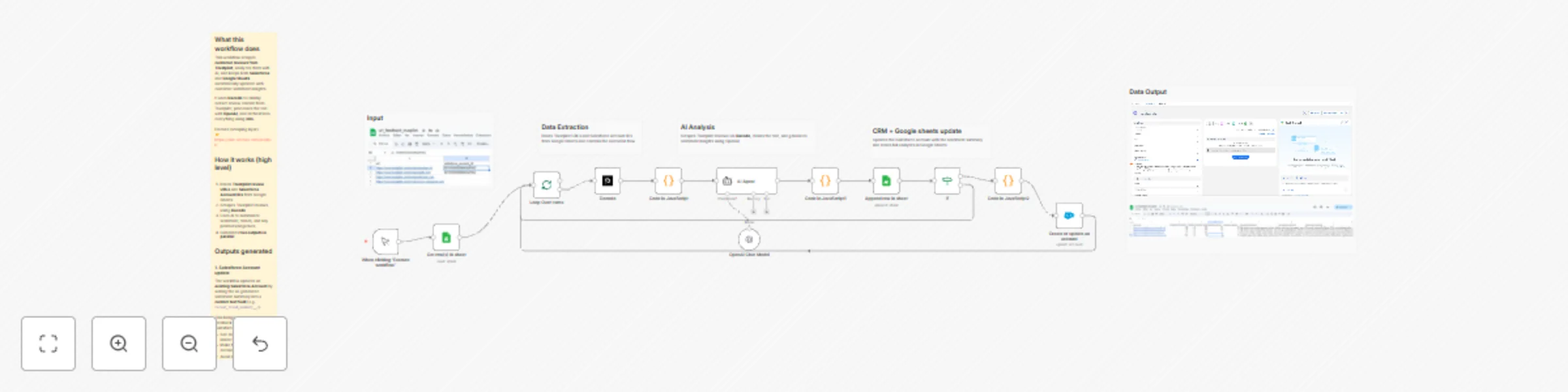
## What this workflow does This workflow scrapes **customer reviews from Trustpilot**, analyzes them with AI, and keeps both **Salesforce** and **Google Sheets** automatically updated with customer sentiment insights. It uses **Decodo** to reliably extract review content from Trustpilot, processes the text with **OpenAI**, and orchestrates everything using **n8n**. 👉 [Deocodo](Decodo) ## How it works (high level) 1. Reads **Trustpilot review URLs** and **Salesforce Account IDs** from Google Sheets 2. Scrapes Trustpilot reviews using **Decodo** 3. Uses AI to summarize sentiment, trends, and key positives/negatives 4. Generates **two outputs in parallel** ## Outputs generated ### 1. Salesforce Account update The workflow updates an **existing Salesforce Account** by writing the AI-generated sentiment summary into a **custom text field** (e.g. `recent_trend_summary__c`). This brings external customer feedback directly into Salesforce, allowing teams to work with real market perception inside the CRM. ### 2. Google Sheets analytics dataset At the same time, structured review metrics are stored in Google Sheets: - Ratings and sentiment distribution - Top positive and negative keywords - Trend summaries over time This creates a reusable dataset for dashboards and reporting. ## How to configure it (general) - **Google Sheets**: add review URLs + Salesforce Account IDs - **[Decodo](Decodo)**: add your API key to scrape Trustpilot reliably - **OpenAI**: add your API key for AI analysis - **Salesforce**: - Create a custom **Text (255)** field on Account - Connect Salesforce credentials in n8n - Only existing Accounts are updated
Audit web pages for SEO issues with Decodo, GPT-4 and Google Sheets
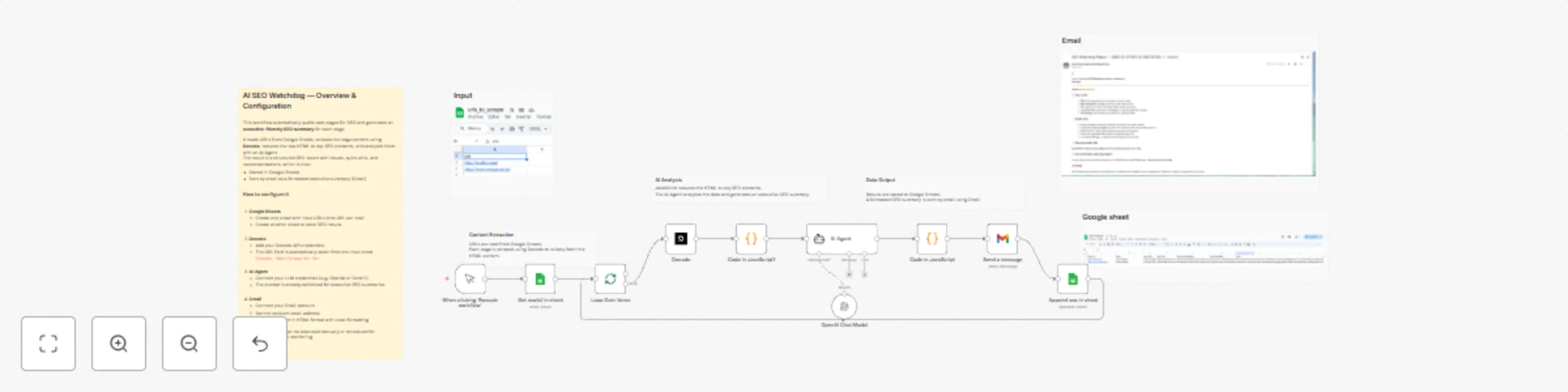
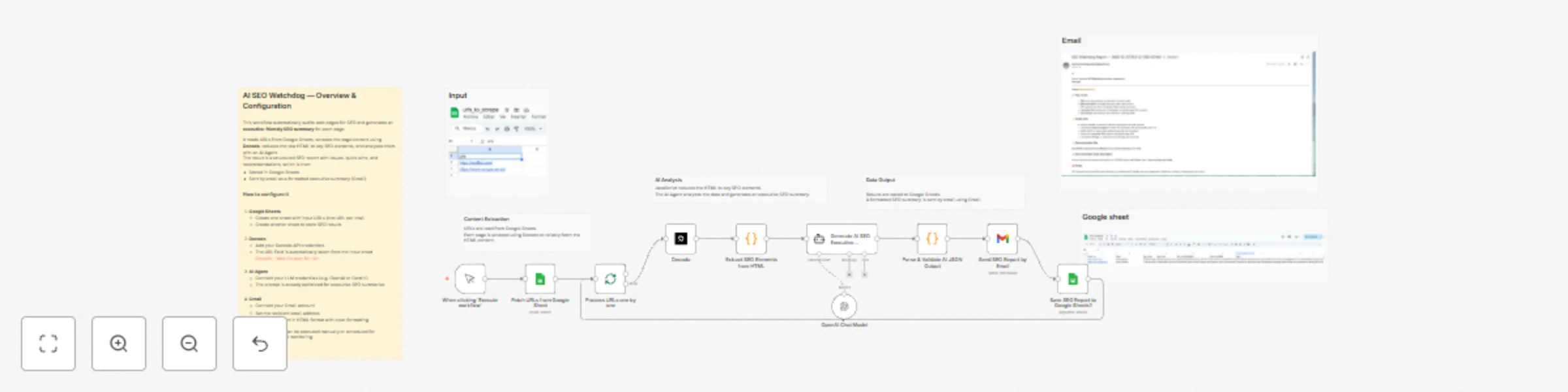
## What this workflow does This workflow automatically audits web pages for SEO issues and generates an executive-friendly SEO report using AI. It is designed for marketers, founders, and SEO teams who want fast, actionable insights without manually reviewing HTML, meta tags, or SERP data. **The workflow:** 1. Reads URLs from Google Sheets  2. Scrapes page content using Decodo (reliable scraping, even on protected sites) 3. Extracts key SEO elements (title, meta description, canonical, H1/H2, visible text) 4. Uses an AI Agent to analyze the page and generate: - Overall SEO status - Top issues - Quick wins - Title & meta description recommendations - Saves results to Google Sheets - Sends a formatted HTML executive report by email (Gmail)  ## Who this workflow is for This template is ideal for: SEO consultants and agencies SaaS marketing teams Founders monitoring their landing pages Content teams doing SEO quality control It focuses on on-page SEO fundamentals, not backlink analysis or technical crawling. ## Setup (step by step) **1. Google Sheets** Create an input sheet with one URL per row Create an output sheet to store SEO results **2. Decodo** Add your Decodo API credentials The URL is automatically taken from the input sheet 👉 [Decodo – Web Scraper for n8n](https://visit.decodo.com/raqXGD) **3. AI Agent** Connect your LLM credentials (OpenAI, Gemini, etc.) The prompt is already optimized for non-technical SEO summaries **4. Gmail** Connect your Gmail account Set the recipient email address Emails are sent in clean HTML format **Notes & disclaimer** This is a community template Results depend on page accessibility and content structure It focuses on on-page SEO, not backlinks or rankings
Web research summarizer with Decodo Scraper, Google Gemini AI & Sheets integration
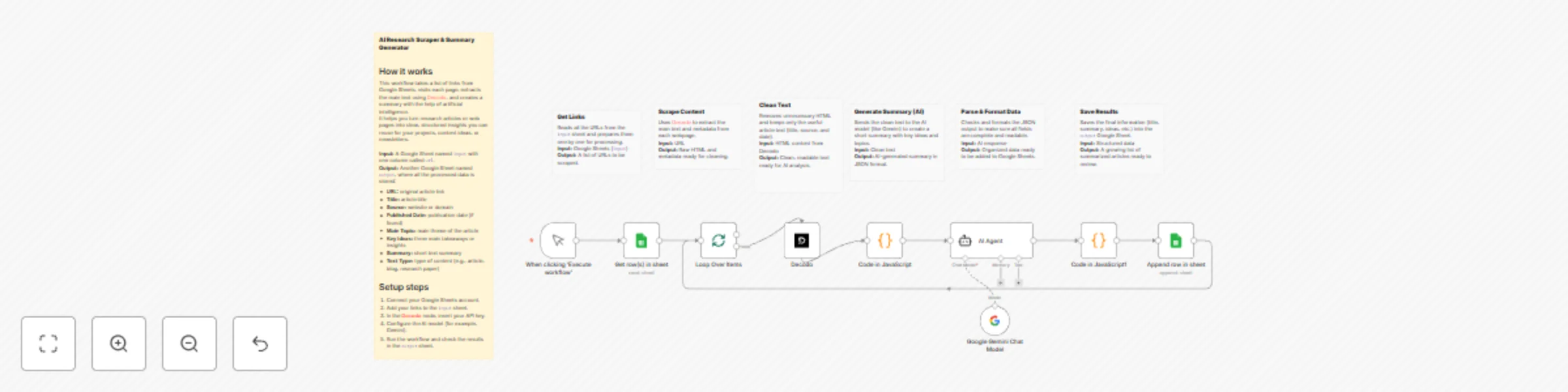
## How it works This workflow takes a list of links from Google Sheets, visits each page, extracts the main text using [Decodo](https://visit.decodo.com/raqXGD), and creates a summary with the help of artificial intelligence. It helps you turn research articles or web pages into clear, structured insights you can reuse for your projects, content ideas, or newsletters. **Input:** A Google Sheet named `input` with one column called `url`. **Output:** Another Google Sheet named `output`, where all the processed data is stored: - **URL:** original article link - **Title:** article title - **Source:** website or domain - **Published Date:** publication date (if found) - **Main Topic:** main theme of the article - **Key Ideas:** three main takeaways or insights - **Summary:** short text summary - **Text Type:** type of content (e.g., article, blog, research paper) ## Setup steps 1. Connect your Google Sheets account. 2. Add your links to the `input` sheet. 3. In the **[Decodo](https://visit.decodo.com/raqXGD)** node, insert your API key. 4. Configure the AI model (for example, Gemini). 5. Run the workflow and check the results in the `output` sheet.
Monitor eBay deals with GPT-4 scoring,Decodo & Telegram notifications
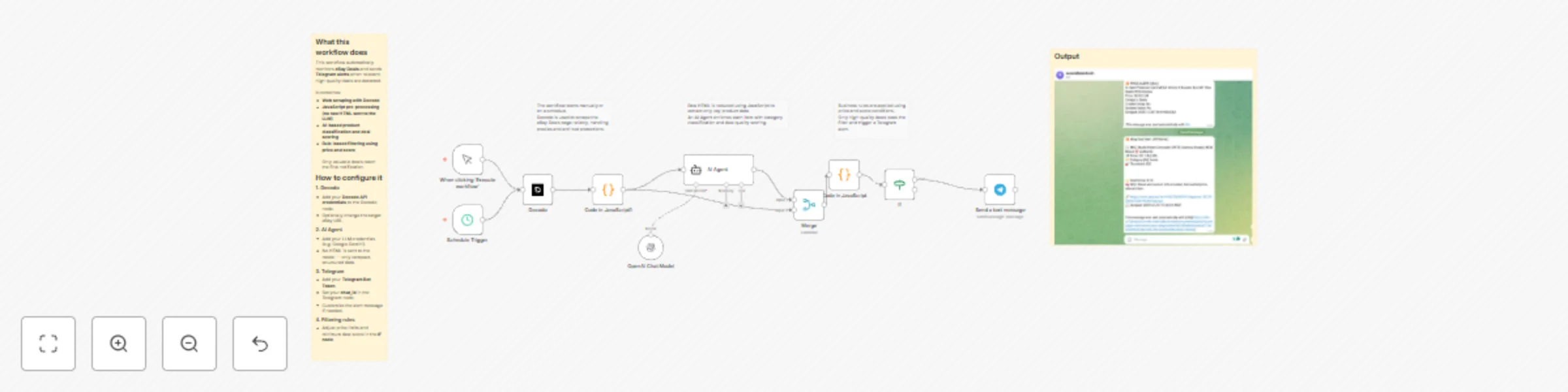
## What this workflow does This workflow automatically monitors **eBay Deals** and sends **Telegram alerts** when relevant, high-quality deals are detected. It combines: - **Web scraping with Decodo** - **JavaScript pre-processing (no raw HTML sent to the LLM)** - **AI-based product classification and deal scoring** - **Rule-based filtering using price and score** Only valuable deals reach the final notification. ## How it works (overview) 1. The workflow runs manually or on a schedule. 2. The eBay Deals page is scraped using **Decodo**, which handles proxies and anti-bot protections. [Decodo – Web Scraper for n8n](https://visit.decodo.com/raqXGD) 3. JavaScript extracts only key product data (ID, title, price, URL, image). 4. An AI Agent classifies each product and assigns a deal quality score (0–10). 5. Price and score rules are applied. 6. Matching deals are sent to Telegram. ## How to configure it ### 1. Decodo - Add your **Decodo API credentials** to the Decodo node. - Optionally change the target eBay URL. ### 2. AI Agent - Add your LLM credentials (e.g. Google Gemini). - No HTML is sent to the model — only compact, structured data. ### 3. Telegram - Add your **Telegram Bot Token**. - Set your **chat_id** in the Telegram node. - Customize the alert message if needed. ### 4. Filtering rules - Adjust price limits and minimum deal score in the **IF node**
Crypto RSI alert system with EODHD, Telegram and TradingView charts
**How it works** Runs on a schedule and iterates a watchlist of symbols (e.g., BTC/ETH/SOL). For each symbol, request intraday 1h OHLCV from EODHD. A Code node computes Wilder’s RSI(14) and detects 30/70 crossings. When a signal appears, the bot sends a Telegram alert (HTML message) with price, RSI (prev → now), timestamp, and a “View chart” button that opens the pair on TradingView (BINANCE/USD). **Set up steps (≈10–15 min)** Prereqs: n8n (cloud or self-hosted), EODHD API key, Telegram bot + your chat_id. Env vars: set EODHD_TOKEN and TELEGRAM_CHAT_ID on your n8n instance. Credentials: add your Telegram credential (bot token). Import the workflow JSON. Edit Fields node: adjust the symbol array to your watchlist. Schedule Trigger: choose how often to run (e.g., every 5–10 min). Test: temporarily flip the Code node’s FORCE_ALERT flag to true to verify Telegram delivery, then set it back to false. EODHD API [Access the EODHD API with a 10% discount](https://eodhd.com/pricing-special-10?via=kmg&ref1=Meneses)