O

Ozgur Karateke

1
Workflow

Workflows by Ozgur Karateke

Workflow preview: Create custom PDF documents from templates with Gemini & Google Drive
Free advanced

Create custom PDF documents from templates with Gemini & Google Drive

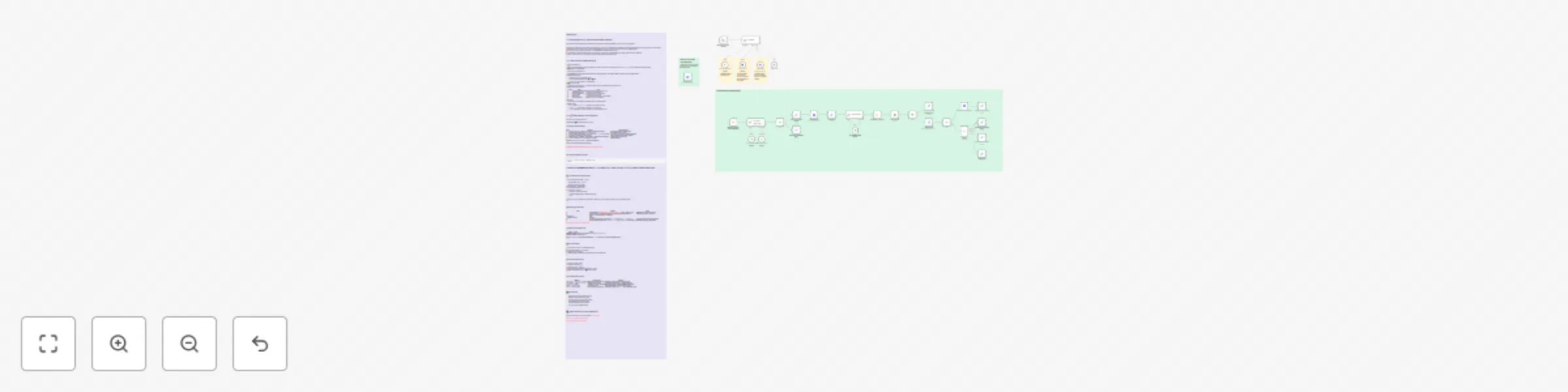
*This workflow contains community nodes that are only compatible with the self-hosted version of n8n.* ## 1 — What Does It Do / Which Problem Does It Solve? This workflow turns Google Docs-based contract & form templates into **ready-to-sign PDFs in minutes**—all from a single chat flow. - **Automates repetitive document creation.** Instead of copying a rental, sales, or NDA template and filling it by hand every time, the bot asks for the required values and fills them in. - **Eliminates human error.** It lists every mandatory field so nothing is missed, and removes unnecessary clauses via conditional blocks. - **Speeds up approvals.** The final draft arrives as a direct PDF link—one click to send for signing. - **One template → unlimited variations.** Every new template you drop in Drive is auto-listed with **zero workflow edits—**it scales effortlessly. - **100 % no-code.** Runs on n8n + Google Apps Script—no extra backend, self-hosted or cloud. --- ## 2 — How It Works (Detailed Flow) 1. 📝 **Template Discovery** 📂 The **TemplateList** node scans the Drive folder you specify via the `?mode=meta` endpoint and returns an `id / title / desc` list. The bot shows this list in chat. 2. 🎯 **Selection & Metadata Fetch** The user types a template name. 🔍 **GetMetaData** opens the chosen Doc, extracts `META_JSON`, placeholders, and conditional blocks, then lists mandatory & optional fields. 3. 🗣 **Data-Collection Loop** - The bot asks for every **placeholder** value. - For each **conditional block** it asks 🟢 **Yes** / 🔴 **No**. Answers are accumulated in a `data` JSON object. 4. ✅ **Final Confirmation** The bot summarizes the inputs → when the user clicks **Confirm**, the *DocProcess* sub-workflow starts. 5. ⚙️ **DocProcess Sub-Workflow** | 🔧 Step | Node | Task | | --- | --- | --- | | 1 | **User Choice Match Check** | Verifies name–ID match; throws if wrong | | 2 | **GetMetaData (renew)** | Gets the latest placeholder list | | 3 | **Validate JSON Format** | Checks for missing / unknown fields | | 4 | **CopyTemplate** | Copies the Doc via Drive API | | 5 | **FillDocument** | Apps Script fills placeholders & removes blocks | | 6 | **Generate PDF Link** | Builds an `export?format=pdf` URL | 6. 📎 **Delivery** The master agent sends **🔗 Download PDF** & **✏️ Open Google Doc** links. 7. 🚫 **Error Paths** - `status:"ERROR", missing:[…]` → bot lists missing fields and re-asks. - `unknown:[…]` → template list is outdated; rerun *TemplateList*. - Any Apps Script error → the returned `message` is shown verbatim in chat. --- ## 3 — 🚀 Setup Steps (Full Checklist) > Goal: Get a flawless PDF on the first run. > > > Mentally **tick** the ☑️ in front of every line as you go. > ### ☁️ A. Google Drive Preparation | Step | Do This | Watch Out For | | --- | --- | --- | | 1 | Create a `Templates/` folder → put every template Doc inside | Exactly **one** folder; **no** sub-folders | | 2 | Placeholders in every Doc are **`{{UPPER_CASE}}`** | No Turkish chars or spaces | | 3 | Wrap optional clauses with **`[[BLOCK_NAME:START]]…[[BLOCK_NAME:END]]`** | The `START` tag must have a **blank line above** | | 4 | Add a `META_JSON` block at the very end | Script deletes it automatically after fill | | 5 | Right-click Doc > **Details ▸ Description** = 1-line human description | Shown by the bot in the list | | 6 | Create a second `Generated/` folder (for copies) | Keeps Drive tidy | > 🔑 Folder ID (long alphanumerical) = <TEMPLATE_PARENT_ID> > > > We’ll paste this into the TemplateList node next. > [Simple sample template → Template Link](https://www.notion.so/Simple-sample-template-Template-Link-22b3f8a1e57f8070beacd034ba6f557f?pvs=21) --- ### 🛠 B. Import the Workflow into n8n ```bash Settings ▸ Import Workflow ▸ DocAgent.json ``` If nodes look **Broken** afterwards → no community-node problem; you only need to select credentials. --- ### 📑 C. Customize the TemplateList Node 1. Open **Template List** node ⚙️ → replace `'%3CYOUR_PARENT_ID%3E' in parents` with the real **folder ID** in the **URL**. 2. Right-click node > **Execute Node**. 3. Copy the entire JSON response. 4. In the editor paste it into: - **DocAgent** → *System Prompt* (top) - **User Choice Match Check** → *System Prompt* (top) Save. > ⚠️ Why manual? Caching the list saves LLM tokens. Whenever you add a template, rerun the node and update the prompts. > --- ### 🔗 D. Deploy the Apps Script | Step | Screen | Note | | --- | --- | --- | | 1 | Open Gist files **GetMetaData.gs** + **FillDocument.gs** → *File ▸ Make a copy* | Both files may live in one project | | 2 | *Project Settings* > enable **Google Docs API** ✔️ & **Google Drive API** ✔️ | Otherwise you’ll see 403 errors | | 3 | *Deploy ▸ New deployment ▸ Web app* | | | • Execute as | **Me** | | | • Who has access | **Anyone** | | | 4 | On the consent screen allow scopes:• `…/auth/documents`• `…/auth/drive` | Click **Advanced › Go** if Google warns | | 5 | Copy the **Web App URL** (e.g. `https://script.google.com/macros/s/ABC123/exec`) | If this URL changes, update n8n | [Apps Script source code → Notion Link](https://www.notion.so/Apps-Script-source-code-Notion-Link-22b3f8a1e57f8015a280d90de16c031f?pvs=21) --- ### 🔧 E. Wire the Script URL in n8n | Node | Field | Action | | --- | --- | --- | | **GetMetaData** | *URL* | `<WEB_APP_URL>?mode=meta&id={{ $json["id"] }}` | | **FillDocument** | *URL* | `<WEB_APP_URL>` | > 💡 Prefer using an .env file? Add GAS_WEBAPP_URL=… and reference it as {{ $env.GAS_WEBAPP_URL }}. > --- ### 🔐 F. Add Credentials - **Google Drive OAuth2** → *Drive API (v3) Full Access* - **Google Docs OAuth2** → same account - **LLM key** (OpenAI / Gemini) - (Optional) **Postgres Chat Memory** credential for the corresponding node --- ### 🧪 G. First Run (Smoke Test) 1. Switch the workflow **Active**. 2. In the chat panel type `/start`. 3. Bot lists templates → pick one. 4. Fill mandatory fields, optionally toggle blocks → **Confirm**. 5. **🔗 Download PDF** link appears → ☑️ setup complete. --- ### ❌ H. Common Errors & Fixes | 🆘 Error | Likely Cause | Remedy | | --- | --- | --- | | `403: Apps Script permission denied` | Web app access set to *User* | Redeploy as **Anyone**, re-authorize scopes | | `placeholder validation failed` | Missing required field | Provide the listed values → rerun DocProcess | | `unknown placeholders: …` | Template vs. agent mismatch | Check placeholder spelling (UPPER_CASE ASCII) | | `Template ID not found` | Prompt list is old | Rerun **TemplateList** → update both prompts | | `Cannot find META_JSON` | No meta block / wrong tag | Add `[[META_JSON_START]] … [[META_JSON_END]]`, retry | --- ### ✅ Final Checklist - [ ] Drive folder structure & template rules ready - [ ] Workflow imported, folder ID set in node - [ ] TemplateList output pasted into both prompts - [ ] Apps Script deployed, URL set in nodes - [ ] OAuth credentials & LLM key configured - [ ] `/start` test passes, PDF link received --- ## 🙋‍♂️ Need Help with Customizations? Reach out for consulting & support on LinkedIn: [**Özgür Karateke**](https://www.notion.so/DocAgent-Documentation-22b3f8a1e57f8085baa9c70cdead41cd?source=copy_link) [Full Documentation → Notion](https://www.notion.so/Simple-sample-template-Template-Link-22b3f8a1e57f8070beacd034ba6f557f?pvs=21) [Simple sample template → Template Link](https://www.notion.so/Simple-sample-template-Template-Link-22b3f8a1e57f8070beacd034ba6f557f?pvs=21) [Apps Script source code → Notion Link](https://www.notion.so/Apps-Script-source-code-Notion-Link-22b3f8a1e57f8015a280d90de16c031f?pvs=21)

O
Ozgur Karateke
Document Extraction
9 Jul 2025
8541
0