1Shot API
Workflows by 1Shot API

Create and manage ERC-20 tokens with a Telegram bot and 1Shot API wallets
 ## Launch ERC-20 Tokens with Telegram Bot and 1Shot API Custodial Wallets Find the full walk-through tutorial video for this workflow on [YouTube](https://youtu.be/bKRvt2DuVKA?si=u_Myb07cxyDvlFtx). This Telegram bot template demonstrates some useful patterns for creating crypto-powered multi-user bot applications like: - How to create custodial wallets tied to specific telegram users. - How submit onchain transactions from a specific user's wallet when they interact with your bot. - Storing transaction logs in n8n data tables - Settings up inline keyboards for use triggering specific onchain actions. Starting with this workflow, you can extend it for many different crypto/onchain applications as well as introduce fees to generate revenue in return for performing onchain actions for your users. NOTE: This is somewhat advanced setup as it requires the use of datatables, you will need to self-host this workflow.  ## Setup You'll need to perform the following steps to get this Telegram bot workflow up and running: 1. Create a free [1Shot API](https://1shotapi.com) account & generate an API Key & Secret. Use the API credentials to authenticate the 1Shot API nodes. 2. Create a new Telegram bot using the [@BotFather](https://t.me/BotFather) bot to get an api key. Use the bot API key to authenticate the Telegram nodes. 3. Create a two Data Tables in your n8n account: `User Table` & `Token Table`. The `User Table` should have `chatid`, `wallet` and `walletid` as columns. The `Token Table` should have `wallet`, `token`, `name` and `chatid` as columns. These tables are used to the mappings between your bot users and their wallets and tokens. 4. Import the 1Shot API Token Factory contract into your 1Shot API account. This smart contract is needed to deploy ERC-20 tokens on behalf of your bot users. You can also watch the associated [YouTube](https://youtu.be/bKRvt2DuVKA?si=u_Myb07cxyDvlFtx) tutorial for a step-by-step walkthrough of these points.
Monetize your X following with x402 and 1Shot API
 # Get Paid in Stablecoins for Reposting from your X Account The [x402](https://x402.org) payment standard is growing in popularity and has enabled new monetization opportunities for internet resources. This workflow lets you automate the monetization of your followers on X by receiving payment in the form of stablecoins in return for reposting content from your X account via the X API node. Selling impressions can be good business, its whats powered the largest internet companies in the world so far. This workflow gives you a starting point to sell impressions from your social media following you worked hard to build over time. ## Setup ### 1Shot API 1. Create a free [1Shot API](https://1shotapi.com) account, provision a wallet on your target network and fund it will some gas tokens. 2. Import into your 1Shot API account the stablecoin you want to get paid in. Use the 1Shot Prompts tab to find x402 compatible tokens. 3. Configure the x402 Gateway node in the workflow to use the stablecoin you imported from step 2. 4. Configure the refund nodes to point to the `transfer` function of the stablecoin you selected. ### X API 1. Create a [X Developer](https://docs.x.com/x-api/introduction) account and generate an API Key and Secret. 2. Use the key and secret to authenticate the X node in the workflow ### Telegram 1. Create a Telegram Bot and use its API key to authenticate the Telegram nodes in the workflow. 2. Get the Chat ID with your bot and put input it into the telegram nodes so that you can receive moderation requests.
Automate USDC balance between wallet and Aave with 1Shot API & Telegram
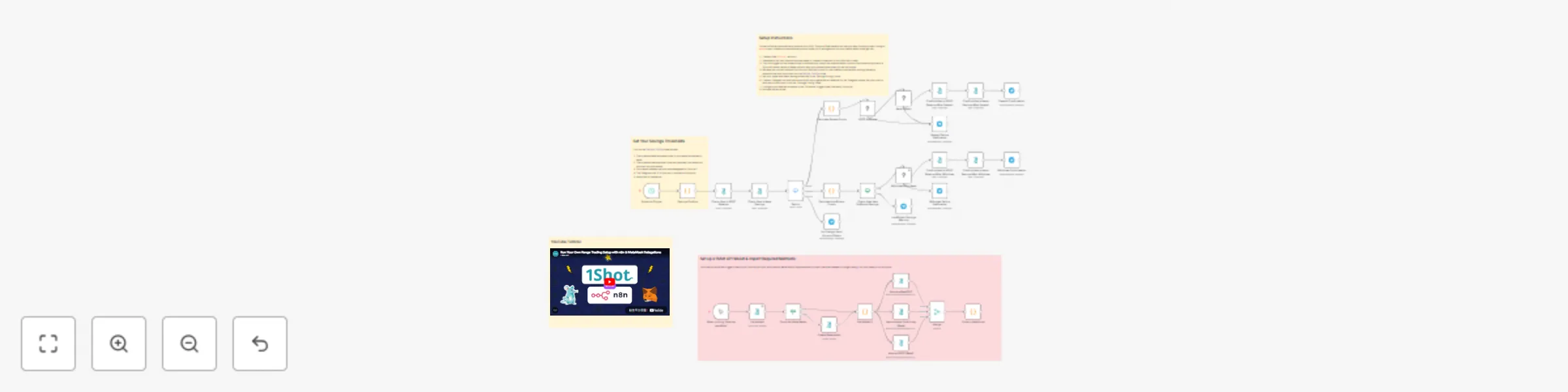
 # Automated Savings with 1Shot API and Aave Protocol With the increasing popularity of stablecoins like [USDC](https://www.circle.com/), its becoming easier to pay for everyday items with crypto thanks to debit cards from issuers like [MetaMask](https://metamask.io/card). These solutions work by processing payments on traditional payment rails then pulling the stablecoin out of your onchain account to cover the cost of the purchase. One downside is that if a stablecoin like USDC is simply sitting in your onchain account, you are missing out on competitive savings rates offered by decentralized protocols like [Aave](https://aave.com/). Often the APY offered by these onchain lending protocols is much higher than those offered by traditional banks while maintaining a low-risk profile for high-quality assets like USDC or [mUSD](https://metamask.io/price/metamask-usd). Ideally your balance would automatically stay in something like Aave when you don't need it and automatically refill your onchain account used for payments when it gets low. This workflow, powered by [1Shot API](https://1shotapi.com), does just that. It also sends you real time Telegram notifications about your account balance and savings every time your account rebalances. ## Aave Protocol  This workflow integrates the [Aave](https://aave.com/) lending protocol to generate savings APY on your excess USDC funds on the [Base](https://www.base.org/) network. When your holdings in your primary [Metamask smart account](https://support.metamask.io/configure/accounts/what-is-a-smart-account/#what-are-metamask-smart-accounts) exceed a threshold you set, it will deposit them into the Aave Lending Pool. This results in your account receiving aBasUSDC, a deposit receipt token used to withdraw your savings at a later time. When your account drops below a refill-threshold you set, it will exchange the aBasUSDC back to USDC and put in back into your primary account so that you can spend it. ## Setup Instructions This workflow will automatically balance your USDC funds on Base network so that you keep funds you aren't using in [Aave](https://aave.com/) to earn interest and automatically move funds out of savings back into your wallet when funds get low. 1. Create a free [1Shot API](https://1shotapi.com) account. 2. Generate an API key & secret and use these to create a credential for the 1Shot API node's. 3. Click the trigger on the subworkflow to automatically import the required smart contract functions and provision a 1Shot API server wallet on Base that will relay your transactions when you are not online. 4. Input the contract method IDs from 1Shot API into the "Savings Config" node. 5. Set your saving thresholds in the "Savings Config" node. 6. Create a Telegram bot and use the bot's API key to generate a credential for the Telegram nodes. Get your chat id with the bot and input it into the "Savings Config" node. 7. Configure your desired schedule in the "Schedule" trigger node (like every 24 hours) 8. Activate the workflow.
Automated range trading with Uniswap V3, Telegram alerts & MetaMask delegation
 # Simple Range Trading w/ Uniswap V3 This workflow will monitor the price of a token trading pair (default is ETH - USDC) and automatically buy into ETH or sell into USDC based on a price window configured by the user. Additionally, the workflow will notify the user on Telegram before a trade is executed, giving the user 1 minute to cancel the trade before the workflow proceeds. Transaction are executed via MetaMask's Delegation Framework, so trades are fully non-custodial, you retain full control of your assets at all times. Check out the [YouTube tutorial](https://docs.1shotapi.com) for a full walkthrough. ## Maintain Complete Trading Control with MetaMask Delegations With the [MetaMask Delegation Framework](https://metamask.io/developer/delegation-toolkit), you never relinquish control of your funds to any 3rd party, not even 1Shot API. Furthermore, with this workflow, you have full control of your trading parameters and the assets you trade against. Lastly, by running your own trading setup, you can bypass fees incurred through centralized exchanges or hosted frontends that reduce your profitability. ## Human-in-the-Loop with Telegram Notifiactions This workflow uses Telegram to send you real-time updates on whats happening with your trades. Specifically, the Telegram human-in-the-loop node is used to give you a change to cancel trades before they happen or immediately approve them. ## Setup 1. Create a free [1Shot API](https://1shotapi.com) account, and create an API key. 2. Import the workflow into your n8n portal. 3. Create a credential for the 1Shot API nodes to communicate with your 1Shot API account. 4. Trigger the sub-workflow to generate an Arbitrum server wallet and import all required smart contract methods. 5. Point the 1Shot API nodes at the appropriate smart contract methods in you 1Shot API account. 6. Create a Telegram credential for notifications & input the chatID of your Telegram bot. 7. Set your desired trading price range in the Swap Configs node. 8. Start your trading workflow.
Automate token purchases with dollar cost averaging on Uniswap V3 & 1Shot API
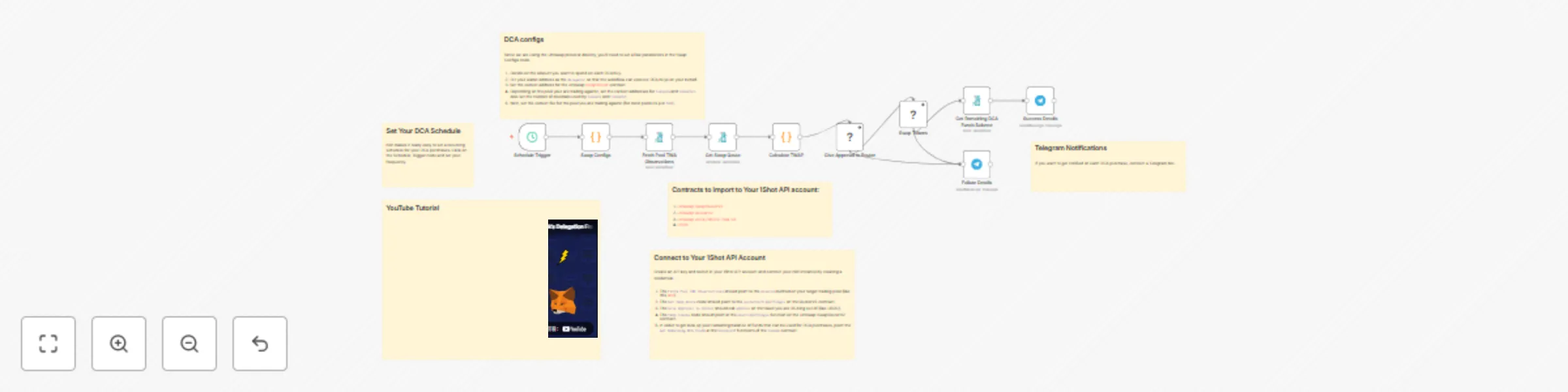
*This workflow contains community nodes that are only compatible with the self-hosted version of n8n.*  # Dollar Cost Averaging with Uniswap V3 This workflow lets you set up an scheduled workflow to dollar cost average (DCA) into any token on a custom schedule using [1Shot API](https://1shotapi.com) and the [Uniswap V3](https://app.uniswap.org/) protocol. Choose your schedule input token and output token and optionally configure the workflow to send you notifications in Telegram everytime your workflow completes a swap. ## YouTube Tutorial You can watch the full [end-to-end tutorial](https://youtu.be/JiyLR5NtU7I) for this workflow on our [YouTube channel](https://www.youtube.com/@1shotapi). ## Wallet Delegation Importantly, this workflow uses Metamasks [Delegation Framework](https://metamask.io/developer/delegation-toolkit) which lets you DCA from an account you custody whithout ever exporting your private key or giving up control of your assets. ## Setup 1. Create a free [1Shot API](https://1shotapi.com) account, provision a [server wallet](https://app.1shotapi.com/wallets) to relay transactions, and generate an API key to connect to n8n. 2. Import the following [Uniswap contracts](https://docs.uniswap.org/contracts/v3/reference/deployments/) into your 1Shot API account for the chain you want to swap on: QuoterV2, SwapRouter02, and the token pool (needed to compute time-weighted average price (TWAP). 3. Import the `approve` function for the ERC-20 token you want to use to purchase your target asset (this should be the `token0` or `token1` of the pool you imported in step 2). 4. Click on the server wallet details you created, fund it with enough gas tokens to pay for your transactions, then generate a delegation for the SwapRouter02 contract and the ERC-20 token from steps 2 and 3. 5. Import the DCA workflow and use your 1Shot API key/secret to create a credential. 6. Point the 1Shot API nodes at the appropriate smart contract functions you imported in steps 2 and 3. 7. In the `Swap Configs` node, set the amount of the *in* token you want to spend on each purchase - for example, if you are using USDC (which has 6 decimals) and you want to purchase $10 every purchase, then `amountDCA` should be `10000000`. Also set the correct addresses for the SwapRouterV2, `token0`, `token1` and `fee` of the pool you are using. 8. Lastly, set the frequency of your DCA in the trigger node and activate! ## Optional Telegram Notifications You can configure a Telegarm bot to notifiy you everytime the workflow completes to send you a transaction has and you remaining balance in your purchasing funds.
Create a self-hosted blockchain payment processor with x402 and 1Shot API
*This workflow contains community nodes that are only compatible with the self-hosted version of n8n.*  # Self-Hosted x402 Facilitator In the [x402](https://x402.org) payment protocol, a [facilitator](https://x402.gitbook.io/x402/core-concepts/facilitator) is a role which helps sellers settle stablecoin payments onchain without dealing with blockchain complexities. This workflow allows you to run your own fully-featured, specification-compliant facilitator in n8n. You might want to do this if you want to accept payments in tokens not supported by existing facilitators or as your own business! ## Details A facilitator supports three routes: `/verify`, `/settle`, and `/supported`. These routes are all created for you in this workflow with proper error handling and responses. A seller will first hit `/verify` with their payment details to ensure the payment information is correct. Next they will hit the `/settle` endpoint with the same payment information to settle the paymet on the blockchain. The `/supported` endpoint is used to indicate to sellers which blockchains you choose to support in a programatic fashion. ## Setup 1. Create a [1Shot API](https://1shotapi.com) account 2. Create 1Shot API wallets for the networks where you wish to facilitate token payments and load them with sufficient gas tokens. 3. Using [1Shot Prompts](https://app.1shotapi.com/1shot-prompts), import the `transferWithAuthorization` functions for the tokens you will settle payments for. 4. Import this workflow into n8n and create a credential to link the 1Shot API community node to your 1Shot API business account. 5. Enter the token and network information into the payment token and network configuration nodes indicated by the sticky nodes. 6. Turn on your workflow and settle payments!
Multi-chain token swap relayer with Li.Fi
 # Swap Tokens with Li.Fi The growing popularity of agentic payments has lead to the development of protocols like [x402](https://x402.org) where agents and humans can pay for internet resources over standard http protocols using stablecoins. This workflow lets you run your own swap relayer where callers can provide an [x402-compatible payment header](https://1shotapi.com/tools) and a desired destination network to instantly receive gas tokens. This setup is trust minimized - user's have the following guarantees: 1. They will be the receiver of the swap. 2. Only the amount of tokens the authorized will be swapped. ## Setup In order to run this relayer workflow, you will need an account on [1Shot API](https://1shotapi.com). You must then import the 1Shot Gas Station contract into your business for any chain you wish to support with your relayer. Next, follow the directions in the worflow sticky notes to update the Payment Configs for the tokens you wish to support swaps for. Lastly, distrubute your webhook api endpoint to your users.
Monetize your private LLM models with x402 & Ollama
*This workflow contains community nodes that are only compatible with the self-hosted version of n8n.*  # Monetize Your Private LLM Models with x402 and Ollama Self-hosting custom LLMs is becoming more popular and easier with turn-key inferencing tools like [Ollama](https://ollama.com/). With Ollama you can host your own proprietary models for customers in a private cloud or on your own hardware. But monetizing custom-trained, propietary models is still a challenge, requiring integrations with payment processors like Stripe, which don't support micropayments for on-demand API consumption. With this free workflow you can quickly monetize your proprietary LLM models with the [x402](https://x402.org) payment scheme in n8n with [1Shot API](https://1shotapi.com). ## Setup Steps: 1. Authenticate the 1Shot API node against your 1Shot API business account. 2. Point the 1Shot API simulate and execute nodes at the x402-compatible payment token you'd like to receive as payment. 3. Configure the Ollama n8n node in the workflow (with optional authentication) to forward to your Ollama API endpoint and let users query it through an n8n webhook endpoint while paying you directly in your preferred stablecoin (like [USDC](https://www.circle.com/usdc)). Through x402, users and AI agents can pay per-inference, whith no overhead wasted on centralized payment processors. ## Walkthrough Tutorial Check out the [YouTube tutorial](https://youtu.be/YjdFS9VDOMo) for this workflow so see the full end-to-end process.
Monetize workflows with x402 Payment Protocol and 1Shot API
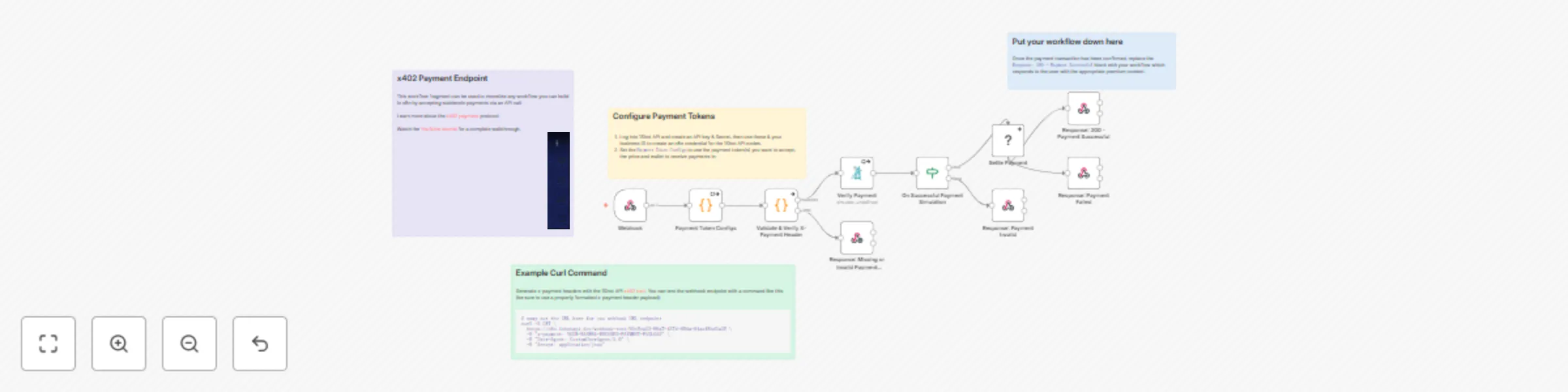
 # Monetize Your n8n Workflow with x402 This workflow lets you monetize any n8n workflow with the [x402](https://x402.org) payment protocol. It uses [1Shot API](https://1shotapi.com) as the onchain transaction fascilitator role. Check out the [tutorial](https://youtu.be/sqLUpR6t--0?si=sDbLTyLCS3nY4Fk0) video for a complete walkthrough. ## Setup 1. Create a free [1Shot API](https://1shotapi.com) account, then go to the [API Keys](https://1shotapi.com/api-keys) tab and generate a new API key & secret. 2. Click on one of the 1Shot API nodes and use the API key & secret from step 1 to create a credentail. You'll need you 1Shot API business ID as well which is located in the top right-hand corner of the 1Shot API dashboard. 3. Click on the `Payment Token Configs` box and enter in the required token information for the x402-compatible tokens you want to accept as payment. Import the x402-compatible tokens you want to accept as payments into your 1Shot API (must be an ERC-20 token with a `transferWithAuthorization` method) account using the [1Shot Prompts](https://1shotapi.com/1shot-prompts) directory. 4. Click on the webhook trigger node and set the route.