N

Nitin Garg

4
Workflows

Workflows by Nitin Garg
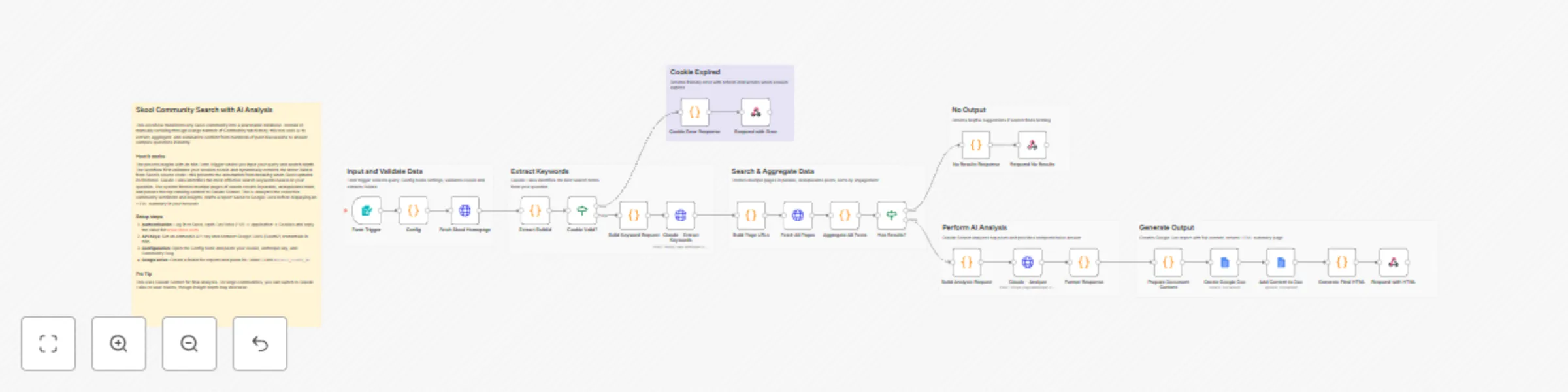
Workflow preview: Search Skool community posts with Claude and Google Docs analysis
Free advanced

Search Skool community posts with Claude and Google Docs analysis

## How it works 1. **Form Trigger** accepts a question and optional settings (folder ID, search depth) 2. **Cookie Validation** checks if Skool session is still active 3. **BuildId Extraction** dynamically extracts Skool's build ID from homepage 4. **Keyword Extraction** uses Claude Haiku to extract 1-2 search keywords 5. **Multi-Page Search** fetches 1-10 pages of Skool search results 6. **Post Aggregation** collects all posts with content and comments 7. **AI Analysis** uses Claude Sonnet to analyze posts and answer your question 8. **Google Doc Report** creates a detailed research document in your Drive 9. **HTML Response** returns a beautiful summary page ## Key Features - Auto BuildId Detection - No manual updates when Skool changes - Cookie Expiration Handling - Clear error messages when session expires - Configurable Search Depth - Search 1-10 pages (default: 5) - Token Protection - Limits content to control API costs - Dual AI Models - Haiku for keywords (cheap), Sonnet for analysis (powerful) ## Set up steps **Time required:** 10-15 minutes 1. Get your Skool session cookie from browser DevTools 2. Get an Anthropic API key from console.anthropic.com 3. Set up Google Docs OAuth2 credential in n8n 4. Create a Google Drive folder for research docs 5. Update the Config node with your values: - `COOKIE` - Your Skool session cookie - `ANTHROPIC_API_KEY` - Your Claude API key - `DEFAULT_FOLDER_ID` - Your Google Drive folder ID - `COMMUNITY` - Your Skool community slug ## Who is this for? - Members of Skool communities searching past discussions - Community managers researching common questions - Anyone building knowledge bases from Skool content ## Estimated costs - **Per search:** $0.02-0.10 (Claude Haiku + Sonnet) - Skool cookies expire every 7-14 days (requires refresh) ``` --- ## 🏷️ Suggested Tags ``` skool, community, search, ai, claude, anthropic, google-docs, research, knowledge-base, form

N
Nitin Garg
Market Research
26 Dec 2025
13
0
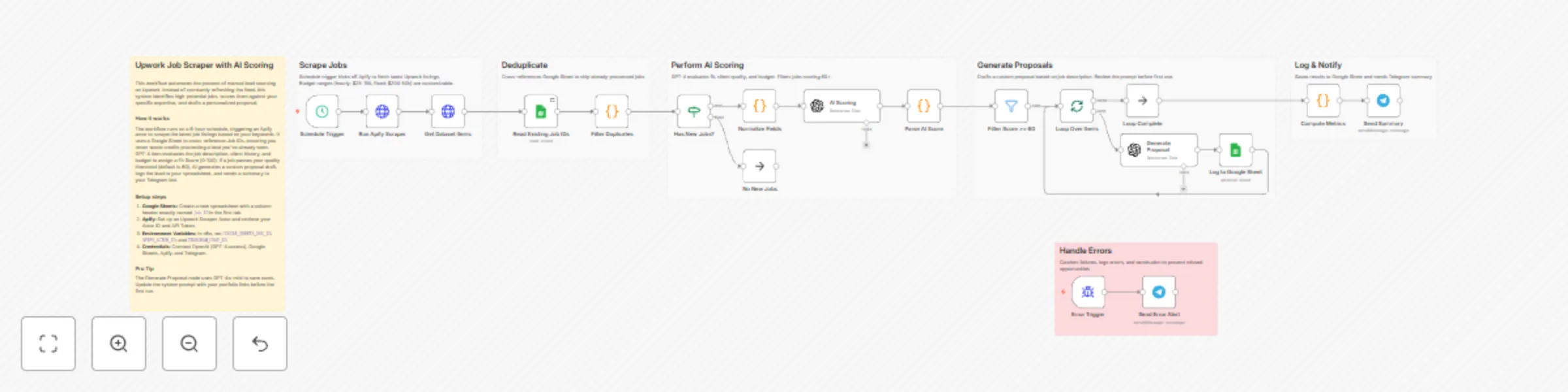
Workflow preview: Score Upwork jobs and generate proposals with Apify, GPT-4o, Google Sheets and Telegram
Free advanced

Score Upwork jobs and generate proposals with Apify, GPT-4o, Google Sheets and Telegram

## How it works 1. **Schedule Trigger** runs every 6 hours (customizable) 2. **Apify Scraper** fetches Upwork jobs matching your criteria 3. **Deduplication** filters out jobs you've already seen 4. **AI Scoring** (GPT-4) evaluates fit, client quality, budget (0-100 score) 5. **Filter** keeps only jobs scoring 60+ 6. **Proposal Generator** creates personalized proposals 7. **Google Sheets** logs all results 8. **Telegram** sends summary notification ## Setup steps **Time:** ~15 minutes 1. Create Google Sheet with "Job ID" column 2. Get Apify account + Upwork scraper actor 3. Get OpenAI API key 4. Set environment variables: - `GOOGLE_SHEETS_DOC_ID` - `APIFY_ACTOR_ID` - `TELEGRAM_CHAT_ID` 5. Create credentials: Google Sheets, Apify (Header Auth), OpenAI, Telegram 6. Connect credentials to workflow nodes ## Who is this for? - Freelancers actively applying to Upwork jobs - Agencies monitoring multiple job categories - Consultants prioritizing high-quality leads ## Estimated costs - **Per run:** $0.50-3.00 (Apify + OpenAI) - **Monthly (4x/day):** $50-200

N
Nitin Garg
Lead Generation
26 Dec 2025
66
0
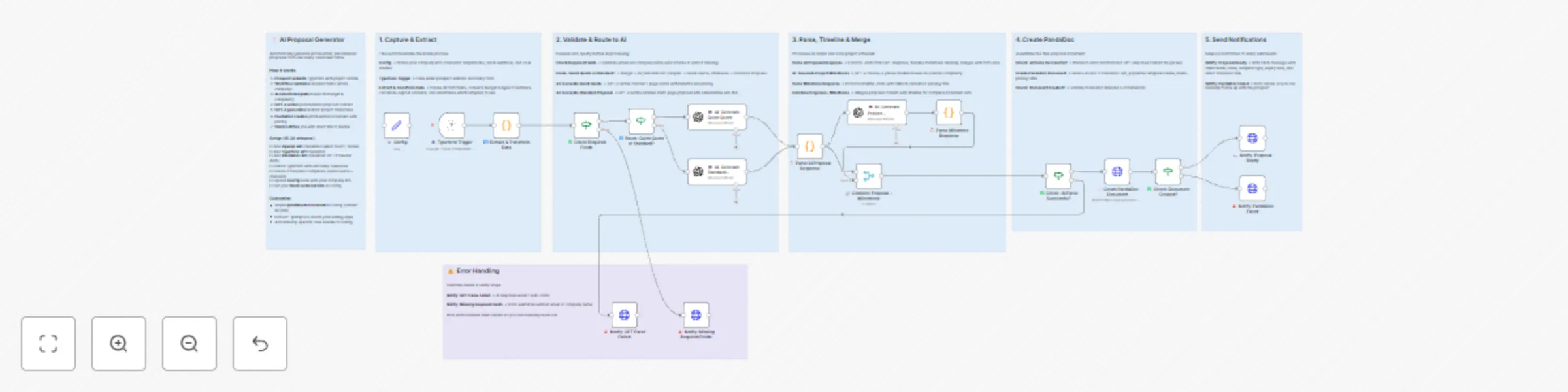
Workflow preview: Clear integration of GPT-4 with key tools for enhanced functionality
Free advanced

Clear integration of GPT-4 with key tools for enhanced functionality

Turn discovery call forms into polished, personalized proposals in seconds. This workflow captures prospect information via Typeform, uses GPT-4 to write compelling proposal content, and automatically creates professional PandaDoc documents with pricing tables. **Who is this for?** Freelancers, consultants, agencies, and service businesses who want to: - Stop spending hours writing proposals manually - Respond to prospects faster with professional documents - Maintain consistent proposal quality at scale **What problem does it solve?** Writing proposals is time-consuming and inconsistent. This workflow automates the entire process—from form submission to ready-to-send document—while keeping your proposals personalized and professional. **How it works** 1. Prospect fills out your Typeform discovery questionnaire 2. Workflow validates required fields (email, company name) 3. AI automatically selects the right template based on budget and project complexity 4. GPT-4 writes personalized proposal content tailored to the prospect's challenges 5. GPT-4 generates realistic project milestones 6. PandaDoc creates a professional document with pricing table 7. You receive a Slack notification with a direct link to review **Template selection logic** The workflow intelligently routes to the appropriate template: - **Quick Quote** → Budget under $2,500 AND simple project - **Standard Proposal** → Budget $2,500+ OR complex project **What you get** - Personalized proposal content written by GPT-4 - Challenge summary that shows you understand their pain points - Specific benefits with metrics (time savings, cost savings) - 4-phase project timeline with realistic milestones - Professional PandaDoc document with pricing table - Slack notifications for successes and errors **Setup time:** 15-20 minutes **Setup steps** 1. Add your OpenAI API credential (select in the 3 GPT nodes) 2. Add your Typeform API credential 3. Add your PandaDoc API credential (HTTP Header Auth with your API key) 4. Create a Typeform with discovery questions (see below) 5. Create 2 PandaDoc templates (Quick Quote + Standard Proposal) 6. Update the Config node with your company info and template IDs 7. Add your Slack webhook URL to the Config node **Typeform questions needed** Your discovery form should include these fields: - What's your company name? - What industry are you in? - What's your biggest operational challenge? - What would the ideal solution look like? - What tools/platforms do you currently use? - How complex is this project? (Simple / Moderate / Complex) - What's your estimated budget? (Under $1,500 / $1,500-$2,500 / $2,500-$5,000 / $5,000-$10,000 / $10,000+) - First name - Last name - Email address **PandaDoc template tokens** Your PandaDoc templates should include these placeholder tokens: - Client.Company, Client.FirstName, Client.LastName - Client.ChallengeSummary - Project.Total, Project.Deposit - Project.TimeSavings, Project.CostSavings - Timeline.Phase1-4, Timeline.Phase1Date-4Date - Impact.Bullet1-3 - Proposal.ExpiryDate, Document.Date **Requirements** - OpenAI API account (~$0.05-0.15 per proposal) - Typeform account (free tier works) - PandaDoc account (API access required) - Slack workspace (for notifications) **Good to know** - Processing time: 15-30 seconds per proposal - All errors are caught and sent to Slack so you can follow up manually - The Config node centralizes all settings—easy to customize - GPT prompts are editable to match your writing style - Budget threshold is adjustable (default: $2,500) - Quick Quote proposals expire in 7 days, Standard in 14 days

N
Nitin Garg
Content Creation
22 Dec 2025
4
0
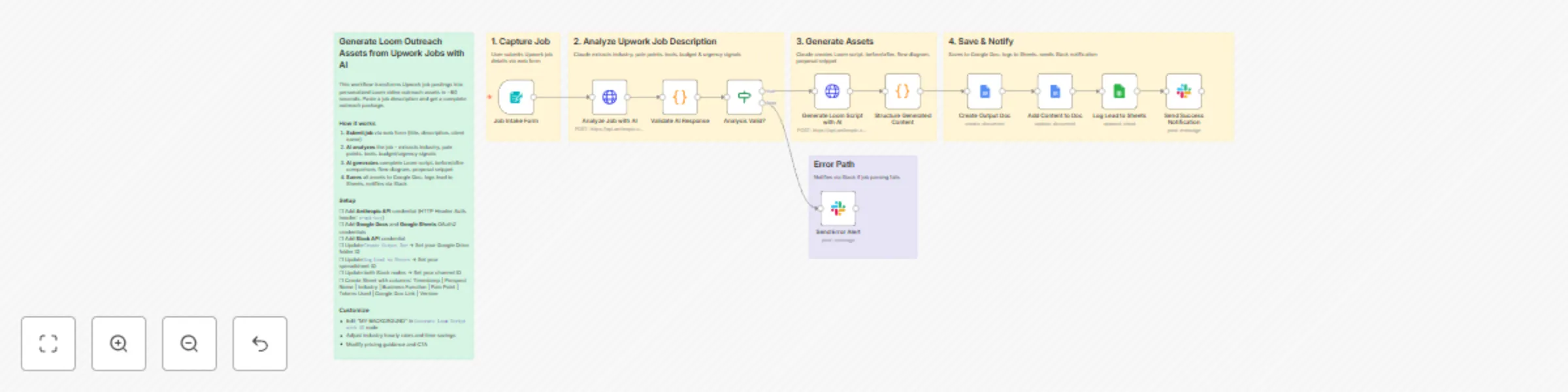
Workflow preview: Create personalized Loom video scripts from Upwork jobs with Claude AI
Free advanced

Create personalized Loom video scripts from Upwork jobs with Claude AI

This n8n template transforms Upwork job postings into personalized Loom video outreach assets in under 60 seconds. Paste a job description and get a complete outreach package: video script, before/after comparison, automation flow diagram, and proposal snippet. Use cases include: AI/Automation agencies doing Upwork cold outreach, freelancers who personalize proposals with Loom videos, or anyone wanting to scale video prospecting with AI-generated scripts. ## Good to know - Each job processed costs approximately **$0.02-0.04 USD** in Claude API fees (two API calls per job) - Processing time is ~45-60 seconds per job - The workflow uses Claude Sonnet for optimal cost/quality balance - Generated scripts are starting points - review and personalize before recording ## How it works - Submit an Upwork job via the built-in form (title, description, optional client name and URL) - Claude AI analyzes the job to extract: industry classification, pain points, tools mentioned, budget/urgency signals, and competition level - A second Claude call generates the complete outreach package based on the analysis - All assets are saved to a Google Doc named by prospect - Lead data is logged to Google Sheets for tracking - Slack notification delivers the doc link and key insights **What you get for each job:** - 90-120 second Loom video script (hook, credibility, walkthrough, CTA) - Before/After process comparison with ROI calculations - Automation flow diagram structure - Upwork proposal opening snippet - Visual prompts for Whimsical/Figma diagrams - Quick reference card with pricing guidance ## How to use - The form trigger creates a URL at `your-n8n-instance/form/upwork-loom-generator` - Paste the full job description for best results - more context = better analysis - Add the client name if visible for personalized script openings - After generation, review the Google Doc and customize the script to your voice - Use the visual prompts to create diagrams before recording your Loom ## Requirements - **Anthropic account** for Claude API access - **Google account** with Docs and Sheets enabled - **Slack workspace** for notifications ## Set up steps 1. **Anthropic credential** - Create HTTP Header Auth credential with your API key (header name: `x-api-key`) 2. **Google credentials** - Connect Google Docs and Google Sheets OAuth2 credentials 3. **Slack credential** - Add Slack API credential with `chat:write` scope 4. **Update placeholders in nodes:** - `Create Google Doc` → Set your Google Drive folder ID - `Log to Google Sheets` → Set your spreadsheet ID - Both Slack nodes → Set your channel ID 5. **Create tracking sheet** with columns: Timestamp, Prospect Name, Industry, Business Function, Pain Point, Tokens Used, Google Doc Link, Version ## Customising this workflow - Edit the "MY BACKGROUND" section in the `Claude - Generate Loom Assets` node to match your experience and services - Adjust industry-specific hourly rates and time savings in the prompt to match your market - Modify the Loom script CTA to your preferred next step (calendar link, reply, etc.) - Add additional integrations: Notion database, CRM, or calendar booking - Swap Slack for Discord, Teams, or email notifications

N
Nitin Garg
Content Creation
20 Dec 2025
28
0