M

Marco Venturi

1
Workflow

Workflows by Marco Venturi

Workflow preview: Auto-generate WordPress articles from news with Claude AI and LinkedIn sharing
Free advanced

Auto-generate WordPress articles from news with Claude AI and LinkedIn sharing

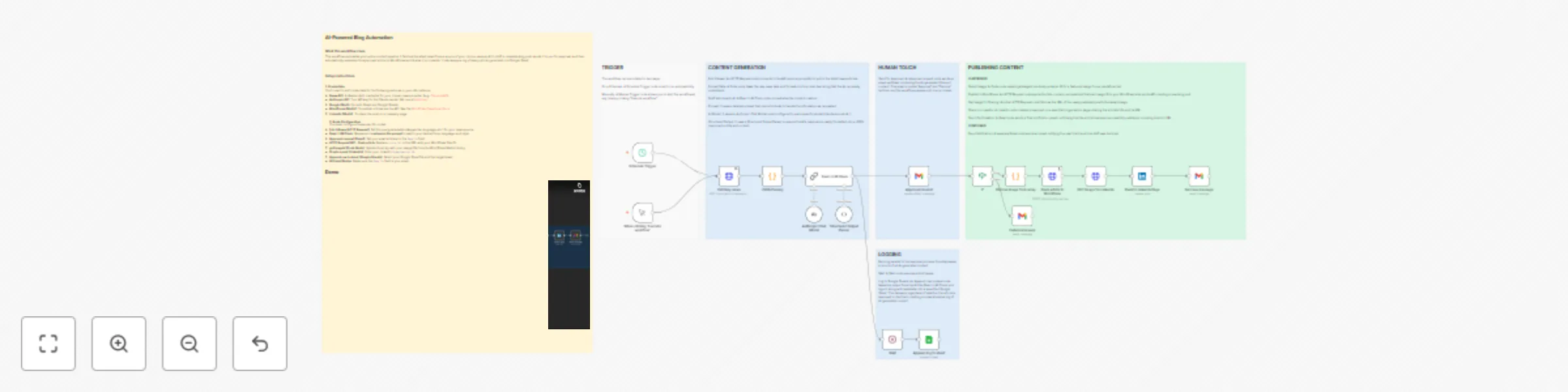
## **How it works** * This workflow sources news from news websites. * The information is then passed to an LLM, which processes the article's content. * An editor approves or rejects the article. * If accepted, the article is first published on the WordPress site and then on the LinkedIn page. ## **Setup Instructions** **1. Credentials** You'll need to add credentials for the following services in your n8n instance: * **News API**: A credential for your chosen news provider. * **LLM**: Your API key for the LLM you want to use. * **Google OAuth**: For both Gmail and Google Sheets. * **WordPress OAuth2**: To publish articles via the API. See the [WordPress Developer Docs](https://developer.wordpress.com/docs/api/). * **LinkedIn OAuth2**: To share the post on a company page. **2. Node Configuration** Don't forget to: * **Fetch News (HTTP Request)**: Set the query parameters (keywords, language, etc.) for your news source. * **Basic LLM Chain**: Review and **customize the prompt** to match your desired tone, language, and style. * **Approval request (Gmail)**: Set your email address in the `Send To` field. * **HTTP Request WP - Push article**: Replace `<site_Id>` in the URL with your WordPress Site ID. * **getImageId (Code Node)**: Update the array with your image IDs from the WordPress Media Library. * **Create a post (LinkedIn)**: Enter your LinkedIn `Organization ID`. * **Append row in sheet (Google Sheets)**: Select your Google Sheet file and the target sheet. * **All Email Nodes**: Make sure the `Send To` field is your email.

M
Marco Venturi
Content Creation
20 Oct 2025
704
0