Max
Workflows by Max
Publish Zoom class recordings to Google Classroom automatically
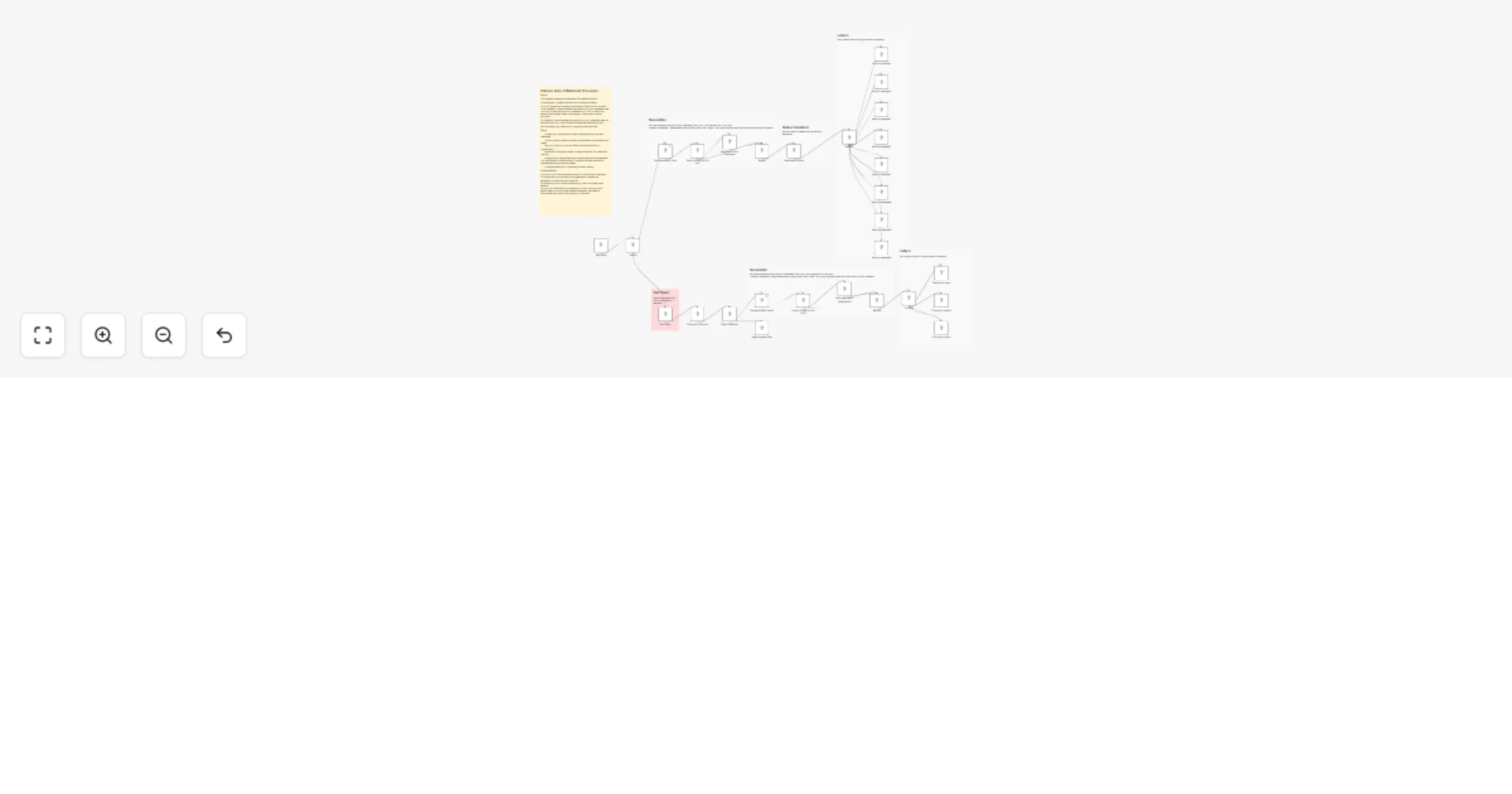
## About This flow is ideal for online schools that use Zoom to teach classes and Google Classroom for storing materials and homework. It listens for Zoom webhooks that come after each recorded call is uploaded to Zoom Cloud (you'll need Zoom paid plan). When new meeting comes, it filters out calls that last less than 30 mins. After duration check, it checks if there is a Google Class that matches the call name. Your call must be named exactly as the Google Class you want the call to be uploaded to. If the class is found, it will extract the Class ID. This flow assumes that you have a specific topic used for storing class recordings and materials, so it will look for this topic and upload the material. If topic is not found, you'll get an email. ## Requirements You'll need a: - Zoom paid plan that supports Zoom Cloud - Google cloud console to set up Classroom API and Gmail API - OpenAI API key or any other provider
Restaurant GPT-4 receptionist for bookings & delivery using Vapi, Telegram, Airtable
## This AI receptionist handles restaurant bookings and delivery orders with Vapi, Telegram, and Airtable ## Who’s it for This n8n template is built for **restaurants** that want to automate table bookings and delivery or takeaway orders using an AI receptionist. It’s suitable for small to mid-sized restaurants that receive bookings and orders via voice calls or Telegram and want a structured, reliable backend without manual handling. ## How it works The workflow powers an AI receptionist that operates through **Vapi (voice)** and **Telegram (chat)**. For table bookings, it collects party size and preferred time, checks table availability within the requested time range, and returns available options or a “no availability” response. For orders, the menu is fetched from **Airtable**, items are validated, prices are calculated, and order details are collected. Delivery addresses are validated and checked against supported areas. If delivery is unavailable, the system automatically offers takeaway. All confirmed bookings and orders are saved to Airtable. ## How to set up 1. Download JSON flows from the Dropbox folder, copy Airtable base with template tables to your account. 2. Get Airtable, OpenAI, Telegram Bot, Google Maps API credentials. 3. Set up credentials and test. ## How to customize the workflow You can plug a VAPI assistant. Copy the prompt from the AI agent and paste it into VAPI system prompt section. Also add MCP tool and call it `restaurant tool`. You can adjust booking rules, table capacity logic, menu structure, restaurant location, delivery zones, pricing calculations, and message wording to match your restaurant’s operations.