kreonovo
Workflows by kreonovo
Manage Webflow form submissions in Airtable
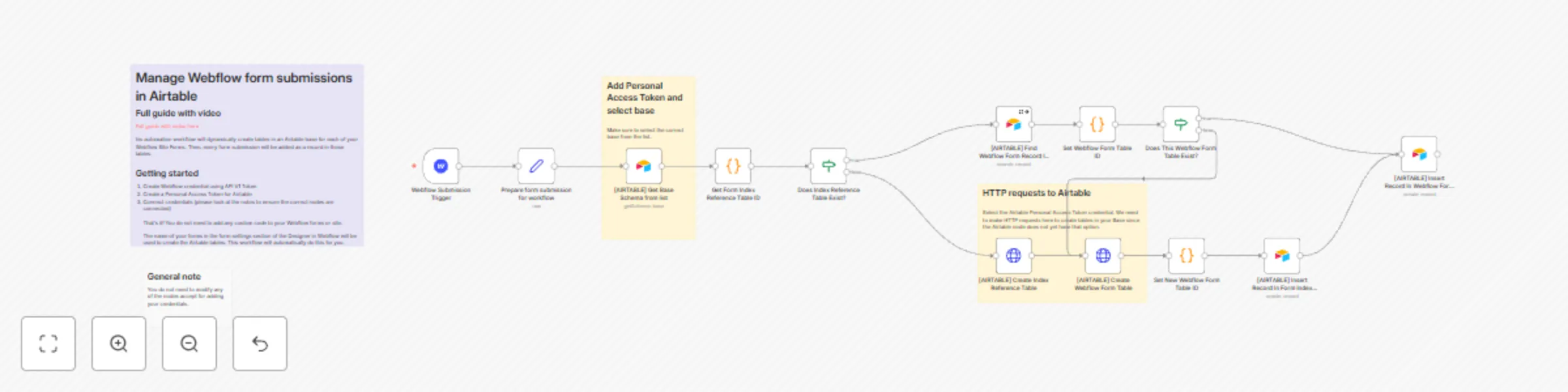
**What this does** This automation will create tables in your Airtable base and send Webflow form submissions as records in those tables. It keeps track of your Webflow forms with a Form Index table to ensure that form content does not get sent to the wrong table if you have Webflow forms with identical names. **This is useful for** Enhancing your Webflow form submission management. By sending structured data to your Airtable base you can do more with your Webflow forms. **Usage guide** [Full written and video guide](https://blog.kreonovo.co.za/create-tables-in-airtable-with-webflow-form-submissions/) This automation is made to be as low effort as possible to start enhancing your Webflow forms. Simply create credentials for Webflow and a Personal Access Token for your Airtable base and connect them to the relevant nodes. The guide demonstrates a realworld example using a Webflow template and breaksdown the flow and logic for all the nodes.
Send Webflow form submissions to Discord dynamically
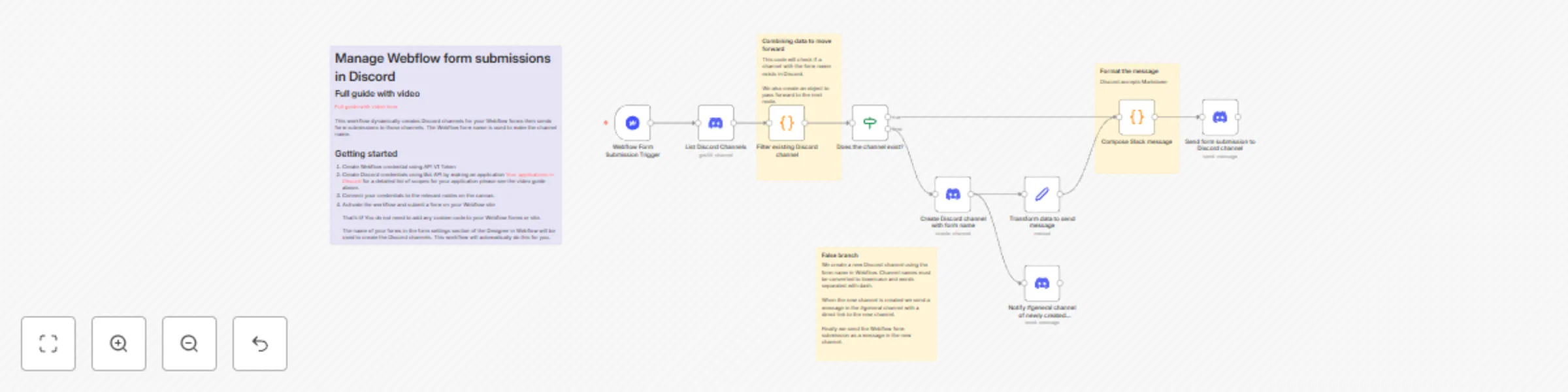
**What this does:** This automation will dynamically create channels on your Discord server for each of your Webflow forms then send formatted form submissions as messages in those channels. **This is useful for** Webflow will only notify a single email of a form submission. By using this workflow you can enhance your Webflow form management by receiving them in Discord. This is great if you need to notify multiple team members or communities of your form submissions. **Usage guide** [Full written and video guide](https://blog.kreonovo.co.za/send-webflow-form-submissions-to-discord-server/) Simply create credentials for Webflow and Discord and connect them to the nodes. The video guide demonstrates a realworld usecase using a Webflow template and breaks down each node in detail about how it works.
Send Webflow form submissions to Slack dynamically
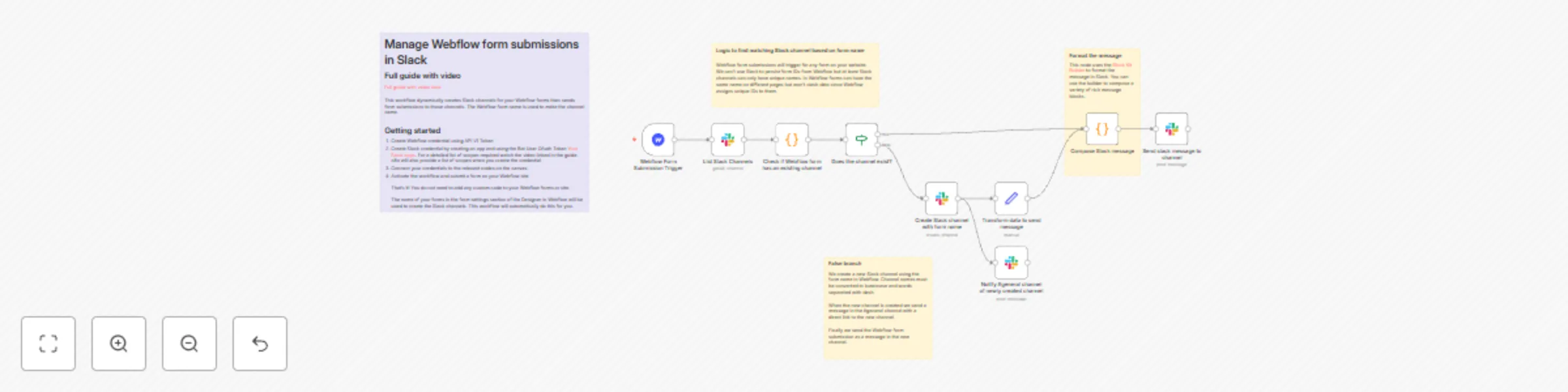
**What it does:** This automation will dynamically create Slack channels for your Webflow forms and send formatted messages to those channels for every form submission you receive. When a new form is dedected, a message is sent in the #general Slack channel with a hyperlink to the new channel. **This is useful for:** Webflow form submissions can only notify a single user email as standard, but by using this workflow you can notify team members of new submissions instead of having to login into Webflow to go download form submissions. **Usage guide** [Full written and video guide](https://blog.kreonovo.co.za/send-webflow-form-submissions-to-slack-automatically/) The main steps are to create credentials for Webflow and Slack, connect them, and start using the workflow. The video guide illustrates a realword usecase using a Webflow template. The video also breaks down each node in detail to explain what it does in case you want to make modifications.