kote2
Workflows by kote2
AI hairstyle preview generator with OpenAI and LINE group sharing
### Overview This workflow takes an **image + instruction text** from an n8n Form, edits **only the hairstyle** while **keeping the face unchanged**, uploads the result to **Cloudinary**, and **pushes** the image to a designated **LINE group**. It’s designed for salons or creative teams that need quick, consistent “hair-only” edits and one-click sharing to a staff group. ### Key Features * Accepts image and free-form instructions via **n8n Forms** * Enforces **identity preservation**: face is not altered; **only the hairstyle** is modified * Uses **OpenAI Image Edit** to generate the edited image * Uploads the output to **Cloudinary** and returns a public URL * Sends the final image to a **LINE group** via the **Push API** (no `replyToken` required) * Optional safety: store the **groupId** once (via webhook) in n8n **Data Store** and reuse it, avoiding mis-sending to individuals ### Requirements * OpenAI API key (Image Edit capable model) * Cloudinary account with an **unsigned** `upload_preset` * LINE Official Account (Messaging API enabled) and the bot **added to the target group** (to capture `groupId` once) * n8n with **Forms** enabled and **Data Store** available ### Notes * Replace placeholders like `CLOUDINARY_CLOUD_NAME`, `CLOUDINARY_UPLOAD_PRESET`, `LINE_CHANNEL_TOKEN`, and `LINE_GROUP_ID` with your values.
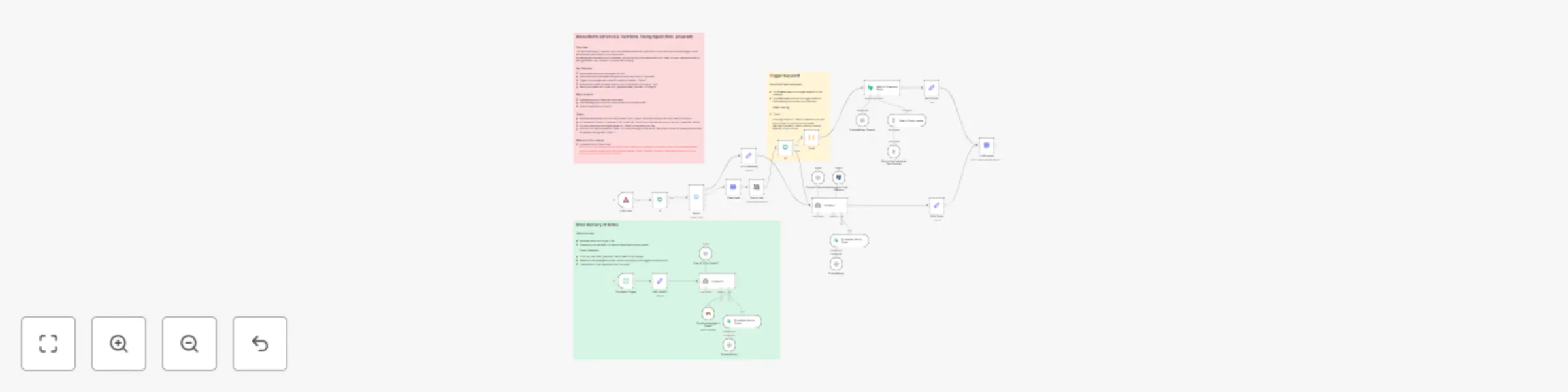
Ai voice & text note-taking with LINE Messaging, Supabase Vector DB & Gmail
Overview This workflow lets you capture, store, and retrieve notes from LINE chats — both text and voice messages — and automatically send them to your Gmail inbox. By leveraging Supabase Vector Database, you can not only store and recall your notes, but also repurpose them for idea generation, quiz creation, or hypothesis building. Key Features Receive text and audio messages via LINE Transcribe audio messages automatically and save them in Supabase Trigger note storage with a specific keyword (default: “Diane”) Automatically send the latest notes to your Gmail every morning at 7 AM Search and reuse your notes (e.g., generate ideas, quizzes, or insights) Requirements Supabase account (free plan supported) LINE Messaging API channel setup (obtain your access token) Gmail authentication (OAuth2) Notes Replace placeholders such as LINE_CHANNELACCESS_TOKEN, YOUR_USERID, and YOUR_EMAIL_ADDRESS with your own information. All credentials (OpenAI, Supabase, LINE, Gmail, etc.) must be configured securely in the Credentials section of n8n. You may customize the trigger keyword (“Diane”) to any word you like.
Log food calories from images to Google Sheets using LINE and OpenAI Vision
This workflow allows a LINE user to send either text or an image of food to a connected LINE bot. If text is sent, the AI agent responds directly via LINE. If an image is sent, the workflow downloads it from LINE’s API, analyzes it using OpenAI’s Vision model, estimates calories (only if the image contains food), and formats the result into JSON. Detected dishes and calories are appended to a Google Sheet, and a confirmation message is sent back to the user via LINE. Key Features: Integrates LINE Messaging API webhook with n8n Uses OpenAI Vision to detect food and estimate calories Automatically logs results into Google Sheets Sends real-time feedback to the LINE user How to use: Set up a LINE Messaging API channel and get your channel access token. Add your OpenAI API credentials in n8n. Replace placeholders for {channel access token}, {your id}, and Google Sheet IDs with your own. Activate the workflow and send a food image or text message to your LINE bot.