kiran adhikari
Workflows by kiran adhikari
Create viral YouTube content from Reddit posts with GPT-4o and Google Sheets
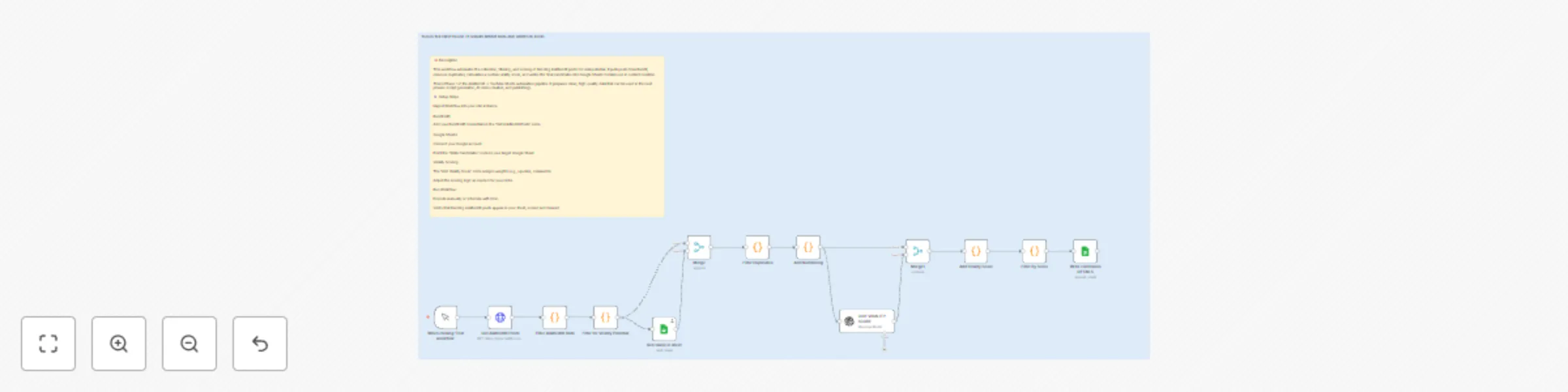
📝 Description This workflow automates the collection, filtering, and scoring of trending AskReddit posts for viral potential. It pulls posts from Reddit, removes duplicates, calculates a custom virality score, and writes the final candidates into Google Sheets for later use in content creation. This is Phase 1 of the AskReddit → YouTube Shorts automation pipeline. It prepares clean, high-quality data that can be used in the next phases (script generation, AI video creation, and publishing). ⚙️ Setup Steps Import Workflow into your n8n instance. Reddit API: Add your Reddit API credentials in the "Get AskReddit Posts" node. Google Sheets: Connect your Google account. Point the "Write Candidates" node to your target Google Sheet. Virality Scoring: The "Add Virality Score" node assigns weights (e.g., upvotes, comments). Adjust the scoring logic as needed for your niche. Run Workflow: Execute manually or schedule with Cron. Verify that trending AskReddit posts appear in your sheet, scored and cleaned.
Create smart Telegram reminders with GPT-4 mini and Airtable cancel codes
How It Works User sends a reminder request via Telegram (e.g., “Remind me to clean the garage tomorrow at 12 pm”). The request is parsed by AI Agent and stored in Airtable with a unique reminder code. The reminder workflow checks Airtable at scheduled intervals and sends a Telegram notification when the reminder is due. Each reminder includes a unique cancel code (e.g., Reply 4936 to stop this reminder). If the user replies with the code, the bot searches Airtable, deletes the reminder, and confirms the deletion in Telegram. If the code doesn’t exist, the bot replies “Code not found.” ⚡ Setup Steps Create a Telegram Bot Use BotFather on Telegram. Run /newbot and copy your bot token. Add the token in your Telegram Trigger and Telegram Send nodes in n8n. Set Up Airtable Create an Airtable base called REMINDER-TABLE. Add a table with fields: title (Text) – reminder text due_at (Date/Time) – when the reminder is due chat_id (Text) – user’s Telegram chat ID code (Number/Text) – unique cancel code Generate an API key / Personal Access Token and connect it in n8n. Import This Workflow In n8n, click Import Workflow. Paste the JSON template. Connect your Telegram and Airtable credentials. Activate the Workflow Start the workflow in n8n Cloud or Self-Hosted. Send a test reminder in Telegram (e.g., “Remind me in 5 minutes to call mom”). When notified, reply with the cancel code to test deletion. Optional Customizations Modify reminder frequency (Every 5 minutes node). Change reminder message formatting in the Format Message node. Add logging/analytics by connecting Google Sheets or another DB. ⚡ Result: You now have a fully automated AI-powered Telegram Reminder Bot with Airtable storage, cancel codes, and real-time notifications!