Automatically add travel time blockers to calendar using Google Directions API
# Automatically add Travel time blockers before Appointments
This bot automatically adds Travel time blockers to your calendar, so you never come late to an appointment again.
## How it works
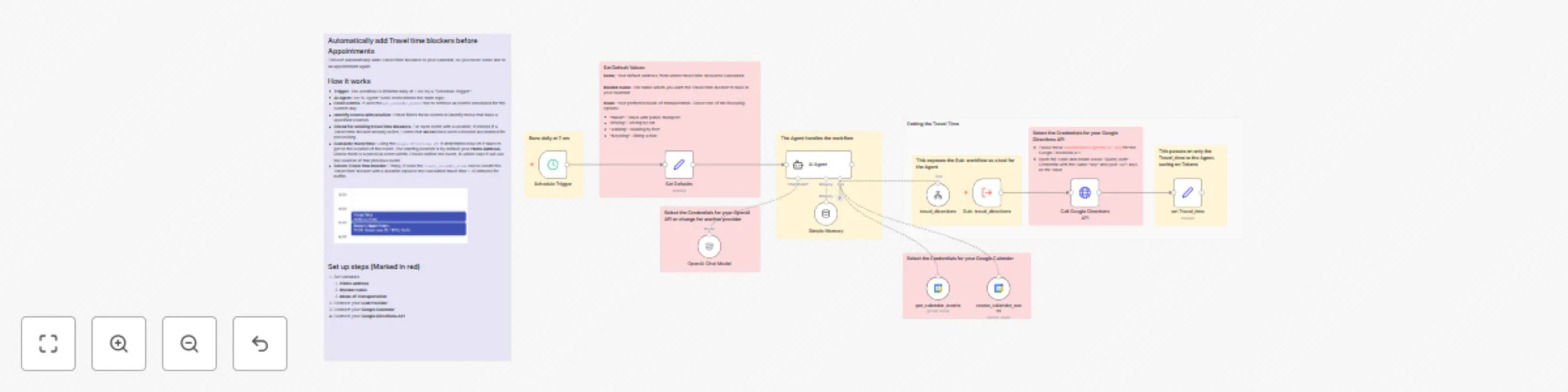
* **Trigger**: The workflow is initiated daily at 7 AM by a "Schedule Trigger".
* **AI Agent**: An "AI Agent" node orchestrates the main logic.
* **Fetch events**: It uses the `get_calendar_events` tool to retrieve all events scheduled for the current day.
* **Identify events with location**: It then filters these events to identify those that have a specified location.
* **Check for existing travel time Blockers**: For each event with a location, it checks if a Travel time blocker already exists. Events that *do not* have such a blocker are marked for processing.
* **Calculate travel time**: Using the `Google Directions API` it determines how lot it takes to get to the location of the event. The starting location is by default your **Home Address**, unless there is a previous event within 2 hours before the event, in which case it will use the location of that previous event.
* **Create Travel time blocker**: Finally, it uses the `create_calendar_event` tool to create the Travel time blocker with a duration equal to the calculated travel time + 10 minutes for buffer.

## Set up steps
1. Set Variables
1. **Home address**
2. **Blocker name**
3. **Mode of Transportation**
2. Connect your **LLM Provider**
3. Connect your **Google Calendar**
4. Connect your **Google Directions API**