J

Jordan

3
Workflows

Workflows by Jordan
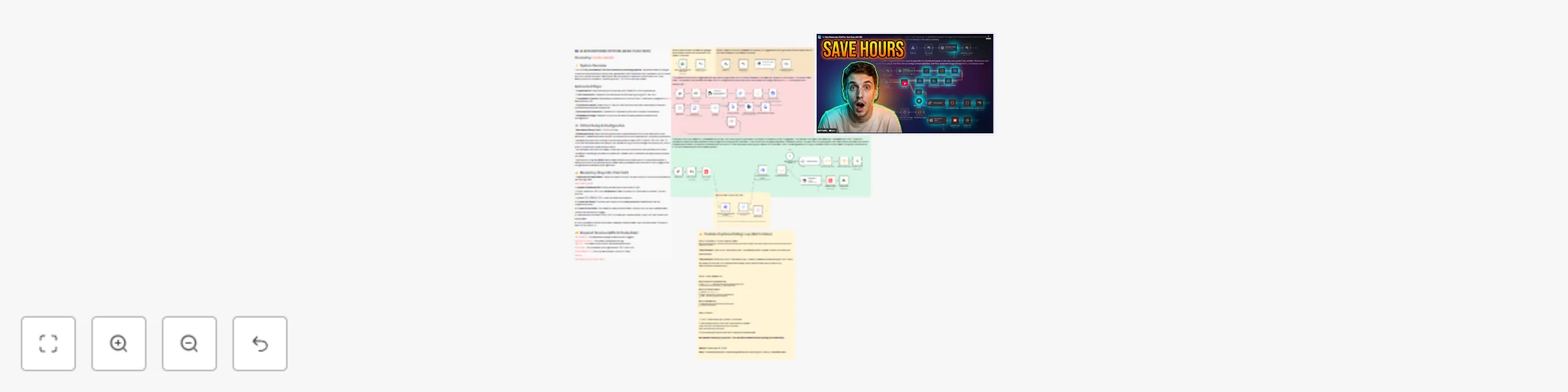
Workflow preview: Generate short-form clips from YouTube videos with GPT-4o, Grok & Airtable
Free advanced

Generate short-form clips from YouTube videos with GPT-4o, Grok & Airtable

This n8n template demonstrates how to automate YouTube content repurposing using AI. Upload a video to Google Drive and automatically generate transcriptions, A/B testable titles, AI thumbnails, short-form clips with captions, and YouTube descriptions with chapter timestamps. Use cases include: Content creators who publish 1-2 long-form videos per week and need to extract 5-10 short-form clips, YouTube agencies managing multiple channels, or automation consultants building content systems for clients. ## Good to know * Processing time is approximately 10-15 minutes per video depending on length * Cost per video is roughly $1.00 (transcription $0.65, AI generation $0.35) * YouTube captions take 10-60 minutes to generate after upload - the workflow includes automatic polling to check when captions are ready * Manual steps still required: video clipping (using provided timestamps), social media posting, and YouTube A/B test setup ## How it works * When a video is uploaded to Google Drive, the workflow automatically triggers and creates an Airtable record * The video URL is sent to AssemblyAI (via Apify) for transcription with H:MM:SS.mmm timestamps * GPT-4o-mini analyzes the transcript and generates 3 title variations optimized for A/B testing * When you click "Generate thumbnail" in Airtable, your prompt is optimized and sent to Kie.ai's Nano Banana Pro model with 2 reference images for consistent branding * After uploading to YouTube, the workflow polls YouTube's API every 5 minutes to check if auto-generated captions are ready * Once captions are available, click "Generate clips" and Grok 4.1 Fast analyzes the transcript to identify 3-8 elite clips (45+ seconds each) with proper start/end boundaries and action-oriented captions * GPT-4o-mini generates a YouTube description with chapter timestamps based on the transcript * All outputs are saved to Airtable: titles, thumbnail, clip timestamps with captions, and description ## How to use * Duplicate the provided Airtable base template and connect it to your n8n instance * Create a Google Drive folder for uploading edited videos * After activating the workflow, copy webhook URLs and paste them into Airtable button formulas and automations * Upload your edited video to the designated Google Drive folder to trigger the system * The workflow automatically generates titles and begins transcription * Add your thumbnail prompt and 2 reference images to Airtable, then click "Generate thumbnail" * Upload the video to YouTube as unlisted, paste the video ID into Airtable, and check the box to trigger clip generation * Use the provided timestamps to manually clip videos in your editor * Copy titles, thumbnail, clips, and description from Airtable to publish across platforms ## Requirements * Airtable account (Pro plan recommended for automations) * Google Drive for video upload monitoring * Apify account for video transcription via AssemblyAI actor * OpenAI API key for title and description generation (GPT-4o-mini) * OpenRouter API key for clip identification (Grok 4.1 Fast) * Kie.ai account for AI thumbnail generation (Nano Banana Pro model) * YouTube Data API credentials for caption polling ## Customising this workflow * Tailor the system prompts to your content niche by asking Claude to adjust them without changing the core structure * Modify the clip identification criteria (length, caption style, number of clips) in the Grok prompt * Adjust thumbnail generation style by updating the image prompt optimizer * Add custom fields to Airtable for tracking performance metrics or additional metadata * Integrate with additional platforms like TikTok or Instagram APIs for automated posting

J
Jordan
Content Creation
10 Dec 2025
809
0
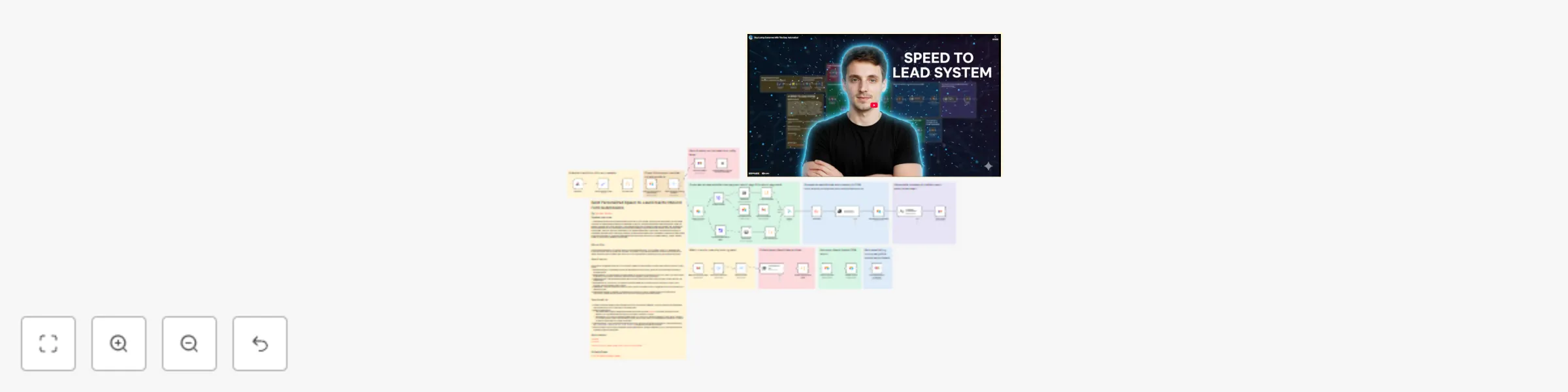
Workflow preview: Automate personalized lead responses with website scraping, GPT-4o, and Airtable CRM
Free advanced

Automate personalized lead responses with website scraping, GPT-4o, and Airtable CRM

This n8n template automatically processes inbound form leads, researches their company via their website, and uses AI to write and send a highly personalized "speed to lead" email instantly. It also tracks subsequent appointment bookings to keep your CRM up to date. Use cases are focused on high velocity sales: Perfect for agency owners, founders, and sales teams who need to respond to new leads in seconds while maintaining a high quality, personal touch. ## Good to know At the time of writing, this template is optimized for GPT-4o to ensure the highest quality personalization. This template was originally designed using a Lovable form, but it works with any form builder (Typeform, Webflow, WordPress) that can send data via a webhook. ## How it works * The workflow starts when a new lead submits your contact form via the Webhook node. * It immediately checks your Airtable CRM to ensure the lead is new and not a duplicate. * The system scrapes the provided website URL and uses custom code to clean the HTML data. * AI analyzes the cleaned website data to generate a concise summary of the business. * A second AI step uses this summary and the lead's goals to draft and send a personalized email via Gmail. * The lead data and website summary are logged into your Airtable base. * A parallel flow monitors your inbox for booking confirmations and updates the CRM automatically. ## How to use * Create the necessary Base and Table in Airtable to store your leads. * Connect your website form to the Webhook URL in the workflow. * Update the OpenAI node prompts with your specific email signature and phone number. * Run a test submission to ensure the website scraper is capturing data correctly. ## Requirements * Airtable account * OpenAI account (GPT-4o model recommended) * Gmail account ## Customising this workflow You can easily adapt this for different communication channels. Try swapping the Gmail node for a Slack notification to alert your team of high value leads, or connect it to HubSpot instead of Airtable for enterprise CRM management.

J
Jordan
Lead Nurturing
8 Dec 2025
97
0
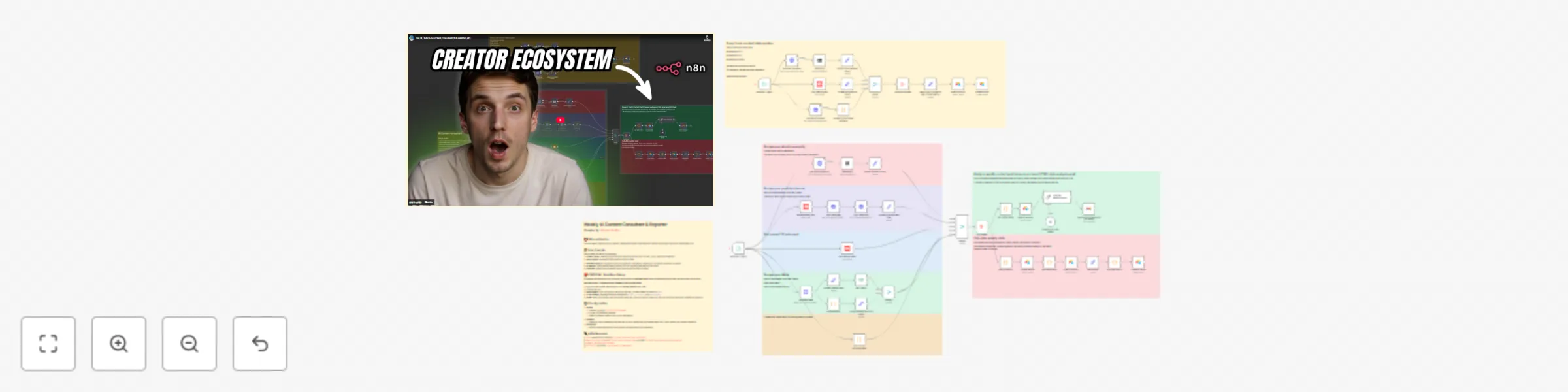
Workflow preview: Generate automated content performance reports from YouTube, TikTok and Skool with AI
Free advanced

Generate automated content performance reports from YouTube, TikTok and Skool with AI

This n8n template acts as your automated social media data analyst. Instead of manually checking your analytics across different dashboards every week, this workflow scrapes your latest stats, calculates your week-over-week growth, and uses AI to write a strategic performance report delivered straight to your inbox. **Use cases are many:** Perfect for content creators tracking growth, agencies managing client reporting, or community managers monitoring Skool engagement alongside social channels. ## Good to know * **First Run Setup:** Since this workflow calculates *growth* (Current vs. Last Week), it needs a baseline to start. You will need to manually add one row to the linked Airtable template with your current stats before the first scheduled run. * **Cost:** This uses the Apify API for scraping TikTok and OpenRouter for the LLM analysis. Costs are generally very low (pennies per run), but you will need active accounts for both. ## How it works 1. **Data Collection:** Every Sunday, the workflow triggers and pulls your live follower counts from YouTube, TikTok, and Skool. It also grabs the transcripts and stats for every video you posted in the last 7 days. 2. **Growth Calculation:** It searches your Airtable database for the previous week's record and compares it against the live numbers to calculate exactly how many subscribers and followers you gained. 3. **AI Analysis:** The data and video transcripts are fed into an LLM (via OpenRouter). The AI analyzes *why* certain videos performed well based on the content, identifying trends and engagement patterns. 4. **Reporting:** The LLM generates a clean, formatted HTML report. 5. **Delivery & Archiving:** The workflow emails the report to you and saves the new raw data into Airtable to serve as the baseline for next week. ## How to use * The workflow is set to run weekly (Sundays), but you can change the **Schedule Trigger** to whatever day you prefer to receive reports. * You will need to configure the **CONFIG** node at the start with your specific profile URLs and Channel IDs so the scrapers know where to look. * Link to the required Airtable template is included in the workflow sticky notes. ## Requirements * **n8n** (Self-hosted recommended) * **Apify** account (for TikTok and Skool scraping) * **Google Cloud** project (for YouTube Data API) * **OpenRouter** or OpenAI API key * **Airtable** account * **Gmail** account ## Customising this workflow You can easily swap out the LLM model in the OpenRouter node if you prefer a specific model (like Claude 3.5 Sonnet or GPT-4o) for the analysis. You could also add more platforms like LinkedIn or Instagram if you have the appropriate Apify actors or API credentials.

J
Jordan
Market Research
4 Dec 2025
250
0