Jaures NYA
Workflows by Jaures NYA
Scrape & summarize Google Maps businesses with APIFY + GPT-4O to sheets
## This workflow automates the process of scraping local business listings from Google Maps and generating clean, AI-powered summaries for each one — using Apify (community node) and OpenAI’s GPT-4o. All results are then saved automatically into Google Sheets, ready for lead generation, enrichment, or outreach. ## What it does This workflow saves hours of manual research by automatically: - Scraping structured business data from Google Maps (name, category, address, phone, website, etc.) - Creating natural-language summaries for each business using GPT-4o - Storing everything into Google Sheets — perfectly formatted for outreach or CRM import ## Who’s it for This automation is ideal for: - Lead generators and sales teams building B2B lists from local businesses - Freelancers and agencies prospecting new clients in specific cities or industries - Recruiters or marketers looking to enrich business data for campaigns - Automation enthusiasts who want to summarize and structure raw scraped data — without writing a single line of code ## How it works - Trigger: The workflow starts manually via the Execute Workflow trigger (ideal for testing or batch runs). - Scrape: It uses an Apify actor to scrape Google Maps search results and collect structured business info (name, category, address, phone, website, Google Maps URL...). - Fetch Data: The dataset is retrieved from Apify using the actor's dataset ID, and each business is loaded for processing. - Deduplicate: Removes duplicate business listings to keep your database clean. - Loop Over: Iterates over each business to generate a clean summary, one at a time. - Generate Summary: Sends the business data to OpenAI to generate a human-readable paragraph (including name, category, address, city, phone, and Google Maps link). - Store: Appends the summarized info into a Google Sheet — your final lead database. - Pause for rate limit: Adds a short delay (optional) to control flow or avoid rate limits. ## Customization Tips - Change the Apify search query to target different cities, industries, or keywords. - Adjust the OpenAI prompt to include tone, length, or focus areas (e.g., add business highlights). - Add filters (e.g., add-on: reviews, add-on: images, etc.). ## Setup Guide ### Apify Setup - Use a Google Maps scraping actor in Apify. - Copy your Actor ID and Token — add them to your Apify node in n8n. - Note your Dataset ID (where results are stored). ### OpenAI Setup - Add your OpenAI API key to the Generate Summary node. - The model gpt-4o is recommended for best quality/cost balance. ### Google Sheets Setup - Connect your Google account. ## How to use - Set up your Apify actor for Google Maps scraping (or use a prebuilt one). - Connect your OpenAI API key to the Message node (company summary). - Connect your Google Sheets account and select the target sheet. - Run the workflow → it will: 1 Scrape business data 2 Clean and summarize each one 3 Save everything to your spreadsheet. ## Requirements - ✅ A working Apify actor that scrapes Google Maps listings - ✅ An OpenAI account (GPT-4) with API access - ✅ A Google Sheet for storing the summarized results ## ❓ Need help **Contact me for consulting and support:** [LinkedIn](https://www.linkedin.com/in/jaures-nya-83a033270/) / [YouTube](https://www.youtube.com/@jauresnya) / [Skool](https://www.skool.com/gaia-4903/about?ref=e0430e4c35b645ac8976b952768e9d55)
Generate UGC images from form submissions with Google Gemini and Telegram
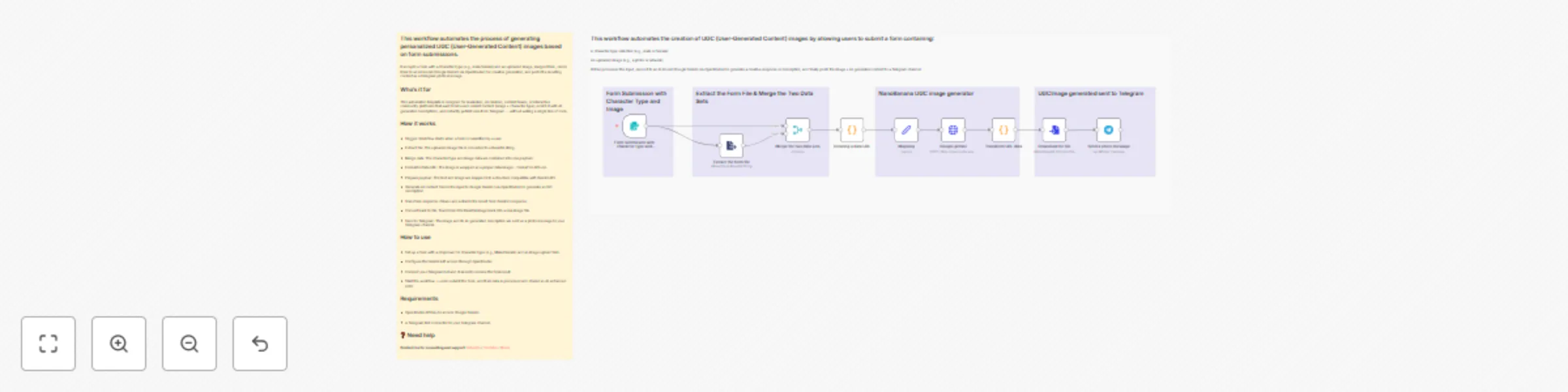
## This workflow automates the process of generating personalized UGC (User-Generated Content) images based on form submissions. It accepts a form with a character type (e.g., male/female) and an uploaded image, merges them, sends them to an AI model (Google Gemini via OpenRouter) for creative generation, and posts the resulting content as a Telegram photo message. ## Who’s it for This automation template is designed for marketers, AI creators, content teams, or interactive community platforms that want to let users submit content (image + character type), enrich it with AI-generated descriptions, and instantly publish results to Telegram — without writing a single line of code. ## How it works - Trigger: Workflow starts when a form is submitted by a user. - Extract file: The uploaded image file is converted to a Base64 string. - Merge data: The character type and image data are combined into one payload. - Format to Data URL: The image is wrapped as a proper data:image/... format for API use. - Prepare payload: The text and image are mapped into a structure compatible with Gemini API. - Generate AI content: Sends the input to Google Gemini (via OpenRouter) to generate a UGC description. - Transform response: Cleans and extracts the result from Gemini’s response. - Convert back to file: Transforms the Base64 image back into a real image file. - Send to Telegram: The image and its AI-generated description are sent as a photo message to your Telegram channel. ## How to use - Set up a form with a dropdown for character type (e.g., Male/Female) and an image upload field. - Configure the Gemini API access through OpenRouter. - Connect your Telegram bot and channel to receive the final result. - Start the workflow → users submit the form, and their data is processed and shared as AI-enhanced UGC. ## Requirements - OpenRouter API key to access Google Gemini. - A Telegram Bot connected to your Telegram channel. ## ❓ Need help **Contact me for consulting and support:** [LinkedIn](https://www.linkedin.com/in/jaures-nya-83a033270/) / [YouTube](https://www.youtube.com/@jauresnya) / [Skool](https://www.skool.com/gaia-4903/about?ref=e0430e4c35b645ac8976b952768e9d55)
Auto scrape X image posts & publish to Telegram with Google Sheets storage
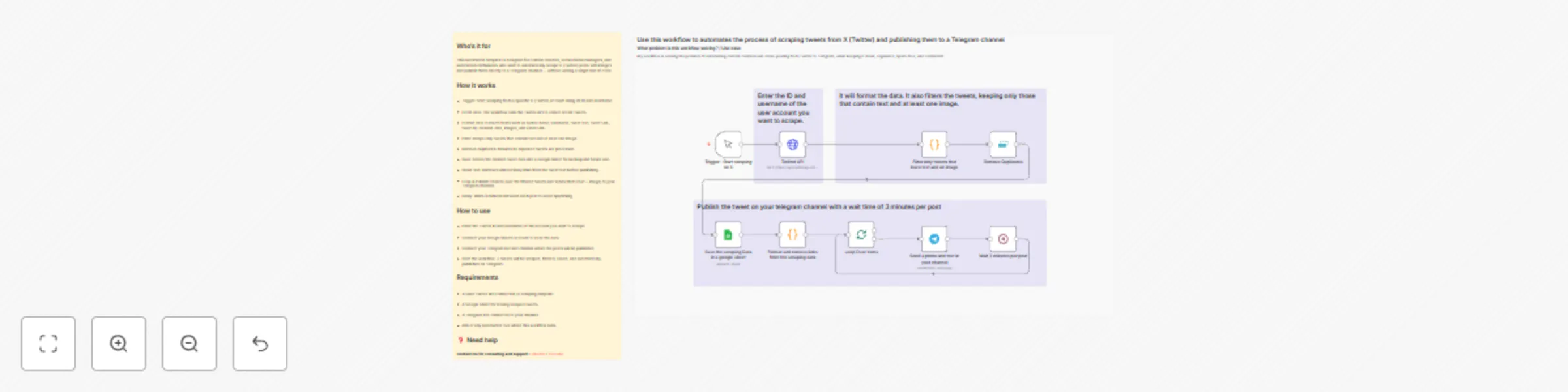
## Who’s it for This automation template is designed for content creators, social media managers, and automation enthusiasts who want to automatically scrape X (Twitter) posts with images and publish them directly to a Telegram channel — without writing a single line of code. With this workflow, you can keep your Telegram community constantly updated with the latest tweets from any account. It collects, cleans, and shares content in a fully automated cycle. ## How It Works - Trigger – Start scraping from a specific X (Twitter) account using its unique ID and username. - Fetch Data – The workflow calls the Twitter API (or a scraping endpoint) to gather recent tweets. - Format & Filter – Extracts key fields (author name, username, text, URL, creation date, images, video) and keeps only tweets containing text and at least one image. - Remove Duplicates – Ensures no tweet is processed or posted twice. - Save to Google Sheets – Stores cleaned tweet data for backup and future use. - Clean Text – Removes unwanted links and hashtags for a polished message. - Loop & Publish – Sends each tweet (text + image) to your Telegram channel. - Delay – Waits 3 minutes between each post to prevent spamming. ## How to Use - Enter the Twitter ID and username of the target account. - Connect your Google Sheets account to store scraped tweets. - Connect your Telegram bot and specify the channel for publication. - Run the workflow — tweets will be automatically scraped, filtered, saved, and posted to Telegram. ## Requirements - A valid Twitter API connection or alternative scraping endpoint. - A Google Sheet to store tweet data. - A Telegram Bot linked to your channel. - n8n (or any compatible automation platform) to run the workflow. ## Need help **Contact me for consulting and support:** [LinkedIn](https://www.linkedin.com/in/jaures-nya-83a033270/) / [YouTube](https://www.youtube.com/@jauresnya)