I

I versus AI

2
Workflows

Workflows by I versus AI
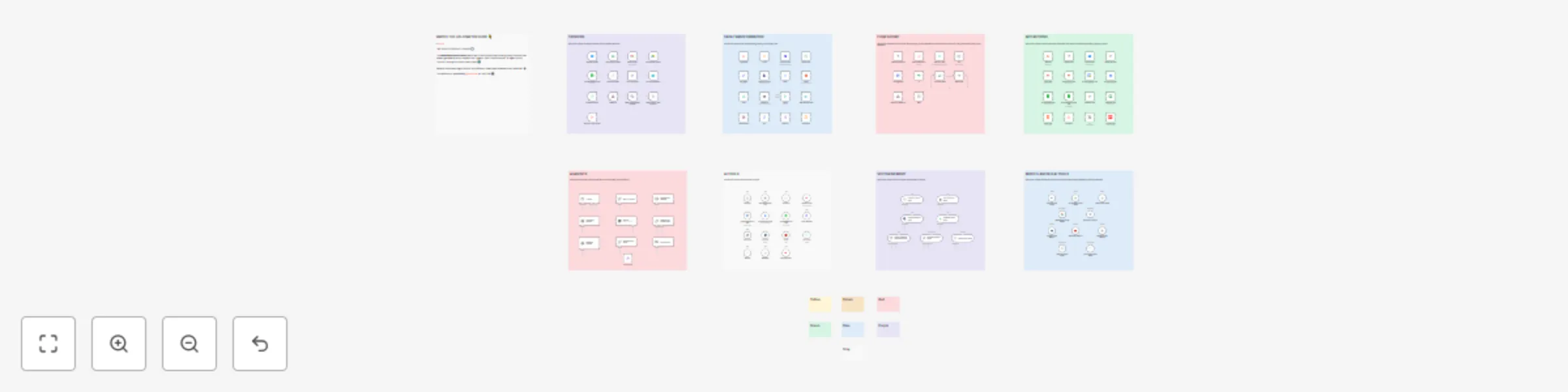
Workflow preview: Explore n8n nodes in a visual reference library
Free advanced

Explore n8n nodes in a visual reference library

# WATCH THE n8n STARTER GUIDE 👇 [![Click Here!](https://i.imgur.com/GpUl9iS.png)](https://www.youtube.com/watch?v=It3CkokmodE&list=PL1Ylp5hLJfWeL9ZJ0MQ2sK5y2wPYKfZdE&index=1&pp=gAQBiAQBsAQB) This template is featured in the n8n Starter Guide series. The template is free, but comes with two additional PDFs and a Quick Start video if you grab the **[full download pack on gumroad](https://iversusai.gumroad.com/l/n8nstartupguidepack)**. # How it works This template is a visual map of many useful n8n nodes. It groups nodes like Triggers, AI tools, and App connectors onto the canvas. Explore the sections to learn about different nodes and easily copy them for your own workflows. It acts as a handy visual reference guide. # Set up steps • Setup takes about 5 minutes. • Import the template into your n8n instance. • Explore the node categories visually on the canvas. • A Quick Start video is included in the download pack, along with a prompts PDF and PDF with links to other awesome n8n templates here on the n8n template gallery.

I
I versus AI
Miscellaneous
6 May 2025
14291
0
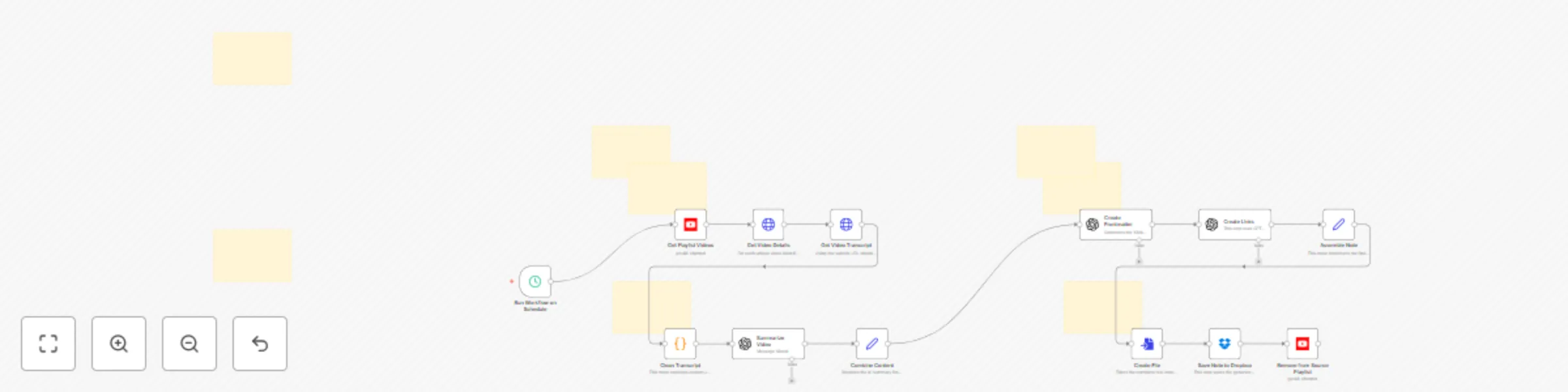
Workflow preview: Send YouTube video summaries to Obsidian via Dropbox
Free advanced

Send YouTube video summaries to Obsidian via Dropbox

[![Click Here!](https://i.imgur.com/KDE34Ay.png)](https://www.youtube.com/watch?v=B6kP8vdGP1M) --- ### How it works This workflow runs on a schedule you set (default is every 10 minutes). It fetches all videos from a specific YouTube playlist, retrieves details and transcripts for each video using RapidAPI, cleans the transcript text, and then uses OpenAI (GPT models) to generate detailed notes, YAML frontmatter, and internal links formatted for Obsidian. Finally, it assembles everything into a Markdown file, saves it to your designated Dropbox folder, and removes the processed video from the source YouTube playlist. ### Set up steps Getting started should take about **5 minutes**. A **Quick Start Guide (PDF)** is included in the download with step-by-step instructions! Here's a quick overview of the setup: 1. **Connect Credentials:** Add your n8n credentials for YouTube (OAuth2), OpenAI, and Dropbox (OAuth2). 2. **Add API Keys:** * **RapidAPI:** You'll need a key for the `yt-api` service. The template uses `={{ $env["RAPIDAPI_API_KEY"] }}`. You can either set up an environment variable in n8n named `RAPIDAPI_API_KEY` *or* simply delete that expression in the "Get Video Details" and "Get Video Transcript" nodes and paste your API key directly into the `x-rapidapi-key` field. 3. **Configure Nodes:** * Update the **Playlist ID** in the "Get Playlist Videos" node to your target YouTube playlist. * (Optional) Adjust the **Save Path** in the "Save Note to Dropbox" node if you want to save files to a different folder. 4. **Activate:** Turn on the workflow. > **Bonus Trick**: Symlink the Dropbox folder (using the Dropbox desktop app) to a folder in your Obsidian vault for beautifully organized YouTube summary notes!

I
I versus AI
Content Creation
6 May 2025
930
0