Mattis
Workflows by Mattis
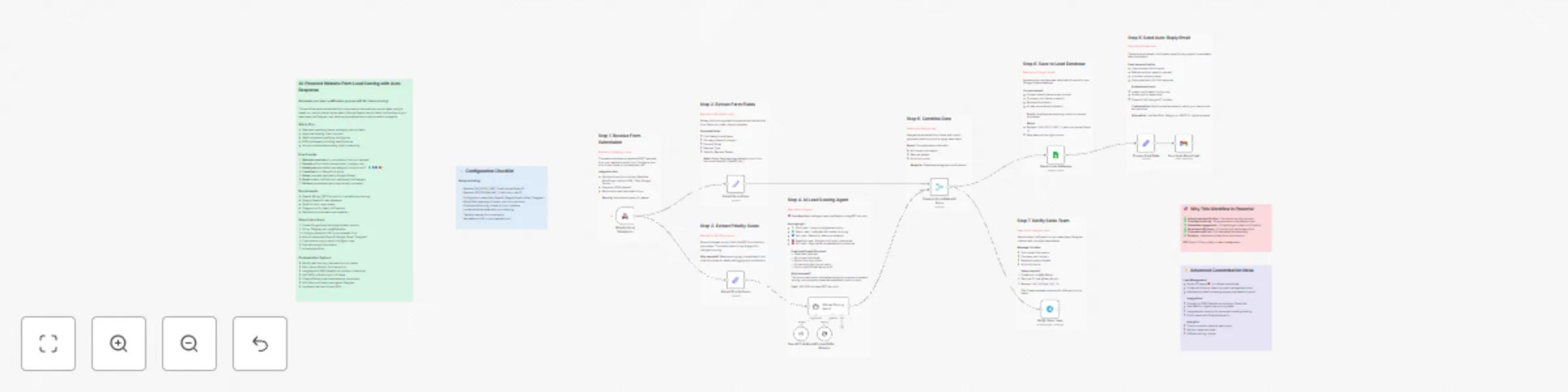
Score website leads with GPT-4o, respond via Gmail, and notify via Telegram
### Automate your lead qualification process with AI-driven scoring! This workflow captures website form submissions, automatically scores leads using AI based on custom criteria, stores data in Google Sheets, sends instant notifications to your sales team via Telegram, and delivers personalized auto-reply emails to prospects. ### Who's it for - Sales and marketing teams managing inbound leads - Agencies handling client inquiries - SaaS companies qualifying trial signups - B2B businesses prioritizing lead follow-up - Service providers automating client onboarding ### How it works 1. **Webhook receives** form submission from your website 2. **Extracts** all form fields (name, email, company, etc.) 3. **AI analyzes** submission and assigns priority score (⚪️🟢🔵🟣🔴) 4. **Combines** form data with AI score 5. **Saves** complete lead data to Google Sheets 6. **Sends** instant notification to sales team via Telegram 7. **Delivers** personalized auto-reply email to prospect
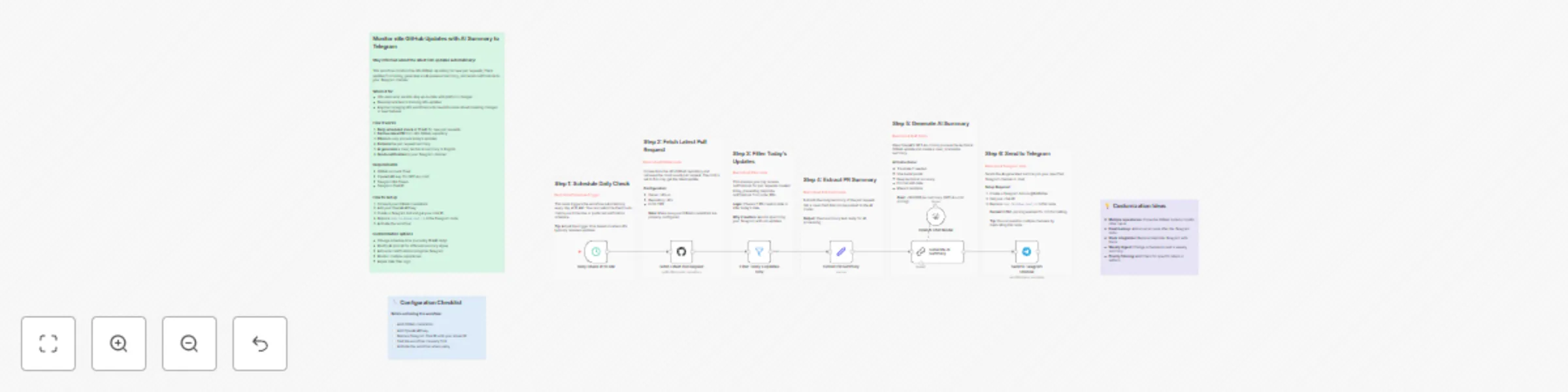
Daily pull request summaries from GitHub to Telegram using GPT-4o-mini
### Stay informed about the latest n8n updates automatically! This workflow monitors the n8n GitHub repository for new pull requests, filters updates from today, generates an AI-powered summary, and sends notifications to your Telegram channel. ### Who's it for - n8n users who want to stay up-to-date with platform changes - Development teams tracking n8n updates - Anyone managing n8n workflows who needs to know about breaking changes or new features ### How it works 1. **Daily scheduled check** at 10 AM for new pull requests 2. **Fetches latest PR** from n8n GitHub repository 3. **Filters** to only process today's updates 4. **Extracts** the pull request summary 5. **AI generates** a clear, technical summary in English 6. **Sends notification** to your Telegram channel
Classify and auto-reply to emails with Outlook and GPT-4
Who's it for Professionals and teams managing high email volumes who need automatic email triage and responses. What it does This workflow monitors your Outlook inbox and uses AI to classify emails into three urgency levels: Urgent, Important, or Not Important. It automatically generates personalized replies and organizes emails into folders. How it works New emails trigger AI classification based on urgency and deadlines. The system then generates an appropriate reply using GPT-4 and moves the email to the corresponding folder. Requirements Microsoft Outlook account with API access OpenAI API key (GPT-4 access) Three Outlook folders: URGENT, Important, Not Important Setup Connect your Outlook credentials, add your OpenAI API key to all Chat Model nodes, update folder IDs in the Move nodes, and customize the AI prompts to match your tone. Customization Adjust classification criteria, modify reply tone and style, add more categories, or integrate with other tools like Slack or CRM systems.