Giovanni Ruggieri
Workflows by Giovanni Ruggieri
Send Webflow form data to Google Sheets
## Send Webflow form data to Google Sheets 🚀 ### How It Works This workflow connects your Webflow form submissions to Google Sheets with **style and efficiency**. Here's the magic in action: 1. **Form Submitted** 🎉 – A Webflow form submission triggers the flow. 2. **Fields Prepared** 🛠️ – Data gets organized, and a submission date is added. 3. **Data Logged** 📋 – Your data finds a cozy new home in Google Sheets. --- ### Set-Up Steps ⏱️ **Estimated Time:** 5-10 minutes 1. **Connect Webflow** 🌐 – Hook up your Webflow account and disable legacy APIs (instructions inside the workflow). 2. **Set Up Google Sheets** 🧾 – Choose your spreadsheet and authenticate. 3. **You're Ready!** 💫 – Let the workflow take it from here. --- ### Why You'll Love It ❤️ - **No More Manual Copy-Paste:** Save time and keep data clean. - **Smart Field Mapping:** Automatically creates columns and fits your data. - **Helpful Notes Along the Way:** Friendly tips guide you through setup like a pro. --- Enjoy the smooth ride from Webflow to Google Sheets! 🚀
Sync blog posts from Notion to Webflow
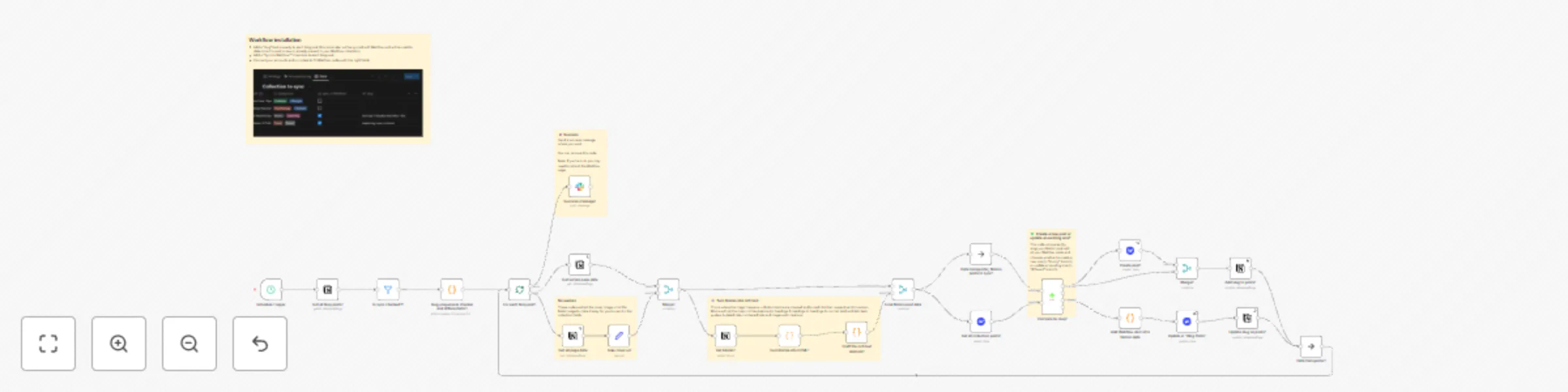
## Who is this for? This template is for everyone who manages their blog entries in Notion and want to have an easy way to transform them to Webflow. ## What this workflow does This workflow syncs your blog posts saved in a Notion Database once a day to Webflow. - Sync Notion properties, rich text and cover image with your collection. - Works with most elements: H1, H2, H3, normal text, bold text, italic text, links, quotes, bulleted lists, numbered lists, and images (under 4MB). ## Set up steps - Connect your accounts. - Add a "slug" field in Notion. - Add a "Sync to Webflow?" checkbox in Notion. - Run a test and map your collection data. Whenever the workflow runs, all the checked posts will be updated in the Webflow collection, whether it's a new post or an existing one.