Extract & classify invoices & receipts with Gmail, OpenAI and Google Drive
### Who is it for?
Anyone who wants to automatically aggregate their invoices or receipts. Main beneficiaries: small business owners and freelancers.
### How it works
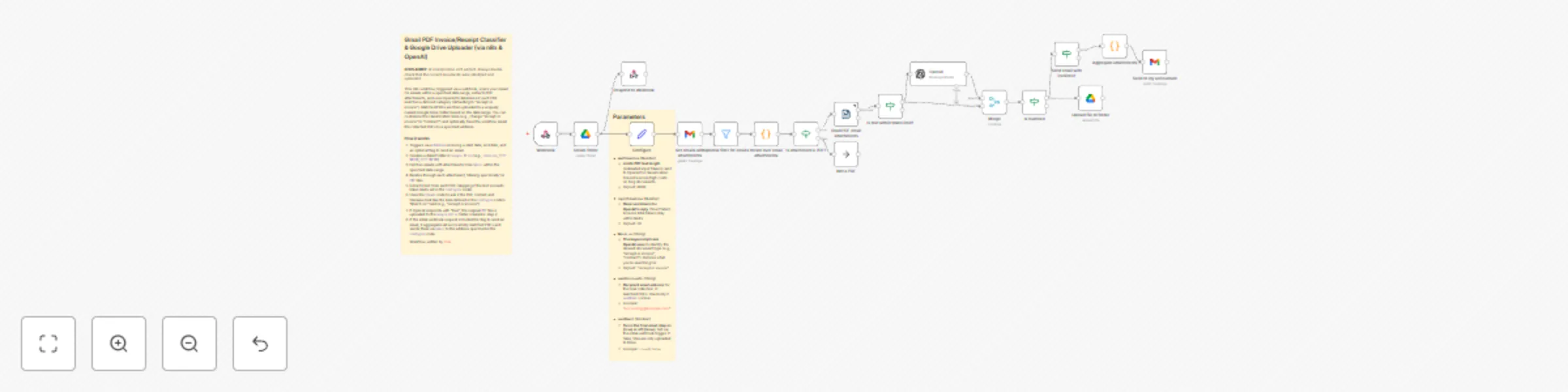
1. Creates a folder in Google Drive for uploading invoices and receipts. Responds (Webhook response) with URL to the created folder.
2. Gets all emails with attachments from a Gmail mailbox.
3. (Optional) Filters emails, e.g. exclude emails sent to specific address.
4. Filters only PDF attachments.
5. Classifies all PDF attachment contents with an AI model (is it a receipt or an invoice?).
6. Uploads receipts and invoices to the created Google Drive folder and optionally sends an email with the attachments to, e.g., your accountant.
### Pre-conditions/Requirements
- Gmail and Google Drive accounts
- A Google Cloud OAuth 2.0 Client ID or a service account with Google Drive and Gmail APIs enabled
- OpenAI API account and API key
### Set up steps
1. Provide credentials for the nodes: Gmail, Google Drive, OpenAI.
2. Configure parameters in the "Configure" node. Most importantly:
- "**sendInvoicesTo**" for the email address where invoices/receipts should be sent.
3. It uses a Webhook node trigger. It expects a body with a schema such as:
```json
{
"name": "getInvoicesAndReceiptsFromEmails",
"description": "Finds and uploads to Google Drive all receipts and invoices from emails within a specified date range.",
"parameters": {
"type": "object",
"properties": {
"startDate": {
"type": "string",
"format": "date-time",
"description": "The start date of the range to search for emails. Must be in ISO 8601 format."
},
"endDate": {
"type": "string",
"format": "date-time",
"description": "The end date of the range to search for emails. Must be in ISO 8601 format."
},
"sendEmail": {
"type": "boolean",
"description": "Indicates whether to send an email with all receipts and invoices after processing. Must be true or false."
}
},
"required": [
"startDate",
"endDate"
]
}
}
```
Example body:
```json
{
"startDate": "2025-03-01T00:00:00Z",
"endDate": "2025-04-01T00:00:00Z",
"sendEmail": true
}
```
### How to use with AI chat
You can trigger the workflow with an AI chat that supports tool use, such as [BrowseWiz](https://chromewebstore.google.com/detail/browsewiz-ai-assistant-ai/ioohfnlbpolaalcbppaggpgcgpldohfg). For setup instructions, read [the blog post](https://browsewiz.com/blog/invoice-and-receipt-aggregation-n8n-workflow-and-how-to-add-it-to-browsewiz).