D

Daniel Setzermann

5
Workflows

Workflows by Daniel Setzermann
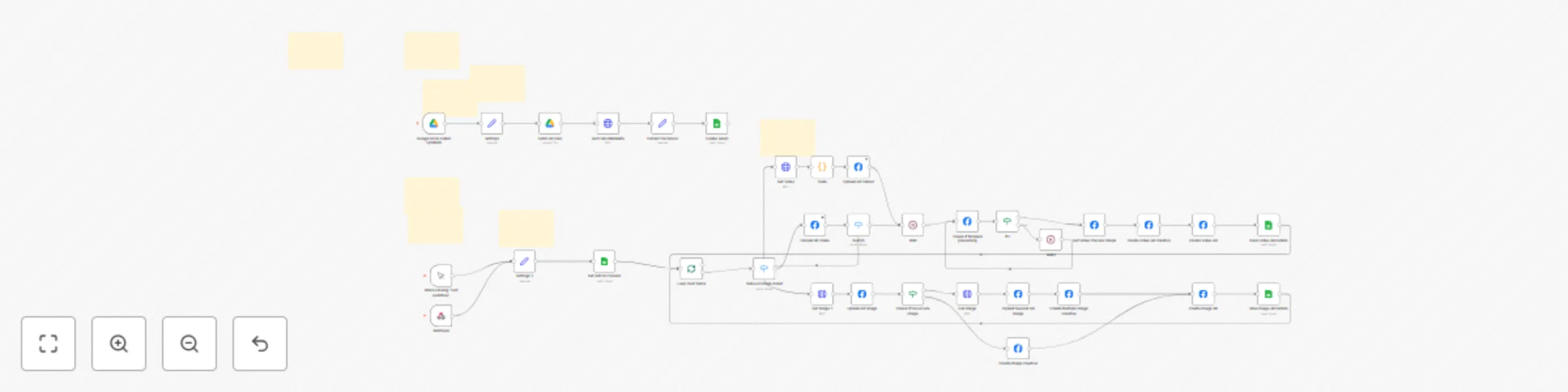
Workflow preview: Upload video & image ads to Meta Ads Manager from Google Sheets & Google Drive
Free advanced

Upload video & image ads to Meta Ads Manager from Google Sheets & Google Drive

# Upload Video & Image Ads to Meta Ads Manager from Google Sheets using Google Drive & Meta Graph API ## Product Description This n8n workflow automates the process of uploading video and image advertisements to Meta Ads Manager via the Meta Graph API (Facebook Ads) directly from Google Sheets and Google Drive. The workflow monitors a specified Google Drive folder for new assets, extracts file metadata, and creates Facebook ad campaigns with customizable creative elements including multiple text variations, headlines, and descriptions. The automation supports both video and image assets, with intelligent handling of single or multiple image creatives. For video assets, it manages the upload process, monitors processing status, and automatically generates preview thumbnails. Image assets can be configured with multiple variations and custom placement targeting across Facebook, Instagram, Messenger, and Audience Network. ## Key Features - **Automated Asset Monitoring**: Watches Google Drive folder for new uploads and file updates - **Multi-Format Support**: Handles both video and image advertisements - **Flexible Creative Options**: Supports multiple text variations, headlines, and descriptions - **Smart Image Handling**: Creates single or multi-image creatives based on available assets - **Cross-Platform Targeting**: Configures ads for Facebook, Instagram, Messenger, and Audience Network - **Status Tracking**: Updates Google Sheets with upload progress and ad IDs - **Batch Processing**: Processes multiple ads efficiently with built-in rate limiting - **Direct Sheet Integration**: Upload ads directly from Google Sheets using custom menu ## Prerequisites ### Required Accounts & Access - **Meta Developer Account**: Required for Facebook Graph API access - **Meta Business Manager**: Active ad account with appropriate permissions - **Google Account**: With access to Google Drive and Google Sheets APIs - **n8n Instance**: Self-hosted or cloud instance with appropriate node packages ### Technical Requirements - Meta App must be set to "Live" status (not Development mode) - Facebook Graph API v22.0 access - Google Drive API credentials with folder access permissions - Google Sheets API credentials with read/write permissions ## Setup Instructions ### 1. Meta Developer Setup 1. Create a Meta Developer account and register a new app 2. Generate a long-lived access token with the following permissions: - `ads_management` - `business_management` - `pages_read_engagement` 3. Ensure your app status is set to "Live" 4. Note your Ad Account ID, Page ID, and Instagram User ID ### 2. Google Services Configuration 1. Create a Google Cloud project and enable: - Google Drive API - Google Sheets API 2. Generate OAuth2 credentials for both services 3. Create a dedicated Google Drive folder for asset uploads 4. Make a copy of the [Google Sheets template](https://docs.google.com/spreadsheets/d/15kG5QXUP9Zb36tgdW1PwhvVh7ybD2XuXhUVSqo7PnRQ/edit?gid=0#gid=0) ### 3. Workflow Configuration 1. Import the workflow JSON into your n8n instance 2. Configure the following credentials: - Facebook Graph API (using your access token) - Google Drive OAuth2 API - Google Sheets OAuth2 API ### 4. Settings Configuration 1. Update the `settings` and `settings_1` nodes with: - Your Google Sheets URL - Your Google Drive folder URL 2. Execute and pin these settings nodes to preserve configurations ### 5. Google Sheets Setup 1. Fill in the "Settings" tab of your copied template with: - Ad Account IDs - Page IDs - Instagram User IDs - **Webhook URL**: Copy the webhook URL from your n8n workflow and paste it in the settings tab 2. Configure your ad campaigns in the "Ready to Upload" sheet ### 6. Asset Management 1. Upload your video/image assets to the designated Google Drive folder 2. Ensure file naming follows your tracking conventions 3. Update the Google Sheets with corresponding asset information ## Workflow Triggers The workflow can be activated through: - **Manual Trigger**: For testing and one-time executions - **Google Drive Trigger**: Automatic execution when files are added/updated - **Webhook Trigger**: Integration with Google Apps Script for direct sheet control - **Custom Menu Integration**: Upload ads directly from Google Sheets via "Meta → Upload Ads" menu option ### Using the Custom Menu The Google Sheets template includes a custom Google Apps Script that adds a "Meta" menu to your spreadsheet. To upload ads: 1. Ensure the webhook URL is correctly configured in the Settings tab 2. Navigate to the "Meta" menu in your Google Sheet 3. Click "Upload Ads" to trigger the workflow 4. The workflow will process all ads marked for upload in the "Ready to Upload" sheet ## File Support - **Video Assets**: MP4, MOV, AVI formats (uploaded via Meta's video API) - **Image Assets**: JPG, PNG formats with support for multiple creative variations - **Large File Handling**: Includes workaround for Google Drive virus scanning on large files ## Important Notes - All ads are created in "PAUSED" status for review before activation - The workflow includes built-in delays to respect API rate limits - Asset processing status is monitored and updated in real-time - Multiple text variations enable A/B testing capabilities - Custom placement rules optimize ad delivery across different platforms - **Webhook Configuration**: Ensure the webhook URL in your Google Sheets settings matches your n8n workflow webhook endpoint This automation significantly reduces manual work in Meta Ads Manager while maintaining full control over creative elements and targeting parameters.

D
Daniel Setzermann
Social Media
11 Jul 2025
672
0
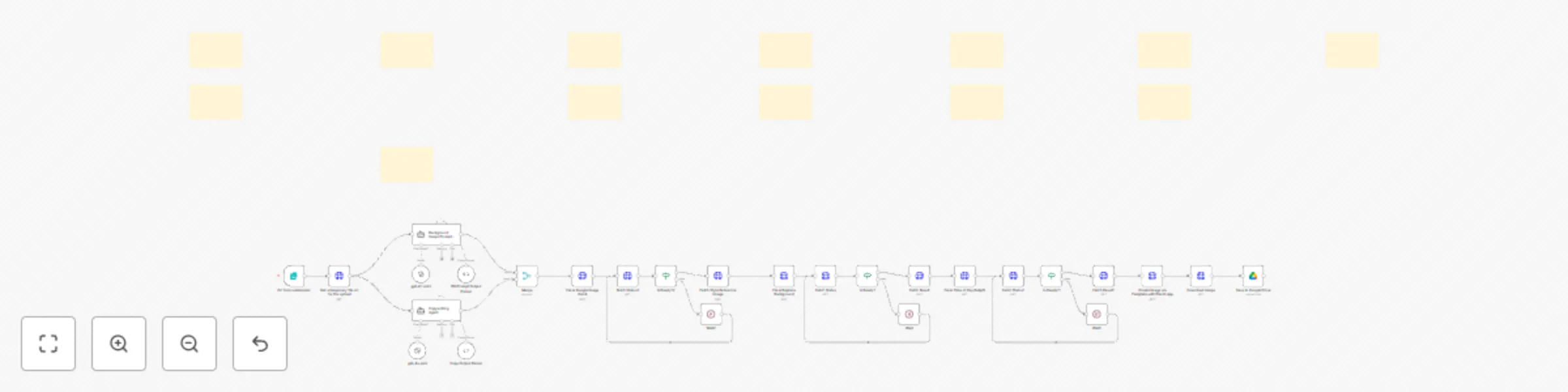
Workflow preview: Place products on AI generated backgrounds with Google Imagen, Ideogram & Placid
Free advanced

Place products on AI generated backgrounds with Google Imagen, Ideogram & Placid

This workflow transforms **product images into professional marketing visuals** by combining **AI background generation**, **intelligent copywriting**, and **automated design templating**. Upload a product photo, describe your desired scene, and get publication-ready assets for Meta ads, email campaigns, social media, and more. The system uses **fal.ai's advanced AI models** (Google Imagen 4, Ideogram v3, Time-of-Day relighting) to create stunning product scenes while **Placid** handles professional text overlay and final composition. ![Walkthrough](https://img.youtube.com/vi/pPQ1ZrUSsBg/maxresdefault.jpg) [Watch a quick video walkthrough of the workflow](https://youtu.be/pPQ1ZrUSsBg) ## Benefits of this Workflow * **🎯 Product-Focused**: Preserves product details while completely transforming backgrounds * **🤖 Multi-AI Pipeline**: Combines 4 different AI models for optimal results: * Google Imagen 4 for style reference generation * Ideogram v3 for precise background replacement * Time-of-Day AI for realistic lighting adjustment * GPT-4 for intelligent copywriting * **📱 Multi-Platform Ready**: Creates assets for Meta ads, email headers, social posts, newsletters * **✍️ Smart Copywriting**: Analyzes your website to generate compelling headlines and bullet points * **🎨 Template Control**: Uses Placid for professional text placement and branding * **⚡ Form-Based Interface**: Simple web form input - no technical knowledge required * **☁️ Cloud Storage**: Automatically saves final assets to Google Drive ## How It Works 1. **Input Collection**: Web form captures product image, scene description, website URL, and lighting preference 2. **AI Content Generation**: * Background prompt agent creates detailed scene descriptions * Copywriting agent analyzes your website and generates marketing copy 3. **Multi-Stage Image Processing**: * Creates style reference image with Google Imagen 4 * Replaces background while preserving product with Ideogram v3 * Enhances lighting realism with Time-of-Day AI 4. **Professional Composition**: Placid overlays marketing copy using customizable templates 5. **Delivery**: Final marketing asset saved to Google Drive, ready for immediate use ## Setup Requirements 1. **API Credentials**: * **fal.ai account** (for AI image generation models) * **OpenAI API** (for copywriting intelligence) * **Placid account** (for template-based composition) * **Google Drive** (for asset storage) 2. **Placid Template**: * Create custom template matching your brand * Configure layer names: `subtitle`, `bullet1`, `bullet2`, `bullet3`, `image` 3. **Form Customization**: * Adjust form fields for your specific use cases * Modify AI prompts for your industry/brand voice **Perfect for**: E-commerce brands, marketing agencies, content creators, small businesses wanting professional product visuals without expensive photography. Follow on [LinkedIn](https://www.linkedin.com/in/danielsetzermann/) or on [my website](https://https://www.danielsetzermann.com/) if you want to keep updated on new workflows.

D
Daniel Setzermann
Content Creation
18 Jun 2025
388
0

Workflow preview: AI-powered Meta ads analysis & creation with Gemini, GPT-4.1 Mini & Ads Manager
Free advanced

AI-powered Meta ads analysis & creation with Gemini, GPT-4.1 Mini & Ads Manager

# AI-Powered Meta Ads Creation & Analysis Workflow ## Overview This comprehensive n8n workflow automates the entire Meta (Facebook/Instagram) advertising process, from asset analysis to ad creation. It combines AI-powered content analysis with automated ad deployment, streamlining the creation of high-converting social media advertisements. ![Walkthrough](https://img.youtube.com/vi/Cs0XlUsD5tE/maxresdefault.jpg) [Watch a quick video walkthrough of the workflow](https://youtu.be/Cs0XlUsD5tE) ## Key Features ### 🤖 **AI-Powered Asset Analysis** - **Video Analysis**: Uses Google Gemini to analyze video content, extracting transcripts, scene descriptions, hooks, offers, and branding elements - **Image Analysis**: Employs GPT-4.1 Mini to analyze static images, identifying visual elements, USPs, and marketing potential - **Structured Output**: Generates detailed descriptions and creative insights for informed ad creation ### ✍️ **Automated Ad Copy Generation** - Creates **3 variations each** of primary text, headlines, and link descriptions - Optimized for Meta's character limits and best practices - Maintains brand voice and messaging consistency - Leverages AI analysis to create compelling, conversion-focused copy ### 🎯 **Meta Ads Manager Integration** - **Video Ads**: Uploads videos, creates ad creatives with multiple text variations - **Image Ads**: Supports both single and multi-image campaigns (1:1 and 9:16 formats) - **Asset Feed Optimization**: Implements placement-specific customization rules - **Automated Preview Generation**: Creates ad previews for different placements ### 📊 **Smart Workflow Management** - **Google Drive Integration**: Monitors designated folders for new creative assets - **Google Sheets Tracking**: Maintains comprehensive records of all assets and campaigns - **Status Management**: Tracks processing stages and prevents duplicate work - **Error Handling**: Includes retry logic and status checking for reliable operation ## Workflow Components ### **Asset Discovery & Processing** 1. **Google Drive Trigger**: Monitors specified folder for new image/video files 2. **File Analysis**: Extracts metadata, dimensions, and file specifications 3. **Asset Registration**: Logs all assets in Google Sheets for tracking ### **AI Analysis Pipeline** 1. **Content Type Detection**: Automatically identifies videos vs. images 2. **Video Processing**: - Uploads to Google Gemini for analysis - Generates comprehensive content breakdown - Extracts all marketing-relevant elements 3. **Image Processing**: - Analyzes visual content with GPT-4.1 Mini - Identifies key messaging and visual elements - Creates detailed creative descriptions ### **Ad Copy Creation** 1. **AI Agent Processing**: Transforms analysis into marketing copy 2. **Multi-Variant Generation**: Creates 3 versions of each text element 3. **Platform Optimization**: Ensures compliance with Meta's requirements 4. **Quality Assurance**: Structured output validation ### **Meta Ads Deployment** 1. **Asset Upload**: Pushes images/videos to Meta Ads Manager 2. **Creative Assembly**: Builds ad creatives with generated copy variations 3. **Campaign Creation**: Sets up ads with proper targeting and placement rules 4. **Status Tracking**: Updates spreadsheet with campaign IDs and status ## Setup Requirements ### **Required Credentials** - **Meta Developer Account**: App access token for Meta Graph API - **Google Drive OAuth**: For file monitoring and asset access - **Google Sheets OAuth**: For workflow tracking and management - **Google Gemini API**: For video analysis capabilities - **OpenAI API**: For image analysis and copy generation ### **Configuration Steps** 1. **Google Drive Setup**: - Create dedicated folder for creative assets - Configure folder monitoring in the trigger node 2. **Google Sheets Template**: - Use provided template for asset and campaign tracking - Configure account settings and campaign parameters 3. **Meta Developer Setup**: - Create Meta App and obtain access tokens - Set up ad account permissions 4. **API Credentials**: - Configure all required authentication credentials - Test connections before activation

D
Daniel Setzermann
Content Creation
5 Jun 2025
1874
0
Workflow preview: Scrape & analyse Meta Ad Library image ads with Apify and OpenAI
Free advanced

Scrape & analyse Meta Ad Library image ads with Apify and OpenAI

**Meta Image Ads Analyzer** This n8n template builds an automated system to scrape, analyze, and extract insights from Meta advertising content. The workflow uses AI to perform deep analysis of image ads and organize the results in a structured format. **How it works** * The workflow connects to Facebook's Ad Library to scrape image ads based on a specified page ID. * Images are filtered by reach and days running, then processed through OpenAI's GPT-4o to analyze their content. * Each image ad is systematically analyzed to extract key components: visual description, hook elements, main offer, call-to-action, and psychological triggers. * Results are processed through an AI agent that structures the data into standardized fields. * Original images are saved to Google Drive for reference. * All analysis and metadata are saved to a Google Sheet for easy access and further processing. **How to use** Once you've set up your credentials and configured the output: * Enter the Meta Ad Library URL you want to analyze in the Settings node. * Adjust the maximum number of ads to scrape and analyze based on your needs (defaults: 300 to scrape, 10 to analyze). * Configure the Google Drive folder to save the original ad images. * Ensure your Google Sheets connection is set up to receive the structured analysis. * Click "Test Workflow" to start the analysis process. **Requirements** * Apify account (for Meta Ad Library scraping) * OpenAI API key (for image analysis) * Google Drive and Google Sheets access **Customizing this workflow** * Modify the AI prompts in the "Analyze Image Contents" node to extract different information from the images. * Adjust the output formats in the Structured Output Parser node. * Change the Google Sheets mapping to match your desired output structure. * Increase the number of ads analyzed for more comprehensive research. * Filter ads based on different criteria by modifying the "Filter only Image Ads" node.

D
Daniel Setzermann
Market Research
13 May 2025
1665
0
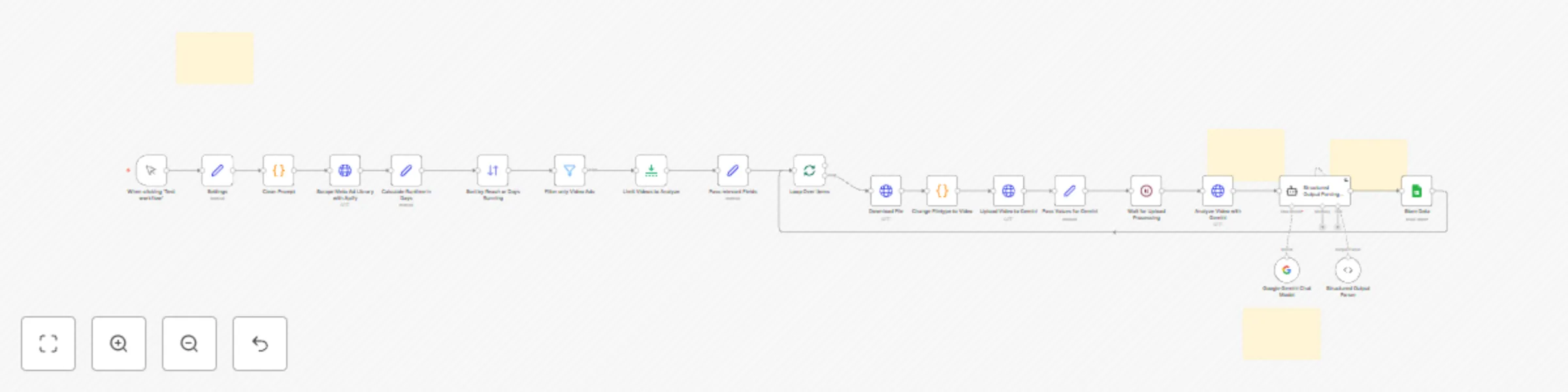
Workflow preview: Analyze Meta Ad Library Video Ads with Gemini and store results in Google Sheets
Free advanced

Analyze Meta Ad Library Video Ads with Gemini and store results in Google Sheets

# Meta Ads Analyzer This n8n template builds an automated system to scrape, analyze, and extract insights from Meta advertising content. The workflow uses AI to perform deep analysis of video ads and organize the results in a structured format. **How it works** * The workflow connects to Facebook's Ad Library to scrape video ads based on a specified page ID. * Videos are filtered by reach and processed through Google's Gemini AI to analyze their content. * Each video is systematically analyzed for its hook, transcript, advertising format, concept, and narrative structure. * Results are processed through an AI agent that structures the data into standardized fields. * All analysis is saved to a Google Sheet for easy access and further processing. **How to use** Once you've set up your Credentials and configured the output: * Configure the Google Sheets connection for data output. * Specify the Meta Ad Library URL you want to analyze. * Adjust the maximum number of ads to scrape and analyze based on your needs. * Click "Test Workflow" to start the analysis process. **Requirements** * Apify account (for Meta Ad Library scraping) * Google Gemini * Google Sheets **Customizing this workflow** * Modify the AI prompts in the Settings node to extract different information from the videos. * Adjust the output formats in the AI Agent and Structured Output Parser nodes. * Change the Google Sheets mapping to match your desired output structure. * Increase the number of ads analyzed for more comprehensive research.

D
Daniel Setzermann
Market Research
3 Mar 2025
2264
0