B

Bilel Aroua

4
Workflows

Workflows by Bilel Aroua
Workflow preview: Create celebrity selfie images and transition videos with GPT-4, SeedDream, and Kling
Free advanced

Create celebrity selfie images and transition videos with GPT-4, SeedDream, and Kling

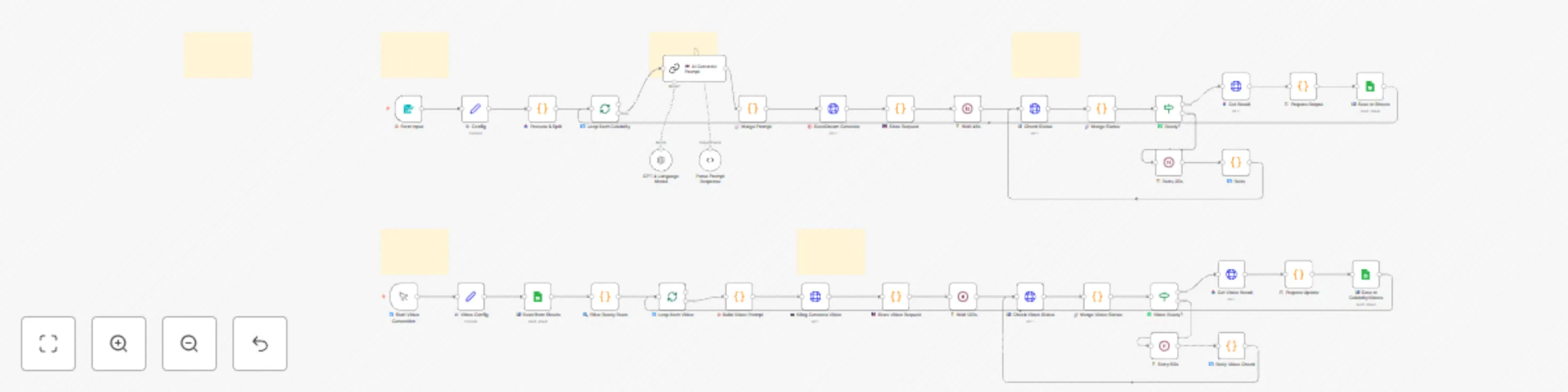
## Who is this for? > *Trend-style celebrity selfie videos Content creators, social media managers, marketers, and AI enthusiasts who want to generate ultra-realistic AI selfie images with celebrities and create smooth cinematic transition videos. ![sheet.png](fileId:3820) ## What this workflow does **Part 1 - Image Generation:** - Collects your face image + up to 4 celebrity reference images via web form - GPT-4 generates optimized prompts for realistic selfie composition - SeedDream v4.5 AI creates photo-realistic selfie images - All results automatically saved to Google Sheets **Part 2 - Video Generation:** - Pairs generated selfie images (Celebrity 1 → Celebrity 2) - Kling AI creates smooth walking transition videos - Videos saved back to Google Sheets with metadata ## How to set up 1. Configure API credentials (OpenAI, Fal.AI, Google Sheets OAuth2) 2. Create a Google Sheet with two tabs: `CelebritySelfies` and `CelebrityVideos` 3. Update the Config nodes with your Google Sheet ID 4. Run! ## Requirements - n8n instance (cloud or self-hosted) - OpenAI API key with GPT-4 access - Fal.AI account with API key - Google account for Sheets storage ## Estimated costs - ~$0.05 per image (OpenAI + SeedDream) - ~$0.50-1.00 per video (Kling AI) ## 📧 Support For questions about this template : - **Website:** [bilsimaging.com](https://bilsimaging.com) **Email:** [email protected]

B
Bilel Aroua
Content Creation
25 Dec 2025
29
0
Workflow preview: Generate videos from text or images with Sora 2 AI - no watermark
Free advanced

Generate videos from text or images with Sora 2 AI - no watermark

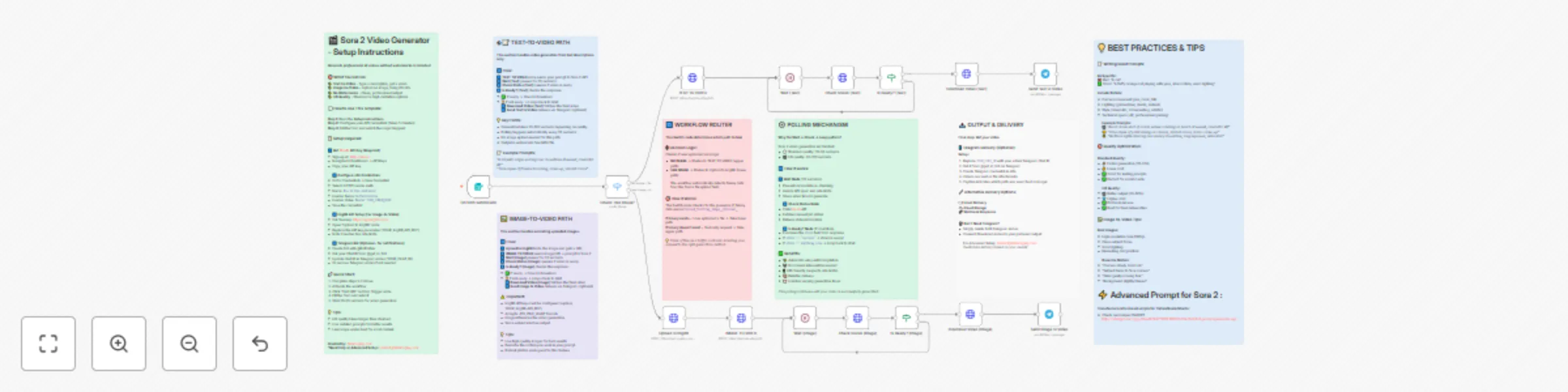
## Sora 2 Video Generator - No Watermark (Minimal Setup) ### This n8n workflow enables you to generate professional AI videos using OpenAI's Sora 2 without watermarks. Create videos from text descriptions or animate your images with a simple web form interface - ready to use in just 5 minutes! Generate cinematic AI videos for social media, marketing campaigns, product demos, or creative projects. The workflow handles both text-to-video and image-to-video generation with automatic status polling until your video is ready. **Good to know:** • Kie.AI charges per video generation. Check their pricing page for current rates • Videos typically take 30-60 seconds for standard quality, 60-120 seconds for HD • The workflow automatically retries status checks every 30 seconds until completion • No watermarks on output videos --- ### How it works • Users submit video requests via a beautiful web form with description, aspect ratio, and quality options • The workflow detects if an image was uploaded and routes to either text-to-video or image-to-video • For image uploads, the file is automatically uploaded to ImgBB to generate a public URL • The request is sent to Sora 2 API via Kie.AI with your specifications (prompt, quality, aspect ratio) • The workflow waits 30 seconds, then checks if video generation is complete • If not ready, it automatically loops back and checks again every 30 seconds • Once complete, the video is downloaded and optionally sent via Telegram notification • Clean, watermark-free MP4 video output ready for use --- ### Set up steps **Step 1: Get Kie.AI API Key** • Sign up at kie.ai and navigate to your dashboard • Go to API Keys section and generate a new key • Copy the API key for the next step **Step 2: Configure n8n Credentials** • In n8n, go to Credentials → New Credential • Select "HTTP Header Auth" • Name: `Kie Ai(Veo and more)` (exact name required) • Header Name: `Authorization` • Header Value: `Bearer YOUR_API_KEY` • Save the credential **Step 3: ImgBB Setup (for Image-to-Video)** • Get a free API key from api.imgbb.com • Open the "Upload to ImgBB" node in the workflow • Replace the `YOUR_ImgBB_API_KEY` parameter with your ImgBB API key **Step 4: (Optional) Telegram Notifications** • Create a bot with @BotFather on Telegram • Get your Chat ID from @get_id_bot • Update YOUR_CHAT_ID in both Telegram nodes • Or delete Telegram nodes entirely if not needed ### Requirements • Kie.AI account with API access for Sora 2 • ImgBB account for image hosting (free tier available) • (Optional) Telegram bot for video delivery notifications --- ### Customising this workflow • Adjust wait times in the Wait nodes if generation takes longer in your region • Add email notifications instead of/in addition to Telegram • Modify the form to collect additional metadata (user info, project names, etc.) • Add error handling nodes for production deployments • Connect to cloud storage (Google Drive, Dropbox) instead of Telegram for video delivery • Integrate with your existing CMS or content management system **For assistance and support:** [email protected]

B
Bilel Aroua
Content Creation
17 Oct 2025
7626
0
Workflow preview: Transform product photos into social media videos with Gemini AI, Kling & LATE
Free advanced

Transform product photos into social media videos with Gemini AI, Kling & LATE

![shorti_cover2.png](fileId:2321) ![exemple.png](fileId:2322) ## 👥 Who is this for? Creators, marketers, and brands that want to turn a single product photo into premium motion clips, then optionally publish to Instagram/TikTok/YouTube via LATE. No editing skills required. --- ## ❓ What problem does it solve? Producing short vertical ads from a static packshot takes time (retouching, motion design, soundtrack, publishing). This workflow automates the entire process: image enhancement → cinematic motion → optional upscale → soundtrack → share. --- ## 🛠️ What this workflow does * Collects a product photo via Telegram. * Generates **two refined edit prompts** + **two motion prompts** using multi-agent Gemini orchestration. * Creates **two edited images** with Fal.ai Gemini-Flash (image edit). * Renders **two 5s vertical videos** with Kling (via fal.run queue). * Auto-stitches them (FFmpeg API) and optionally **upscales** with Topaz. * Generates a **clean ambient soundtrack** with MMAudio. * Sends previews + final links back on Telegram. * Optionally publishes to **Instagram, TikTok, YouTube Shorts, and more via LATE**. --- ## ⚡ Setup * **Telegram**: Bot token (Telegram node). * **Fal.ai**: HTTP Header Auth (`Authorization: Bearer <FAL_API_KEY>`) for Gemini-Flash edit, Kling queue, FFmpeg compose, Topaz upscale, and MMAudio. * **Google Gemini** (PaLM credential) for AI agents. * **ImgBB**: API key for uploading original/edited images. * **LATE**: create an account at **[getlate.dev](https://getlate.dev/)** and use your API key for publishing (optional). --- ## ▶️ How to use 1. Start the workflow and DM your bot a clear product photo (jpg/jpeg/webp). 2. Approve the two still concepts when prompted in Telegram. 3. The orchestrator generates cinematic motion prompts and queues Kling renders. 4. Receive two motion previews, then a stitched final (upscaled + soundtrack). 5. Choose to auto-publish to Instagram/TikTok/YouTube via **[LATE](https://getlate.dev/)** (optional). --- ## 🎨 How to customize * **Art Direction** → tweak the “Art Director” system message (lighting, backgrounds, grading). * **Motion Flavor** → adjust the “Motion Designer” vocabulary for different camera moves/dynamics. * **Durations/Aspect** → default is 9:16, 5s; you can change Kling duration. * **Soundtrack** → edit the MMAudio prompt to reflect your brand’s sonic identity. * **Publishing** → enable/disable LATE targets; customize captions/hashtags. --- ## ✅ Prerequisites * A **Telegram bot** created via @BotFather. * A **Fal.ai account** + API key. * An **ImgBB account** + API key. * (Optional) a **LATE account** with connected social profiles — sign up at **[getlate.dev](https://getlate.dev/)**. --- 💡 Detailed technical notes, architecture, and step-by-step flow explanation are included as sticky notes inside this workflow. ## 🆘 Support If you need help setting up or customizing this workflow: * 📧 Email: [[email protected]](mailto:[email protected]) * 🌐 Website: [bilsimaging.com](https://bilsimaging.com) I can provide guidance, troubleshooting, or custom extra workflow adaptations.

B
Bilel Aroua
Content Creation
6 Sep 2025
1621
0
Workflow preview: Create & upload AI-generated ASMR YouTube Shorts with Seedance, Fal AI, and GPT-4
Free advanced

Create & upload AI-generated ASMR YouTube Shorts with Seedance, Fal AI, and GPT-4

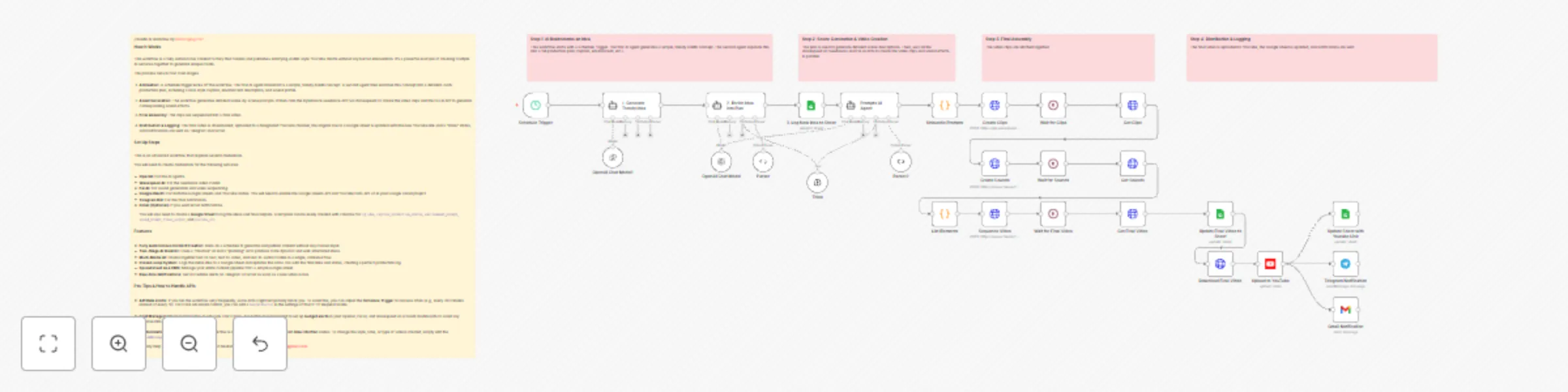
![Workflow_Screenshot.png](fileId:1559) //ASMR AI Workflow ### Who is this for? Content Creators, YouTube Automation Enthusiasts, and AI Hobbyists looking to autonomously generate and publish unique, satisfying ASMR-style YouTube Shorts without manual effort. ### What problem does this solve? This workflow solves the creative bottleneck and time-consuming nature of daily content creation. It fully automates the entire production pipeline, from brainstorming trendy ideas to publishing a finished video, turning your n8n instance into a 24/7 content factory. ### What this workflow does **1. Two-Stage AI Ideation & Planning:** * Uses an initial AI agent to brainstorm a short, viral ASMR concept based on current trends. * A second "Planning" AI agent then takes this concept and expands it into a detailed, structured production plan, complete with a viral-optimized caption, hashtags, and descriptions for the environment and sound. **2. Multi-Modal Asset Generation:** * **Video:** Feeds detailed scene prompts to the **ByteDance Seedance** text-to-video model (via Wavespeed AI) to generate high-quality video clips. * **Audio:** Simultaneously calls the **Fal AI** text-to-audio model to create custom, soothing ASMR sound effects that match the video's theme. * **Assembly:** Automatically sequences the video clips and sound into a single, cohesive final video file using an FFMPEG API call. **3. Closed-Loop Publishing & Logging:** * **Logging:** Initially logs the new idea to a Google Sheet with a status of "In Progress". * **Publishing:** Automatically uploads the final, assembled video directly to your YouTube channel, setting the title and description from the AI's plan. * **Updating:** Finds the original row in the Google Sheet and updates its status to "Done", adding a direct link to the newly published YouTube video. * **Notifications:** Sends real-time alerts to Telegram and/or Gmail with the video title and link, confirming the successful publication. ### Setup **Credentials:** You will need to create credentials in your n8n instance for the following services: * OpenAI API * Wavespeed AI API (for Seedance) * Fal AI API * Google OAuth Credential (enable **YouTube Data API v3** and **Google Sheets API** in your Google Cloud Project) * Telegram Bot Credential * (Optional) Gmail OAuth Credential **Configuration:** This is an advanced workflow. The initial setup should take approximately 15-20 minutes. * **Google Sheet:** Create a Google Sheet with these columns: `idea`, `caption`, `production_status`, `youtube_url`. Add the **Sheet ID** to the Google Sheets nodes in the workflow. * **Node Configuration:** In the `Telegram Notification` node, enter your own `Chat ID`. In the `Gmail Notification` node, update the recipient email address. * **Activate:** Once configured, save and set the workflow to "Active" to let it run on its schedule. ### How to customize * **Creative Direction:** To change the style or theme of the videos (e.g., from kinetic sand to soap cutting), simply edit the `systemMessage` in the **"2. Enrich Idea into Plan"** and **"Prompts AI Agent"** nodes. * **Initial Ideas:** To influence the AI's starting concepts, modify the prompt in the **"1. Generate Trendy Idea"** node. * **Video & Sound:** To change the video duration or sound style, adjust the parameters in the **"Create Clips"** and **"Create Sounds"** nodes. * **Notifications:** Add or remove notification channels (like Slack or Discord) after the **"Upload to YouTube"** node.

B
Bilel Aroua
Content Creation
22 Jun 2025
138069
0