BHSoft
Workflows by BHSoft
Notify Redmine project members in Slack about teammates’ approved Odoo leave
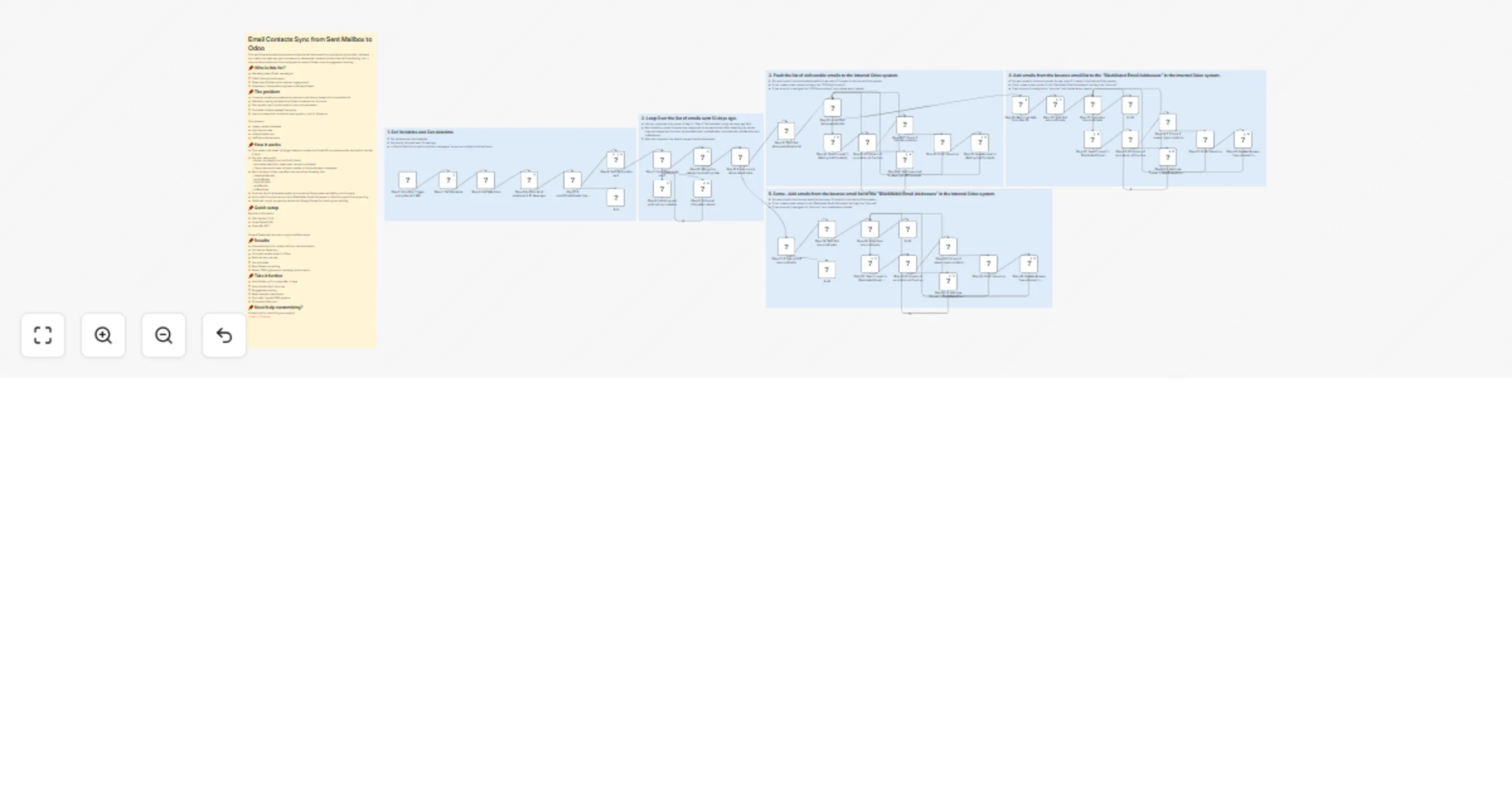
## 📌Who is this for? This workflow is designed for engineering teams, project managers, and IT operations who need consistent visibility into team availability across multiple projects. It’s perfect for organizations that use Odoo for leave management and Redmine for project collaboration, and want to ensure that everyone involved gets timely, automated Slack notifications whenever a team member will be absent the next day. ## 📌The problem When team members go dark, everything grinds to a halt. You're stuck with: - Last-minute meeting reschedules (and frustrated stakeholders) - Tasks assigned to people who aren't there - No time to redistribute workload - Bottlenecks affecting multiple projects ## 📌How it works 1. **Runs** daily at 17:15 - Set it and forget it. Executes every afternoon, giving teams time to prepare. 2. **Fetches** Tomorrow's Approved Leaves from Odoo - Pulls all leave records with tomorrow's start date and "approved" status. 3. **Maps** Employee & Project Data - Grabs the employee's details and identifies every Redmine project they're assigned to. 4. **Finds** All Teammates on the Same Projects - Deduplicates across overlapping projects to avoid notification spam. 5. **Sends** Targeted Slack Notifications - Only notifies people who actually work with the absent member, plus optional manager alerts. ## 📌Quick setup Before you start, you’ll need: - Odoo API key - Redmine API key - Slack Bot Token (or Incoming Webhook URL) - Subflows need to be created within a new flow; the main flow will call these subflows. ## 📌Results What changes immediately: - Zero surprises - teams know absences 24 hours ahead - Workload rebalancing happens before the person goes off - Managers make proactive decisions, not reactive ones - No more wasted Slack messages to irrelevant people - This creates a more predictable and transparent workflow across your engineering and project teams. ## 📌Take it further Ready to supercharge it? Add: - Auto-assign backup owners for critical tasks - Sync absences to Google Calendar/Outlook - Log notifications to a database for auditing - Conditional alerts (key roles, high-priority projects only) - Daily summary digest of all upcoming absences ## 📌Need help customizing? Contact me for consulting and support: [Linkedin](https://www.linkedin.com/company/bac-ha-software/posts/?feedView=all) / [Website](https://bachasoftware.com/bhsoft-contacts)
Automate Odoo-triggered Redmine & GitLab account creation with Slack notifications
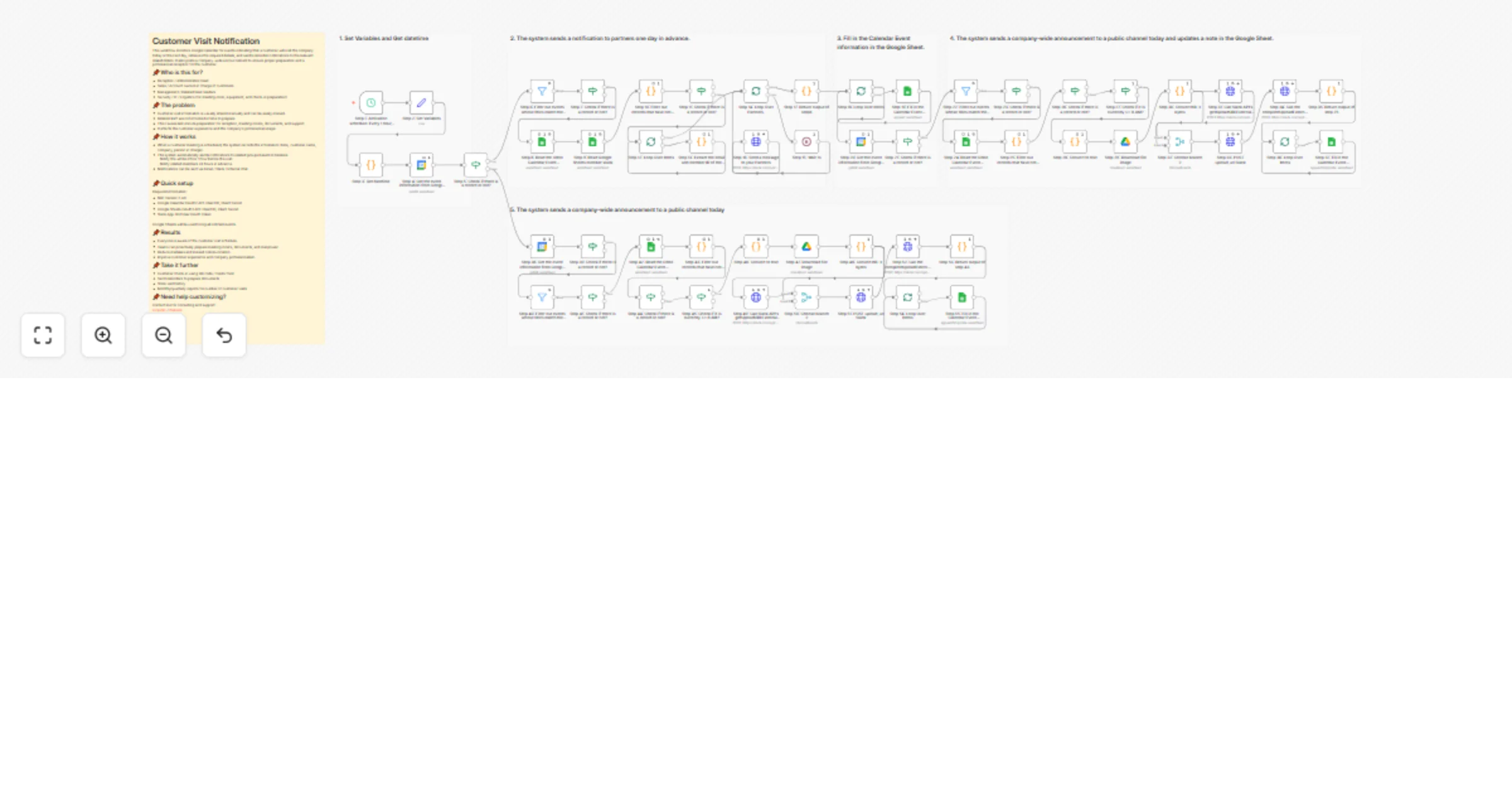
## 📌Who is this for? HR teams, IT Operations, and System Administrators managing employee onboarding at scale. It’s perfect if you use Odoo 18 to trigger account requests and need Redmine + GitLab accounts created instantly and consistently. ## 📌The Problem Manual account creation creates bottlenecks: - IT waits for HR notifications that often get missed or delayed. - Duplicate accounts pile up when no one checks existing data first. - Account creation timelines are inconsistent (sometimes correct, sometimes wrong). - Zero visibility into what succeeded or failed. ## 📌What It Does Catches an employee account creation request from Odoo 18 → queries employee data → checks for existing accounts → creates only the accounts that are missing → notifies your team via Slack with the full status. Here's the flow in detail: 1. **Webhook trigger from Odoo 18** - automatically fires when your HR team marks an employee as needing Redmine, GitLab, or both. 2. **Fetch employee data from Odoo 18** - pulls email and account type requirements. 3. **Deduplicate requests** - separates "needs both," "GitLab only," and "Redmine only" cases. 4. **Check for existing accounts** - queries Redmine and GitLab to avoid duplicate creation attempts. 5. **Create accounts** - uses Redmine and GitLab APIs to spin up accounts (only if they don't exist). 6. **Slack notification** - sends a summary showing what was created, skipped, or failed- including error details if something went wrong. ## 📌Quick Setup - Generate a Webhook URL in n8n and configure Odoo 18 to call it during onboarding. - Add Redmine admin API key and GitLab admin access token. - Enable /users.json (Redmine) and /users (GitLab) endpoints. - Configure Slack webhook for notifications. - Test with sample data, then activate. ## 📌Results - Zero duplicates - the system checks before creating. - Full visibility - Slack reports every single attempt. - Instant delivery - new hires get accounts on day one. - Dramatically reduced IT workload. ## 📌Take It Further - Auto-assign projects in Redmine/GitLab post-creation. - Generate passwords or TOTP setup and email them to new hires. - Log everything to Google Sheets, Notion, or a database. - Handle multi-tenant setups if your Odoo manages multiple organizations. - Add provisioning for Slack, Google Workspace, VPN, or other systems. ## 📌Need help customizing? Contact me for consulting and support: [Linkedin](https://www.linkedin.com/company/bac-ha-software/posts/?feedView=all) / [Website](https://bachasoftware.com/bhsoft-contacts)
Automated employee offboarding: lock Redmine & GitLab accounts using Odoo 18
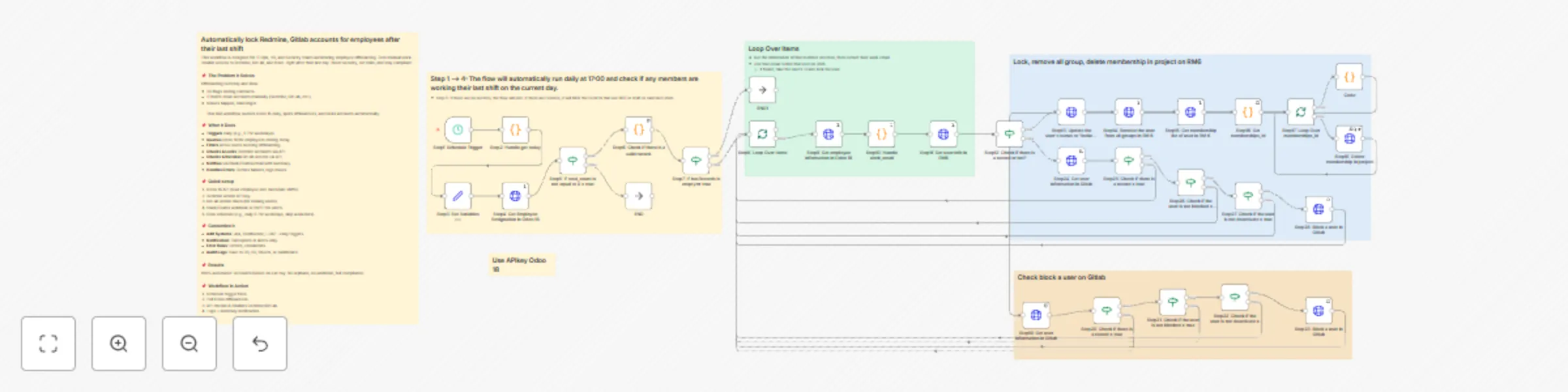
## 📌 Who is This For? IT Ops, HR, and Security teams automating employee offboarding. Zero manual work: Disable access to Redmine, GitLab, and more- right after their last day. Boost security, cut risks, and stay compliant. ## 📌 The Problem It Solves Offboarding is messy and slow: - HR flags ending contracts. - IT hunts down accounts manually (Redmine, GitLab, etc.). - Misses happen, risks linger. This n8n workflow queries Odoo 18 daily, spots offboardees, and locks accounts automatically. ## 📌 What It Does - **Triggers** daily (e.g., 5 PM weekdays). - **Queries** Odoo 18 for employees ending today. - **Filters** active users needing offboarding. - **Checks & Locks** Redmine accounts via API. - **Checks & Revokes** GitLab access via API. - **Notifies** via Slack/Teams/email with summary. - **Handles Errors**: Retries failures, logs issues. ## 📌 Quick setup 1. Odoo 18 API (read employee end dates/last shifts). 2. Redmine Admin API key. 3. GitLab Admin token (for locking users). 4. Slack/Teams webhook or SMTP for alerts. 5. Cron schedule (e.g., daily 5 PM weekdays, skip weekends). ## 📌 Customize It - **Add Systems**: Jira, Confluence, LDAP—easy toggles. - **Notification**: Full reports or alerts-only. - **Error Rules**: Retries, escalations. - **Audit Logs**: Save to DB, S3, Sheets, or dashboard. ## 📌 Results 100% automated: Accounts locked on exit day. No orphans, no workload, full compliance. ## 📌 Workflow in Action 1. Schedule trigger fires. 2. Pull Odoo offboardees. 3. API checks & disables Redmine/GitLab. 4. Logs + summary notification.