Askan
Workflows by Askan
Collect LinkedIn profiles with AI processing using SerpAPI, OpenAI, and NocoDB
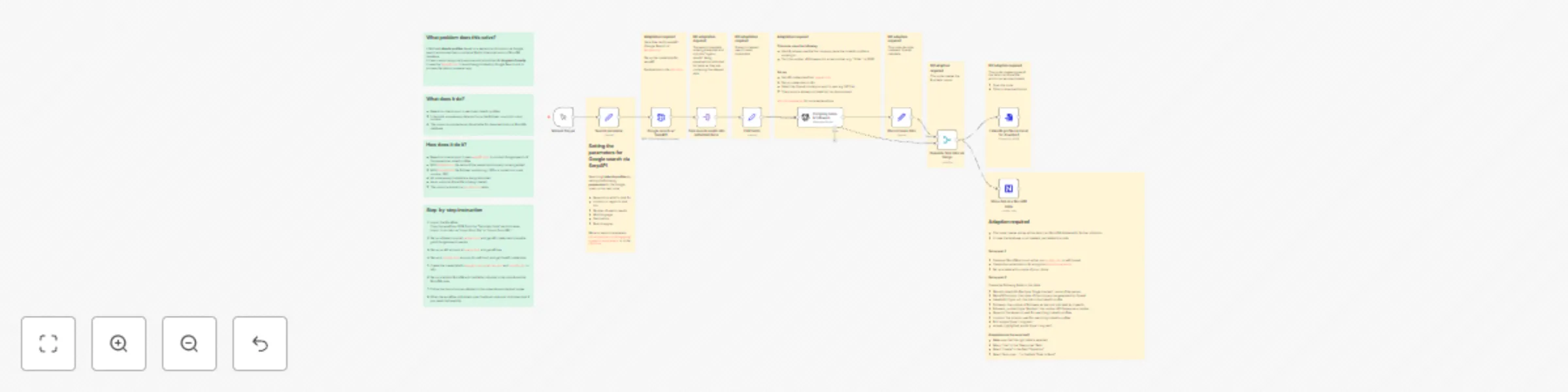
## What problem does this solve? It fetches **LinkedIn profiles** for a multitude of purposes based on a keyword and location via Google search and stores them in an Excel file for download and in a [NocoDB](NocoDB.com) database. It tries to avoid using costly services and should be n8n **beginner friendly**. It uses the [serpapi.com](SerpAPI.com) to avoid being blocked by Google Search and to process the data in an easier way. ## What does it do? - Based on criteria input, it searches LinkedIn profiles - It discards unnecessary data and turns the follower count into a real number - The output is provided as an Excel table for download and in a NocoDB database ## How does it do it? - Based on criteria input, it uses [serpAPI.com](serpAPI.com) to conduct Google search of the respective LinkedI profiles - With [OpenAI.com](OpenAI.com) the name of the respective company is being added - With OpenAI.com the follower number e.g., 300+ is turned into a real number: 300 - All unnecessary metadata is being discarded - As an output an Excel file is being created - The output is stored in a nocodb.com table ## Step-by-step instruction 1. Import the Workflow: Copy the workflow JSON from the "Template Code" section below. Import it into n8n via "Import from File" or "Import from URL". 2. Set up a free account at serpapi.com and get API credentials to enable good Google search results 3. Set up an API account at openai.com and get API key 4. Set up a nocodb.com account (or self-host) and get the API credentials 4. Create the credentials for serpapi.com, opemnai.com and nocodb.com in n8n. 5. Set up a table in NocoDB with the fields indicated in the note above the NocoDB node 5. Follow the instructions as detailed in the notes above individual nodes 6. When the workflow is finished, open the Excel node and click download if you need the Excel file
Scrape and summarize posts of a news site without RSS feed using AI and save them to a NocoDB
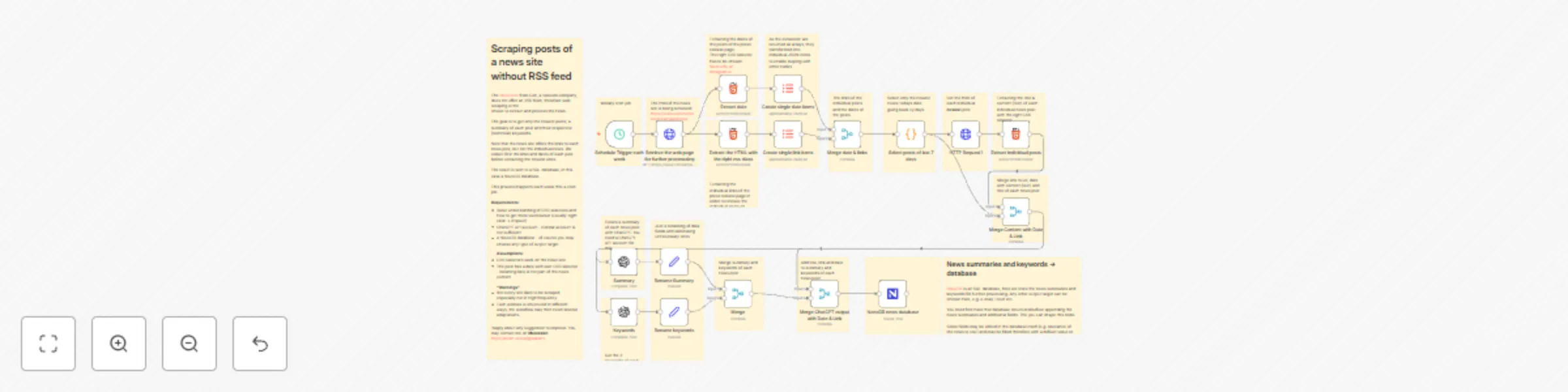
The [News Site](https://www.colt.net/resources/type/news/) from Colt, a telecom company, does not offer an RSS feed, therefore web scraping is the choice to extract and process the news. The goal is to get only the newest posts, a summary of each post and their respective (technical) keywords. Note that the news site offers the links to each news post, but not the individual news. We collect first the links and dates of each post before extracting the newest ones. The result is sent to a SQL database, in this case a NocoDB database. This process happens each week thru a cron job. **Requirements**: - Basic understanding of CSS selectors and how to get them via browser (usually: right click → inspect) - ChatGPT API account - normal account is not sufficient - A NocoDB database - of course you may choose any type of output target **Assumptions**: - CSS selectors work on the news site - The post has a date with own CSS selector - meaning date is not part of the news content **"Warnings"** - Not every site likes to be scraped, especially not in high frequency - Each website is structured in different ways, the workflow may then need several adaptations.