A

AppUnits AI

9
Workflows

Workflows by AppUnits AI

Workflow preview: Generate invoices and send AI-powered reminders with Jotform and Xero
Free advanced

Generate invoices and send AI-powered reminders with Jotform and Xero

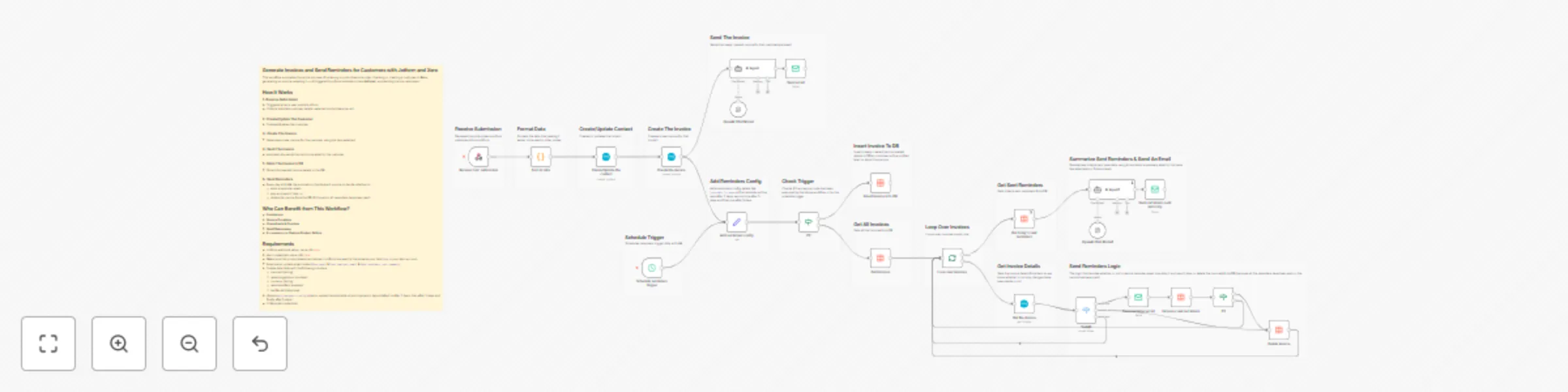
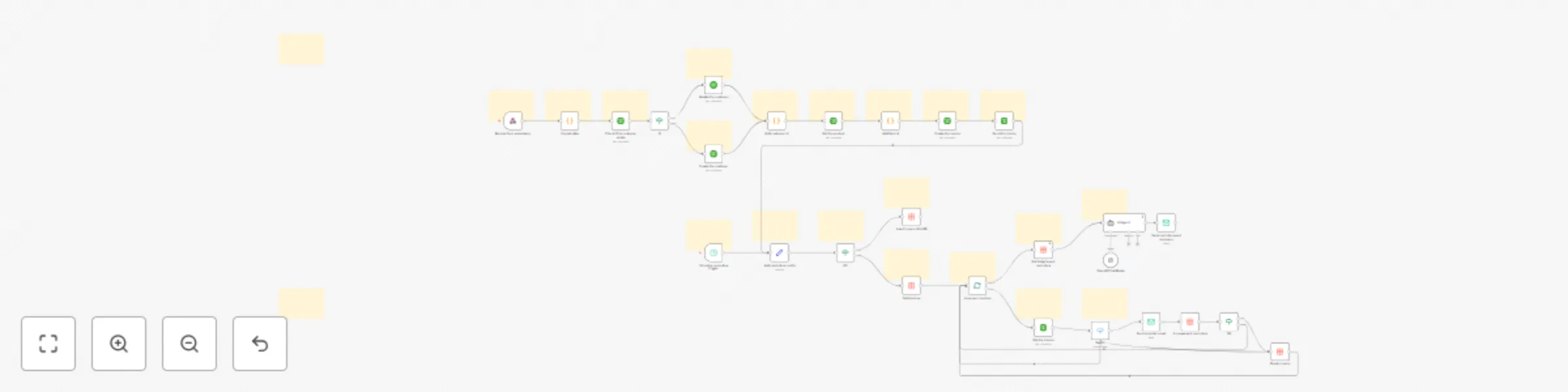
## Generate Invoices and Send Reminders for Customers with Jotform and Xero This workflow automates the entire process of receiving a product/service order, checking or creating a customer in **Xero**, generating an invoice, emailing it — all triggered by a form submission (via **Jotform**), and sending invoice reminders. ## How It Works 1. **Receive Submission** - Triggered when a user submits a form. - Collects data like customer details, selected product/service, etc. 2. **Create/Update The Customer** - Creates/Updates the customer. 3. **Create The Invoice** - Generates a new invoice for the customer using the item selected. 4. **Send The Invoice** - Automatically sends the invoice via email to the customer. 5. **Store The Invoice In DB** - Stores the needed invoice details in the DB. 6. **Send Reminders** - Every day at 8 AM, the automation checks each invoice to decide whether to: * send a reminder email, * skip and send it later, or * delete the invoice from the DB (if it's paid or all reminders have been sent). ## Who Can Benefit from This Workflow? * **Freelancers** * **Service Providers** * **Consultants & Coaches** * **Small Businesses** * **E-commerce or Custom Product Sellers** ## Requirements - Jotform webhook setup, more info [here](https://www.jotform.com/help/245-how-to-setup-a-webhook-with-jotform/) - Xero credentials, more info [here](https://docs.n8n.io/integrations/builtin/credentials/xero) - Make sure that products/services values in Jotform are exactly the same as your item `Code` in your Xero account - Email setup, update email nodes (`Send email` & `Send reminder email` & `Send reminders sent summary`) - Create data table with the following columns: * invoiceId (string) * remainingAmount (number) * currency (string) * remindersSent (number) * lastSentAt (date time) - Update `Add reminders config` node so update the data table id and intervals in days (default is after 2 days, then after 3 days and finally after 5 days ) - LLM model credentials

A
AppUnits AI
Invoice Processing
17 Oct 2025
203
0
Workflow preview: Automated invoice creation & customer communication with Jotform, Xero, Outlook & Telegram
Free advanced

Automated invoice creation & customer communication with Jotform, Xero, Outlook & Telegram

## Automated Invoice Creation & Team Notification with Jotform, Xero, Outlook, and Telegram This workflow automates the entire process of receiving a product/service order, checking or creating a customer in **Xero**, generating an invoice, emailing it, and notifying the sales team for example after sometime if no action has been taken yet (via **Telegram**) — all triggered by a form submission (via **Jotform**). ## How It Works 1. **Receive Submission** * Triggered when a user submits a form. * Collects data like customer details, selected product/service, etc. 2. **Check If Customer Exists** * Searches Xero to determine if the customer already exists. * ✅ **If Customer Exists:** **Update** customer details. * ❌ **If Customer Doesn’t Exist:** **Create** a new customer in Xero. 3. **Create The Invoice** * Generates a new invoice for the customer using the item selected. 4. **Send The Invoice** * Automatically sends the invoice via email to the customer. 5. **Wait For Sometime** Now we will wait for 30 seconds (by default, you can change it) and then get the invoice details from Xero 6. **Notify The Team** * Notifies the sales team for example via Telegram in case no action has been taken on the invoice and thus the team can act fast. ## Who Can Benefit from This Workflow? * **Freelancers** * **Service Providers** * **Consultants & Coaches** * **Small Businesses** * **E-commerce or Custom Product Sellers** ## Requirements - Jotform webhook setup, more info [here](https://www.jotform.com/help/245-how-to-setup-a-webhook-with-jotform/) - Xero credentials, more info [here](https://docs.n8n.io/integrations/builtin/credentials/xero) - Make sure that products/services values in Jotform are exactly the same as your item `Code` in your Xero account - Email setup, update email node (`Send email`), more info about Outlook setup [here](https://docs.n8n.io/integrations/builtin/app-nodes/n8n-nodes-base.microsoftoutlook) - LLM model credentials - Telegram credentials, more info [here](https://docs.n8n.io/integrations/builtin/app-nodes/n8n-nodes-base.telegram)

A
AppUnits AI
Invoice Processing
17 Oct 2025
320
0
Workflow preview: Generate professional invoices with Jotform, Xero, and GPT-powered emails
Free intermediate

Generate professional invoices with Jotform, Xero, and GPT-powered emails

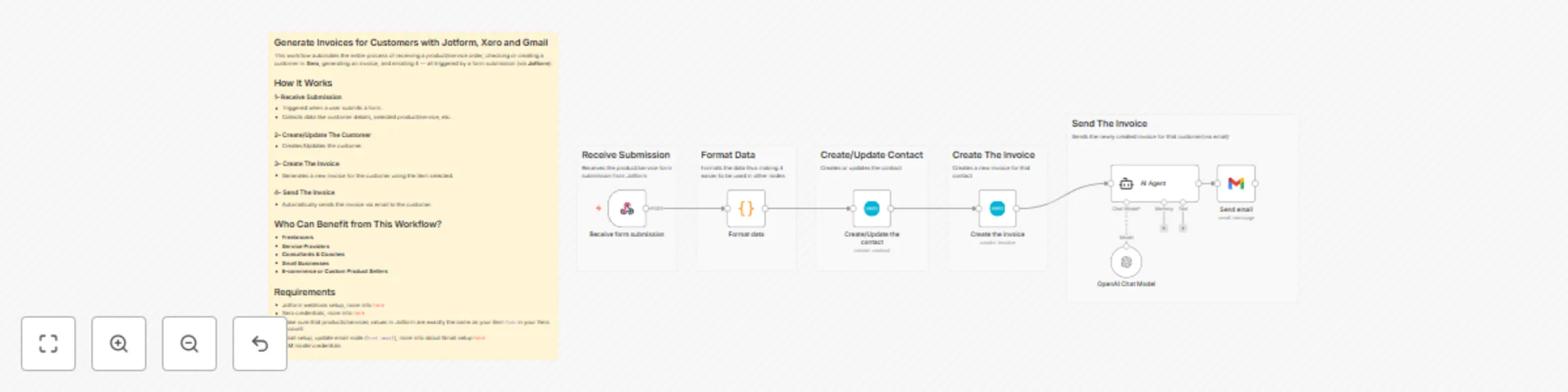
## Generate Invoices for Customers with Jotform, Xero and Gmail This workflow automates the entire process of receiving a product/service order, checking or creating a customer in **Xero**, generating an invoice, and emailing it — all triggered by a form submission (via **Jotform**). ## How It Works 1. **Receive Submission** - Triggered when a user submits a form. - Collects data like customer details, selected product/service, etc. 2. **Create/Update The Customer** - Creates/Updates the customer. 3. **Create The Invoice** - Generates a new invoice for the customer using the item selected. 4. **Send The Invoice** - Automatically sends the invoice via email to the customer. ## Who Can Benefit from This Workflow? * **Freelancers** * **Service Providers** * **Consultants & Coaches** * **Small Businesses** * **E-commerce or Custom Product Sellers** ## Requirements - Jotform webhook setup, more info [here](https://www.jotform.com/help/245-how-to-setup-a-webhook-with-jotform/) - Xero credentials, more info [here](https://docs.n8n.io/integrations/builtin/credentials/xero) - Make sure that products/services values in Jotform are exactly the same as your item `Code` in your Xero account - Email setup, update email node (`Send email`), more info about Gmail setup [here](https://docs.n8n.io/integrations/builtin/credentials/google) - LLM model credentials

A
AppUnits AI
Invoice Processing
17 Oct 2025
161
0
Workflow preview: Automate invoice generation & email delivery with Jotform, Xero & GPT-4o-mini
Free advanced

Automate invoice generation & email delivery with Jotform, Xero & GPT-4o-mini

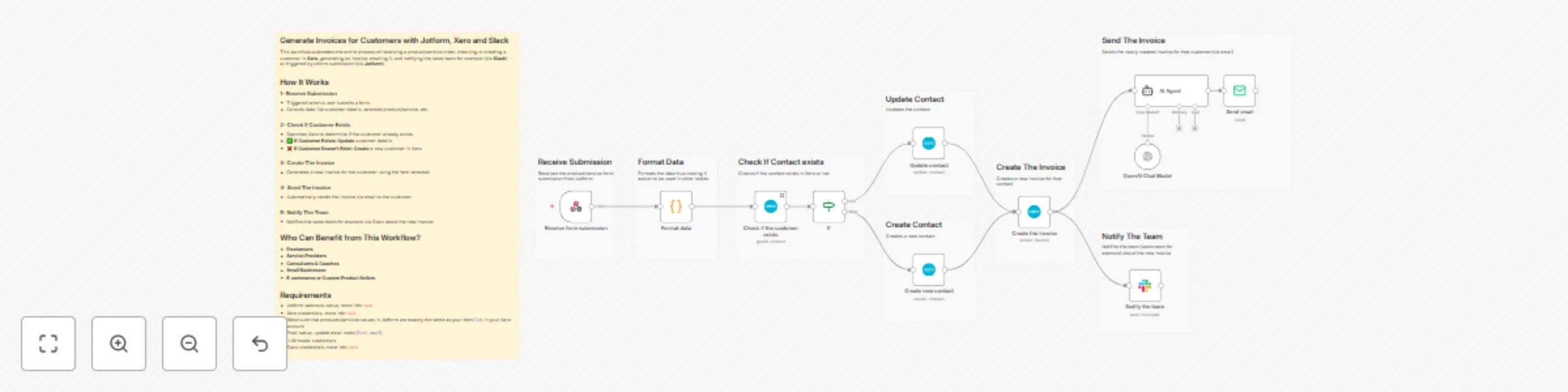
## Generate Invoices for Customers with Jotform, Xero and Slack This workflow automates the entire process of receiving a product/service order, checking or creating a customer in **Xero**, generating an invoice, emailing it, and notifying the sales team for example (via **Slack**) — all triggered by a form submission (via **Jotform**). ## How It Works 1. **Receive Submission** * Triggered when a user submits a form. * Collects data like customer details, selected product/service, etc. 2. **Check If Customer Exists** * Searches Xero to determine if the customer already exists. * ✅ **If Customer Exists:** **Update** customer details. * ❌ **If Customer Doesn’t Exist:** **Create** a new customer in Xero. 3. **Create The Invoice** * Generates a new invoice for the customer using the item selected. 4. **Send The Invoice** * Automatically sends the invoice via email to the customer. 5. **Notify The Team** * Notifies the sales team for example via Slack about the new invoice. ## Who Can Benefit from This Workflow? * **Freelancers** * **Service Providers** * **Consultants & Coaches** * **Small Businesses** * **E-commerce or Custom Product Sellers** ## Requirements - Jotform webhook setup, more info [here](https://www.jotform.com/help/245-how-to-setup-a-webhook-with-jotform/) - Xero credentials, more info [here](https://docs.n8n.io/integrations/builtin/credentials/xero) - Make sure that products/services values in Jotform are exactly the same as your item `Code` in your Xero account - Email setup, update email node (`Send email`) - LLM model credentials - Slack credentials, more info [here](https://docs.n8n.io/integrations/builtin/credentials/slack)

A
AppUnits AI
Invoice Processing
17 Oct 2025
112
0
Workflow preview: Automate invoice creation & smart reminders with Jotform, QuickBooks & Outlook AI
Free advanced

Automate invoice creation & smart reminders with Jotform, QuickBooks & Outlook AI

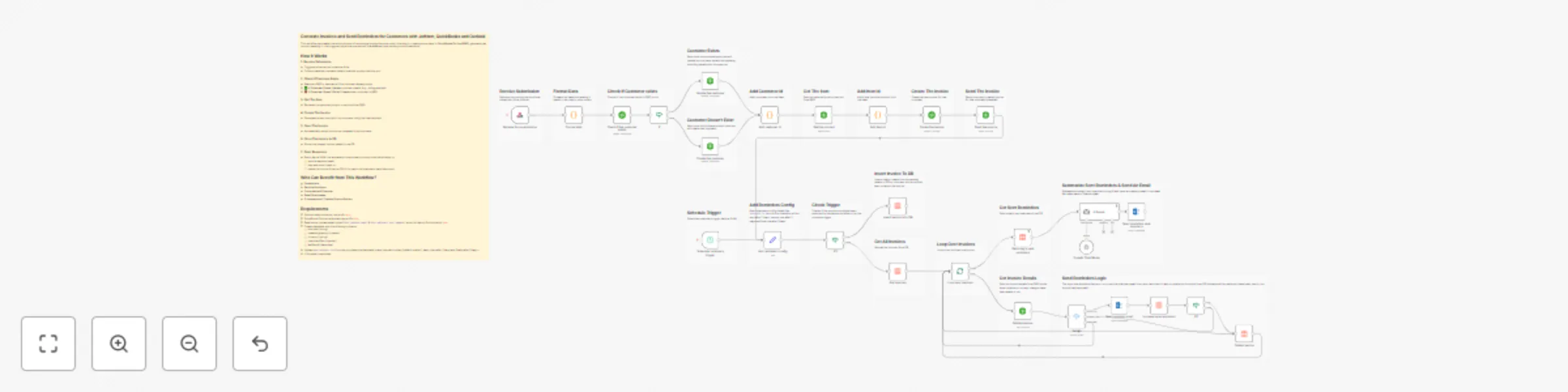
## Generate Invoices and Send Reminders for Customers with Jotform, QuickBooks and Outlook This workflow automates the entire process of receiving a product/service order, checking or creating a customer in **QuickBooks Online (QBO)**, generating an invoice, emailing it — all triggered by a form submission (via **Jotform**), and sending invoice reminders. ## How It Works 1. **Receive Submission** * Triggered when a user submits a form. * Collects data like customer details, selected product/service, etc. 2. **Check If Customer Exists** * Searches QBO to determine if the customer already exists. * **If Customer Exists:** **Update** customer details (e.g., billing address). * **If Customer Doesn’t Exist:** **Create** a new customer in QBO. 3. **Get The Item** * Retrieves the selected product or service from QBO. 4. **Create The Invoice** * Generates a new invoice for the customer using the item selected. 5. **Send The Invoice** * Automatically sends the invoice via email to the customer. 6. **Store The Invoice In DB** * Stores the needed invoice details in the DB. 7. **Send Reminders** * Every day at 8 AM, the automation checks each invoice to decide whether to: * send a reminder email, * skip and send it later, or * delete the invoice from the DB (if it's paid or all reminders have been sent). ## Who Can Benefit from This Workflow? * **Freelancers** * **Service Providers** * **Consultants & Coaches** * **Small Businesses** * **E-commerce or Custom Product Sellers** ## Requirements - Jotform webhook setup, more info [here](https://www.jotform.com/help/245-how-to-setup-a-webhook-with-jotform/) - QuickBooks Online credentials, more info [here](https://developer.intuit.com/app/developer/qbo/docs/get-started/get-client-id-and-client-secret) - Email setup, update email nodes (`Send reminder email` & `Send reminders sent summary`), more info about Outlook setup [here](https://docs.n8n.io/integrations/builtin/app-nodes/n8n-nodes-base.microsoftoutlook) - Create data table with the following columns: * invoiceId (string) * remainingAmount (number) * currency (string) * remindersSent (number) * lastSentAt (date time) - Update `Add reminders config` node so update the data table id and intervals in days (default is after 2 days, then after 3 days and finally after 5 days ) - LLM model credentials

A
AppUnits AI
Invoice Processing
16 Oct 2025
88
0
Workflow preview: Automated invoice generation & payment reminders with QuickBooks, Jotform & GPT-4o
Free advanced

Automated invoice generation & payment reminders with QuickBooks, Jotform & GPT-4o

## Generate Invoices and Send Reminders for Customers with Jotform, QuickBooks and Gmail This workflow automates the entire process of receiving a product/service order, checking or creating a customer in **QuickBooks Online (QBO)**, generating an invoice, emailing it — all triggered by a form submission (via **Jotform**), and sending invoice reminders. ## How It Works 1. **Receive Submission** * Triggered when a user submits a form. * Collects data like customer details, selected product/service, etc. 2. **Check If Customer Exists** * Searches QBO to determine if the customer already exists. * **If Customer Exists:** **Update** customer details (e.g., billing address). * **If Customer Doesn’t Exist:** **Create** a new customer in QBO. 3. **Get The Item** * Retrieves the selected product or service from QBO. 4. **Create The Invoice** * Generates a new invoice for the customer using the item selected. 5. **Send The Invoice** * Automatically sends the invoice via email to the customer. 6. **Store The Invoice In DB** * Stores the needed invoice details in the DB. 7. **Send Reminders** * Every day at 8 AM, the automation checks each invoice to decide whether to: * send a reminder email, * skip and send it later, or * delete the invoice from the DB (if it's paid or all reminders have been sent). ## Who Can Benefit from This Workflow? * **Freelancers** * **Service Providers** * **Consultants & Coaches** * **Small Businesses** * **E-commerce or Custom Product Sellers** ## Requirements - Jotform webhook setup, more info [here](https://www.jotform.com/help/245-how-to-setup-a-webhook-with-jotform/) - QuickBooks Online credentials, more info [here](https://developer.intuit.com/app/developer/qbo/docs/get-started/get-client-id-and-client-secret) - Email setup, update email nodes (`Send reminder email` & `Send reminders sent summary`), more info about Gmail setup [here](https://docs.n8n.io/integrations/builtin/credentials/google) - Create data table with the following columns: * invoiceId (string) * remainingAmount (number) * currency (string) * remindersSent (number) * lastSentAt (date time) - Update `Add reminders config` node so update the data table id and intervals in days (default is after 2 days, then after 3 days and finally after 5 days ) - LLM model credentials

A
AppUnits AI
Invoice Processing
16 Oct 2025
163
0
Workflow preview: Generate invoices and send AI-summarized reminders with Jotform and QuickBooks
Free advanced

Generate invoices and send AI-summarized reminders with Jotform and QuickBooks

## Generate Invoices and Send Reminders for Customers with Jotform and QuickBooks This workflow automates the entire process of receiving a product/service order, checking or creating a customer in **QuickBooks Online (QBO)**, generating an invoice, emailing it — all triggered by a form submission (via **Jotform**), and sending invoice reminders. ## How It Works 1. **Receive Submission** * Triggered when a user submits a form. * Collects data like customer details, selected product/service, etc. 2. **Check If Customer Exists** * Searches QBO to determine if the customer already exists. * **If Customer Exists:** **Update** customer details (e.g., billing address). * **If Customer Doesn’t Exist:** **Create** a new customer in QBO. 3. **Get The Item** * Retrieves the selected product or service from QBO. 4. **Create The Invoice** * Generates a new invoice for the customer using the item selected. 5. **Send The Invoice** * Automatically sends the invoice via email to the customer. 6. **Store The Invoice In DB** * Stores the needed invoice details in the DB. 7. **Send Reminders** * Every day at 8 AM, the automation checks each invoice to decide whether to: * send a reminder email, * skip and send it later, or * delete the invoice from the DB (if it's paid or all reminders have been sent). ## Who Can Benefit from This Workflow? * **Freelancers** * **Service Providers** * **Consultants & Coaches** * **Small Businesses** * **E-commerce or Custom Product Sellers** ## Requirements - Jotform webhook setup, more info [here](https://www.jotform.com/help/245-how-to-setup-a-webhook-with-jotform/) - QuickBooks Online credentials, more info [here](https://developer.intuit.com/app/developer/qbo/docs/get-started/get-client-id-and-client-secret) - Email setup, update email nodes (`Send reminder email` & `Send reminders sent summary`) - Create data table with the following columns: * invoiceId (string) * remainingAmount (number) * currency (string) * remindersSent (number) * lastSentAt (date time) - Update `Add reminders config` node so update the data table id and intervals in days (default is after 2 days, then after 3 days and finally after 5 days ) - LLM model credentials

A
AppUnits AI
Invoice Processing
16 Oct 2025
30
0
Workflow preview: Generate invoices for customers with Jotform and QuickBooks
Free advanced

Generate invoices for customers with Jotform and QuickBooks

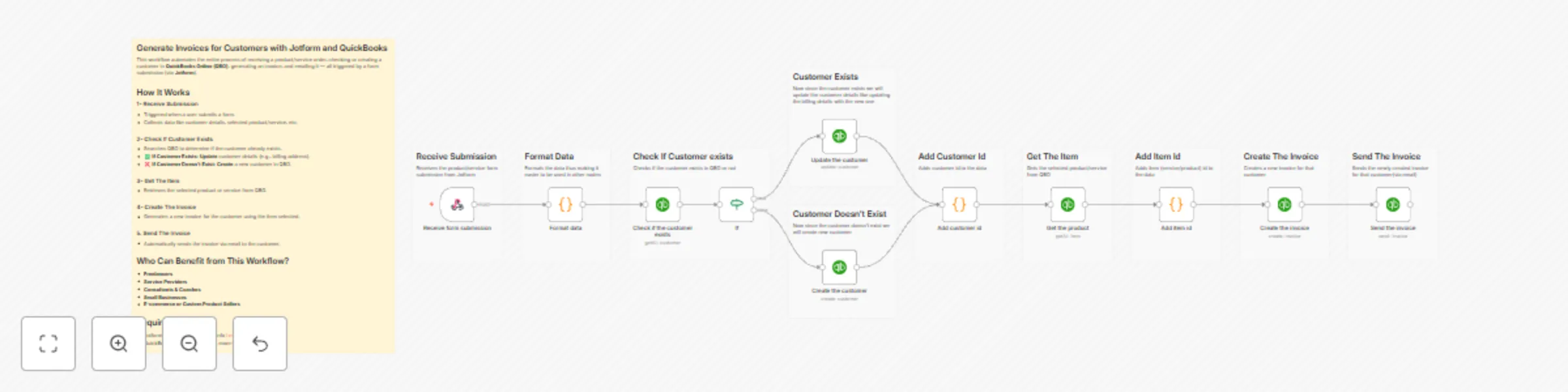
## Generate Invoices for Customers with Jotform and QuickBooks This workflow automates the entire process of receiving a product/service order, checking or creating a customer in **QuickBooks Online (QBO)**, generating an invoice, and emailing it — all triggered by a form submission (via **Jotform**). ## How It Works 1. **Receive Submission** * Triggered when a user submits a form. * Collects data like customer details, selected product/service, etc. 2. **Check If Customer Exists** * Searches QBO to determine if the customer already exists. * **If Customer Exists:** **Update** customer details (e.g., billing address). * **If Customer Doesn’t Exist:** **Create** a new customer in QBO. 3. **Get The Item** * Retrieves the selected product or service from QBO. 4. **Create The Invoice** * Generates a new invoice for the customer using the item selected. 5. **Send The Invoice** * Automatically sends the invoice via email to the customer. ## Who Can Benefit from This Workflow? * **Freelancers** * **Service Providers** * **Consultants & Coaches** * **Small Businesses** * **E-commerce or Custom Product Sellers** ## Requirements - Jotform webhook setup, more info [here](https://www.jotform.com/help/245-how-to-setup-a-webhook-with-jotform/) - QuickBooks Online credentials, more info [here](https://developer.intuit.com/app/developer/qbo/docs/get-started/get-client-id-and-client-secret)

A
AppUnits AI
Invoice Processing
14 Oct 2025
101
0
Workflow preview: Sync Attio CRM with Jotform & Slack for deal updates & sales alerts
Free advanced

Sync Attio CRM with Jotform & Slack for deal updates & sales alerts

This workflow streamlines your lead management process by automatically capturing form submissions from **Jotform**, updating **Attio CRM**, and notifying your **team (sales team for example) via Slack** — all without manual work. ## How it works 1. **Receive Lead:** - A new submission is captured from Jotform (name, email, message). 2. **Prepare CRM:** - Checks if the `Pending` and `Urgent` deal stages exist in Attio CRM and creates them if they don’t exist. - Checks if the `Message` column exists in Attio CRM and creates it if it doesn't exist. 3. **Lead Handling:** - If the lead **doesn't exist** in Attio CRM, the contact is created, a new deal is added to the `Pending` stage, and a Slack notification is sent. - If the lead **exists but has no deal**, a new deal is added to `Pending`, and Slack is notified. - If the **lead exists with a deal**, the deal is moved to the `Urgent` stage, and Slack is notified. 4. **Slack Notification:** - Your team (sales team for example) receives an instant Slack message whenever a new or existing lead is processed, so they can act fast. ## Requirements Make sure to have **Jotform**, **Attio CRM** and **Slack** accounts, then follow this [video guide](https://www.youtube.com/watch?v=FCGmVZsGYWk) on how to start using this template.

A
AppUnits AI
CRM
12 Oct 2025
37
0