A

Alexandru Burca

3
Workflows

Workflows by Alexandru Burca
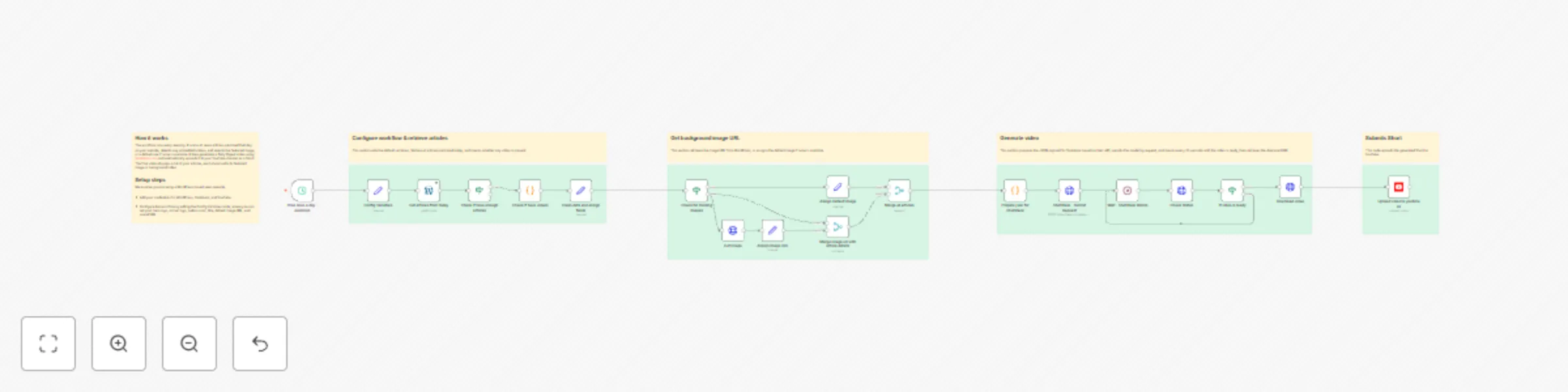
Workflow preview: Generate news digest videos from WordPress to YouTube with Shotstack
Free advanced

Generate news digest videos from WordPress to YouTube with Shotstack

# Daily News Digest Video Generator for YouTube Shorts ## Instalations Instructions [Youtube Instalation Instructions](https://youtu.be/hfc4BRIh3ZU) ## Overview This workflow automatically creates and publishes daily news digest videos from WordPress articles to YouTube. It runs every evening at 7 PM, compiling the day's top stories from a news portal into a professionally formatted vertical video (1080x1920px) optimized for social media platforms like YouTube Shorts. --- ## What It Does ### 1. **🕐 Scheduled Trigger** - Runs automatically every day at **19:00 (7 PM)** ### 2. **📰 Fetches Today's Articles** - Retrieves all published WordPress posts from the current day ### 3. **✅ Validates Content** - Ensures there are **at least 3 articles** before proceeding ### 4. **🎬 Video Detection** - Scans article content HTML for embedded videos - Extracts MP4 URLs from WordPress video players - Parses `wp-playlist-script` JSON data - Falls back to `<video>` and `&lt;source&gt;` tag detection ### 5. **🧹 Data Processing** - **Extracts** article titles, links, and featured media IDs - **Decodes HTML entities**: Converts `&#8211;` to `–`, `&quot;` to `"`, etc. - **Fetches featured images** from WordPress Media API - **Assigns default images** for articles without featured media - **Calculates reading time** per article (3-7 seconds based on word count) - **Cleans text**: Removes HTML tags and normalizes whitespace ### 6. **🎥 Video Generation** (via Shotstack API) #### Intro Slide (3 seconds) - Black background - Large logo (centered) - Title on center - Current date in DD-MM-YYYY format #### News Slides (3-7 seconds each) Each article is displayed with: - **Background**: Video (if available) or featured image, cropped to fit - **Dark overlay**: 40% opacity black layer for text readability - **Article headline**: Large white text at top - **Small logo**: Top-right corner - **Pagination counter**: Bottom-right white badge (e.g., "1 / 22") - **CTA button**: Centered CTA - **Background music**: Subtle looped audio track - **Transitions**: Smooth fade in/out between slides #### Outro Slide (3 seconds) - Identical to intro slide - Provides clean ending to the video ### 7. **⏳ Processing Wait** - Waits **30 seconds** for Shotstack to render the video - Polls Shotstack API to verify video completion ### 8. **📥 Download Video** - Retrieves the finished MP4 file from Shotstack - Downloads video data for YouTube upload ### 9. **📤 YouTube Upload** Automatically uploads to YouTube with: - **Title**: `"Daily Digest - [Day] [Weekday], [Year]"` - **Description**: Same as title - **Category**: News & Politics - **Made for kids**: Yes - **Tags**: `dailydigest` --- ## ✨ Key Features ### Intelligent Content Handling - ✅ Automatic video/image detection and intelligent media selection - ✅ Dynamic reading time calculation for optimal viewer engagement - ✅ HTML entity cleaning for proper text display (WordPress compatibility) - ✅ Fallback default images for articles without media - ✅ Video background support with automatic muting ### Professional Video Production - ✅ Vertical format optimized for mobile viewing (1080x1920px) - ✅ Professional branding with logos and consistent styling - ✅ Smooth fade transitions between slides - ✅ Background music with looping support - ✅ Dynamic pagination counters - ✅ Call-to-action buttons for engagement ### Customization - ✅ Centralized variables for easy branding updates - ✅ Configurable logos, colors, and text - ✅ Adjustable reading time calculation - ✅ Flexible date formatting - ✅ Customizable audio track ## 🎯 Use Cases Perfect for: - 📰 **News websites** wanting to repurpose daily articles - 📱 **Media outlets** creating social media content - 🎥 **Content creators** automating video production - 🔄 **Publishers** maximizing content distribution - 📊 **Marketing teams** driving traffic from social platforms --- ## 🔧 Customization Options ### Easy Changes - Update logos by changing `logo_big` and `logo_small` URLs - Modify branding colors via `button_bg_color` variable - Adjust button text with `button_text` variable - Change video title with `daily_digest_text` variable - Update background music by replacing audio URL ### Advanced Customization - Adjust reading time formula in `calculateReadingTime()` function - Modify date format in `getRomanianDate()` function - Change video dimensions (currently 1080x1920) - Update font family and sizes - Adjust overlay opacity and colors - Modify transition effects --- ## 📋 Prerequisites ### Required Credentials 1. **WordPress API** - Access your WordPress site 2. **Shotstack API** - API key for video rendering (Stage environment) 3. **YouTube OAuth2** - Authenticated YouTube account for uploads

A
Alexandru Burca
Content Creation
12 Dec 2025
1344
0
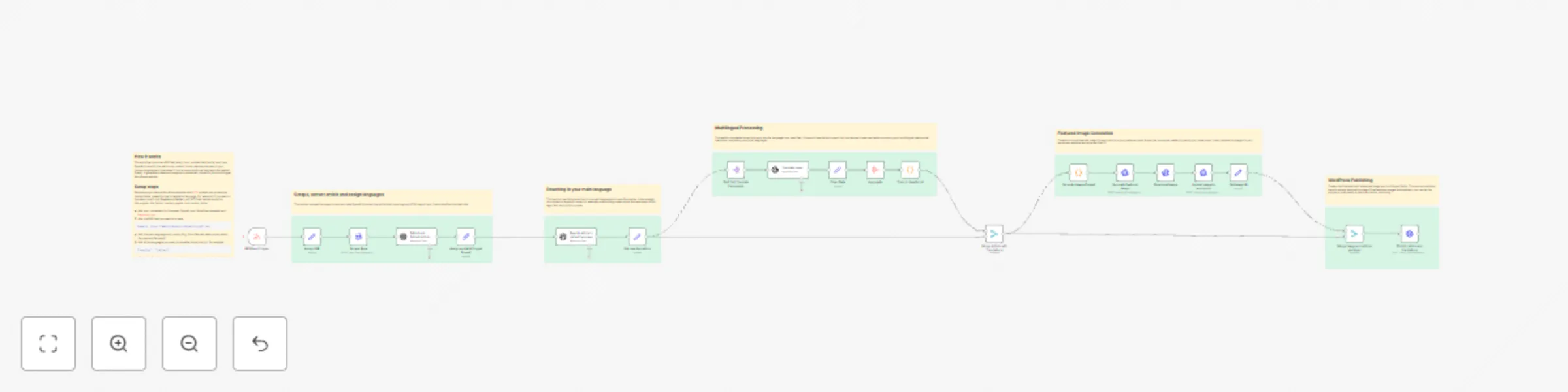
Workflow preview: Multilingual RSS to WordPress publishing with OpenAI, ACF, and AI-generated images
Free advanced

Multilingual RSS to WordPress publishing with OpenAI, ACF, and AI-generated images

# Automated multilingual article publishing from RSS feeds to WordPress using ACF ## Instalations Instructions [Youtube Instalation Instructions](https://www.youtube.com/watch?v=O2Hh6y-edkw) ## # Who’s it for This workflow is built for **news publishers, media organizations, and content aggregators** who need to automatically: - pull articles from RSS feeds - rewrite them into original text - translate them into multiple languages - generate a featured image - publish everything directly to WordPress. It is ideal for **multilingual news** portals, editorial teams with limited resources, and businesses that want to automate high-volume content production. ## How it works The workflow monitors a selected RSS feed at regular intervals and retrieves new article links. It scrapes each article’s HTML and uses AI to extract structured text: - title - full content - and a short summary. The text is then rewritten into an original article tailored to your target audience’s language and country context. Next, the workflow translates the rewritten article into any number of additional languages while preserving the formatting. It also generates a unique AI-based featured image, uploads it to WordPress, assembles multilingual ACF fields, and publishes the final post with the correct metadata. ## How to set up Insert your RSS feed URL, add your OpenAI and Replicate API keys, configure your WordPress API credential, and ensure the ACF fields on your site match the workflow’s naming structure. ## Requirements - WordPress with REST API enabled - [ACF WP Plugin](https://www.advancedcustomfields.com/) installed - OpenAI API key - Replicate API key - Firebase API Key ## How to customize the workflow Adjust the RSS source, modify the default language and list of translated languages, change the rewriting style or country context, refine the image generation prompt, or remap ACF fields to match your WordPress layout.

A
Alexandru Burca
Content Creation
27 Nov 2025
330
0
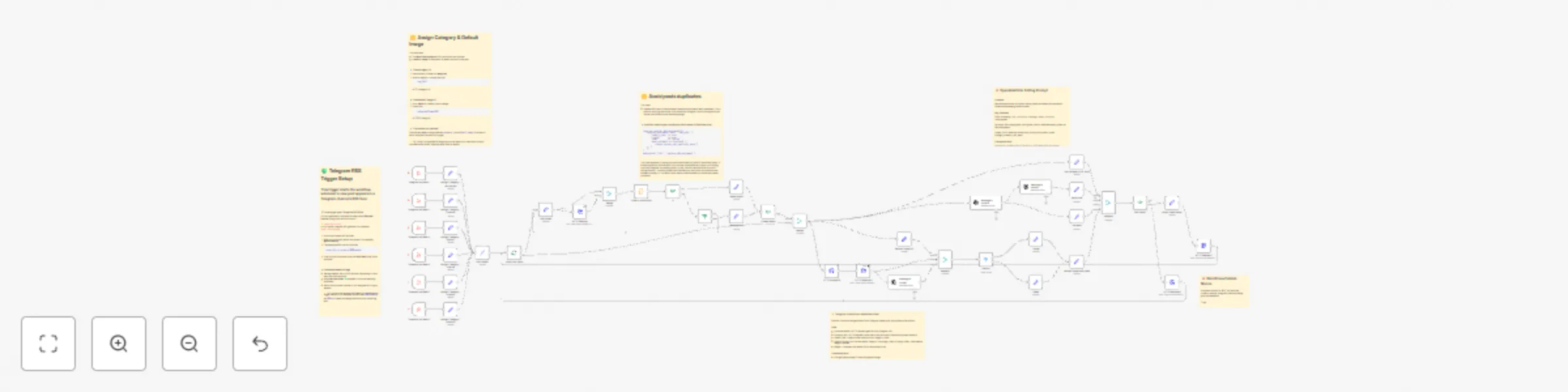
Workflow preview: AI Telegram-to-WordPress publishing with GPT-4 & media handling
Free advanced

AI Telegram-to-WordPress publishing with GPT-4 & media handling

## AI-powered automation that rewrites, enhances, and publishes Telegram RSS content directly to your WordPress news site, including image/video upload and category mapping. ### Who’s it for This workflow is designed for content creators, news publishers, and social media managers who share updates on Telegram and want to automatically republish them as formatted articles on WordPress. It’s ideal for news portals, agencies, or blogs that manage content across multiple channels. ### Features - Multi-Channel Telegram RSS Monitoring - Automatic Category Assignment - Duplicate Prevention System (GUID Matching) - Media Download + Type Detection (Image / Video) - Full AI Article Rewriting (GPT-4O) -- Stage 1: Full rewrite with structure -- Stage 2: Context enhancement - Media Handling Logic - WordPress Publish ### How it works / What it does - Fetches new posts from a Telegram channel feed (via RSS). - Uses OpenAI to rewrite the text into a polished news-style article. - Detects whether the content includes images or videos and downloads them. - Uploads the media to WordPress and links it to the post. - Automatically publishes the formatted article to WordPress with the correct category and excerpt. ### Set up steps - Setup takes around 10–15 minutes. - You’ll need API keys for OpenAI and WordPress Application Passwords. - Add your Telegram RSS feed URL and WordPress site URL in the relevant nodes. - (Optional) Adjust tone or rewrite style in the OpenAI node and category mapping in the Switch node. - All configuration details are included in sticky notes inside the workflow. ### Requirements - WordPress site with REST API access and Application Password - OpenAI API key - Telegram channels RSS URL ### How to customize the workflow You can easily adjust the writing style in the OpenAI node, change categories in the Switch node, or schedule how often the workflow checks Telegram for new posts.

A
Alexandru Burca
Content Creation
10 Nov 2025
65
0